VOTE!
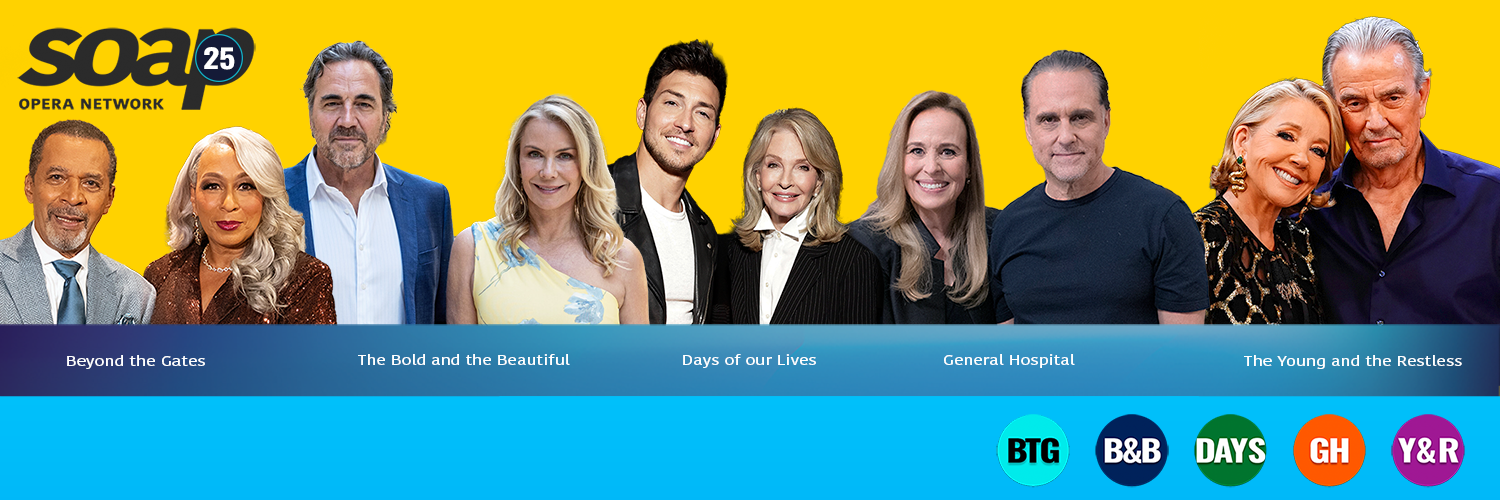
You can determine which thread type will be the default for discussing current episodes of your favorite soap operas on the SON Community (Discuss the Soaps forum), effective July 1, 2026.
Vote in our exclusive poll for each individual current soap, now through June 29, 2026, at 11:59 p.m. EDT. The type with the most votes will become the default option for that specific show only.
Note: By not voting, you lose the chance to have your preference recorded.

Forums
-
Discussion
- 10,142 posts
-
-
- 165 comments
-
- 15,005 comments
-
- 668 comments
-
- 378 comments
- 26,058 posts
-
- 88 comments
-
-
- 37 comments
-
- 39 comments
-
- 53 comments
- 146,394 posts
-
- 1,592 comments
-
- 3,070 comments
-
- 4,018 comments
-
- 15,059 comments
-
- 0 comments
-
- 55 comments
-
- 952 comments
-
- 159 comments
-
- 72 comments
-
- 107 comments
- 94,114 posts
-
- 9,633 comments
-
- 4,257 comments
-
- 260 comments
-
- 136 comments
-
- 2,952 comments
- 23,927 posts
-
- 5,360 comments
-
- 8,783 comments
-
- 1,543 comments
-
- 10 comments
-
- 138 comments
- 27,786 posts
-
- 15,556 comments
-
- 182 comments
-
- 871 comments
-
- 846 comments
-
- 28 comments
- 1,225 posts
-
- 0 comments
-
- 16 comments
-
- 8 comments
-
-
- 0 comments
- 5,971 posts
-
- 707 comments
-
- 511 comments
-
- 477 comments
-
- 350 comments
-
- 1,099 comments
-
Community Support
Support Desk
Tag: Help and Support Issues
- 944 posts
-
- 4 comments
-
-
-
- 9 comments
-
- 37 comments
- 16 posts
-
-
- 0 comments
-
- 0 comments
-
- 12 comments
-
Resource Archive
- 1,398 posts
-
-
- 7 comments
-
- 13 comments
-
-
- 0 comments
-
- 101 comments
-
- 643 comments
-
- 804 comments
-
- 148 comments
-
- 207 comments
- 1,057 posts
-
- 3 comments
-
- 2 comments
-
- 7 comments
-
-
- 4 comments
-
- 0 comments
-
- 0 comments
-
- 0 comments
-
- 0 comments
-
- 0 comments
End Credits
- All My Children
- Another World
- As The World Turns
- Beyond The Gates
- Bold and The Beautiful
- Capitol
- Days Of Our Lives
- General Hospital
- Generations
- Guiding Light
- Loving
- One Life To Live
- Passions
- Port-Charles
- Ryan's Hope
- Santa Barbara
- Search For Tomorrow
- Sunset Beach
- Young and The Restless
- Primetime Credits
- Hollyoaks
- 29 posts
-
- 520 comments
-
- 442 comments
-
- 174 comments
-
- 64 comments
-
- 113 comments
No posts here yet










.thumb.png.5c728e3a5029e28d95defc3cf6a72cdb.png)