





Faulkner
Member
-
Joined
Everything posted by Faulkner
-
-
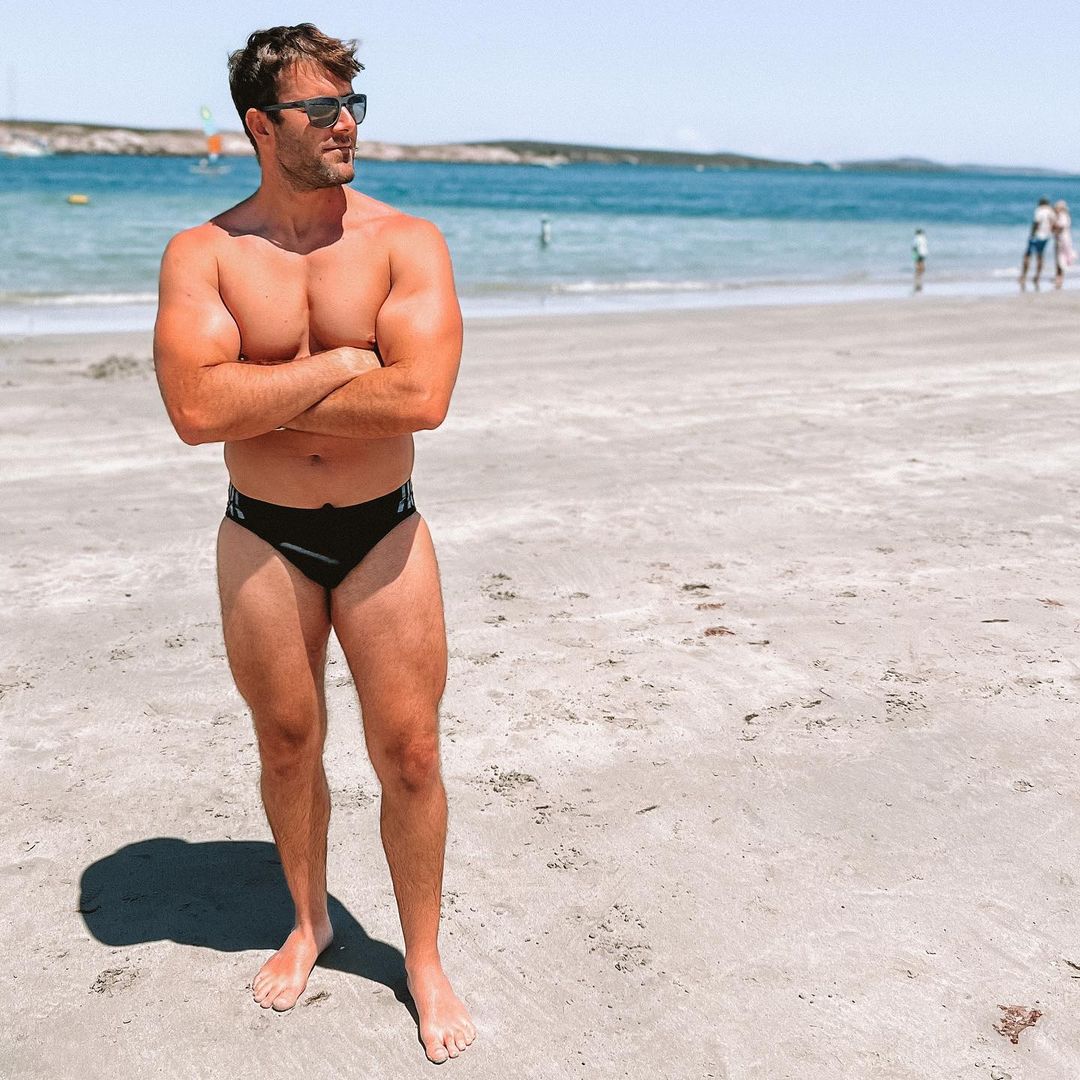
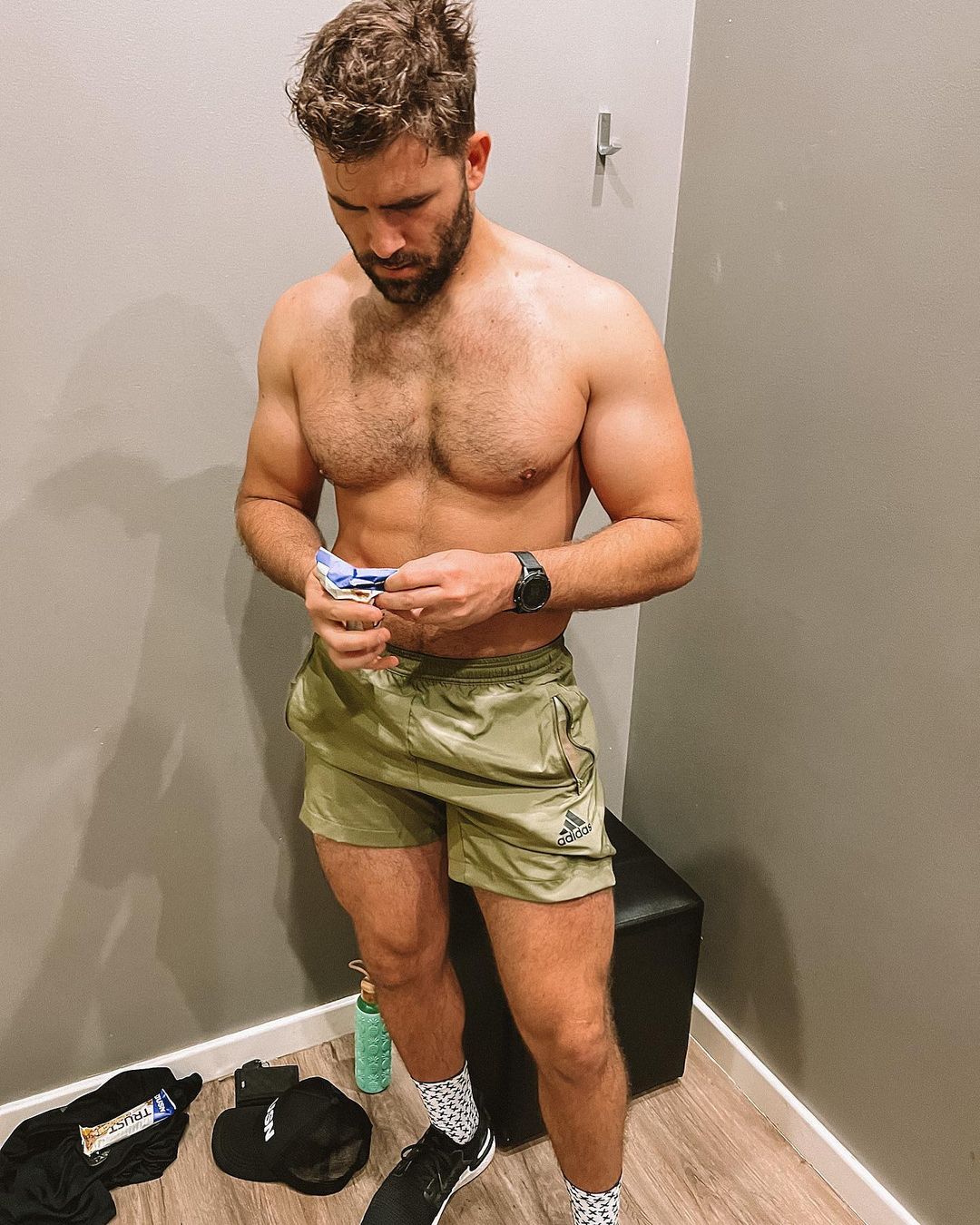
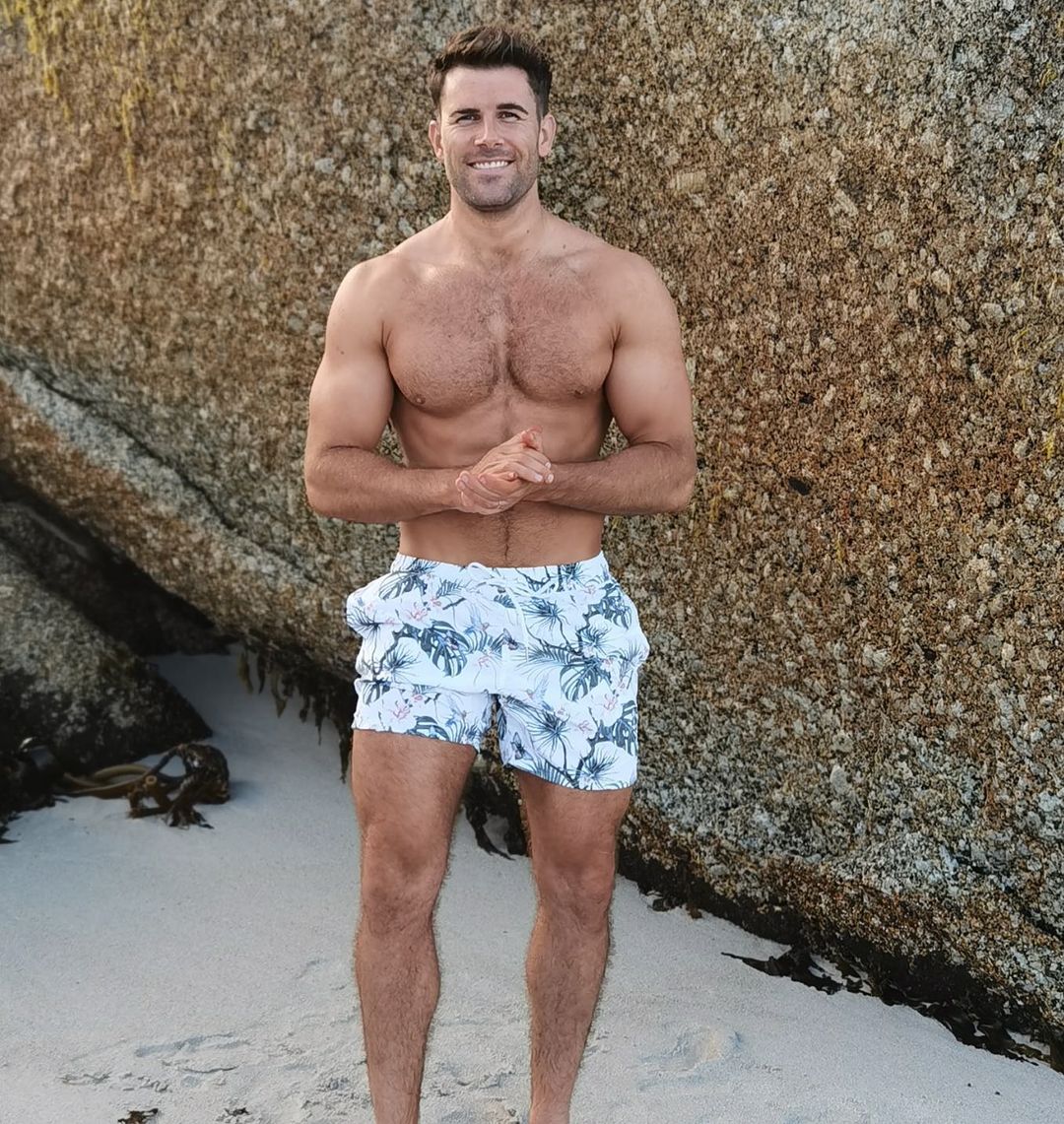
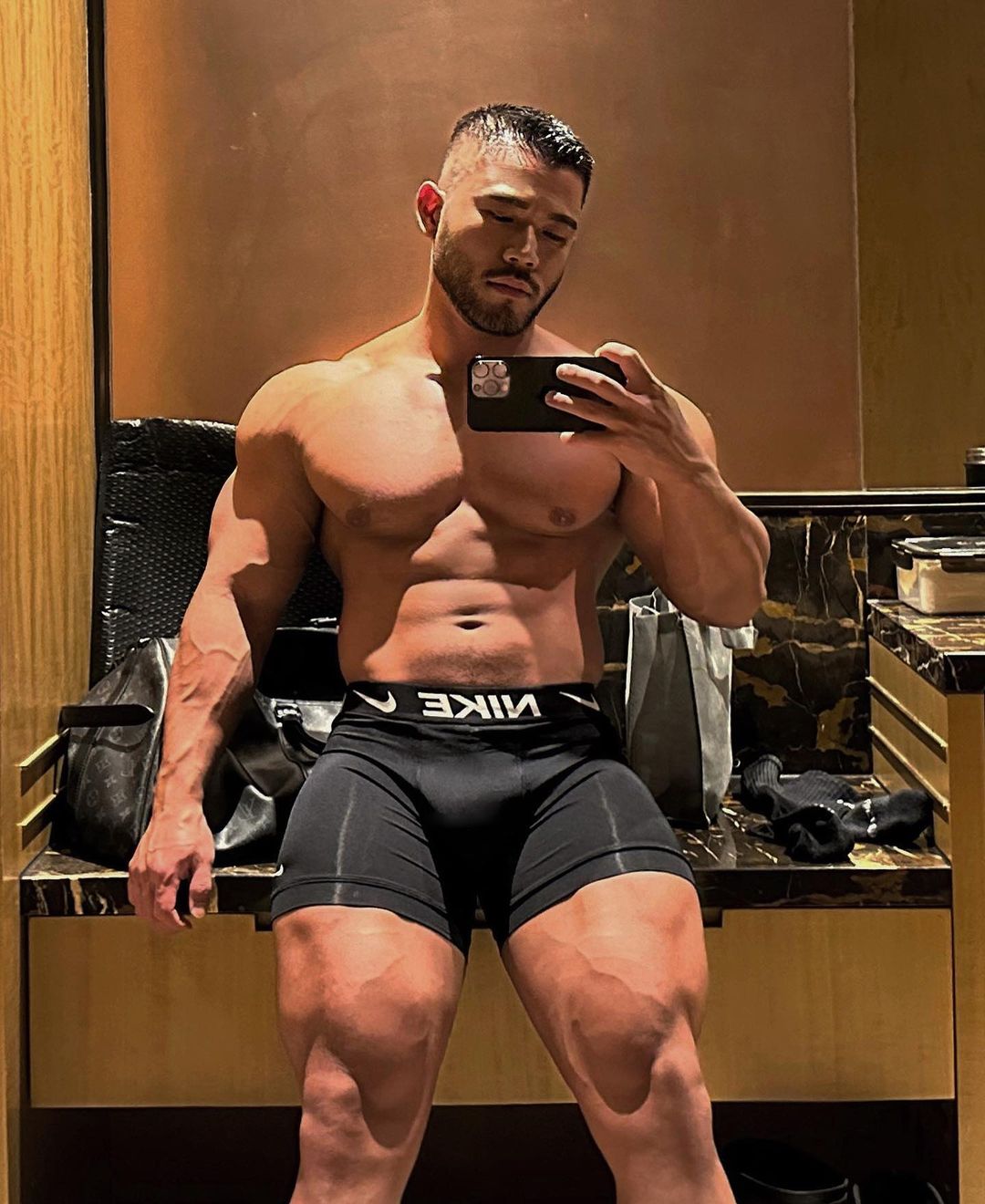
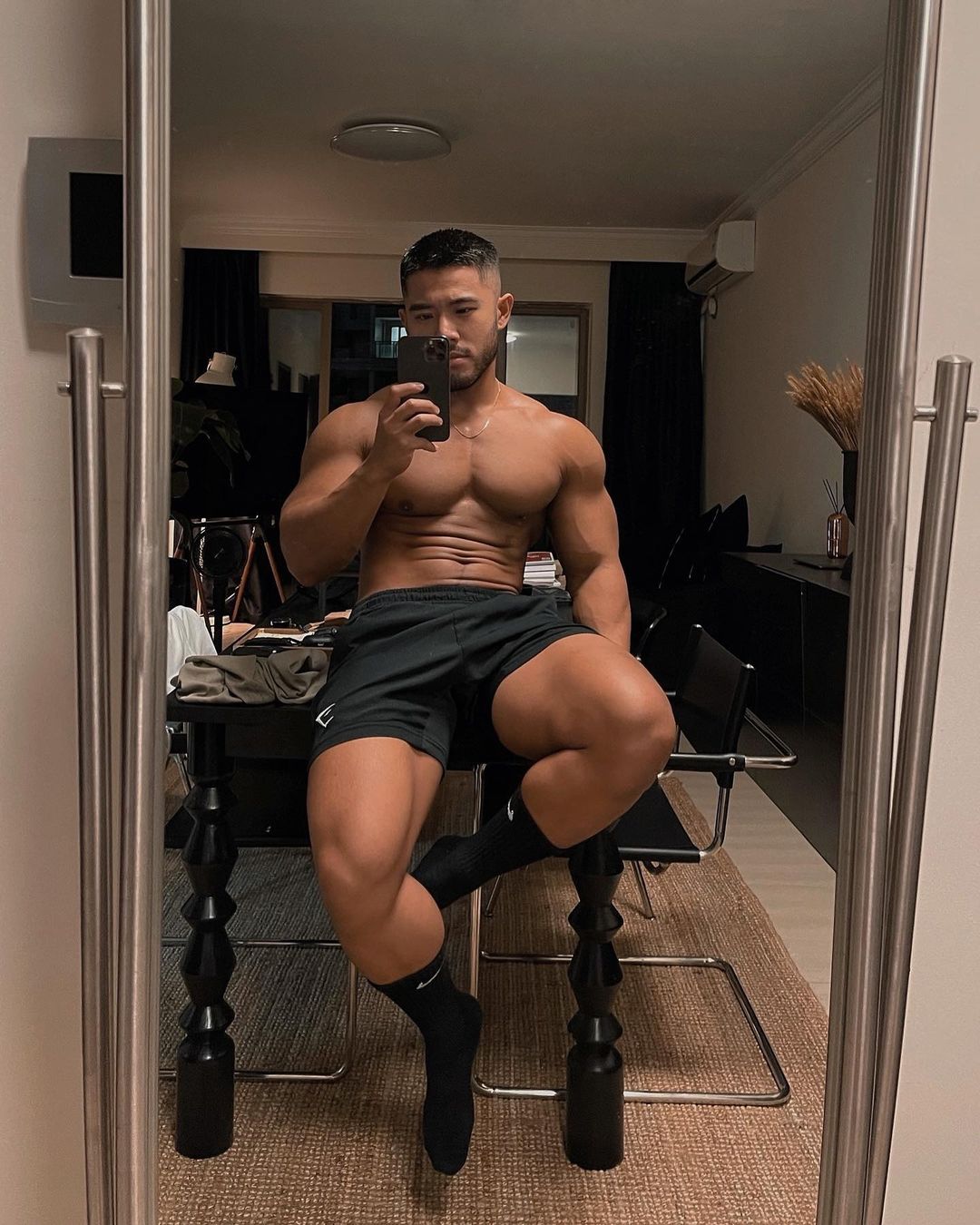
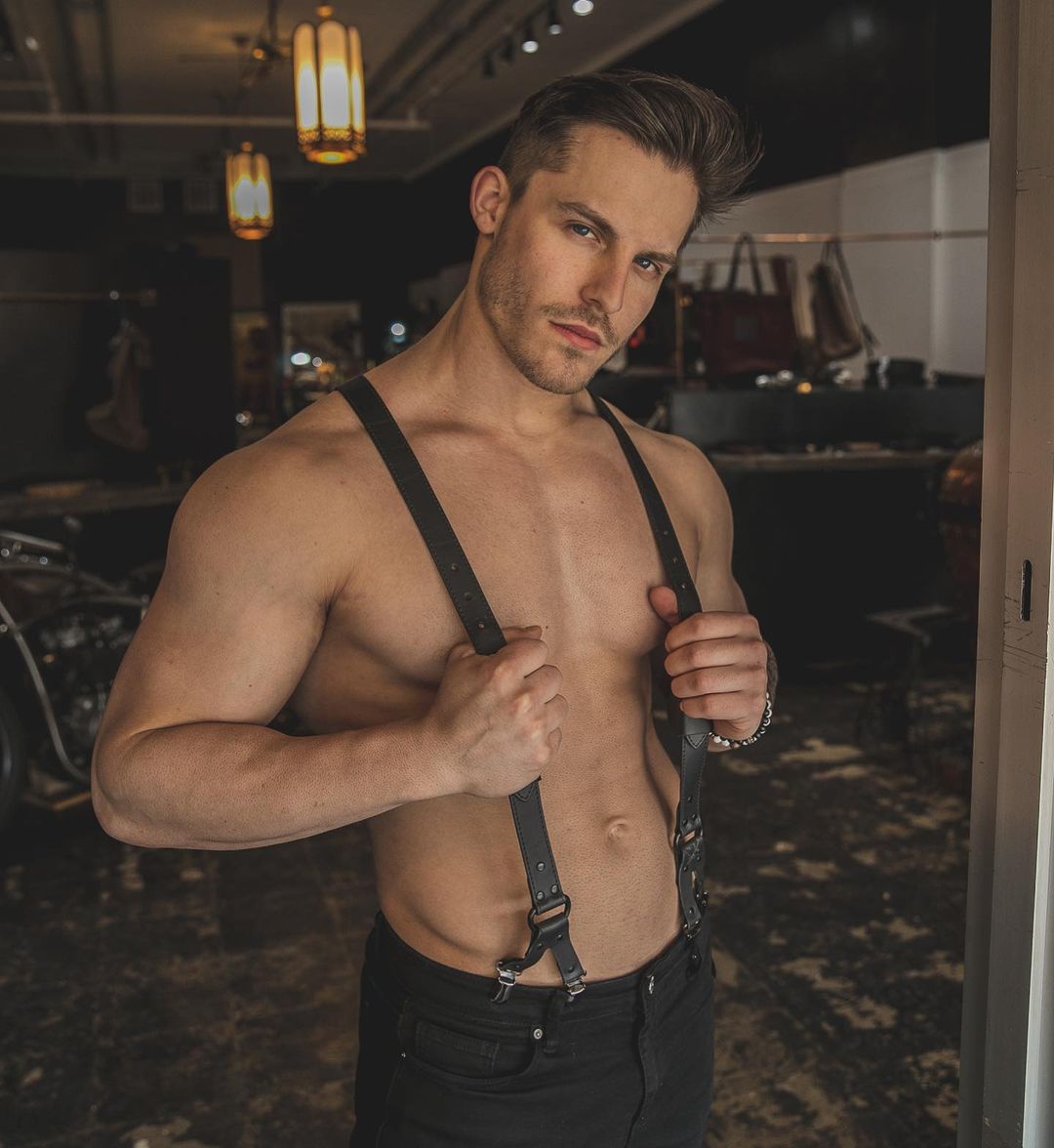
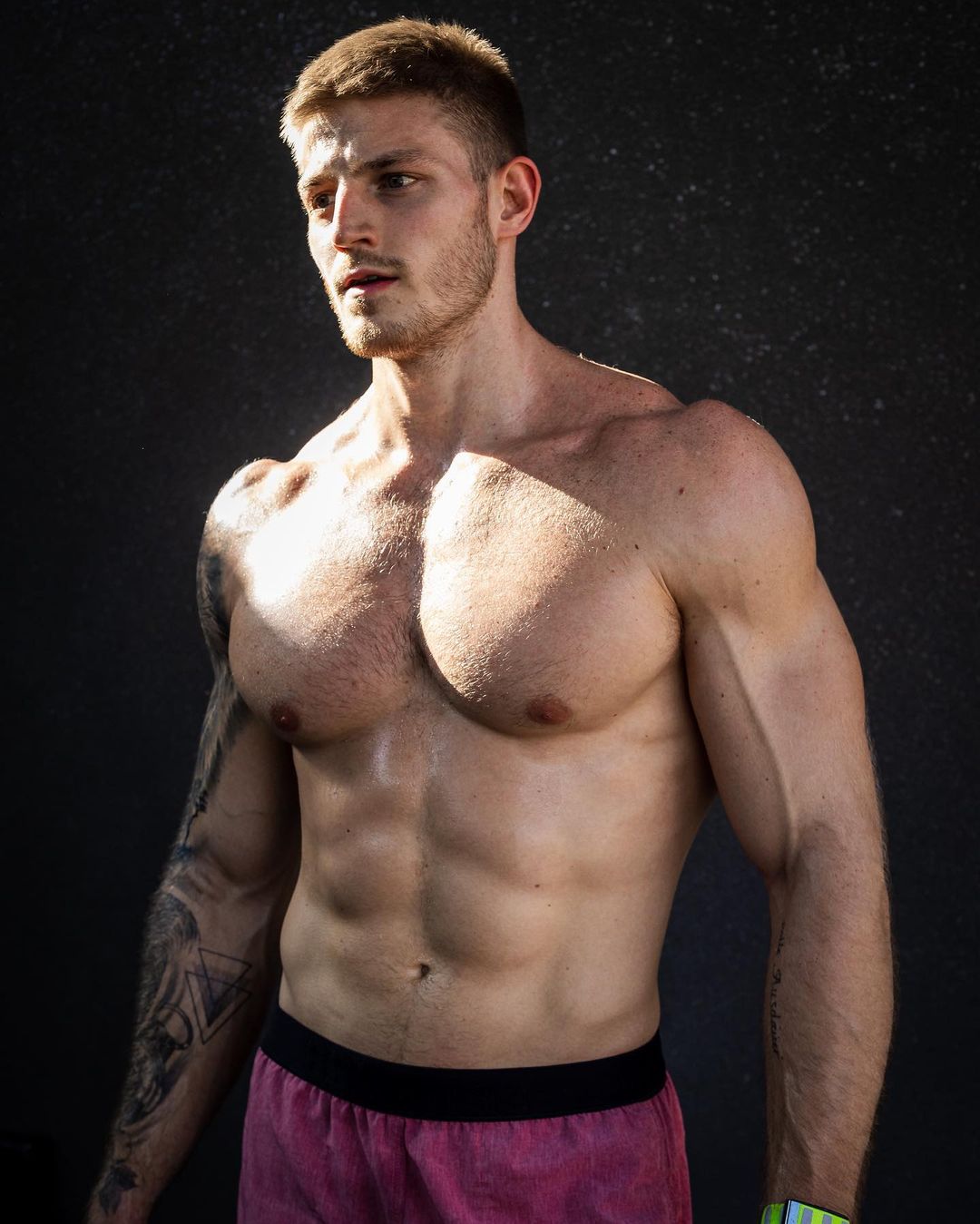
That’s a really cool opening.LolYeah. At the end of the day, it hardly matters what anyone does on this show, the way it’s currently written, directed, and produced.Rice Chex? 😂Wim from South Africa 🇿🇦 David from China 🇨🇳

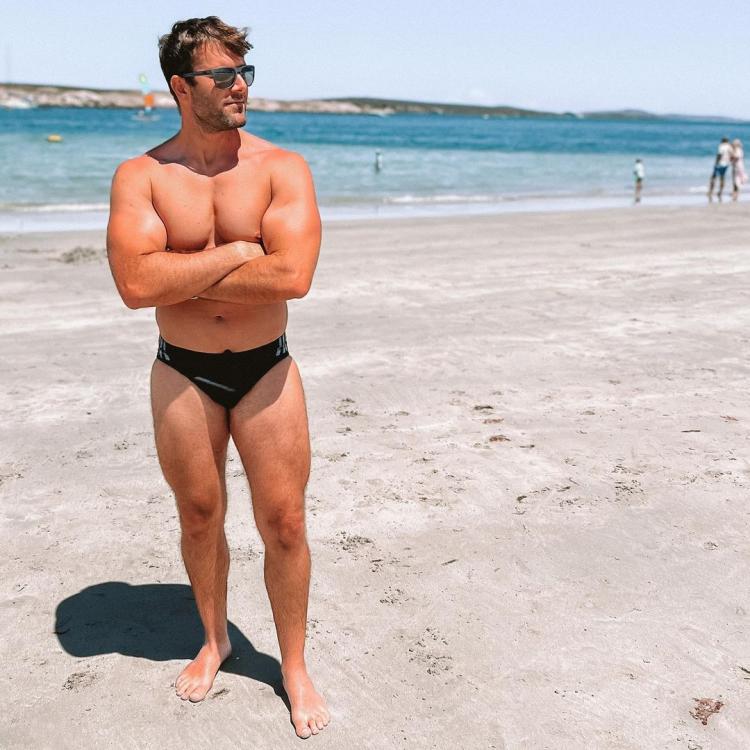
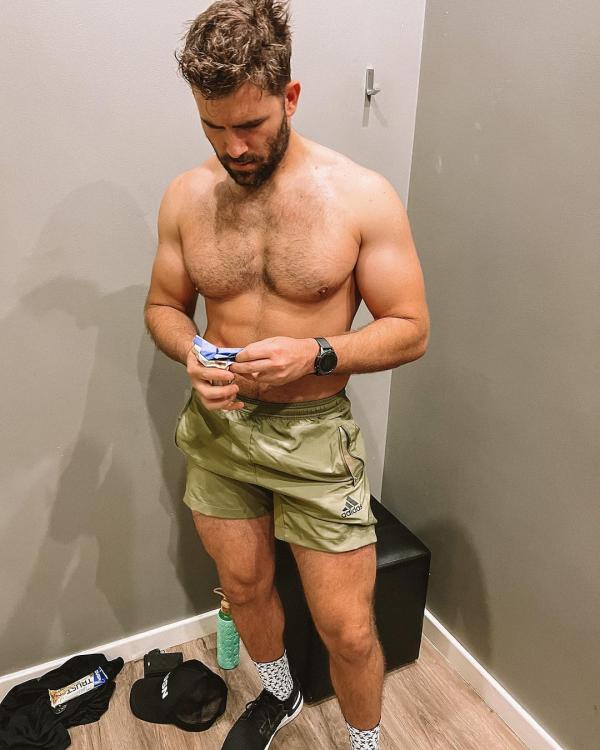
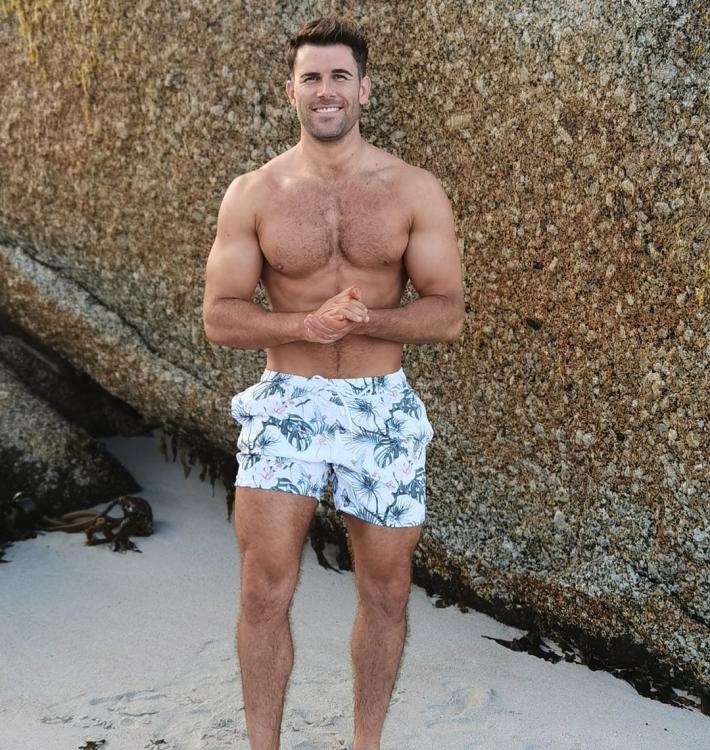
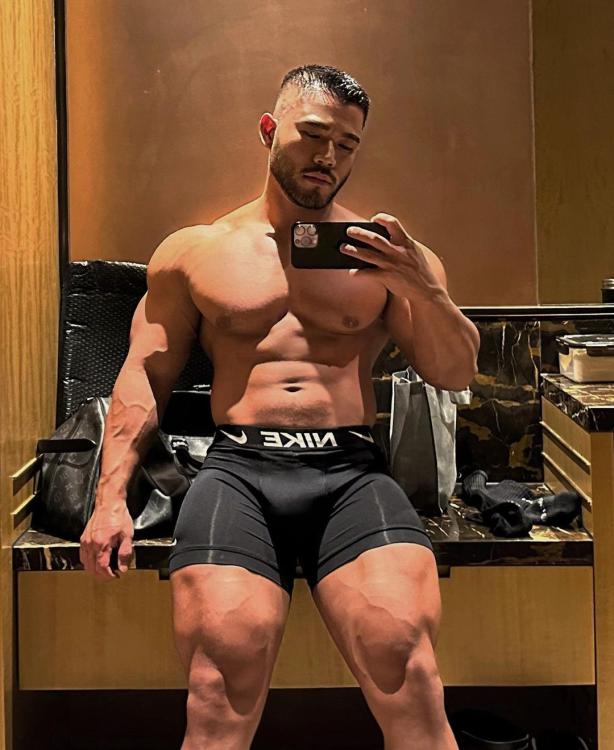
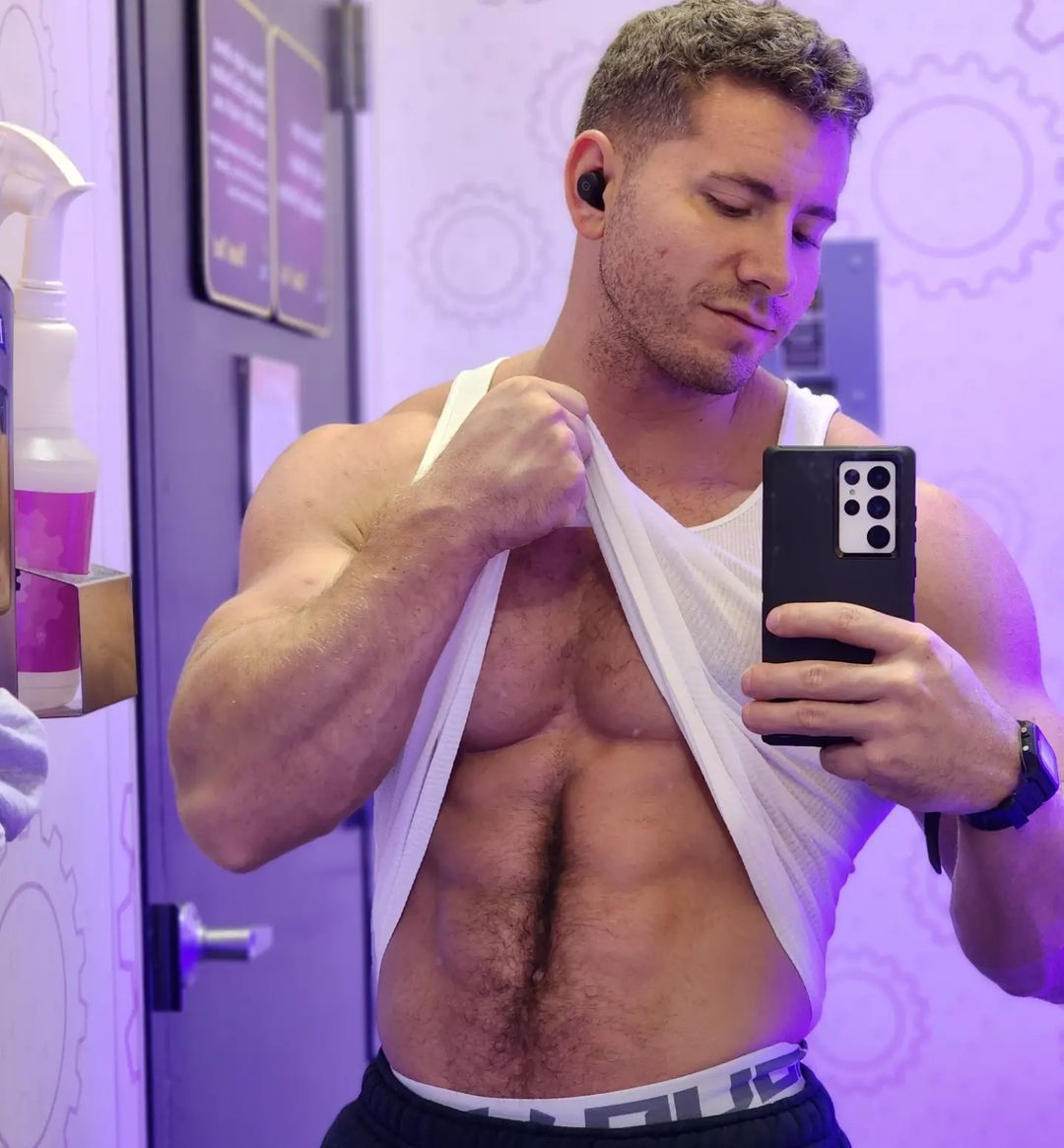
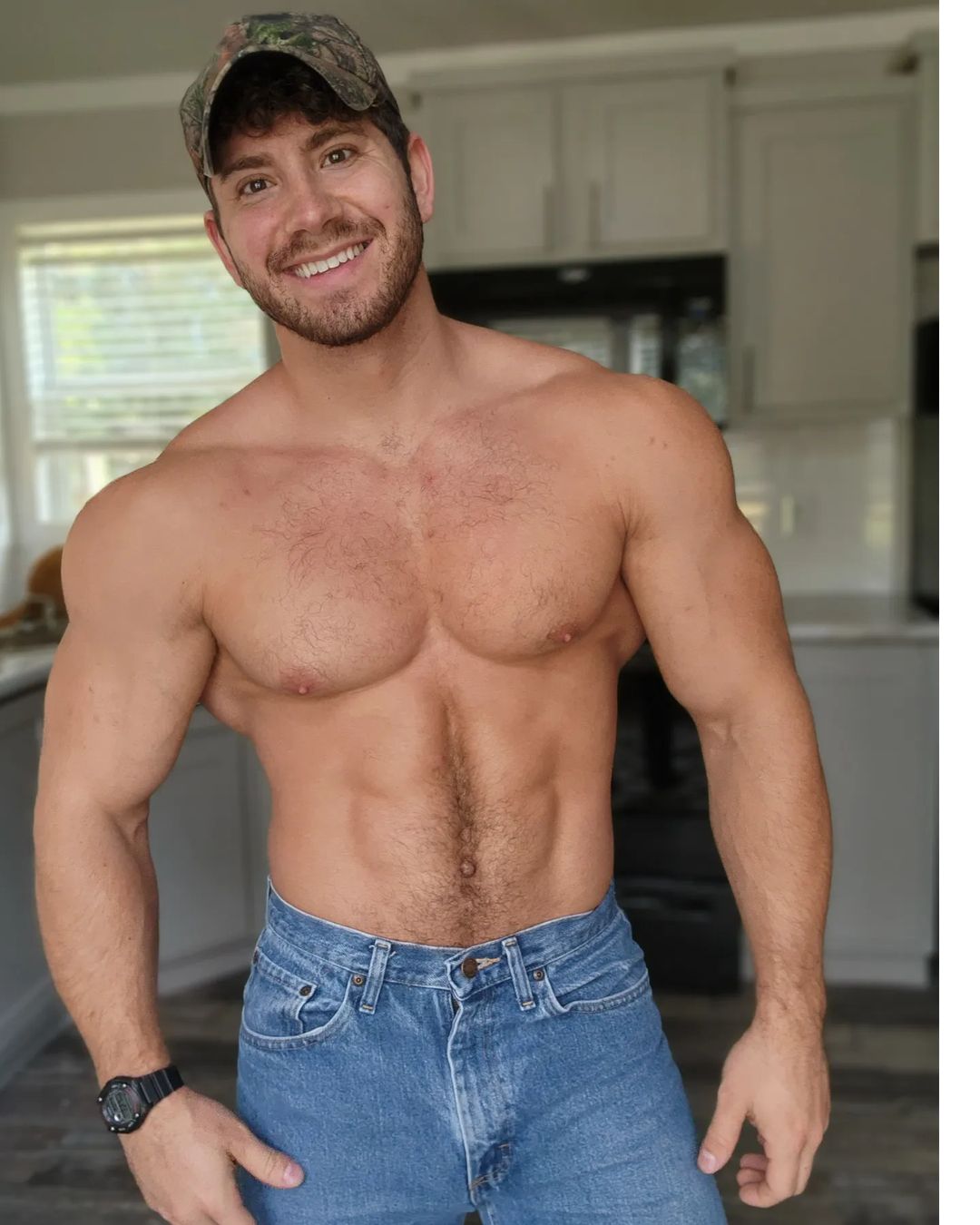
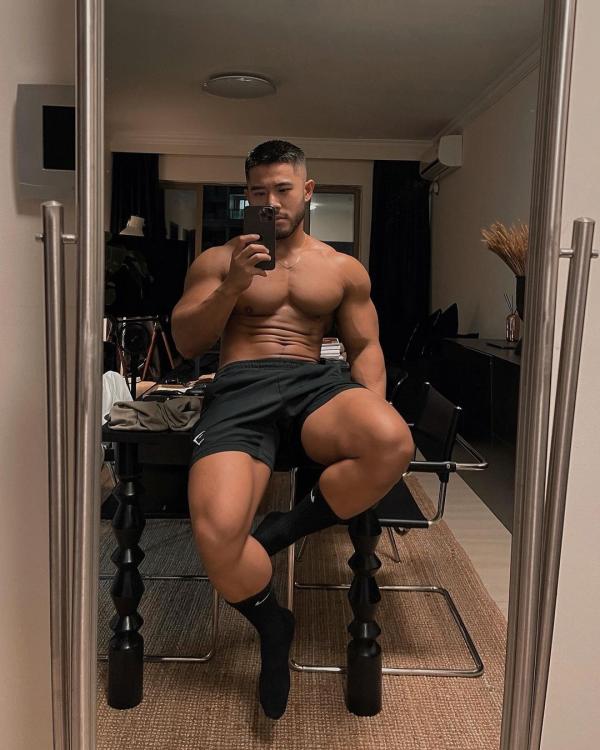 Chadwick Boseman (R.I.P.)Oh wow. I was coming to post that. Glad that Luann and Dorinda seem to be in a good place (or at least putting on a solid front).Evan a.k.a. “Buff Ken Doll” 🇺🇸


 Kaique from Brazil 🇧🇷



 Yeah she looks good. That voice took me back to Just Shoot Me.Wow. KL got that “major motion picture” glow-up. I thought Wendie Malick was Judith Chapman for a hot second with that hairdo.From India 🇮🇳 @TaoboiIt may not be smart, but she’s right. The weird thing, though, is that Robyn originally defended Chris from Gizelle’s accusations.Derrick from Dallas 🇺🇸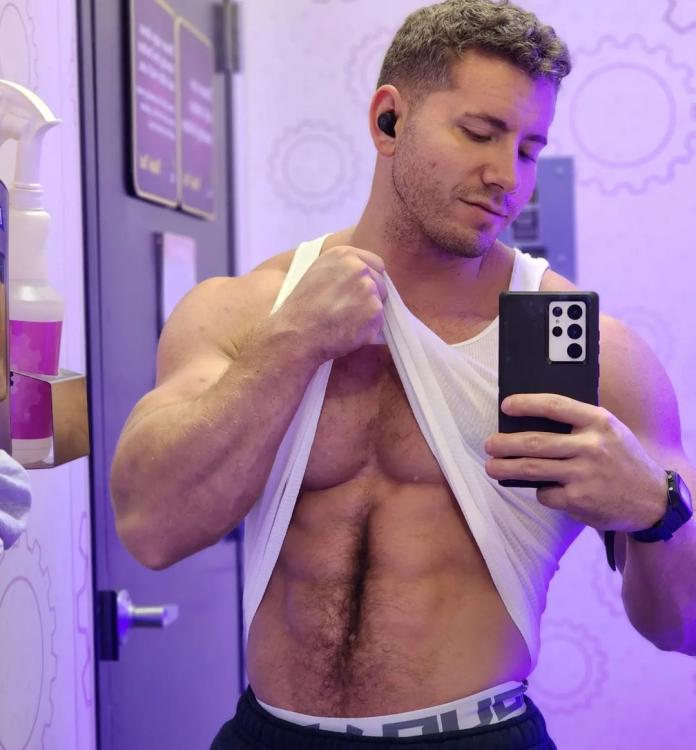

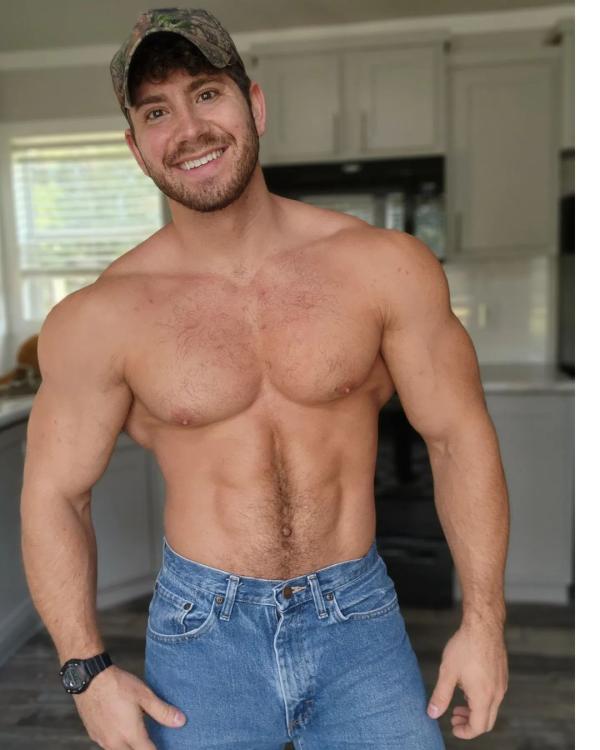 I’m so thrilled for his success and how well he’s aging. He and Jeremy Pope are blazing such a trail for out gay male actors playing out roles in the mainstream. (And Colman Domingo.)That Brandi story is effed-up. But Bravo ultimately encourages such behavior by not stopping it (e.g. Michael Darby continuing to appear on Potomac).











Important Information
By using this site, you agree to our Terms of Use and Privacy Policy

Account
Navigation
Search
Configure browser push notifications
Chrome (Android)
- Tap the lock icon next to the address bar.
- Tap Permissions → Notifications.
- Adjust your preference.
Chrome (Desktop)
- Click the padlock icon in the address bar.
- Select Site settings.
- Find Notifications and adjust your preference.
Safari (iOS 16.4+)
- Ensure the site is installed via Add to Home Screen.
- Open Settings App → Notifications.
- Find your app name and adjust your preference.
Safari (macOS)
- Go to Safari → Preferences.
- Click the Websites tab.
- Select Notifications in the sidebar.
- Find this website and adjust your preference.
Edge (Android)
- Tap the lock icon next to the address bar.
- Tap Permissions.
- Find Notifications and adjust your preference.
Edge (Desktop)
- Click the padlock icon in the address bar.
- Click Permissions for this site.
- Find Notifications and adjust your preference.
Firefox (Android)
- Go to Settings → Site permissions.
- Tap Notifications.
- Find this site in the list and adjust your preference.
Firefox (Desktop)
- Open Firefox Settings.
- Search for Notifications.
- Find this site in the list and adjust your preference.