





MontyB
Member
-
Joined
-
Last visited
-
Came across this. Very cute. A little rhythmless, but cute.
-
I won't have time to watch until Saturday, but your comments have me all in my feelings, LOL. I can't wait to watch.
-
I'm going to respectfully disagree. Let me tell you I love Colby Nixon. She is rocking it, but Kat, she a needs a peg or two pulled.
-
That part. I get a true kick out of The Gatekeepers, otherwise I just ignore all other trifling complaints.
-
That made laugh out real loud.
-
The Gatekeepers are truly engaged. That has to make TPTB very happy. I love these snark posts.

-
LOL! I can see your point of view. I definitely agree about Joey. I'm trying not to jump on that bandwagon, but I admit I think he is on too much.
-
Which male writer, who is alive, do you think could write Martin's point of view better. I'm curious.
-
Chuckling at the comments and emojis. Lots of fun. Put me as one who enjoyed this episode. I thought it was humorous.
-
Exactly! This is going to be interesting how this plays out.
-
Was browsing posts elsewhere and folk are really wishing Martin lost the primary, which I think is weird. I'm guessing they're upset because Martin lit into Kat about not jumping right in to donate her liver.
-
LOL.
-
Folks online are really upset with Eva's response after being told Kat gave her part of her liver. Kat made no effort to hide her disdain for Eva, why wouldn't she ask the question, willingly?
-
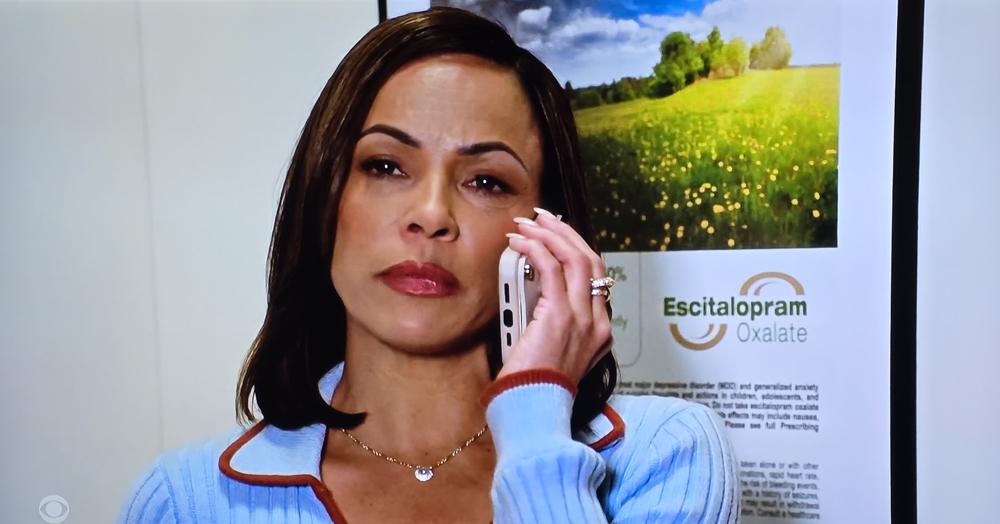
I got a chuckle out of today's sponsor bumper being 🎶 800 588 2300 Empire 🎶. Then this Lexapro ad gets stuck in our faces. I know it helps pay the bills, but I can't stand big pharmacy. On that note. Daphne..... so lovely. ❤️❤️
-





Important Information
By using this site, you agree to our Terms of Use and Privacy Policy
