





Faulkner
Member
-
Joined
Everything posted by Faulkner
-
Looks like you called it. WBD reversed the ousting of TCM’s 25-year head of programming (at least they’ll have his institutional knowledge, which had been a concern) and Spielberg/Scorsese/PTA will partner with the network to curate content.
-
Oh my gawd. Rinse, repeat.
-
Sad but inevitable news. The human remains discovered near Mount Baldy have been identified as those of Julian Sands.
-
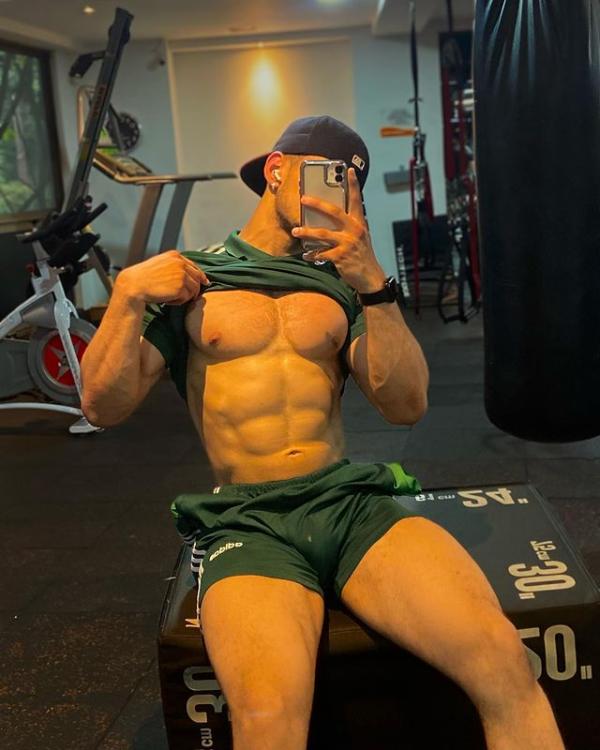
He was such a hoot as Lionel on Santa Barbara. He and Louise Sorel were so good together.Thanks for this. Glad to see new material coming out lately.I wonder how much the Sopranos-era push for more “antiheroes” played in that, but you could see the shift on soaps in the ‘90s. Obviously, soaps have turned rapists into heroes since time immemorial (Luke Spencer being most notable) and dark, troubled characters saved by a woman’s love are a romance-novel staple, but the feeling that good=boring and/or hypocritical, the pursuit of shock value, the valorization of Todd Manning not only after he raped Marty but terrorized Luna and Nora, etc. really shifted the landscape until Guza and co. just said “Fück it. Let’s put our thumbs on the scale and make killers heroes and more traditional characters the villains” and Sheffer professed the need to “give men their dicks back” to critical applause and Emmy wins. Do you feel like any soap has done that well recently? Sally could have been that on Y&R. B&B used her for a quick, empty nod to history that CH managed to transcend. On Y&R, Audra is in that mold. Imani could have been as well. Does GH have one these days? B&B with Brooke apparently having aged out of those types of stories?Am I missing a John Conboy joke?Funny to see these two country songs as the top 2.Obviously, ideally, characters should be multidimensional and not fit comfortably into a box. And soaps have different story needs based on their style or what types of stories they are trying to tell at a certain time. BUT what are some basic “types” that every soap needs to maximize drama, create a sense of community, etc.? Which characters historically embody that type, and which soaps have lacked (or are lacking) characters of that type, to their own detriment? @slick jones mentioned Audra on Y&R as a good “sh!t stirrer,” and it’s been a while since the show has had an effective one of those, even though it’s a very broad type. A good, gossipy, strategic manipulative mind-fücker with a hidden agenda (at least to most of the other characters). The actress and the writing sometimes overplay the rubbing-her-hands-together scheming so that her victims like Elena seem dim when they can’t see through her, but in general, she’s a good addition IMO.Edit. Delete.Mauro from Colombia 🇨🇴
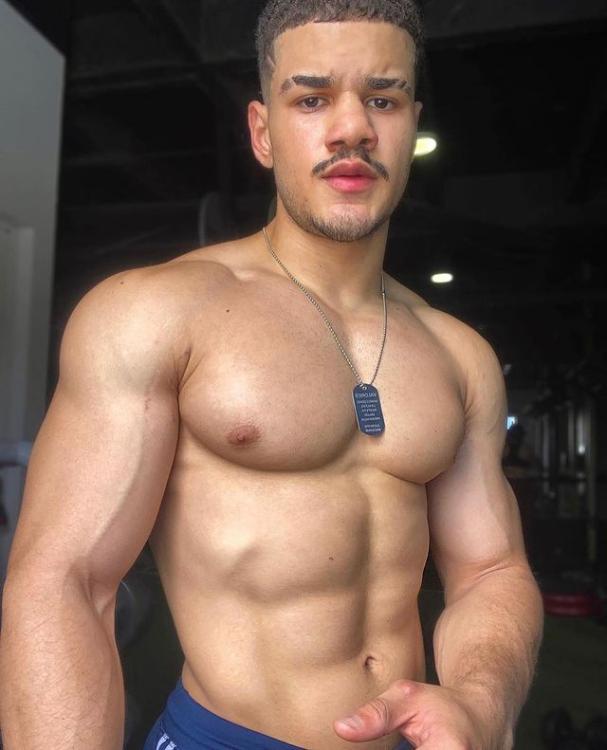
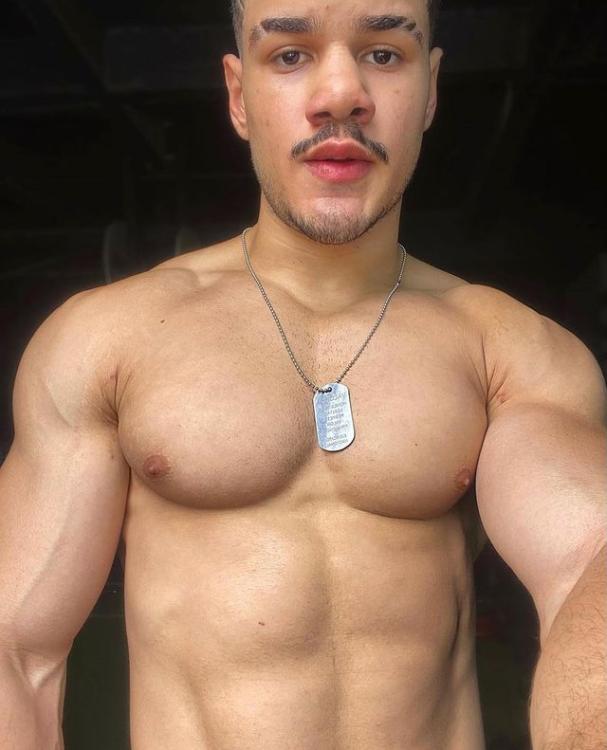
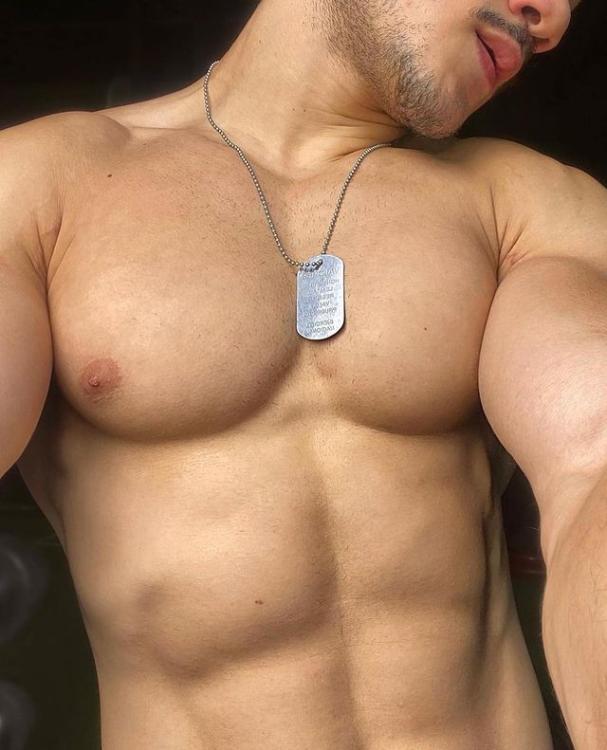
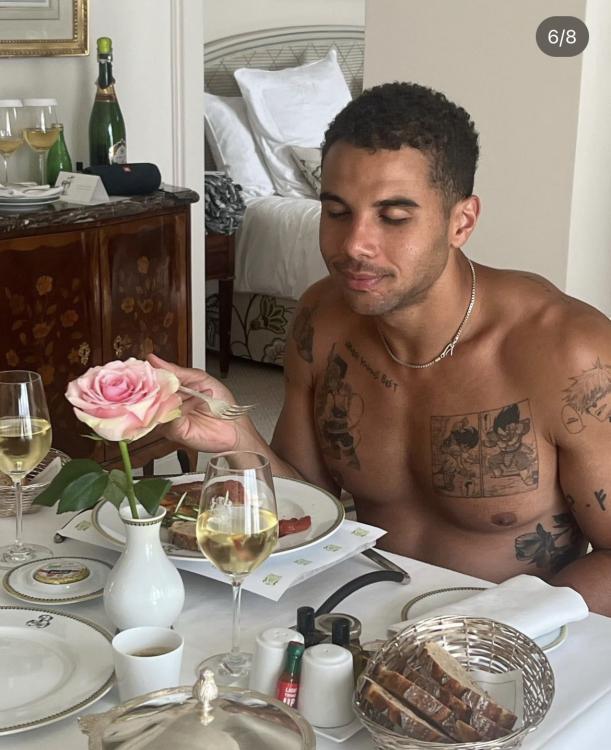
 I think AW is an inspired idea. Lots of actors who could have made music out of her literary dialogue like Mark Pinter and, of course, folks like Charles Keating, Linda Dano, Vicky Wyndham, and Stephen Schnetzer. Plus it would have been interesting to see how she would have handled the young scene (Lorna/Dean/Jenna/Matt et al), similar to how she handled Brenda, Robin, and that crew over on GH. I used to think Claire might have been a good fit for AMC, but I’m not so sure anymore. Then again I wouldn’t have naturally assumed she’d be good for GH, but she on paper should have been a decent fit for OLTL.Cuba Gooding Jr.’s son Mason 🇺🇸
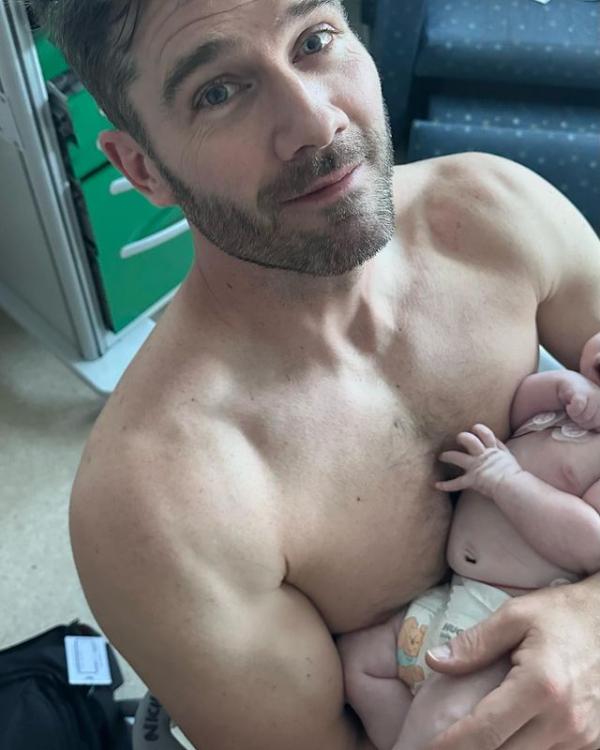
 Oy. I cut the cord, partially because my cable operator (Spectrum) didn’t offer TCM on anything but the highest tiers. Now comes news that Zaslav is gutting the network:Luke Macfarlane is a bonafide daddy
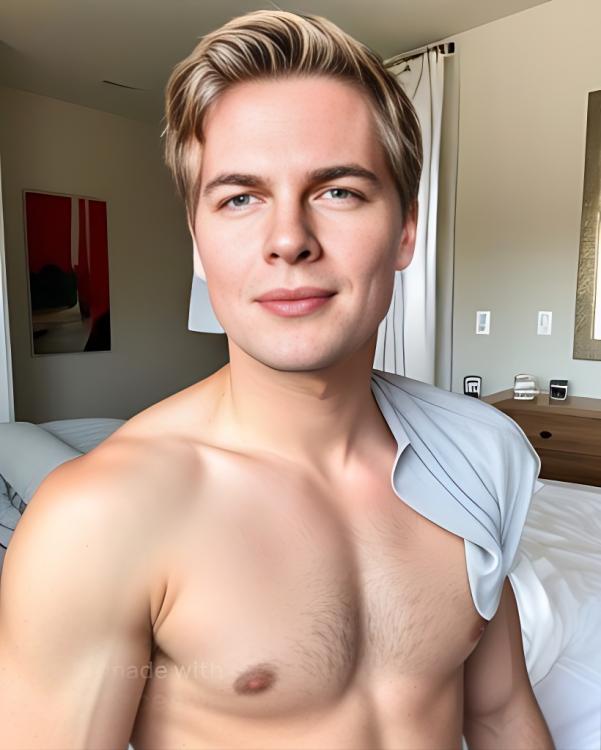
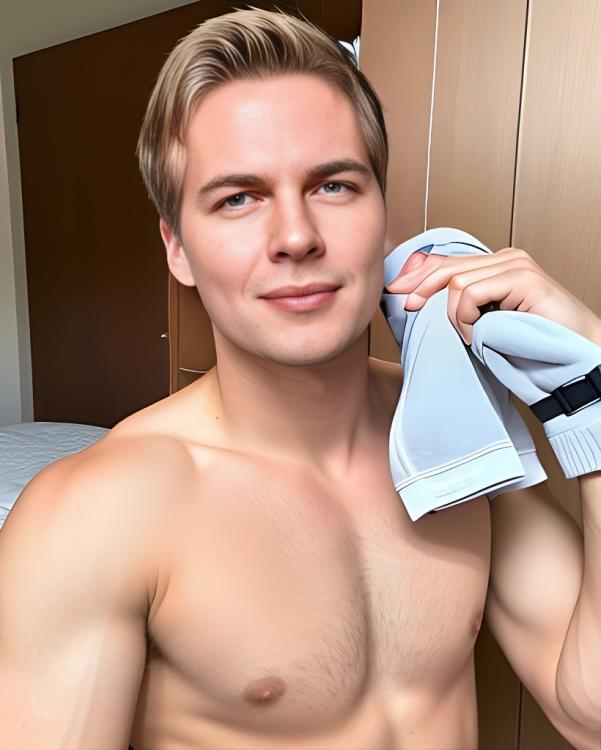
 That photo was my inspiration lol. He’s apparently very cruisy on social media, so shoot your shot! 😂The oldest, palest, whitest blond twink who ever twinked: Ronan Farrow. Actually these are AI generations but go wild @Soapsuds @AbcNbc247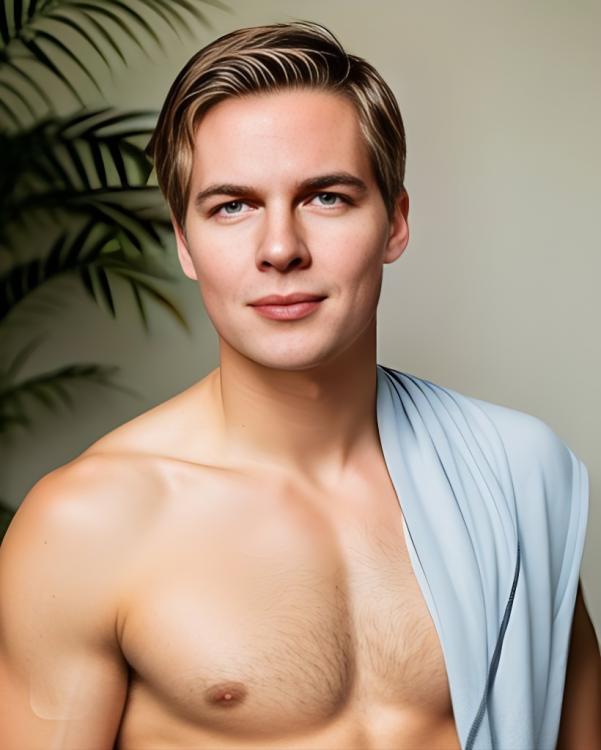




Important Information
By using this site, you agree to our Terms of Use and Privacy Policy

Account
Navigation
Search
Configure browser push notifications
Chrome (Android)
- Tap the lock icon next to the address bar.
- Tap Permissions → Notifications.
- Adjust your preference.
Chrome (Desktop)
- Click the padlock icon in the address bar.
- Select Site settings.
- Find Notifications and adjust your preference.
Safari (iOS 16.4+)
- Ensure the site is installed via Add to Home Screen.
- Open Settings App → Notifications.
- Find your app name and adjust your preference.
Safari (macOS)
- Go to Safari → Preferences.
- Click the Websites tab.
- Select Notifications in the sidebar.
- Find this website and adjust your preference.
Edge (Android)
- Tap the lock icon next to the address bar.
- Tap Permissions.
- Find Notifications and adjust your preference.
Edge (Desktop)
- Click the padlock icon in the address bar.
- Click Permissions for this site.
- Find Notifications and adjust your preference.
Firefox (Android)
- Go to Settings → Site permissions.
- Tap Notifications.
- Find this site in the list and adjust your preference.
Firefox (Desktop)
- Open Firefox Settings.
- Search for Notifications.
- Find this site in the list and adjust your preference.