Maxim
Member
-
Joined
Everything posted by Maxim
-
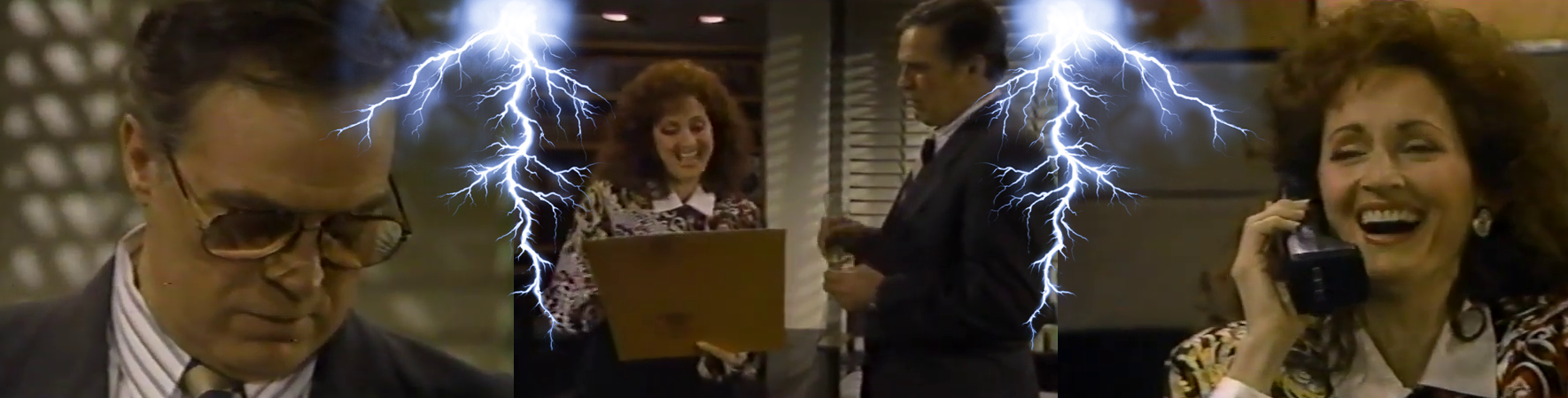
Up to April 9th, 1993 🦩 A "peace" offering. 🔷 We are so so back. 2 more episodes... in the crazy wicked world of Llanview. Let's dive in, shall we! 🔷 Anyone who thought that Dorian would wake up a completely different woman after yesterday's distressing situation... well... I will have to disappoint you. Her plan to change her ways lasted exactly until morning. She started her day by reading a negative article... this time not written by her, but about her (Clint's response to her previous attacks)... and of course, Mommie dearest was not happy. She bounced back quickly however... once she found out that the Society Slut Buchanina is currently on the same train as her lover. Oops. Then came the strangest "peace offering" I've ever seen.. 😄 She dangled the fact that Buchanina might be enjoying not only the legendary train… but Sloan Carpenter's legendary (cough, cough) as well. Poor Clint. Thank God he had the vulture Lindsay waiting in the corner... ready to pick up the pieces. And then there was Dorian’s denial about her potential cancer diagnosis. She lied to Jason about going to the doctor, insisting everything was fine, fine, fine. I love that they’re letting this unfold slowly, letting her move through the stages instead of rushing it. You can already feel the tension building... she’s going to unravel more and more as the episodes progress I'm sure of it. 🔷 Speaking of our naughty girl Viki - after a few steamy sessions in the luxurious cabin, the girl got hungry and thirsty (sex does that to people) and simply had to eat something in the train’s restaurant. And that’s when one of the first real Anna Karenina‑aftermath moments happened. She liked touching Sloan, holding his hand… but she liked doing it in private. The moment an acquaintance saw her, she slipped her hand away from his. It’s not easy living the life of a ho, Viki… I know it myself. And then she had to make a choice - she would either keep hiding her silver fox in the closet… or finally let him out into the open and officially present herself as his lady. Sloan was, as usual, quite manipulative - showering her with compliments and letting her believe she had all the control. So... Viki decided she wouldn’t hide the affair anymore... they would even go to an event together. Little does she know… Lindsay and Clint are also planning on attending that same event. I CAN’T WAIT. I think this is what some of you mentioned to me weeks and weeks ago about Lindsay winning something over Viki. I think we’re getting there. I’m honestly surprised Lindsay has survived this long - meaning she hasn’t already been written out. 🔷 They’re really trying to reinvent Marty Saybrooke. They’re giving us her backstory in small bites. Today we saw her defend little Jessica - who is starting to look like a spitting image of Erika Slezak (amazing casting)... against her music teacher, who accused the girl of cheating on her assignment. While standing up for her new friend, we learned what kind of girl Marty used to be… before tragedy struck and left her in the hands of her wicked aunt Kiki. She used to be one of the brightest, most talented children, full of potential. When the teacher asked her... "What have you been up to all these years?"... I got goosebumps. The truth is - drinking herself into pathetic, self‑destructive binges, sleeping with whoever asks, and trying to destroy people’s lives. Of course she didn’t say that… but we all know it. We saw that huge abyss between what could have been and what she has become. But we’re also giving her a second chance. The writers are telling us - this girl used to be a star. Then life turned her into a monster. But that little girl is still alive somewhere inside her. And she can come back. Will she? We’ll see. 🔷 We got a Leanne Demerest sighting, y’all! I can’t believe it. The writers have dropped the ball on this character ever since she kidnapped her baby - she was interesting for a few weeks and then completely flatlined. After breaking her and Jason up so fast (after investing in them for soooooooo long), everything unraveled. This time, I think we may actually be seeing her last scenes. I have a huge problem with the way they’re writing her out - if they really are. Suddenly she needs to leave Llanview to recover from her breakup with Jason, but she has to take Demerest with her… and Kevin, out of absolutely nowhere, tells her he’ll "think about" letting her keep the child. I was like... WTF is this? This is Bold and the Beautiful... style erasing of history, motivation, and logic. If they truly make Kevin change his mind and let the child go with her... after making us watch him fight for that kid for months... I will scream. I don’t like this. They haven’t done it yet, so I’m giving them the benefit of the doubt, but it really seems to be heading in that direction. So lazy. I’ll forgive them because the rest of the show is great, but these "small" things aren’t actually small. I loved that Kevin was so stubborn and protective as a father. I don’t want to see him leave Demerest with the stupid, irresponsible Leanne. That’s not the Kevin I know. And that's not the Kevin they wrote for months and months. 🔷 P.S. We’re also seeing Cord unravel after his split with Tina... and that ominous blonde woman Angela, who was acting like a saint. We saw the creature driving into Llanview… and why do I get the vibe that she’s going to sleep with Cord, get pregnant in a few months, and turn out to be a complete psycho or something like that? This woman is giving me Single White Female vibes. So Tina… beware. Yet another psycho is coming to town. (If I'm not wrong about it) Overall - 8.5/10 ⭐⭐⭐⭐⭐ Clip of the day
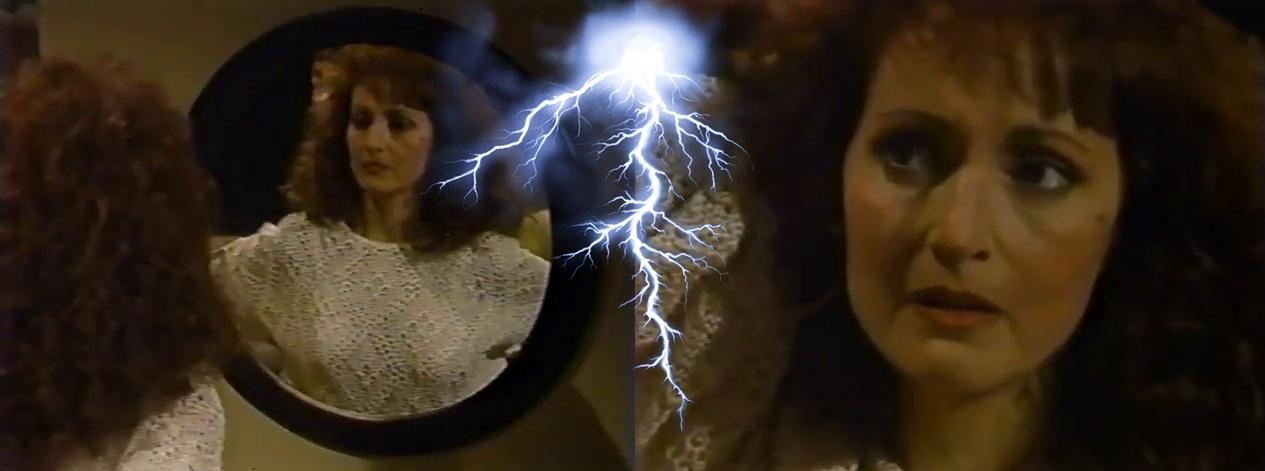
 Let's go! I need THIS.Have to see Marty Supreme. Still haven't found the time. I like him in all his other roles. I found most of the reactions (not all) to what he said... unhinged. He said what he said... I don't agree with him, but I'm not going to have a mental breakdown on the internet about it... like so many people did. I honestly had to block one theatre actress/ex-acquaintance who kept writing these ugly hate posts about him on her wall after he said what he said. She really went into full blown hysteria... Just my opinion, but trying to COMPLETELY cancel the guy for what he said... was a stretch. But I can't change what people think, I can just block them and ignore. I will still watch the movie and see for myself if he was good in it or not (he probably is).A huge fan of her in movies... not a fan of her show though.Up to April 6th, 1993 🦩 "We only have... one life to live." 🔷 I can't believe I'm sitting here typing this after nearly 2 months without my favorite show. I've been postponing coming back to it, because I didn't have the mental energy for anything besides work, work, work. But I knew this time would come. Let's dive in, shall we? 🔷 I'm going to start with the strong stuff at the beginning. These two episodes were like a slap across the face, emotionally speaking. We learned that in life... nothing is guaranteed. Everything can flip in just a few seconds. A romantic, sexy rendezvous turned into a terrifying night for my girl... Dorian Lord. Jason told her that he... felt "something" - a lump in her breast, while they were being intimate. Dorian was taken aback at first, and then... she checked. And from the expression on her face, it was clear that something very concerning crossed her mind. Suddenly, the queen of mean was faced with her own mortality, and her emotional reaction was to rush to her daughter. It felt a bit... foreboding, as if she was trying to fix her past mistakes in order to make that scary possibility disappear. Robin Strasser was amazing in these two episodes. First... we saw the sensual, playful Dorian, seducing Jason, and then after the shocking realization - the look of fear and confusion. Robin made me feel for Dorian in these scenes. I felt like I was RIGHT THERE WITH HER. This has the potential to be a really impactful storyline. I can't believe that I ever doubted if I would be able to adjust to Robin in the role. 🔷 Marty Saybrooke is a girl... a woman... caught between past and reality. Caught between DARK and LIGHT. She is a bad woman on the edge of becoming good, or perhaps more accurate to say - of finding her better self again. She has everything she needs for this - people who care about her, a new friend - little Jessica, and even a new guy who's romantically interested - Suede - who showed up at her door with flowers and made he open up and share a beautiful melody she composed on the piano. We're seeing glimpses of a heroine - someone with a heart and a potential to grow. Not the miserable witch we had to endure for the past year. Or maybe WE HAD to see that witch to be able to appreciate what we are seeing now. The contrast. But then there's the other side, still very much ACTIVE - the dark energy that continues to pull her back. The old habits and ways that are almost impossible to shake off. And a new monster hiding in the shadows - Todd, who the writers are giving more and more material with each episode. Now we're starting to see what this creature is - a spoiled rich male bitch who believes he can use and abuse anything and anyone he desires. And now he just wants to take advantage of a destructive alcoholic woman, who is trying her hardest to recover. Marty is torn between these two worlds and it's captivating to watch. And a bit disturbing, not going to lie. But the whole show is a bit disturbing. 🔷 Now let's talk about a few things that just DON'T WORK. I'm going to keep repeating this because I can't ignore it. Mortimer, Tina... the whole mess with Alex and whether Carlo is alive or not is really bringing the whole show down. Every time we have a scene where Tina is yelling at Cord or Cain or... Mortimer acting like some character from an action spy movie - it makes me cringe. I really hope that since so many new storylines are starting, at least that's how it seems to me... it means we're finally moving towards an END for Mortimer's weird journey. And seriously, can we just have TINA choose which penis she wants and get it over with? PLEASE JUST GET IT OVER WITH, before I come and take Cord away from her. AND I MEAN IT. P.S. Andrew and Cassie are discussing having a baby. We're getting to see the reverend more often without his shirt, and it's quite a sight. Those pecs were kept from us for so long. 😁 The idea that they are writing this future baby plot alongside Dorian potentially facing a cancer diagnosis is... very interesting. A new life being brought into the world while someone else is fighting for theirs. It sound very powerful... if that's where they are headed. And it really makes you realize - we all have just ONE LIFE TO LIVE. 🔷 Overall - I'm so happy to be back. I'm going to be having a free week from work, so I'm going to be binge watching OLTL a lot probably. Now with the Dorian storyline... I am SO HOOKED back on the show. Overall - 7/10 ⭐⭐⭐⭐⭐ Clip of the day Dorian deals with a frightening possibility
 Finally recovered from a hectic couple of weeks (big project at work)... today. And tonight I'm finding myself STARVED for OLTL. It's like I've never had a drop of drama in weeks chileeeeeee. I swear I've never missed a show so much in my life. Countdown to pressing PLAY on that youtube episode in... Miss Lord, I'M COMING back to you my looove. Viki, you too... naughty girl! Y'all... expect my craaaazy posts about the show to resume very soon. I'm saying sorry in advance! ❤️YES. YES. YES. THIS. It's definitely in my top 3 too. Together with 1 and 4. LOVED IT SO MUCH... I may drag my husband to see it a second time.Me and my husband just came back from the cinema! LOOOOOOOOOOOOOOVED IT. I loved that it didn't take anything too seriously. And Neve was just... AH... SUBLIME.I'm so sick of Ridge Forrester. (nothing against TK, just that lame character)Yaaaaaaaas.MOTHER IS HERE, BITCHESI am looking forward to it. The more I think about it... the better the idea sounds.
Important Information
By using this site, you agree to our Terms of Use and Privacy Policy

Account
Navigation
Search
Configure browser push notifications
Chrome (Android)
- Tap the lock icon next to the address bar.
- Tap Permissions → Notifications.
- Adjust your preference.
Chrome (Desktop)
- Click the padlock icon in the address bar.
- Select Site settings.
- Find Notifications and adjust your preference.
Safari (iOS 16.4+)
- Ensure the site is installed via Add to Home Screen.
- Open Settings App → Notifications.
- Find your app name and adjust your preference.
Safari (macOS)
- Go to Safari → Preferences.
- Click the Websites tab.
- Select Notifications in the sidebar.
- Find this website and adjust your preference.
Edge (Android)
- Tap the lock icon next to the address bar.
- Tap Permissions.
- Find Notifications and adjust your preference.
Edge (Desktop)
- Click the padlock icon in the address bar.
- Click Permissions for this site.
- Find Notifications and adjust your preference.
Firefox (Android)
- Go to Settings → Site permissions.
- Tap Notifications.
- Find this site in the list and adjust your preference.
Firefox (Desktop)
- Open Firefox Settings.
- Search for Notifications.
- Find this site in the list and adjust your preference.