






dragonflies
Member
-
Joined
-
Last visited
-
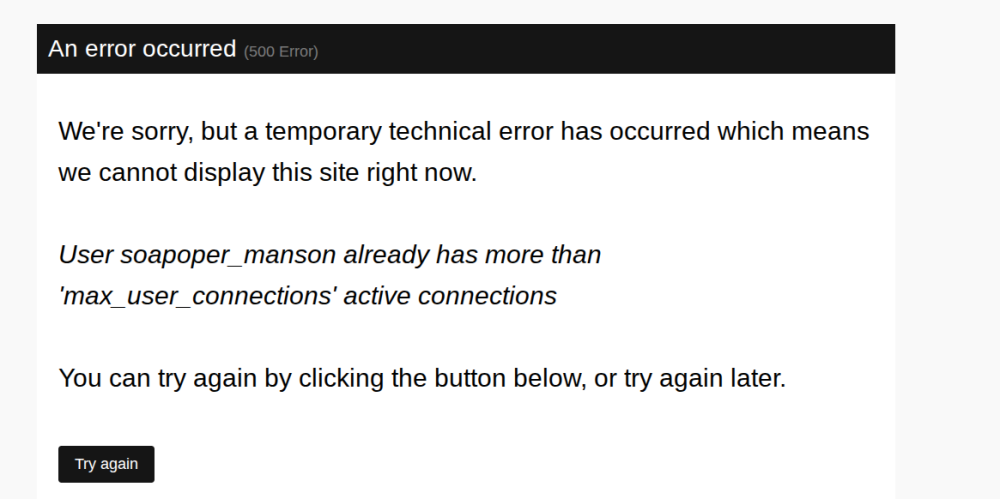
Just clicked on link for the board took me two tries to get on due to the error
-
I hit "submit reply" it popped up, I had to click on the board, go back to my post and hit submit reply again for it to go through
-
same and it pops up before I can even hit "Submit reply" it's that frequent It's literally interfering with posting on the board
-
Just got it again literally while clicking on my notifications
-
Yep it's constant, literally every time I click on something on the board
-
-
What is a microseries, is it similar to verticals?
-
-
I'd mention that on their message board, someone from the show does respond



Important Information
By using this site, you agree to our Terms of Use and Privacy Policy

Account
Navigation
Search
Configure browser push notifications
Chrome (Android)
- Tap the lock icon next to the address bar.
- Tap Permissions → Notifications.
- Adjust your preference.
Chrome (Desktop)
- Click the padlock icon in the address bar.
- Select Site settings.
- Find Notifications and adjust your preference.
Safari (iOS 16.4+)
- Ensure the site is installed via Add to Home Screen.
- Open Settings App → Notifications.
- Find your app name and adjust your preference.
Safari (macOS)
- Go to Safari → Preferences.
- Click the Websites tab.
- Select Notifications in the sidebar.
- Find this website and adjust your preference.
Edge (Android)
- Tap the lock icon next to the address bar.
- Tap Permissions.
- Find Notifications and adjust your preference.
Edge (Desktop)
- Click the padlock icon in the address bar.
- Click Permissions for this site.
- Find Notifications and adjust your preference.
Firefox (Android)
- Go to Settings → Site permissions.
- Tap Notifications.
- Find this site in the list and adjust your preference.
Firefox (Desktop)
- Open Firefox Settings.
- Search for Notifications.
- Find this site in the list and adjust your preference.