






victoria foxton
Banned - Not Active
-
Joined
-
Last visited
Everything posted by victoria foxton
-
Original official version along with 2 remixes and a cover. ♬Watching the British dark comedy Jerk. Reminds me a bit of Stath Lets Flats.
 I have fallen behind on this season. And i really have no desire to catch up.Like @AbcNbc247 and Carolineg have pointed out this episode had a Beyond Salem vibe going on. It's nice to see Paul. #Pandrew best get back together and help the old guys. John telling Paul that he and Andrew are acting like insurance adjusters was funny. Really liking Kate vs Megan. This episode felt like they were finally stakes in all this silliness. 🌸
.thumb.jpg.1074cf92d6c2254bc1d7457159aba8c9.jpg) #RIP ♩ ♪ ♫ ♬ ♭Tomorrow's spoiler pics.
#RIP ♩ ♪ ♫ ♬ ♭Tomorrow's spoiler pics.



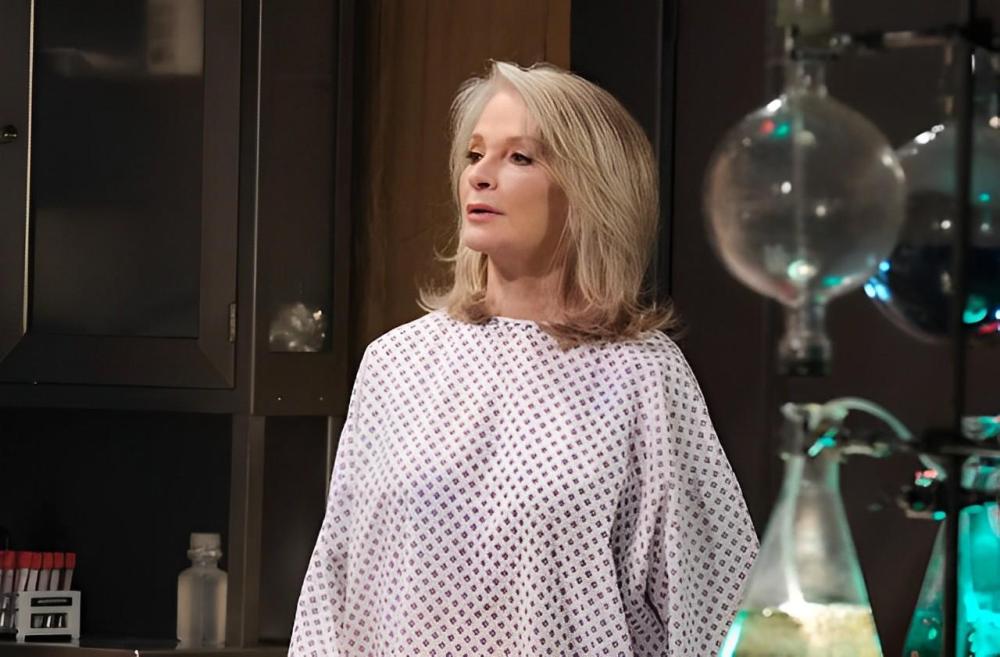
 Two more years of bad writing. Alongside horrible production values. That said i do enjoy watching it with my friend. Since we roast it together.
.gif.f3ba212a50093ca8323ffeedeecbc9ba.gif) Really enjoying Pam Long's Texas run is lively and very watchable. A far cry from the 1981 episodes. Which were very dull and rather generic. Also, Pam Long was great as Ashley.@DRW50 Thanks Carl🙂 I don't think it's been up before either.More spoiler pics.
Really enjoying Pam Long's Texas run is lively and very watchable. A far cry from the 1981 episodes. Which were very dull and rather generic. Also, Pam Long was great as Ashley.@DRW50 Thanks Carl🙂 I don't think it's been up before either.More spoiler pics.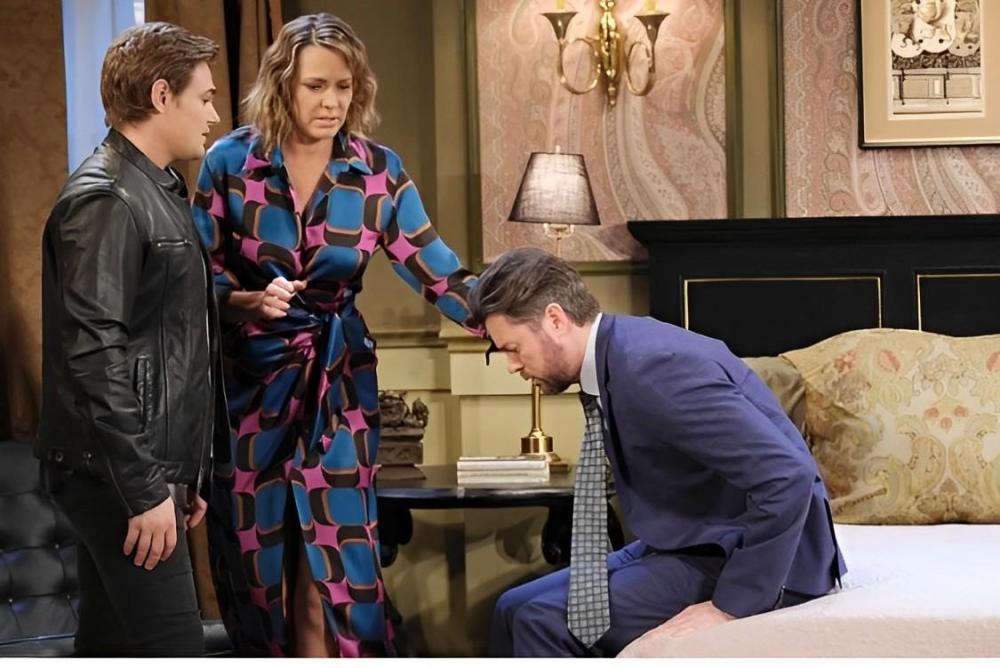
.thumb.jpg.28bcf8fcf7484e08b2dfb353d0c1061f.jpg)
.thumb.jpg.2dea70da0bea3b2a65a0fcaa04d48d91.jpg) Original, cover and piano versions. ♬♪♫𝄞
Original, cover and piano versions. ♬♪♫𝄞Important Information
By using this site, you agree to our Terms of Use and Privacy Policy

Account
Navigation
Search
Configure browser push notifications
Chrome (Android)
- Tap the lock icon next to the address bar.
- Tap Permissions → Notifications.
- Adjust your preference.
Chrome (Desktop)
- Click the padlock icon in the address bar.
- Select Site settings.
- Find Notifications and adjust your preference.
Safari (iOS 16.4+)
- Ensure the site is installed via Add to Home Screen.
- Open Settings App → Notifications.
- Find your app name and adjust your preference.
Safari (macOS)
- Go to Safari → Preferences.
- Click the Websites tab.
- Select Notifications in the sidebar.
- Find this website and adjust your preference.
Edge (Android)
- Tap the lock icon next to the address bar.
- Tap Permissions.
- Find Notifications and adjust your preference.
Edge (Desktop)
- Click the padlock icon in the address bar.
- Click Permissions for this site.
- Find Notifications and adjust your preference.
Firefox (Android)
- Go to Settings → Site permissions.
- Tap Notifications.
- Find this site in the list and adjust your preference.
Firefox (Desktop)
- Open Firefox Settings.
- Search for Notifications.
- Find this site in the list and adjust your preference.
.jpg.c8a953112a638ddd65bfdcd35e496dbf.jpg)


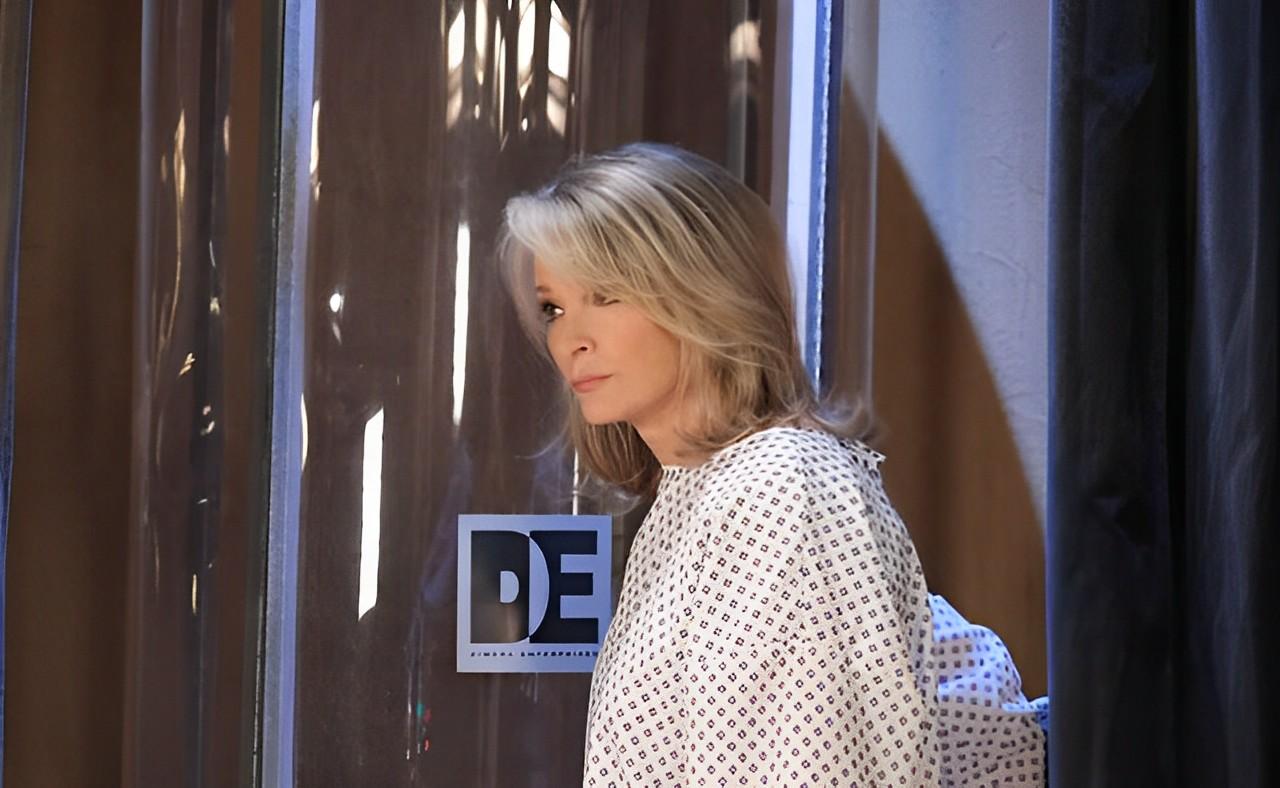


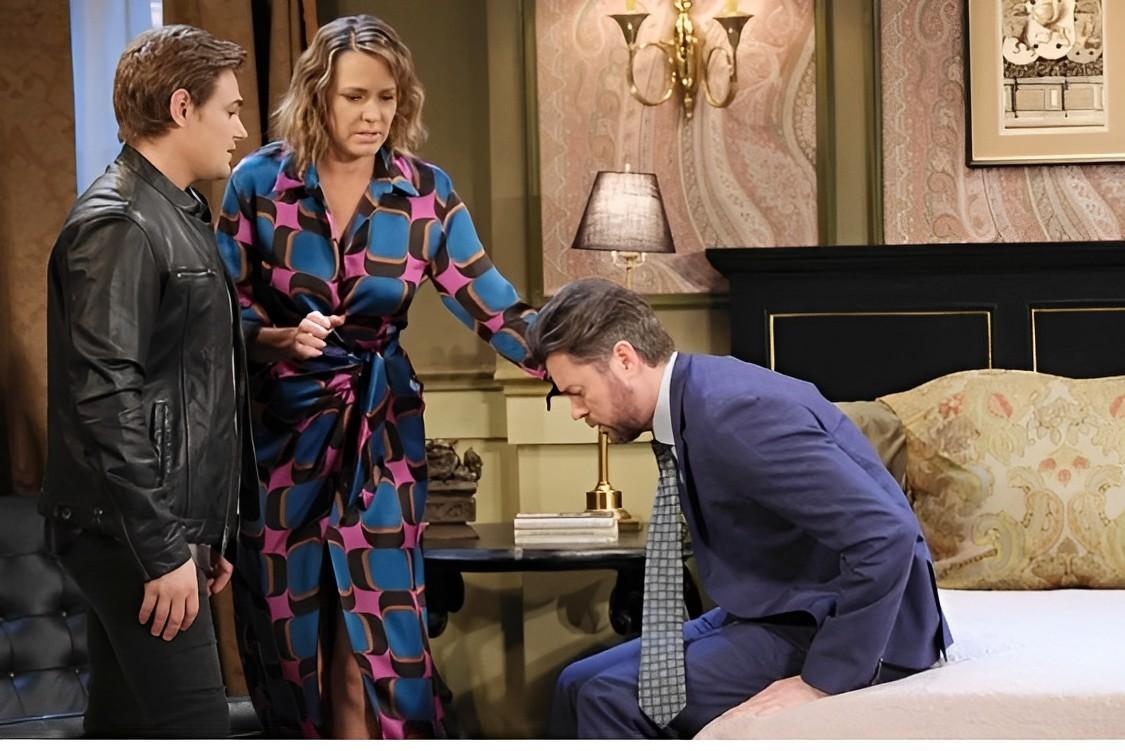
.jpg.53d7ae728931666851447a4d4ca364c9.jpg)
.jpg.787424e94beff0ab236b6457e3e45f8d.jpg)
