Faulkner
Member
-
Joined
Everything posted by Faulkner
-
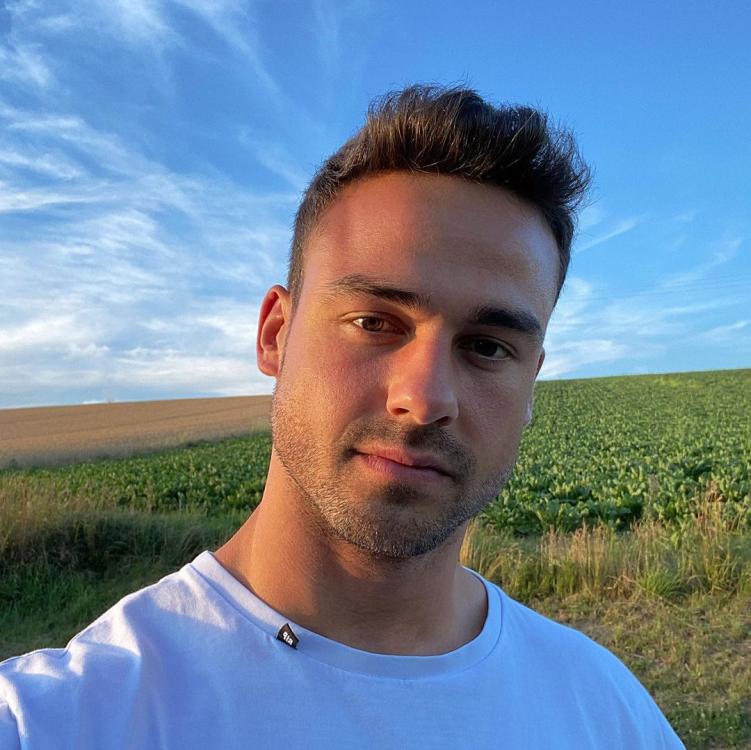
David Warner on Doctor Who:Bene from Germany 🇩🇪
 Witchaya from Thailand 🇹🇭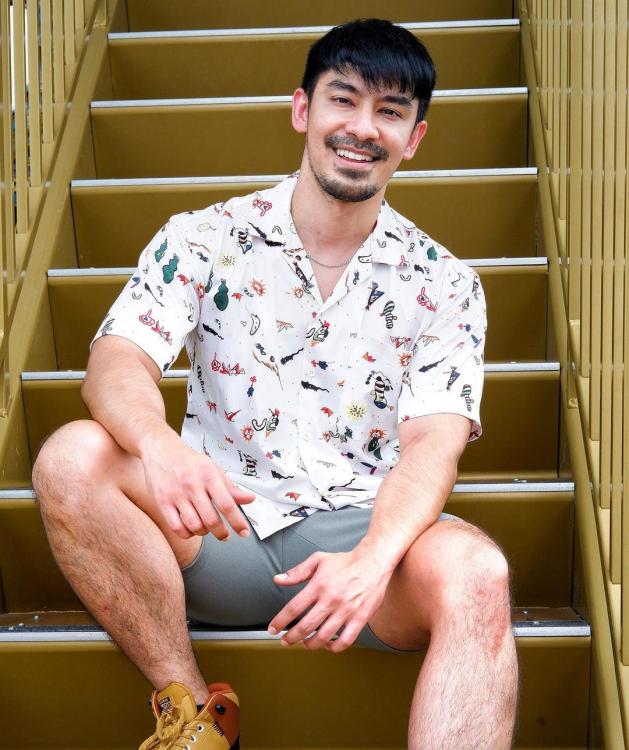


 Yuvraj from India 🇮🇳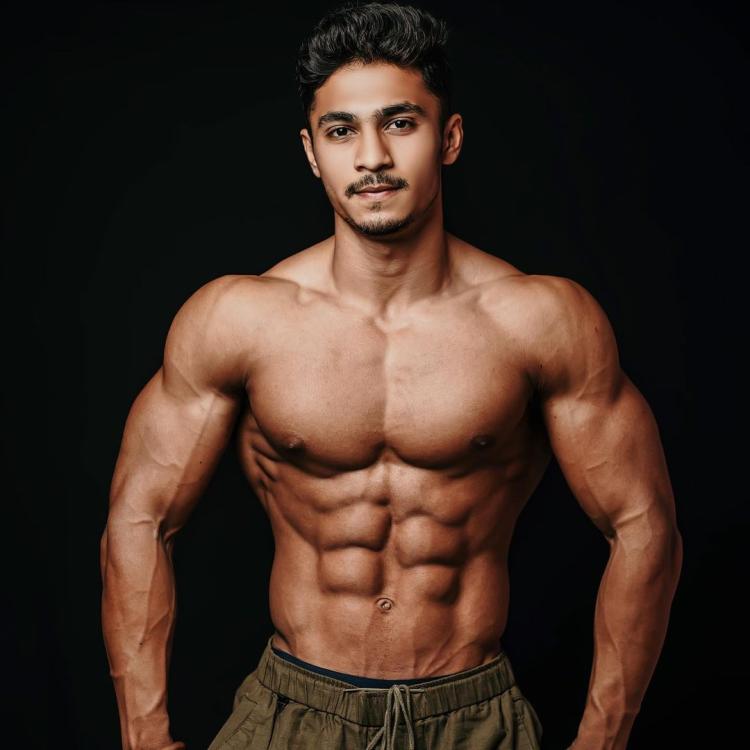
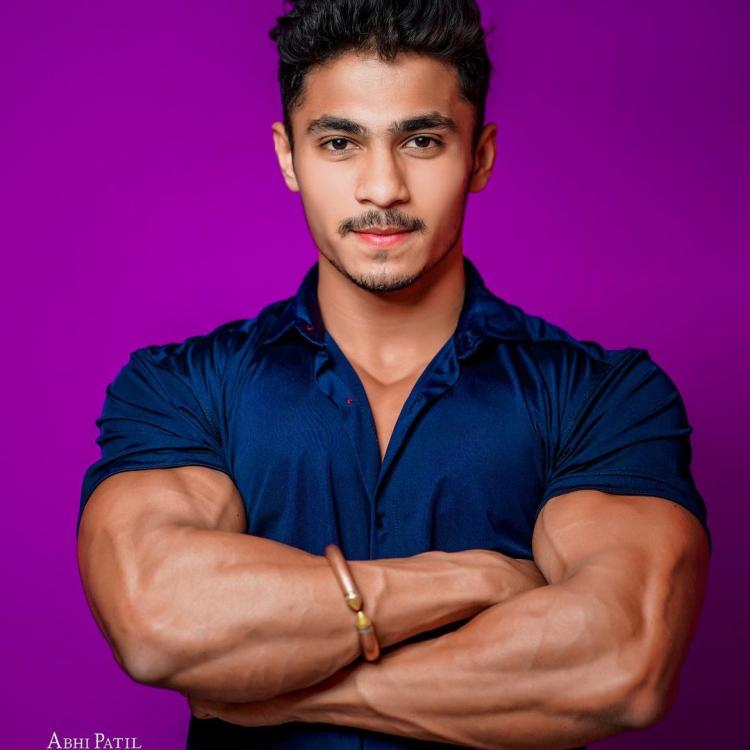 RIP BBC America.Brendon from South Africa 🇿🇦

 Ashland commissioned it, and Victoria destroyed it in a rage after learning of his cancer fakery.UGT2: Marco on his IG story reveals he was NOT okay with Brandi ripping his shirt open. And he liked Eva the most. (via Reddit)Billy Magnussen (ATWT) will co-star in Robert Rodriguez’s Spy Kids reboot.
Important Information
By using this site, you agree to our Terms of Use and Privacy Policy

Account
Navigation
Search
Configure browser push notifications
Chrome (Android)
- Tap the lock icon next to the address bar.
- Tap Permissions → Notifications.
- Adjust your preference.
Chrome (Desktop)
- Click the padlock icon in the address bar.
- Select Site settings.
- Find Notifications and adjust your preference.
Safari (iOS 16.4+)
- Ensure the site is installed via Add to Home Screen.
- Open Settings App → Notifications.
- Find your app name and adjust your preference.
Safari (macOS)
- Go to Safari → Preferences.
- Click the Websites tab.
- Select Notifications in the sidebar.
- Find this website and adjust your preference.
Edge (Android)
- Tap the lock icon next to the address bar.
- Tap Permissions.
- Find Notifications and adjust your preference.
Edge (Desktop)
- Click the padlock icon in the address bar.
- Click Permissions for this site.
- Find Notifications and adjust your preference.
Firefox (Android)
- Go to Settings → Site permissions.
- Tap Notifications.
- Find this site in the list and adjust your preference.
Firefox (Desktop)
- Open Firefox Settings.
- Search for Notifications.
- Find this site in the list and adjust your preference.