





Faulkner
Member
-
Joined
Everything posted by Faulkner
-
Toya held her own pretty well there against M2M’s second biggest loudmouth (No. 1 being Heavenly).Sam Smith finally has the No. 1 that eluded them with “Stay With Me”:OMG. Stunned. He was hilarious every time I saw him. He was such a pleasure during the pandemic with his videos, of course.British tennis player Jack Draper 🇬🇧







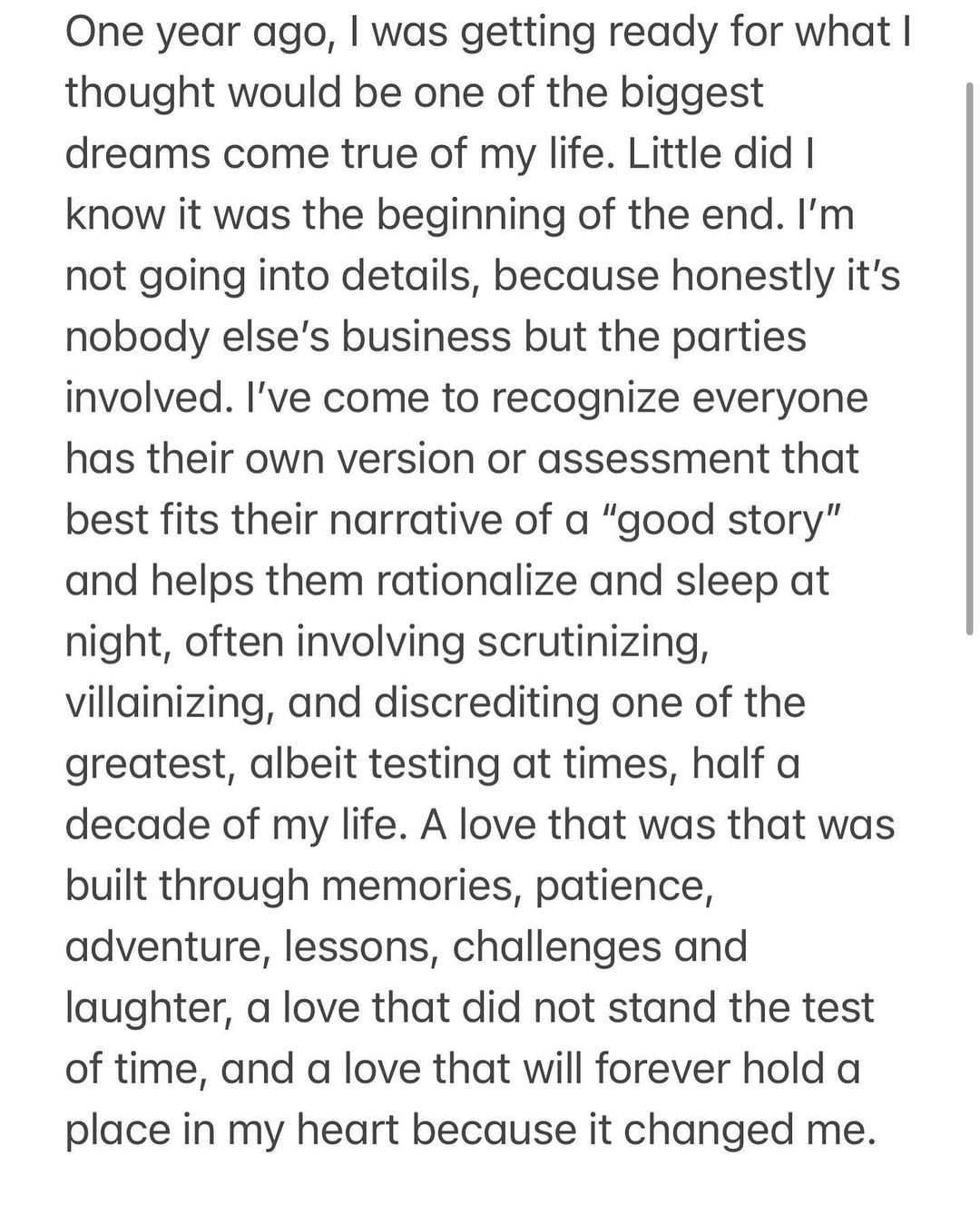
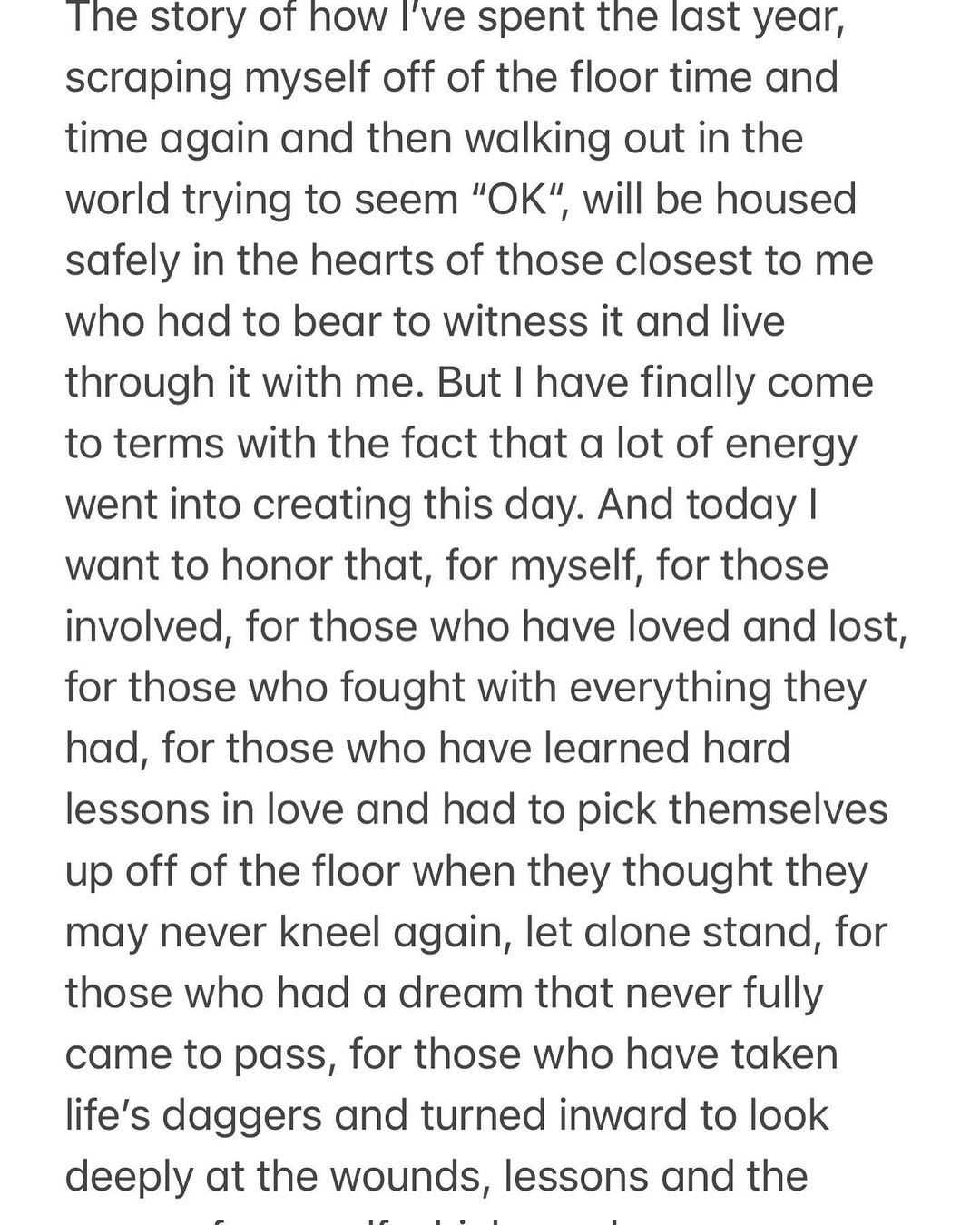
 Courtney Hope addresses the wedding a year later…


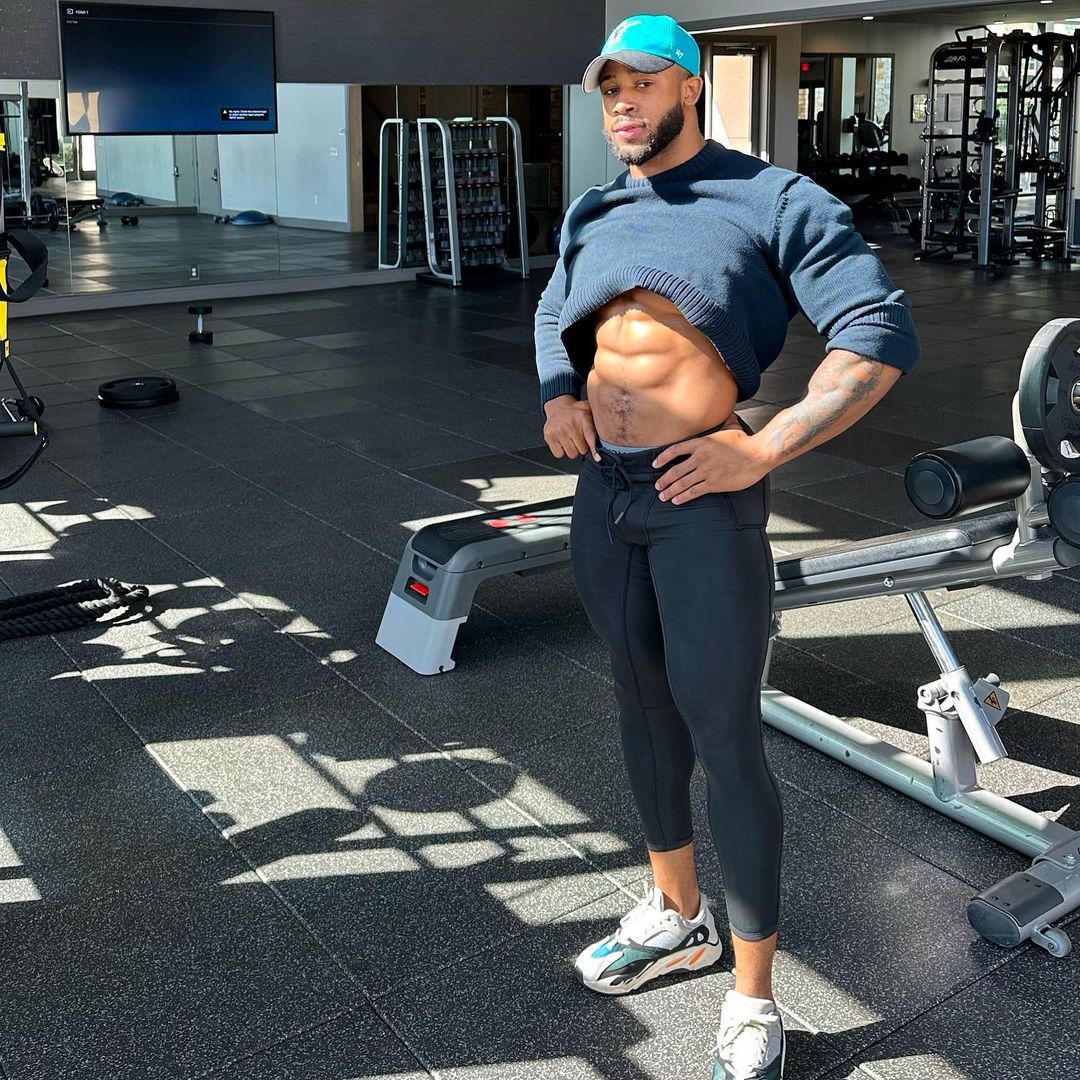
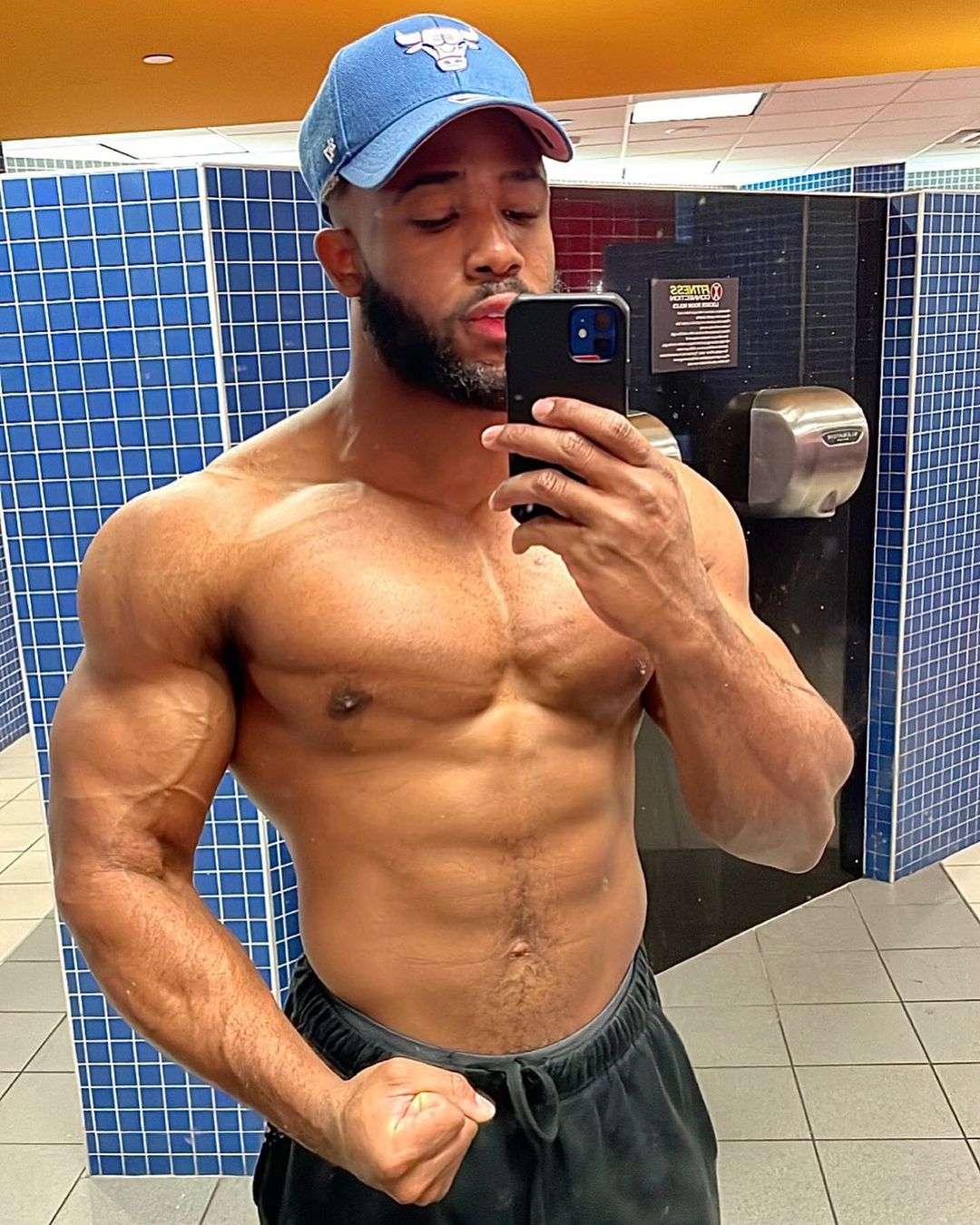
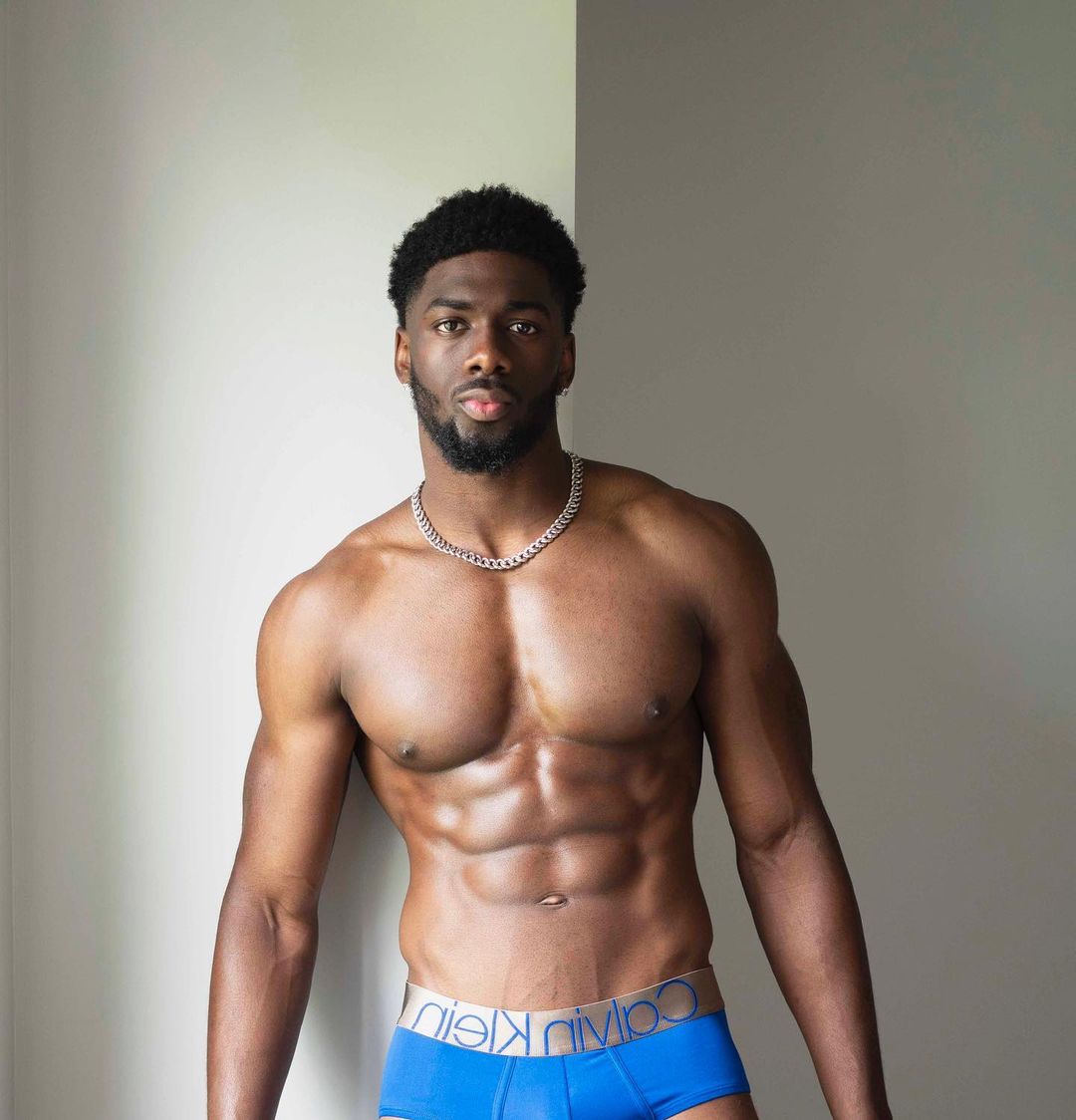
 Josh from Dallas 🇺🇸


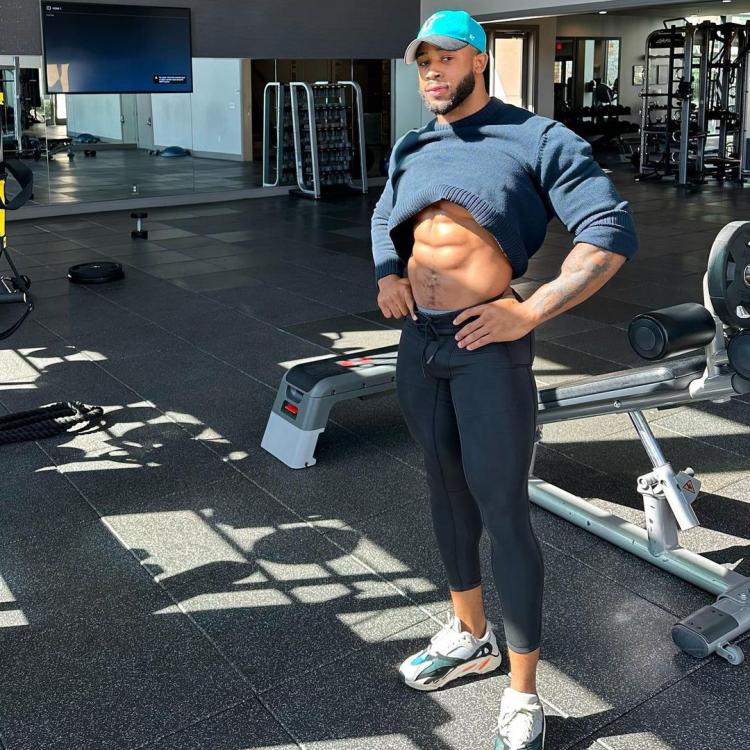

 Mondejour from NYC 🇺🇸



 Denis is lucky he’s rich and somewhat handsome:Norwegian tennis player Casper Ruud 🇳🇴
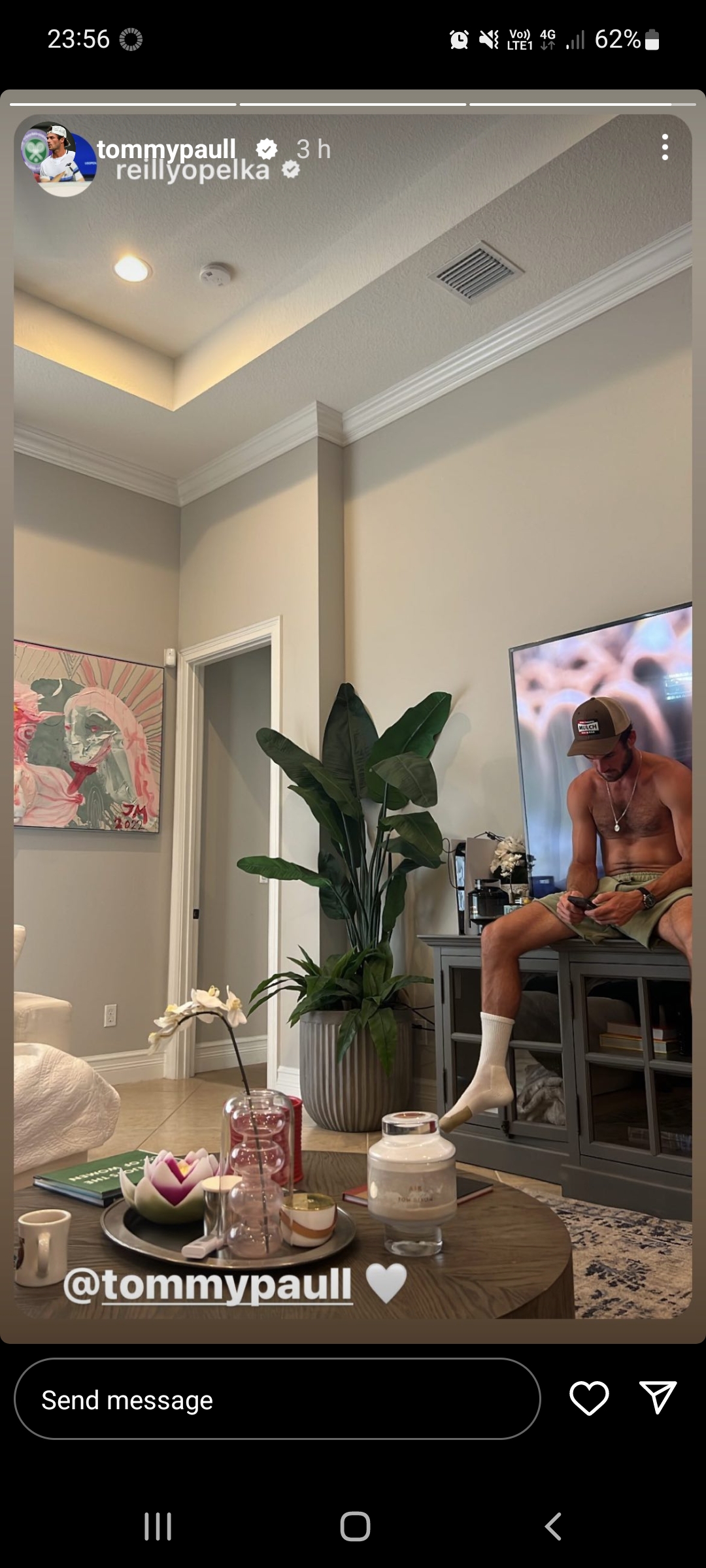
 Greek tennis player Stefanos Tsitsipas 🇬🇷 American tennis player Mackenzie McDonald 🇺🇸 American tennis player Tommy Paul 🇺🇸






 Guss CC from Thailand 🇹🇭




 Dr. Christian in Chicago 🇺🇸
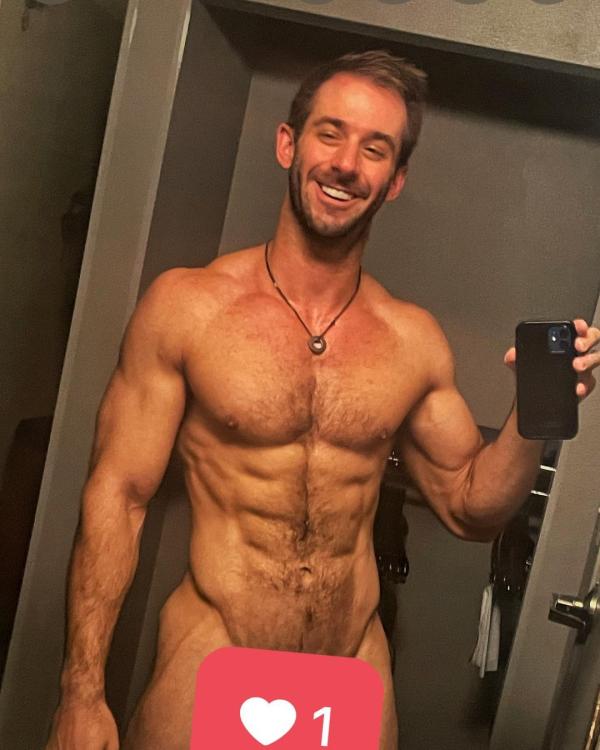

 This gay does look a bit like a gay Jesus.
 Oof, gurl. And this response:Sahil from India 🇮🇳

 Trailer for Season 5 premiering November 9 with the new cast. Lots of Diana drama (Elizabeth Debicki looks spot on):










































Important Information
By using this site, you agree to our Terms of Use and Privacy Policy

Account
Navigation
Search
Configure browser push notifications
Chrome (Android)
- Tap the lock icon next to the address bar.
- Tap Permissions → Notifications.
- Adjust your preference.
Chrome (Desktop)
- Click the padlock icon in the address bar.
- Select Site settings.
- Find Notifications and adjust your preference.
Safari (iOS 16.4+)
- Ensure the site is installed via Add to Home Screen.
- Open Settings App → Notifications.
- Find your app name and adjust your preference.
Safari (macOS)
- Go to Safari → Preferences.
- Click the Websites tab.
- Select Notifications in the sidebar.
- Find this website and adjust your preference.
Edge (Android)
- Tap the lock icon next to the address bar.
- Tap Permissions.
- Find Notifications and adjust your preference.
Edge (Desktop)
- Click the padlock icon in the address bar.
- Click Permissions for this site.
- Find Notifications and adjust your preference.
Firefox (Android)
- Go to Settings → Site permissions.
- Tap Notifications.
- Find this site in the list and adjust your preference.
Firefox (Desktop)
- Open Firefox Settings.
- Search for Notifications.
- Find this site in the list and adjust your preference.