





Faulkner
Member
-
Joined
Everything posted by Faulkner
-
-
-
JB on Long Island 🇺🇸



-
Royce from Australia 🇦🇺



-
Speaking of Italians, here’s some weight-loss pasta, betch!
-
You think? Evan looks less Zoolander/brooding/Rico Suave than Matteo to me.




-
-
And, as expected, Keemo died for nothing.Oh my god. Just watched the S3 reunion. Zanab and Cole, yikes.She’s an absolute legend in Brazil.Gabriel from Brazil 🇧🇷

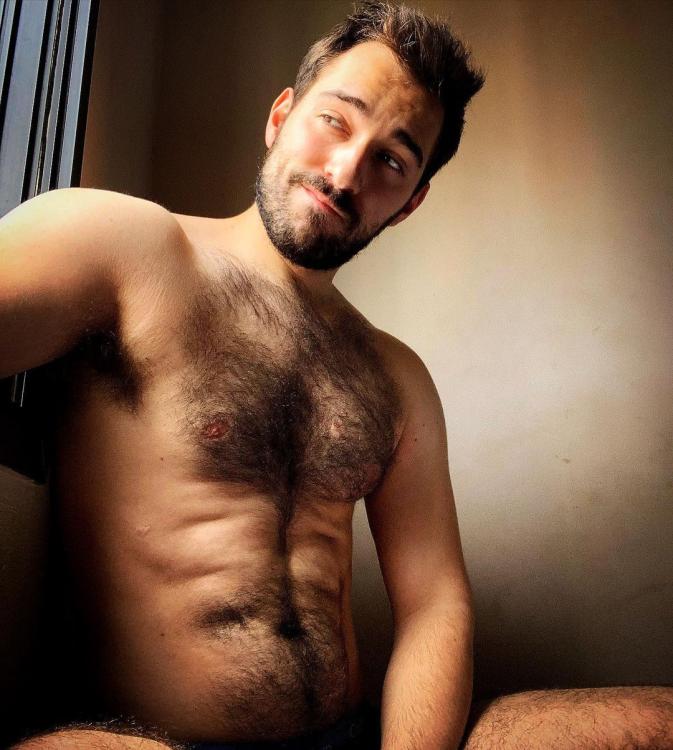 Florian in France 🇫🇷
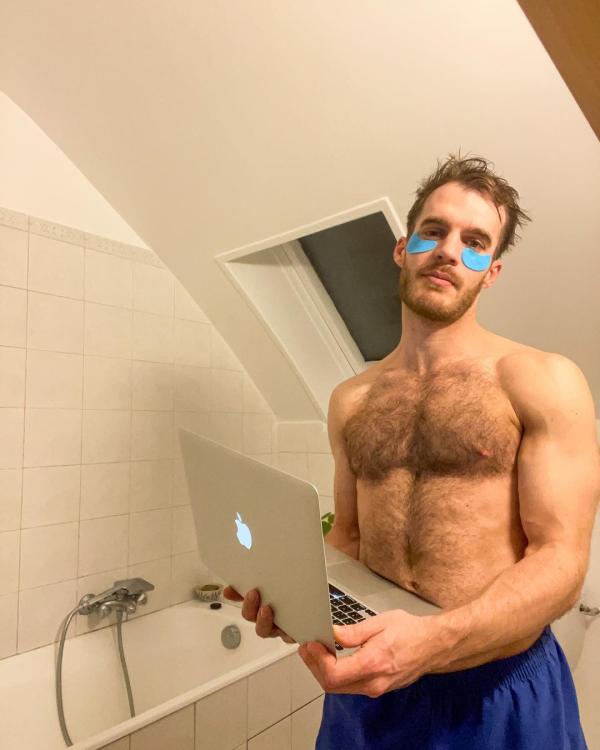 Look at this motley crew.I think it makes her seem self-involved at times. She could still let people get a word in edgewise and still maintain her personality because she is very likable.I like Candiace more than most on this board, and I do think she’s very clever at times (“concubine” and “bed-wench” are two of my faves). But definitely not god-tier like the Nenes and the Bethennys. Candiace is sometimes too crudely blunt, but she also doesn’t have the life experience of the legendary wordsmiths.I like her a lot, but my pet peeve is interviewers who talk over their guests or interrupt constantly. It’s one of reasons why I found Charlie Rose so hard to watch, and Kelly does it too. Sets my teeth on edge. Kelly is so seemingly “nice,” but I couldn’t help but want to slug her if I were one of her guests.Gizelle is the absolute worst and what she’s doing is so sh!tty and desperate. It’s so very Lisa Rinna-like.Julian from Argentina 🇦🇷

 Quite the run.

















Important Information
By using this site, you agree to our Terms of Use and Privacy Policy

Account
Navigation
Search
Configure browser push notifications
Chrome (Android)
- Tap the lock icon next to the address bar.
- Tap Permissions → Notifications.
- Adjust your preference.
Chrome (Desktop)
- Click the padlock icon in the address bar.
- Select Site settings.
- Find Notifications and adjust your preference.
Safari (iOS 16.4+)
- Ensure the site is installed via Add to Home Screen.
- Open Settings App → Notifications.
- Find your app name and adjust your preference.
Safari (macOS)
- Go to Safari → Preferences.
- Click the Websites tab.
- Select Notifications in the sidebar.
- Find this website and adjust your preference.
Edge (Android)
- Tap the lock icon next to the address bar.
- Tap Permissions.
- Find Notifications and adjust your preference.
Edge (Desktop)
- Click the padlock icon in the address bar.
- Click Permissions for this site.
- Find Notifications and adjust your preference.
Firefox (Android)
- Go to Settings → Site permissions.
- Tap Notifications.
- Find this site in the list and adjust your preference.
Firefox (Desktop)
- Open Firefox Settings.
- Search for Notifications.
- Find this site in the list and adjust your preference.