





Faulkner
Member
-
Joined
Everything posted by Faulkner
-
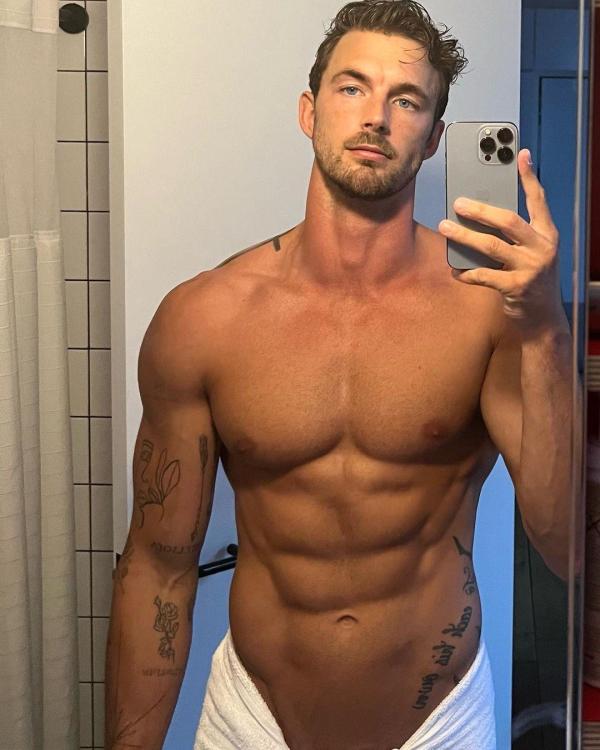
Yeah, I cut DAYS some slack because it’s basically being held together by dental floss and chewing gum.I did not know that actually!Why Y&R took so long to exploit that, I’ll never know. His IG stories are where it’s at.I never really consistently watched The Good Wife. I’ve started it on Paramount+, and I’m enjoying it episode to episode. Really well-drawn and well-observed dynamics between the characters. Sorry to derail the thread. You brought it back to DAYS.The great Christian Hogue 🇺🇸

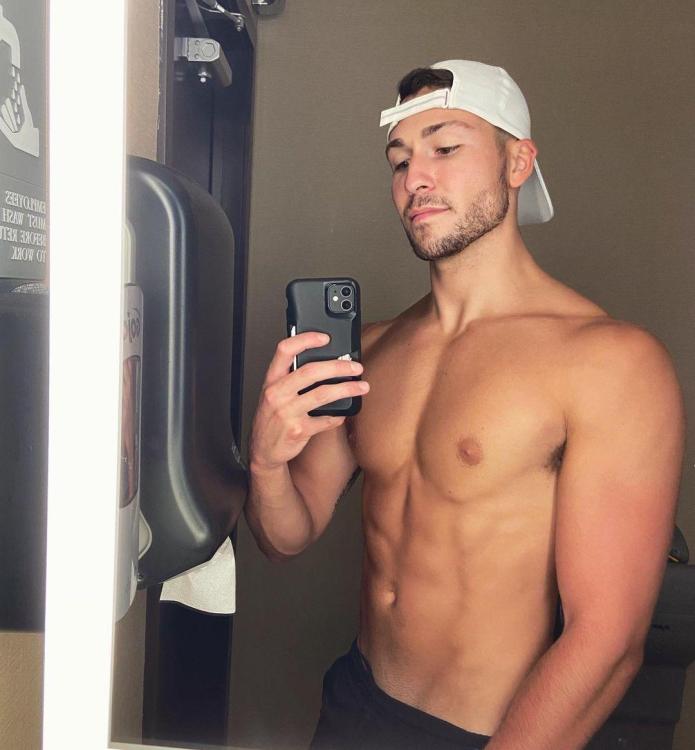
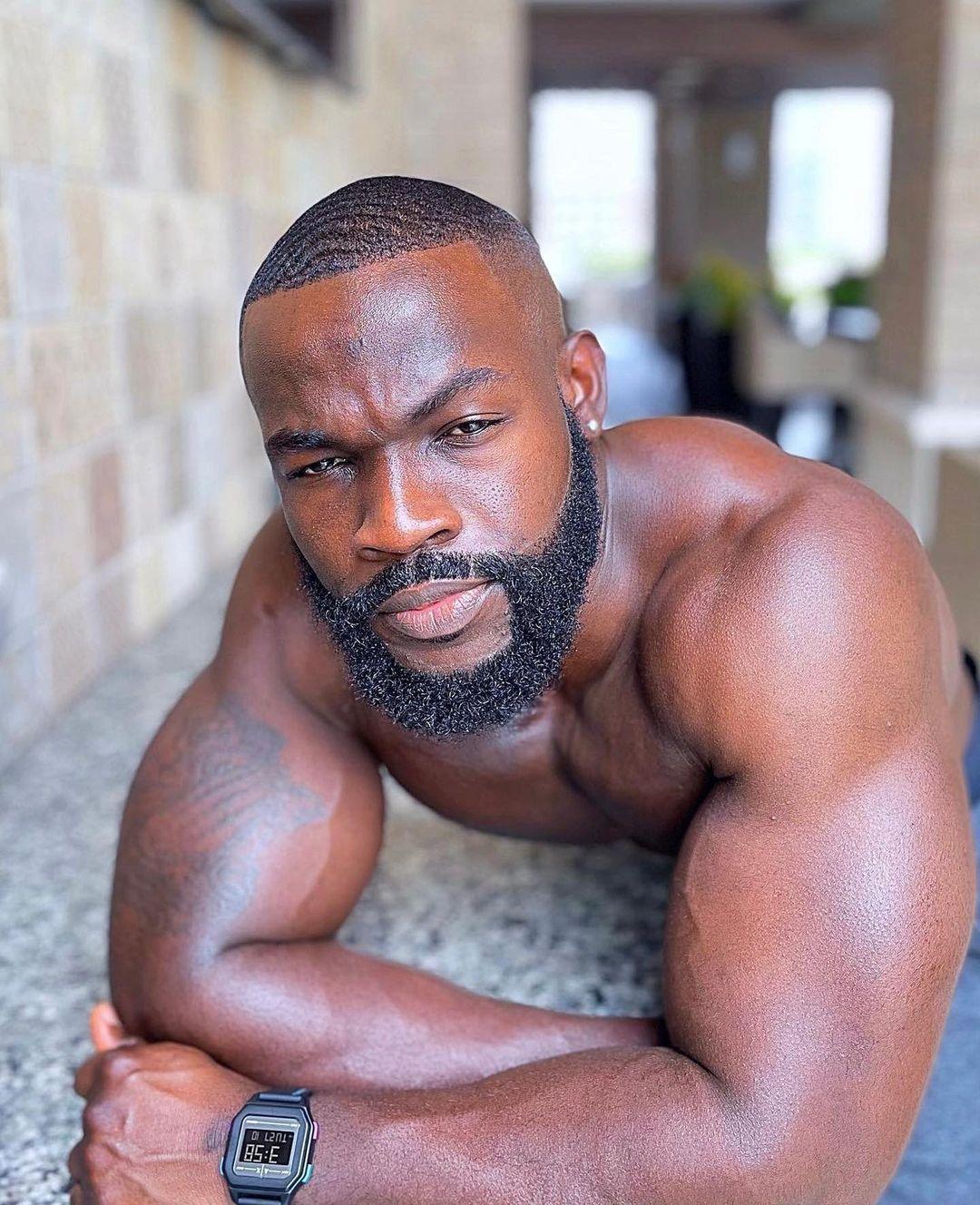
 B&B will just go in circles for months and months (Brooke tearfully stumbling around her home, muttering to herself, “How could I have possibly relapsed?” for literally weeks), then have a flurry of activity, then more wheel spinning. Y&R is a mostly directionless, momentum-free flatline, although it recently got a small burst of energy from Diane’s return (when Susan Walters isn’t on, it’s like someone took the batteries out of the show). GH bites off way more than it can chew with that massive cast of nobodies and filler. The whole Sprina/Esme/Ryan story is beyond exhausting. Some of the issues stem from lack of actor availability on these shows, I know.This guy just knows he’s hot:
 EditAbsolutely. Although the video she made for the new version was cool. I just didn’t enjoy Director’s Cut.Pacing is a huge problem with all the shows right now. I’ve given up. Things feel so haphazard and the shows are so bad at characterization and creating a world that I’m not engaged or invested enough to overlook it.Been listening to this a lot lately:Tough break for FAA to draw Cressy in R1.Jan from California 🇺🇸

 Shhnobi from Ghana 🇬🇭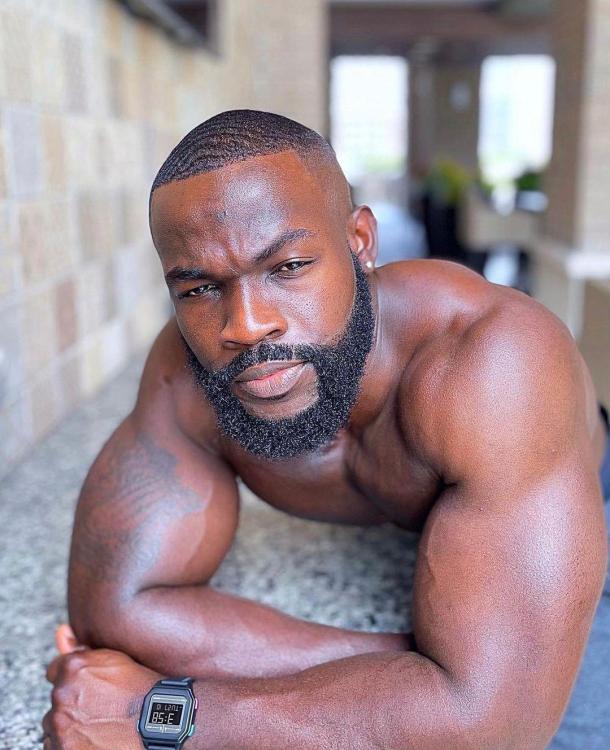
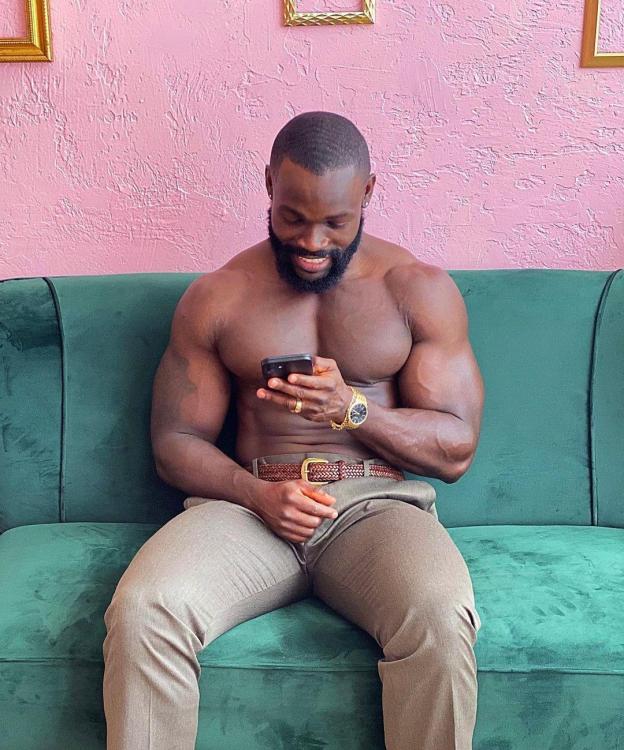 I wish, by some magic, we could project the modern-day formulas (so much more accurate with how people listen to music) to yesteryear. While “gatekeepers” like radio DJs and TV programmers colluding with record companies still have a lot of power, much of it has shifted to the hands of the people. You couldn’t track repeated listens on an album you bought years ago vs. an album you bought and only listened to once. You can do that when each “spin” is tracked on a streaming service. But, yes, trying to compare Drake’s chart records with that of the Beatles is very apples-and-oranges.









Important Information
By using this site, you agree to our Terms of Use and Privacy Policy

Account
Navigation
Search
Configure browser push notifications
Chrome (Android)
- Tap the lock icon next to the address bar.
- Tap Permissions → Notifications.
- Adjust your preference.
Chrome (Desktop)
- Click the padlock icon in the address bar.
- Select Site settings.
- Find Notifications and adjust your preference.
Safari (iOS 16.4+)
- Ensure the site is installed via Add to Home Screen.
- Open Settings App → Notifications.
- Find your app name and adjust your preference.
Safari (macOS)
- Go to Safari → Preferences.
- Click the Websites tab.
- Select Notifications in the sidebar.
- Find this website and adjust your preference.
Edge (Android)
- Tap the lock icon next to the address bar.
- Tap Permissions.
- Find Notifications and adjust your preference.
Edge (Desktop)
- Click the padlock icon in the address bar.
- Click Permissions for this site.
- Find Notifications and adjust your preference.
Firefox (Android)
- Go to Settings → Site permissions.
- Tap Notifications.
- Find this site in the list and adjust your preference.
Firefox (Desktop)
- Open Firefox Settings.
- Search for Notifications.
- Find this site in the list and adjust your preference.