





Soapsuds
Member
-
Joined
-

-
Soapsuds changed their profile photo
-
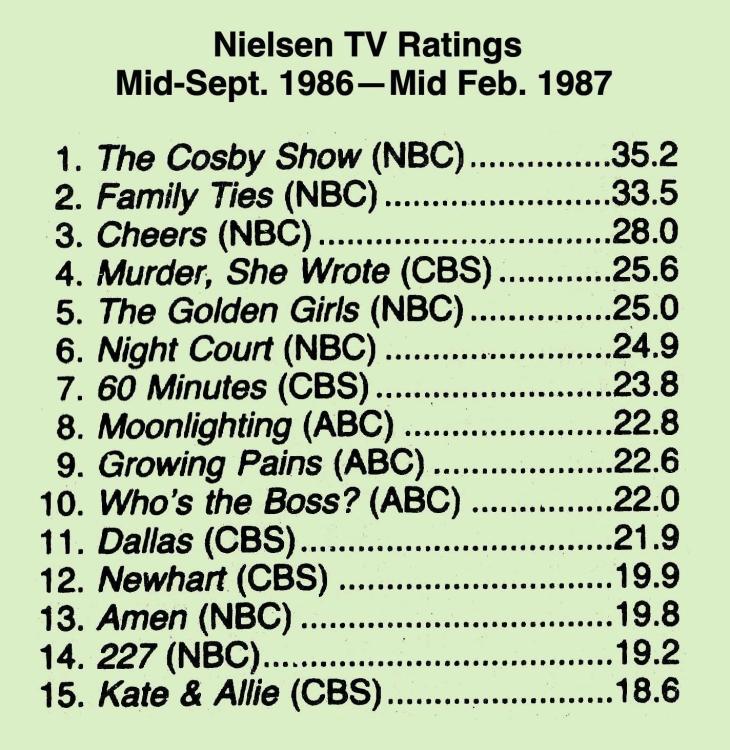
The View and General Hospital were the only two shows up from last week in the key demographics. CBS soaps were down in every category compared to last week except for BB in total viewers. No more bad weather to keeping viewers at home.
-
Thanks for the tag @DRW50.
-
Liam😍😍😍 JJ looked good in that red sweater too. Tate looked good too. Sophia is still around with help from Rachel with her schemes. Blah!
-
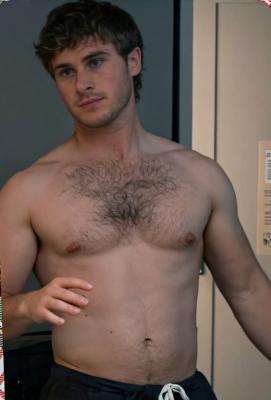
Having a hot shirtless Chase in bed while his wife is totally dressed remains a head scratcher. I'd be much less dressed if it were me in bed with Chase. Just sayin😂
Ivy demanding Steffy fire Ms. Dylan, and Electra being a whining, blubbering mess was hilarious. Deke has been reduced to being Ms. Dylan's go-to guy... figures Bradley would do nothing with Deke.
I loved the documentary! Where was Janice? The mystery around what happened to Dian was such an unsolved mystery. Bob Barker sure was pure evil, and so was the producer's son. Holly and Kathleen still look good! Holly proclaiming she hated Bob broke my heart for her. It's a shame she was treated so badly by Bob. Going back to the studio with Kathleen and the former producer and other model was so eerie.
I actually watched the last two episodes. Why is a newbie character always being followed, eventually trying to be murdered? Now it's Liam's turn. The shooting with Liam, JJ, and Shawn was well done, even with the one-cent budget. Dimitri and Andrew were oozing with chemistry in today's episode. It was like Leo almost wasn't there. The looks Andrew was giving Dimitri during his scenes with Leo were obvious. It's time to recast Paul. This him being outside but not seen is for the birds. By the way, all the men minus Leo looked really hot in today's episode.
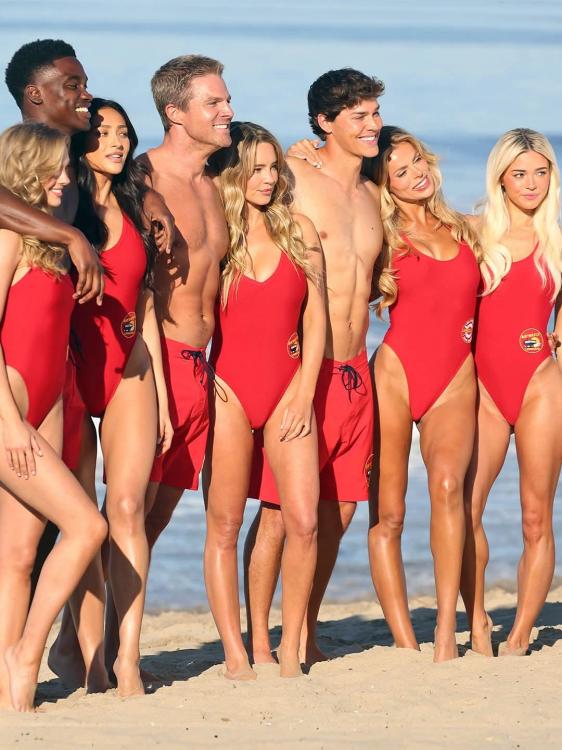
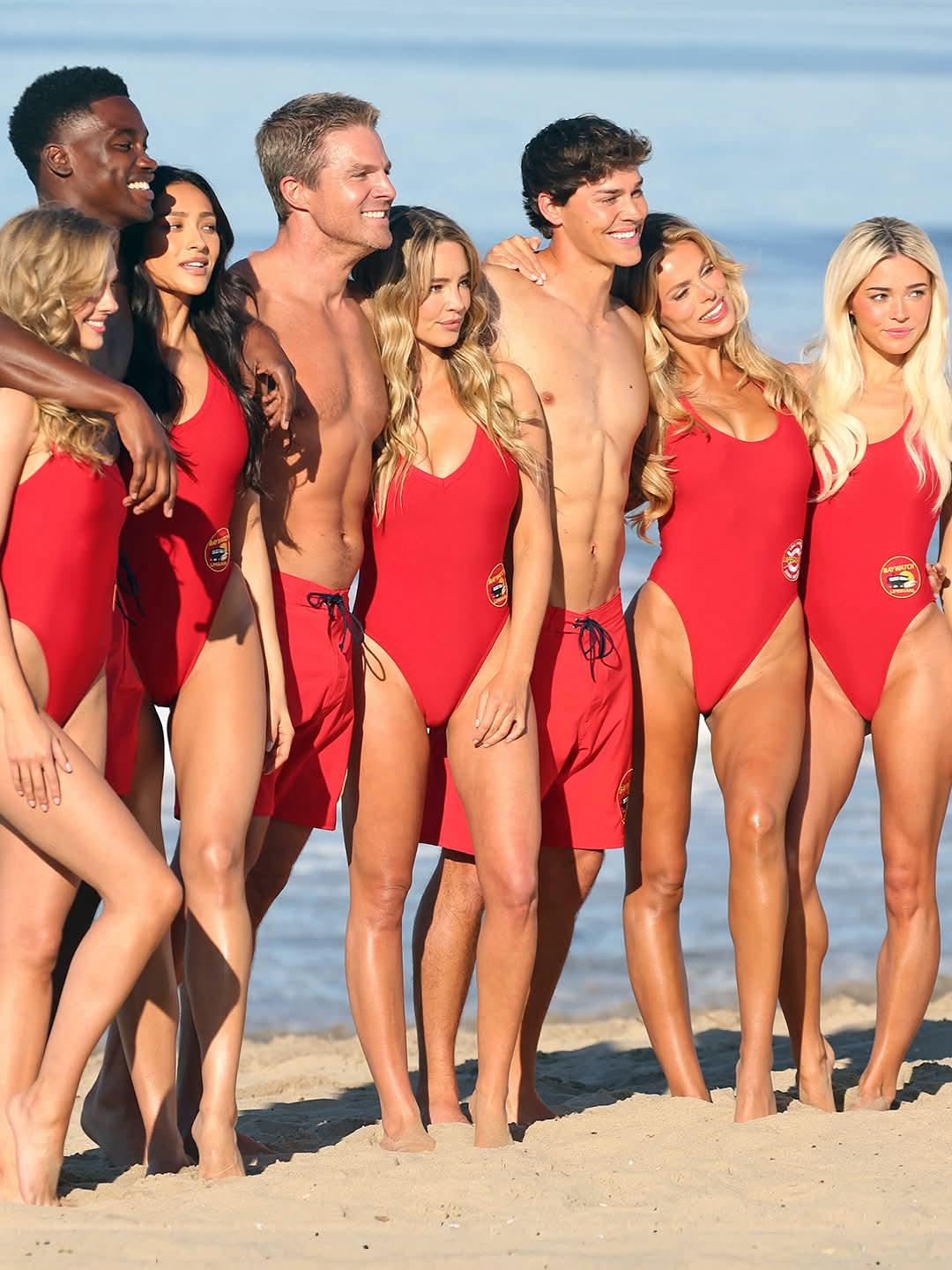
Cast photo was taken during shooting of an episode.
 Ron won't be happy to hear that. I'm sure they went on and on about GH since Ron is scheduled to appear, and they wanted to tell Ron in his interview how Donna gushed over the role he created for her. Instead, Greg got egg all over his face.
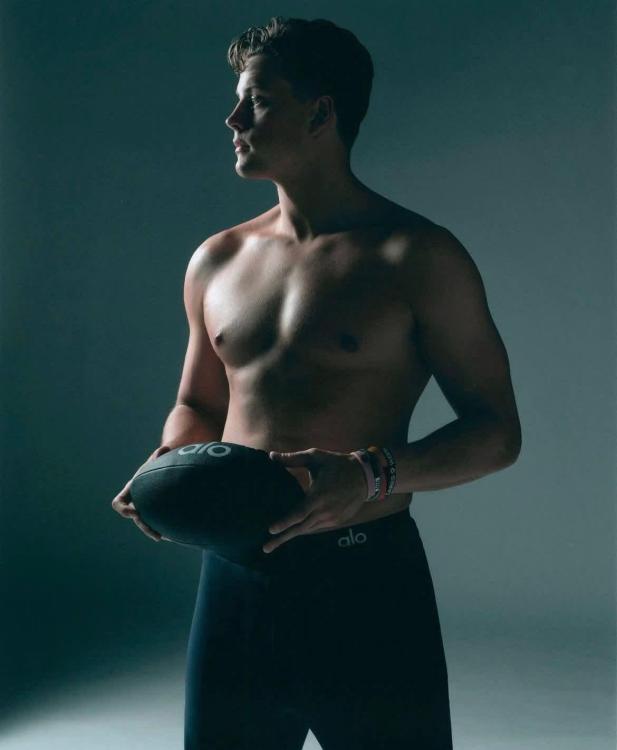
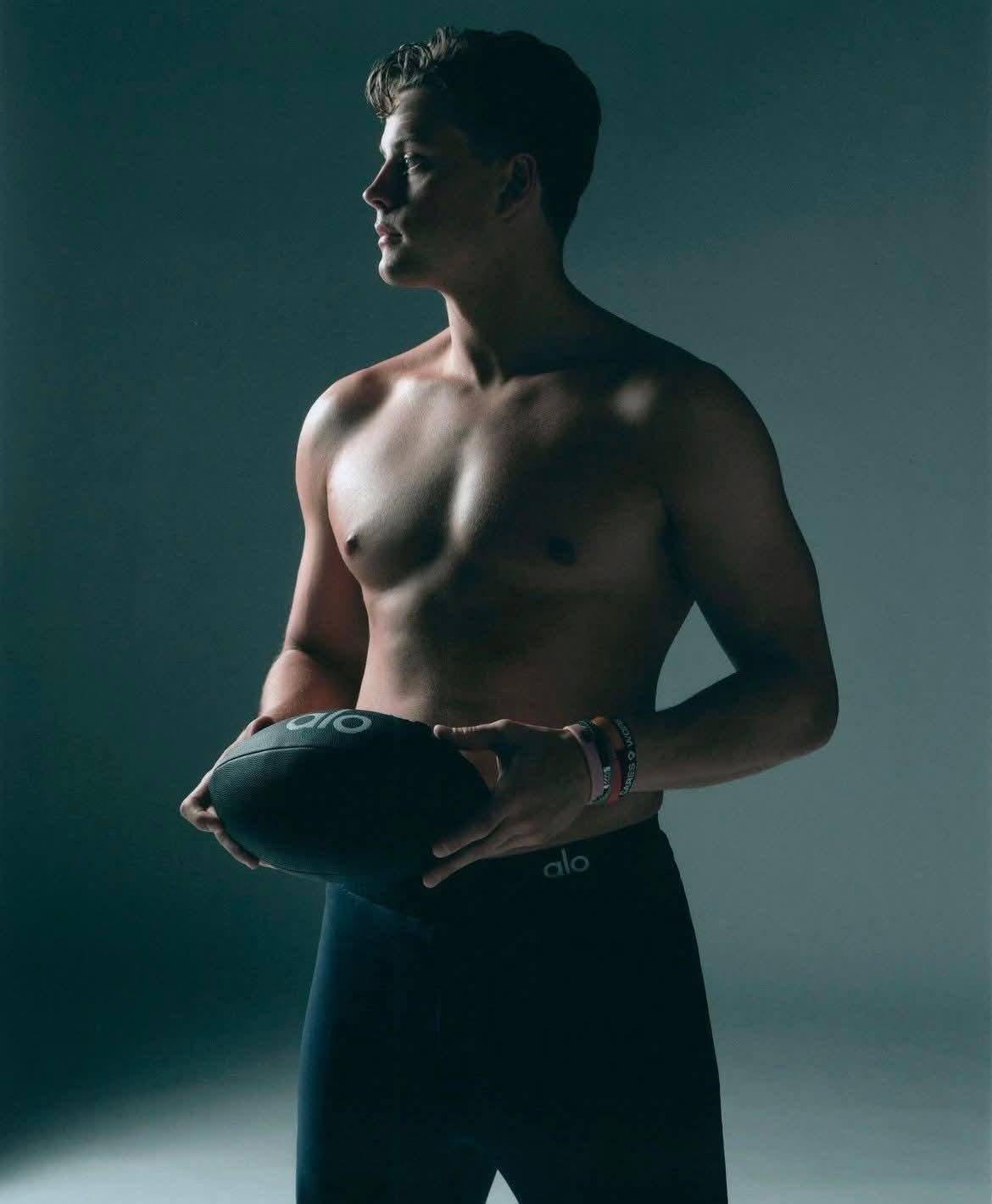
Found by accident hot photos of Joe Borrow. I know @ranger1rg you'd be interested. His chest looks so good.
Ron won't be happy to hear that. I'm sure they went on and on about GH since Ron is scheduled to appear, and they wanted to tell Ron in his interview how Donna gushed over the role he created for her. Instead, Greg got egg all over his face.
Found by accident hot photos of Joe Borrow. I know @ranger1rg you'd be interested. His chest looks so good.
 .....
.....
Important Information
By using this site, you agree to our Terms of Use and Privacy Policy
