






Soapsuds
Member
-
Joined
Everything posted by Soapsuds
-
I was also wondering why there was a fan club when we already had the love forum, but you explained it.
-
I want to be the president of the Chandler Massey Fan Club..😁😊☺️😉
-
Btw Joey and Vanessa are a snoozefest. Is Vanessa this stupid?
-
-
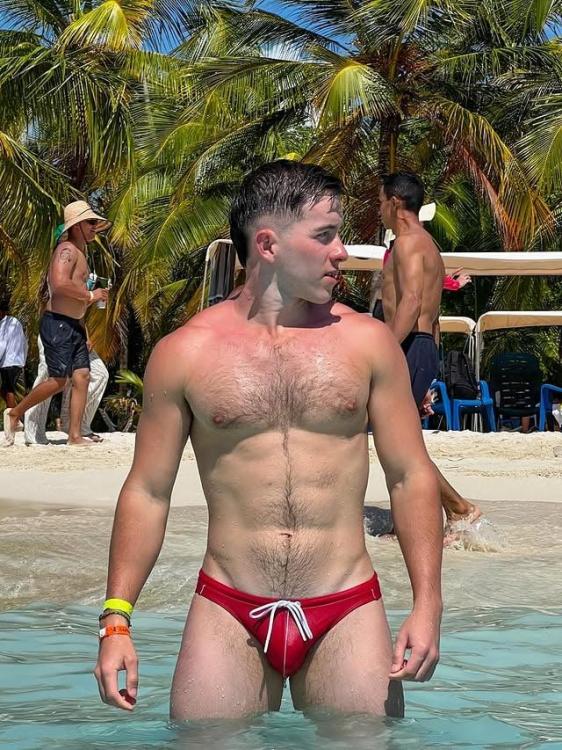
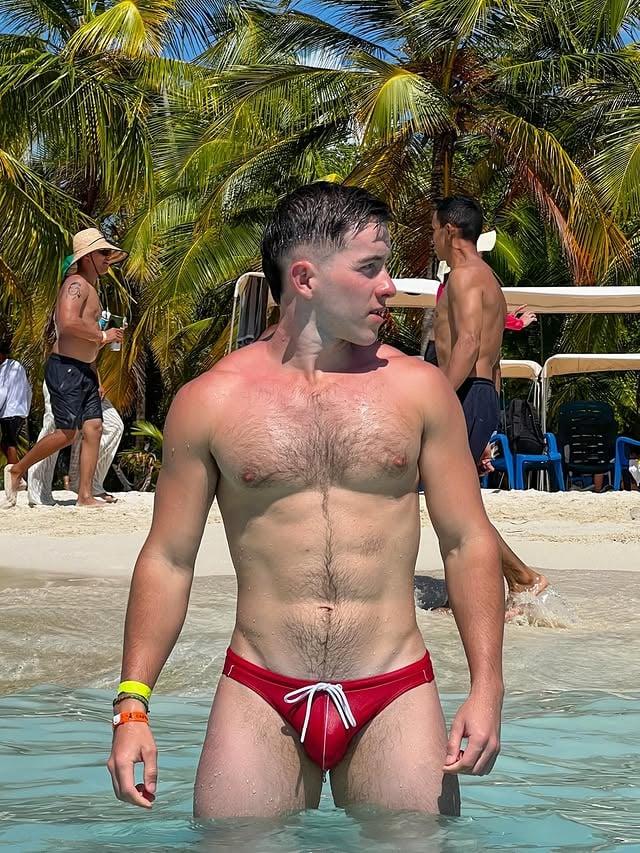
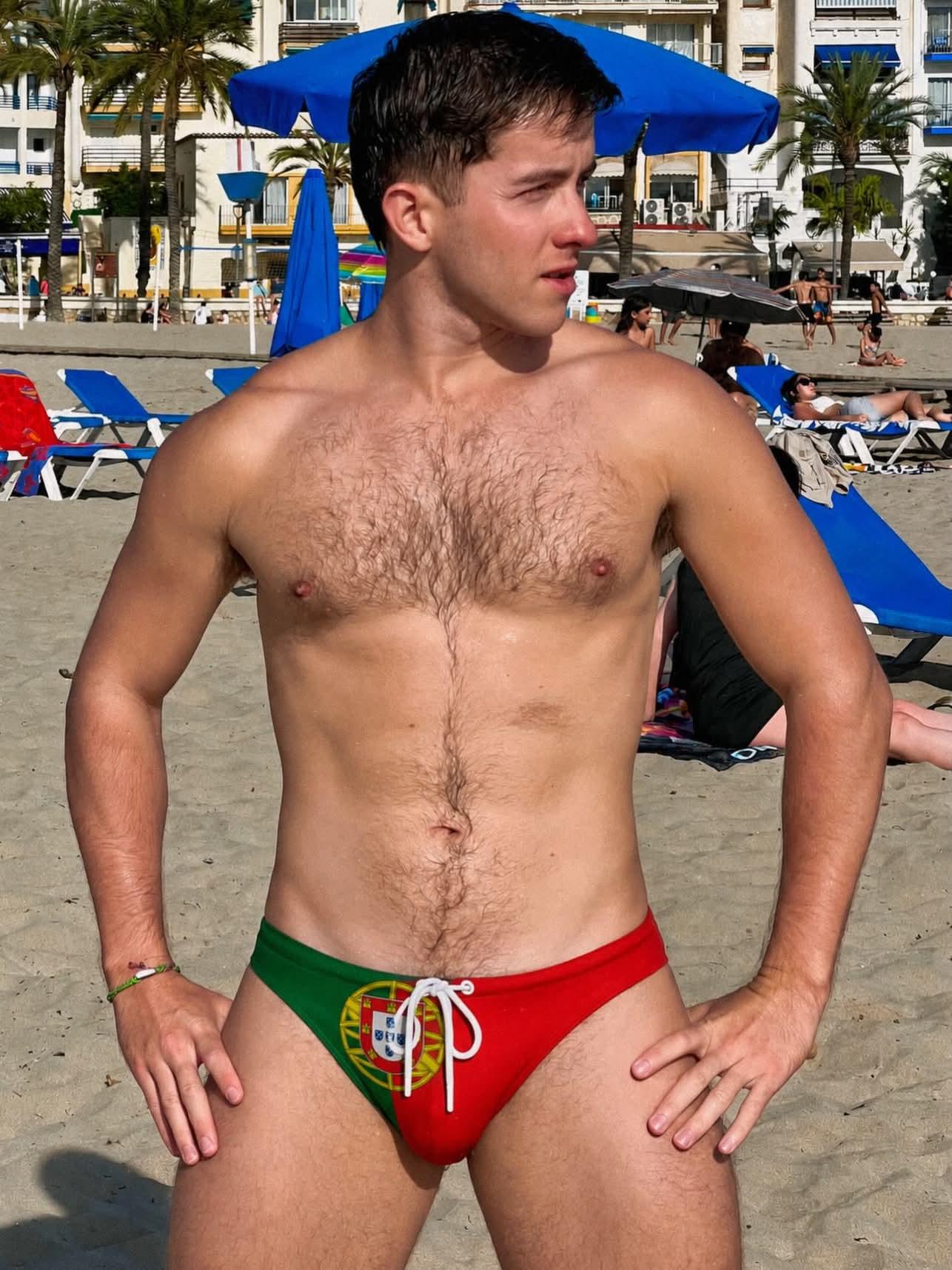
Shirtless guys everywhere and guys kissing. Sounds like a winning formula. Never mind Electra was on. She is sooooooo boring. She sucks!
-
I can't believe I was actually looking forward to this week's episode. Today was a good episode. I was hoping Martin would have passed, and his liver would be the one to save Eva. Imagine the Leslie and Nicole scenes.
-
...

-
Well, if you loved that, how about this?

-
@AbcNbc247 Mark and Dimitri? Yeah right. The writers will pair Mark with the insufferable Leo to solve his drinking problem.
-
-
....

-
...
-
A threesome? You dirty dog.😂😋Got the message again and also got this pop up
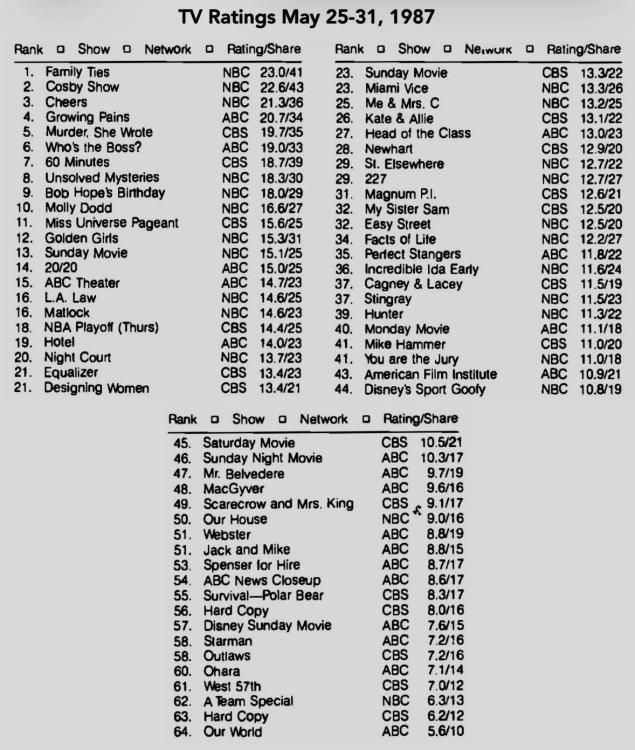
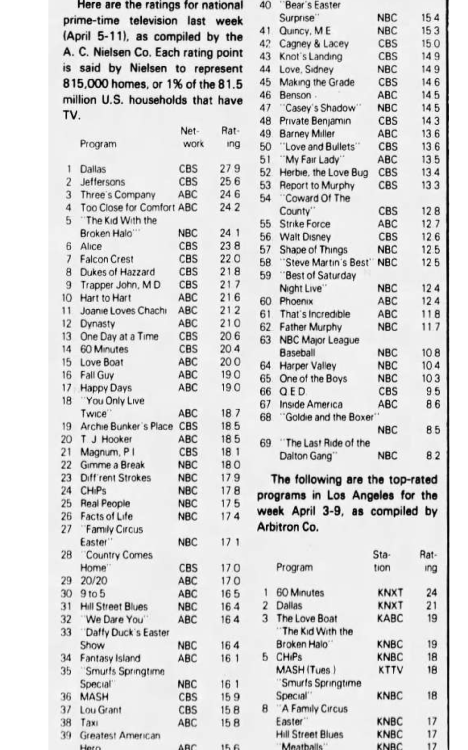
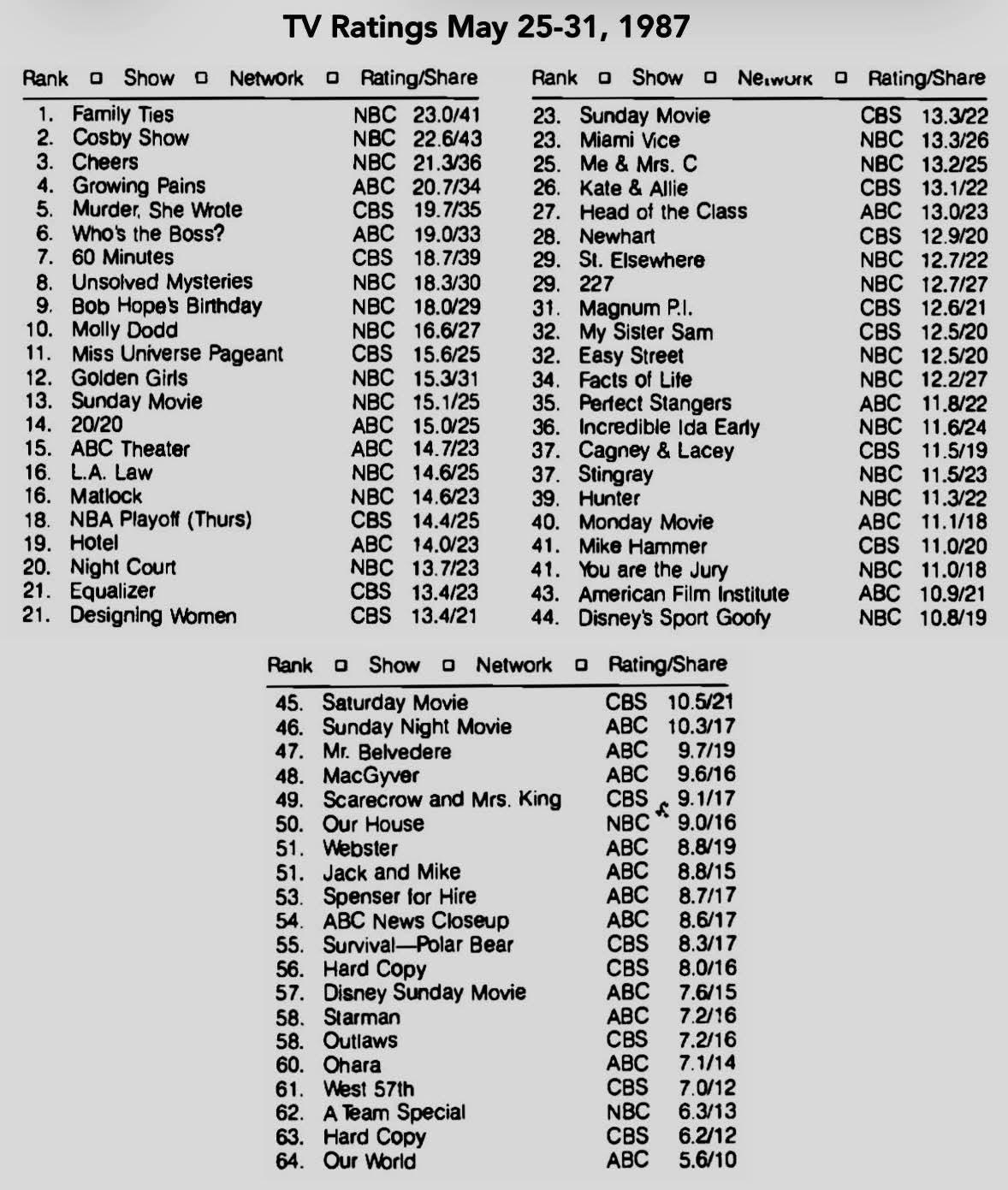
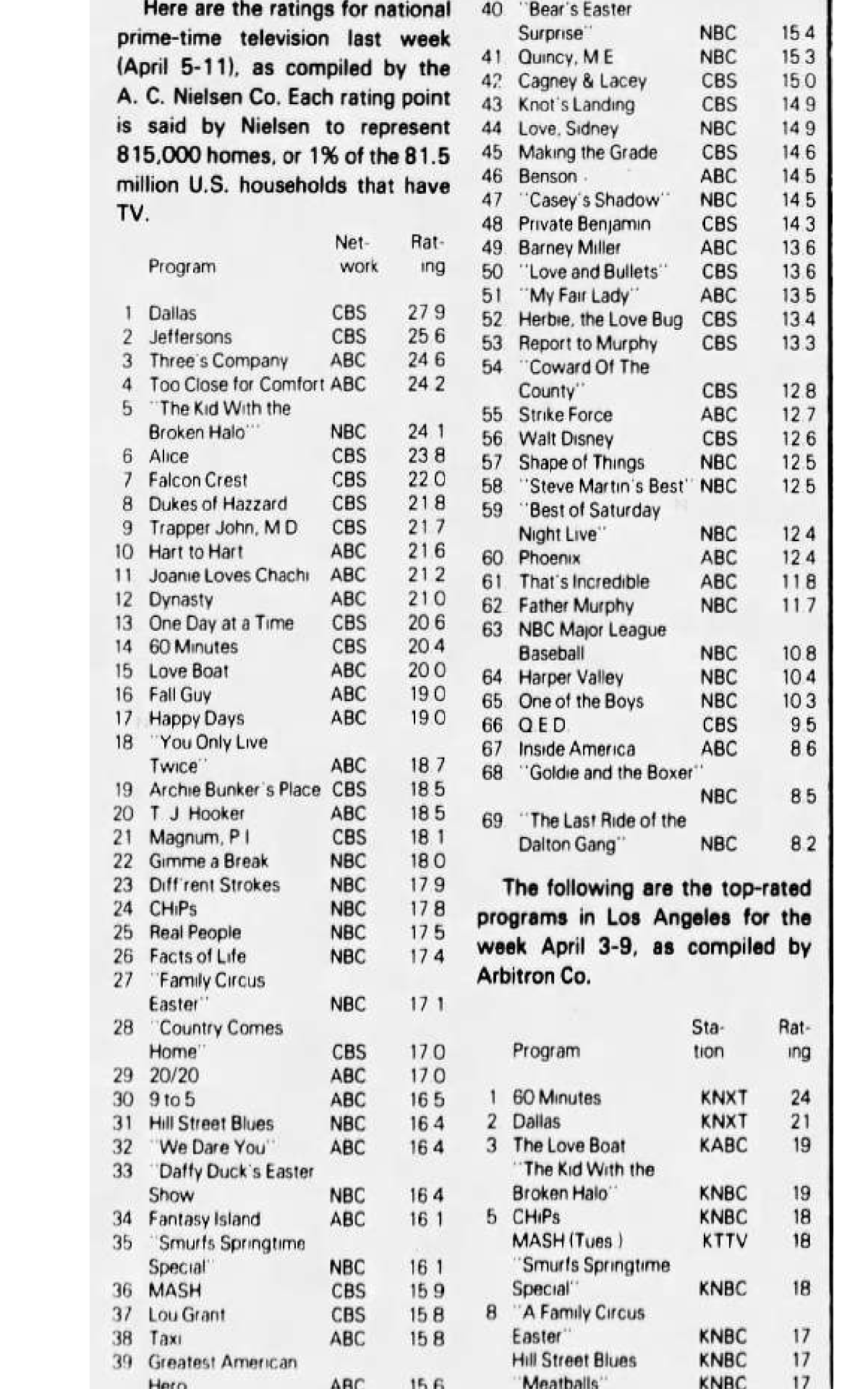
 I received the same message a few seconds ago.Since it's pride monthDouble postI forgot it was today. Thanks for the reminder.Dallas season finale was the week before and had a 27.9 rating.
 Good thing Victor was not in today's episode because YR had him in today's episode. Just dumb by YR.Good episode. I had to laugh at Vernon yelling at Smitty to come help instead of standing there looking pretty. The Eva scenes were great! Why were all the lights out but the elevator lights with Dani and Bill still on?Jack, Diane and Kyle should move to BTG and leave YR.







Important Information
By using this site, you agree to our Terms of Use and Privacy Policy

Account
Navigation
Search
Configure browser push notifications
Chrome (Android)
- Tap the lock icon next to the address bar.
- Tap Permissions → Notifications.
- Adjust your preference.
Chrome (Desktop)
- Click the padlock icon in the address bar.
- Select Site settings.
- Find Notifications and adjust your preference.
Safari (iOS 16.4+)
- Ensure the site is installed via Add to Home Screen.
- Open Settings App → Notifications.
- Find your app name and adjust your preference.
Safari (macOS)
- Go to Safari → Preferences.
- Click the Websites tab.
- Select Notifications in the sidebar.
- Find this website and adjust your preference.
Edge (Android)
- Tap the lock icon next to the address bar.
- Tap Permissions.
- Find Notifications and adjust your preference.
Edge (Desktop)
- Click the padlock icon in the address bar.
- Click Permissions for this site.
- Find Notifications and adjust your preference.
Firefox (Android)
- Go to Settings → Site permissions.
- Tap Notifications.
- Find this site in the list and adjust your preference.
Firefox (Desktop)
- Open Firefox Settings.
- Search for Notifications.
- Find this site in the list and adjust your preference.