





Soapsuds
Member
-
Joined
Everything posted by Soapsuds
-
Still having problems with logging in and being booted out. Shows I'm online now but having trouble submitting this reply. It won't go through.
-
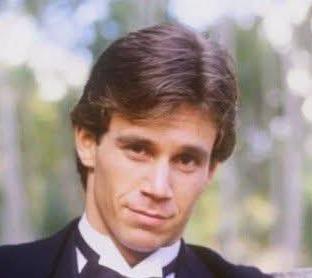
👀 Joseph Cross, who played Casey Hughes on As the World Turns (1999–2002), just appeared in Episode 7 of Season 2 of The Last Thing He Told Me on Apple TV+. He plays a younger Nicholas Bell (the role played by David Morse).

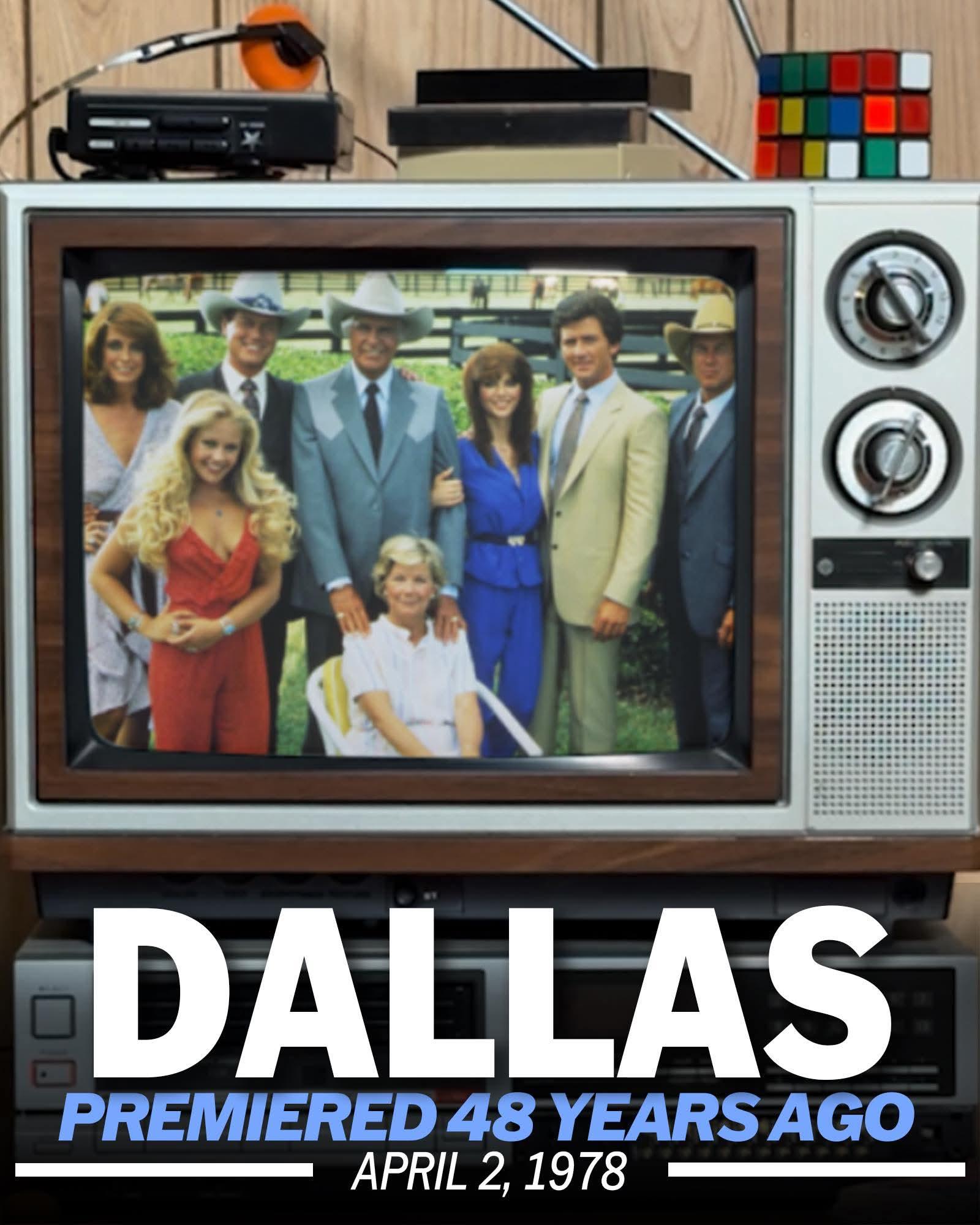
 Thanks @JAS0N47 !! Love this! I've been looking for these breakdown ratings for some time since Ratings Ryan website was taken down. I wish I had saved all the breakdown numbers for all soaps in primetime before Ryan's site disappeared.SON has an app?I wish those "big plans" included a sex romp with Michael and Chase.Thanks, DR!!😊I got logged out and tried logging back in but couldn't. Then, magically, I was logged back in. As a CBS daytime promo once said, "What in the world is going on?" As SON turns.@kalbir Do you happen to have the ratings ending May 11, 1991?I enjoyed Sofia on General Hospital. I immediately thought she'd be a recast Abigail. She isn't debuting until 2027? That is just ridiculous.Ryan Paevey is not an actor. He is a hard-muscled hot guy on TV. He would be better suited on OnlyFans.It's nice to see General Hospital hold steady after a good week of episodes last week. Bold took a big hit last week all around in numbers. Beyond the Gates is down in its demo numbers compared to last year and last week.48 years ago tomorrow.....Thanks for the history lesson. That would make the twins 35 years old. It would be nice if they'd cast them, but at this rate, we would not see them until 2028.








Important Information
By using this site, you agree to our Terms of Use and Privacy Policy
