I Am A Swede
Member
-
Joined
-
Last visited
Everything posted by I Am A Swede
-
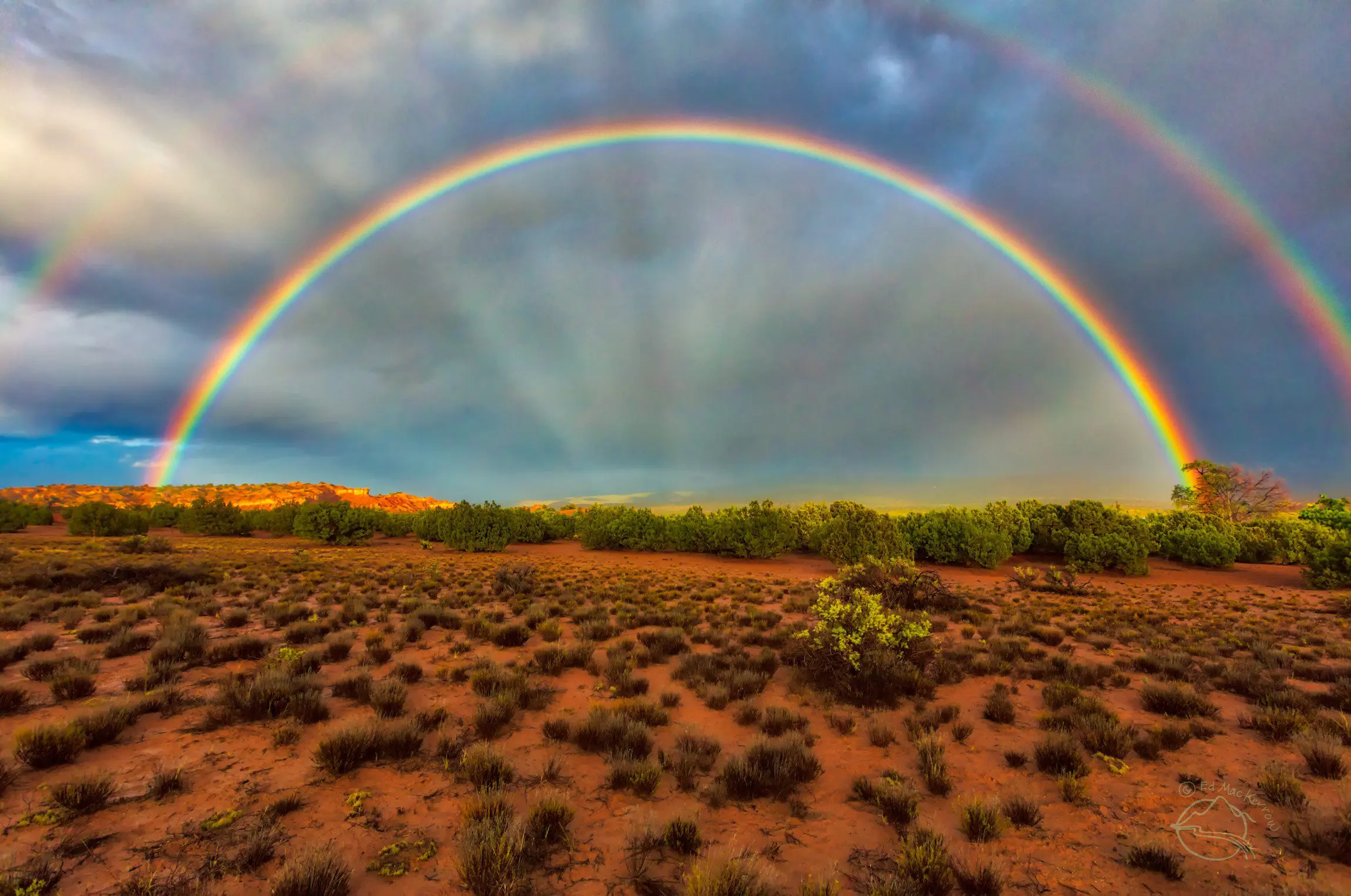
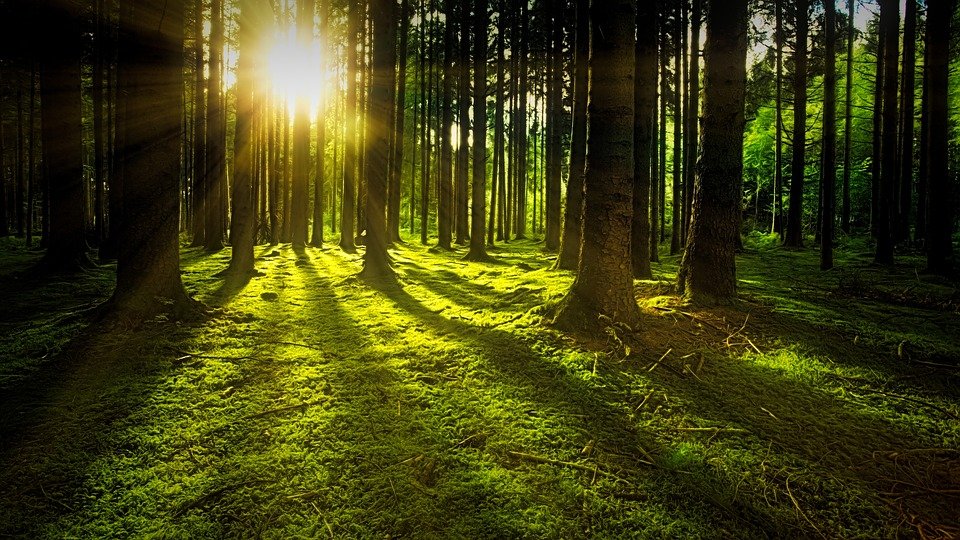
It's always nice to see them use the front door on Southfork. We rarely saw them do that, and when they did it added a bit of grandeur to the place instead of the back entrance they usually used.I just love forests. There's something so peaceful about them.
 I wonder how B&B would have handled it if Hunter's role on Melrose Place had worked out and she had left B&B for real. Would they have re-cast Taylor or brought in a new character? And if I'm not mistaken, wasn't KKL also thinking about leaving around this time? Would B&B even have survived if both HT and KKL would have left?
Important Information
By using this site, you agree to our Terms of Use and Privacy Policy

Account
Navigation
Search
Configure browser push notifications
Chrome (Android)
- Tap the lock icon next to the address bar.
- Tap Permissions → Notifications.
- Adjust your preference.
Chrome (Desktop)
- Click the padlock icon in the address bar.
- Select Site settings.
- Find Notifications and adjust your preference.
Safari (iOS 16.4+)
- Ensure the site is installed via Add to Home Screen.
- Open Settings App → Notifications.
- Find your app name and adjust your preference.
Safari (macOS)
- Go to Safari → Preferences.
- Click the Websites tab.
- Select Notifications in the sidebar.
- Find this website and adjust your preference.
Edge (Android)
- Tap the lock icon next to the address bar.
- Tap Permissions.
- Find Notifications and adjust your preference.
Edge (Desktop)
- Click the padlock icon in the address bar.
- Click Permissions for this site.
- Find Notifications and adjust your preference.
Firefox (Android)
- Go to Settings → Site permissions.
- Tap Notifications.
- Find this site in the list and adjust your preference.
Firefox (Desktop)
- Open Firefox Settings.
- Search for Notifications.
- Find this site in the list and adjust your preference.