






dragonflies
Member
-
Joined
-
Last visited
Everything posted by dragonflies
-
🤣🤣
-
Especially since the network spoiled the outcome when they released the summary for the Christmas episode which confirmed what it really is
-
Someone said he kept looking at the tea cup after he woke up, I wonder if he did hear her on the phone
-
Maybe a happy medium? I like big icons but those are ginormous for this board
-
It worked yay!
-
Thanks Errol!What voodoo is this? I could not get any thing to embed at all. how do you do it? lolThe smaller icons made the board look better, these are huge. Maybe can we reduce the size of them a bit?LMAO I can'tThis! It changed the whole look of the board and not for the better
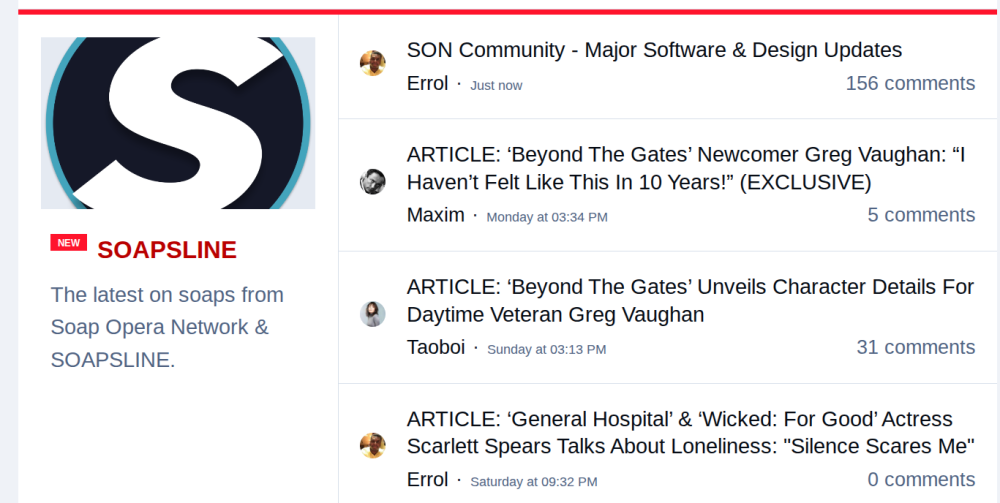 Okay I'm kinda feeling Ted and ShaniceThose side banners are huge, change it back 😶🌫️Wedding event promo not sure how to embed it @Errol can you help? https://www.instagram.com/p/DSFLZIijvsH/"timber" LMAO
 Yeah and TIK TOK has a bigger reach and could reach more people if they used the platform.Question maybe @Errol might know. why hasn't CBS given BTG a new promo in over a month? They keep repeating the Articullete promo from months ago. It airs after each CBS soap🤣
 I cracked up when Vanessa did that lol Why did so much happen OFF SCREEN? Bill emceeing was mentioned quite a bit and off screen. Vernon singing: didn't happen etcLMFAO DEAD

Important Information
By using this site, you agree to our Terms of Use and Privacy Policy

Account
Navigation
Search
Configure browser push notifications
Chrome (Android)
- Tap the lock icon next to the address bar.
- Tap Permissions → Notifications.
- Adjust your preference.
Chrome (Desktop)
- Click the padlock icon in the address bar.
- Select Site settings.
- Find Notifications and adjust your preference.
Safari (iOS 16.4+)
- Ensure the site is installed via Add to Home Screen.
- Open Settings App → Notifications.
- Find your app name and adjust your preference.
Safari (macOS)
- Go to Safari → Preferences.
- Click the Websites tab.
- Select Notifications in the sidebar.
- Find this website and adjust your preference.
Edge (Android)
- Tap the lock icon next to the address bar.
- Tap Permissions.
- Find Notifications and adjust your preference.
Edge (Desktop)
- Click the padlock icon in the address bar.
- Click Permissions for this site.
- Find Notifications and adjust your preference.
Firefox (Android)
- Go to Settings → Site permissions.
- Tap Notifications.
- Find this site in the list and adjust your preference.
Firefox (Desktop)
- Open Firefox Settings.
- Search for Notifications.
- Find this site in the list and adjust your preference.