





Faulkner
Member
-
Joined
Everything posted by Faulkner
-
The BBC announcements when royal family members, like Diana, pass away are always powerful. Here’s what aired today:
-
-
I just wonder if Alcaraz will have enough in the tank for Frances. He’s young and spry, but that has to be taxing for anyone.
-
-
Bernard Shaw harkens back to good old days of CNN. Such a strong, steadying presence.
-
S31 cast announced: Fitness model and actor Joseph Baena, son of Arnold Schwarzenegger, with partner Daniella Karagach Selma Blair with partner Sasha Farber Let’s Make a Deal host Wayne Brady with partner Witney Carson Good Morning America contributor and WABC-TV New York’s weather anchor Sam Champion, with partner Cheryl Burke TikTok star Charli D’Amelio with partner Mark Ballas Heidi D’Amelio (The D’Amelio Show) with partner Artem Chigvintsev Country star Jessie James Decker with partner Alan Bersten Actor Trevor Donovan (90210) with partner Emma Slater Actor Daniel Durant (CODA) with partner Britt Stewart Teresa Giudice (The Real Housewives of New Jersey) with partner Pasha Pashkov Vinny Guadagnino (Jersey Shore) with partner Koko Iwasaki Cheryl Ladd (Charlie’s Angels) with partner Louis van Amstel Actor Jason Lewis (Sex and the City) with partner Peta Murgatroyd Drag queen superstar Shangela with partner Gleb Savchenko Platinum recording artist Jordin Sparks with partner Brandon Armstrong Gabby Windey (The Bachelorette) with partner Val Chmerkovskiy
-
Teresa is doing Dancing with the Stars: https://deadline.com/2022/09/dancing-with-the-stars-season-31-cast-first-ever-drag-queen-shangela-1235110881/
-
-
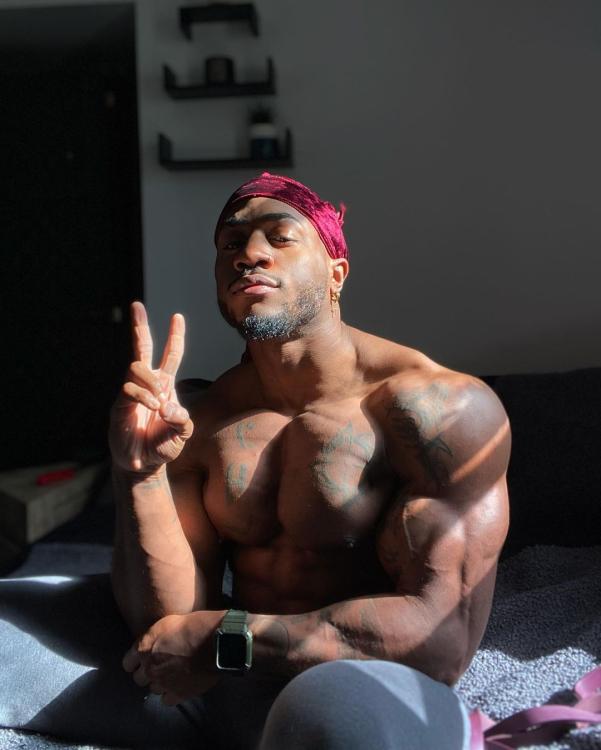
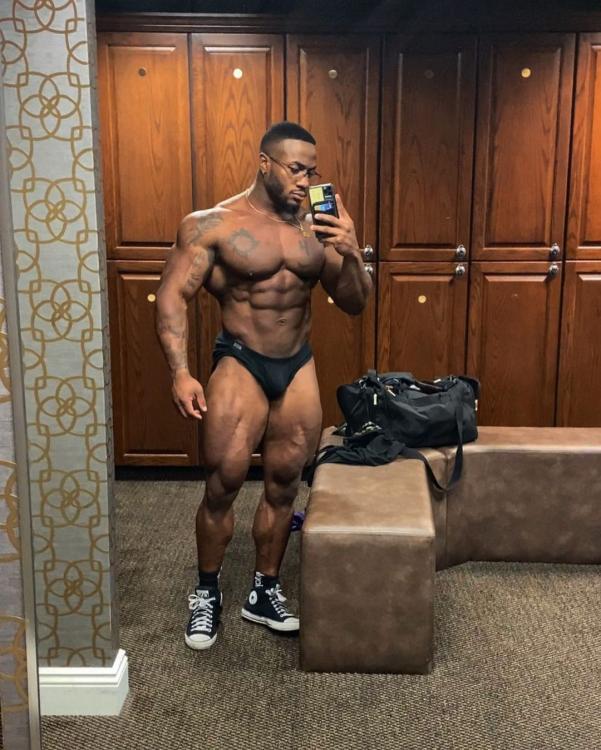
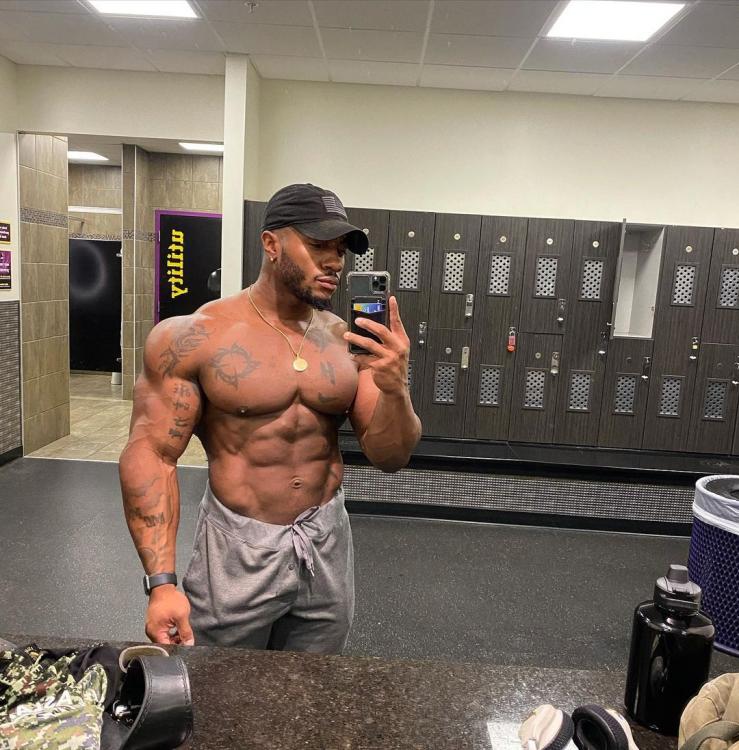
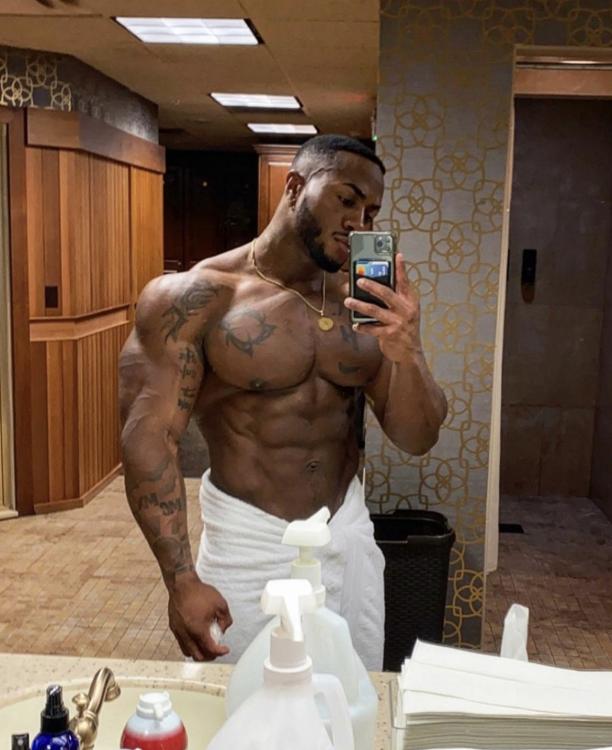
Hilson from Ohio 🇺🇸
-
-
-
Oh dear. How much if anything will she walk away with, if true? Frances is smoking Rublev in these TBs.
-
I’m actually somewhat excited about the prospects for a new USO champion on both the ATP and WTA sides. The remaining contenders are all relatively accomplished players who’ve been discussed as potential major singles champions at some point in their careers (not to mention two-time RG champ Swiatek—even Khachanov has a Masters title). This year, we don’t have relative randoms like Raducanu or Fernandez (which was fun in its own way—Leylah had a Slam on the juniors circuit, which isn’t the same) or even a doubles specialist like Krejcikova suddenly redlining at Roland Garros.
-
Is Sabalenka actually doing ok with closing out matches? Wow.
-
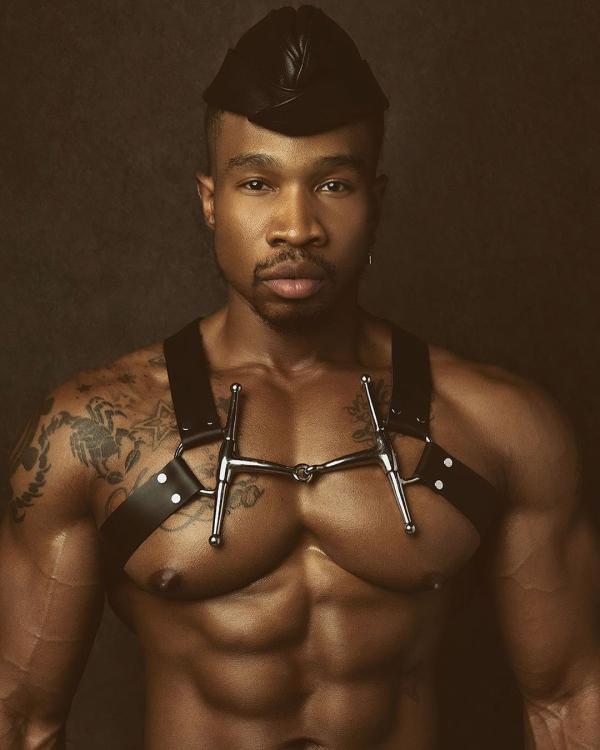
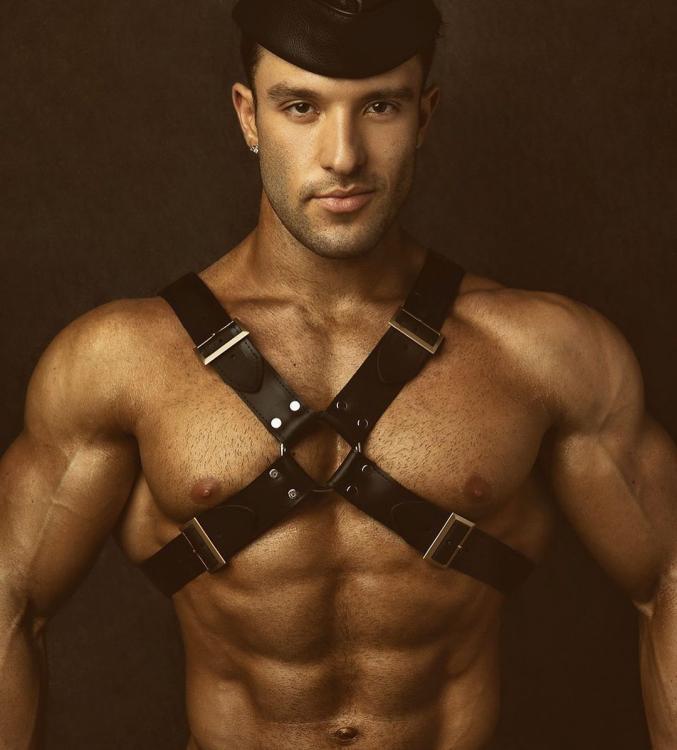
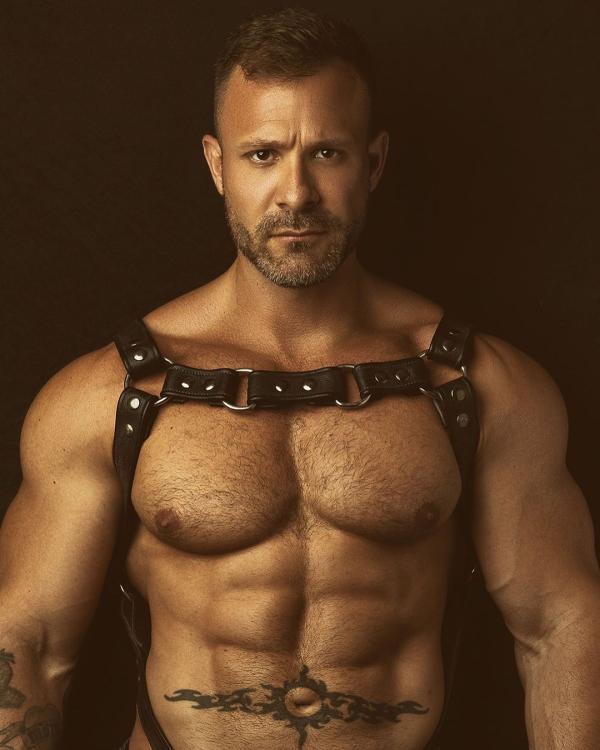
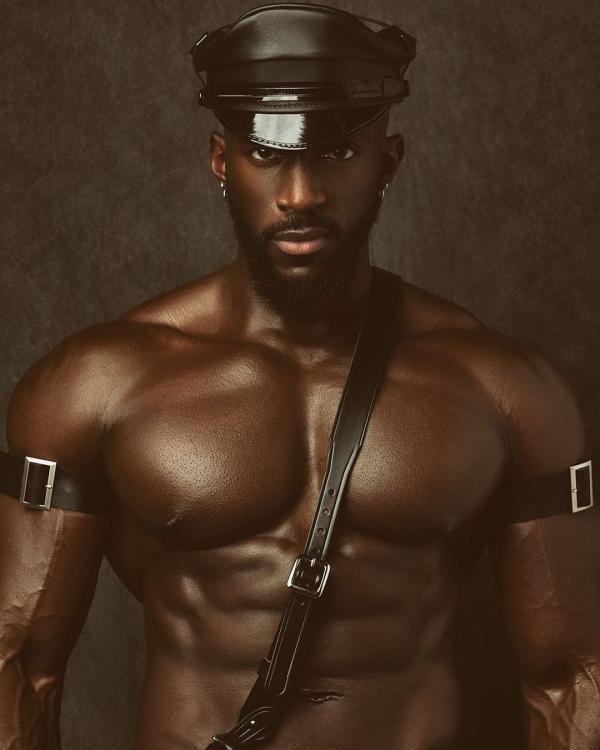
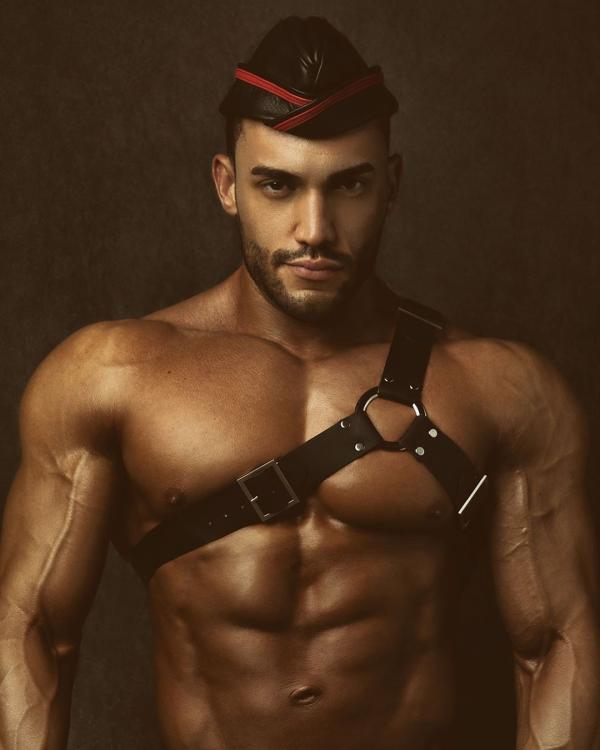
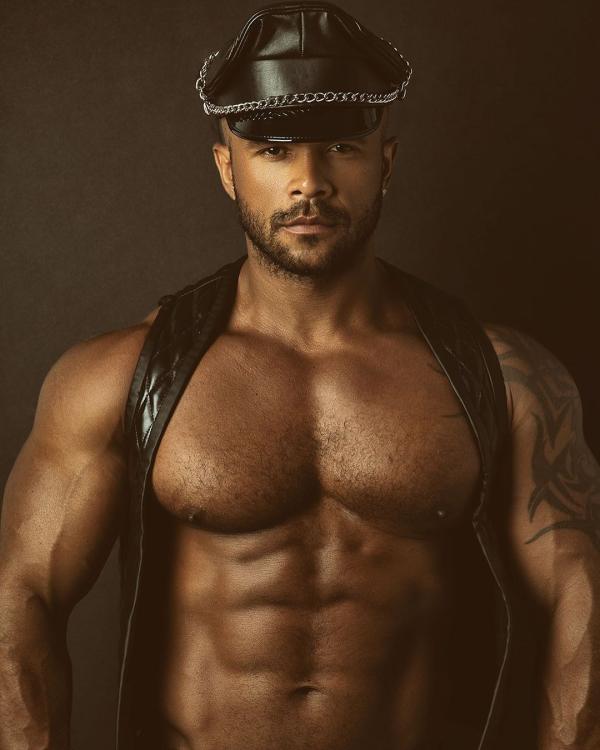
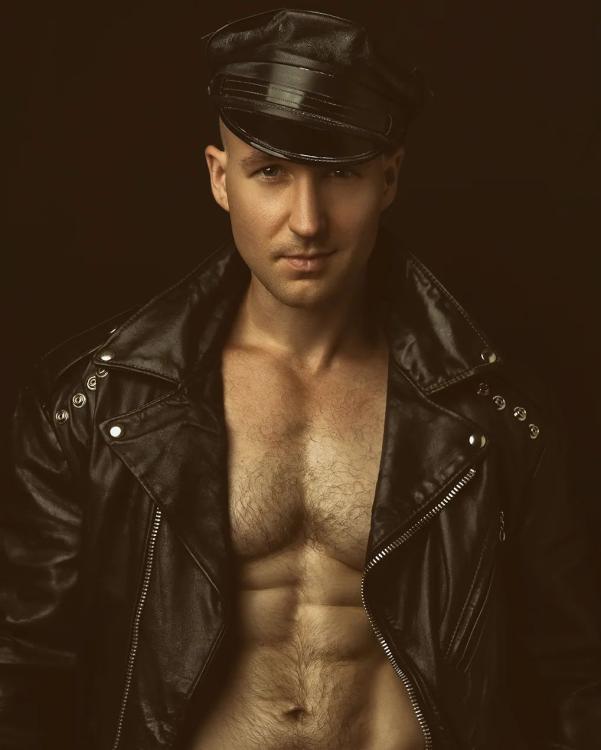
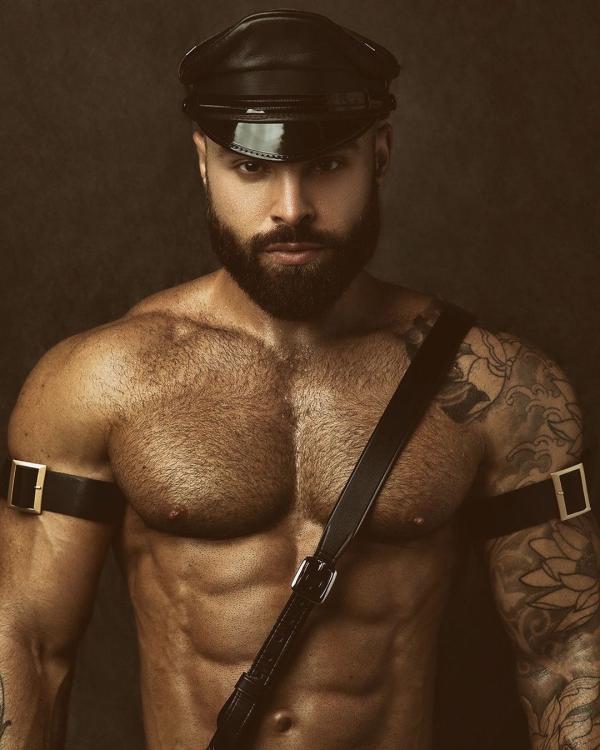
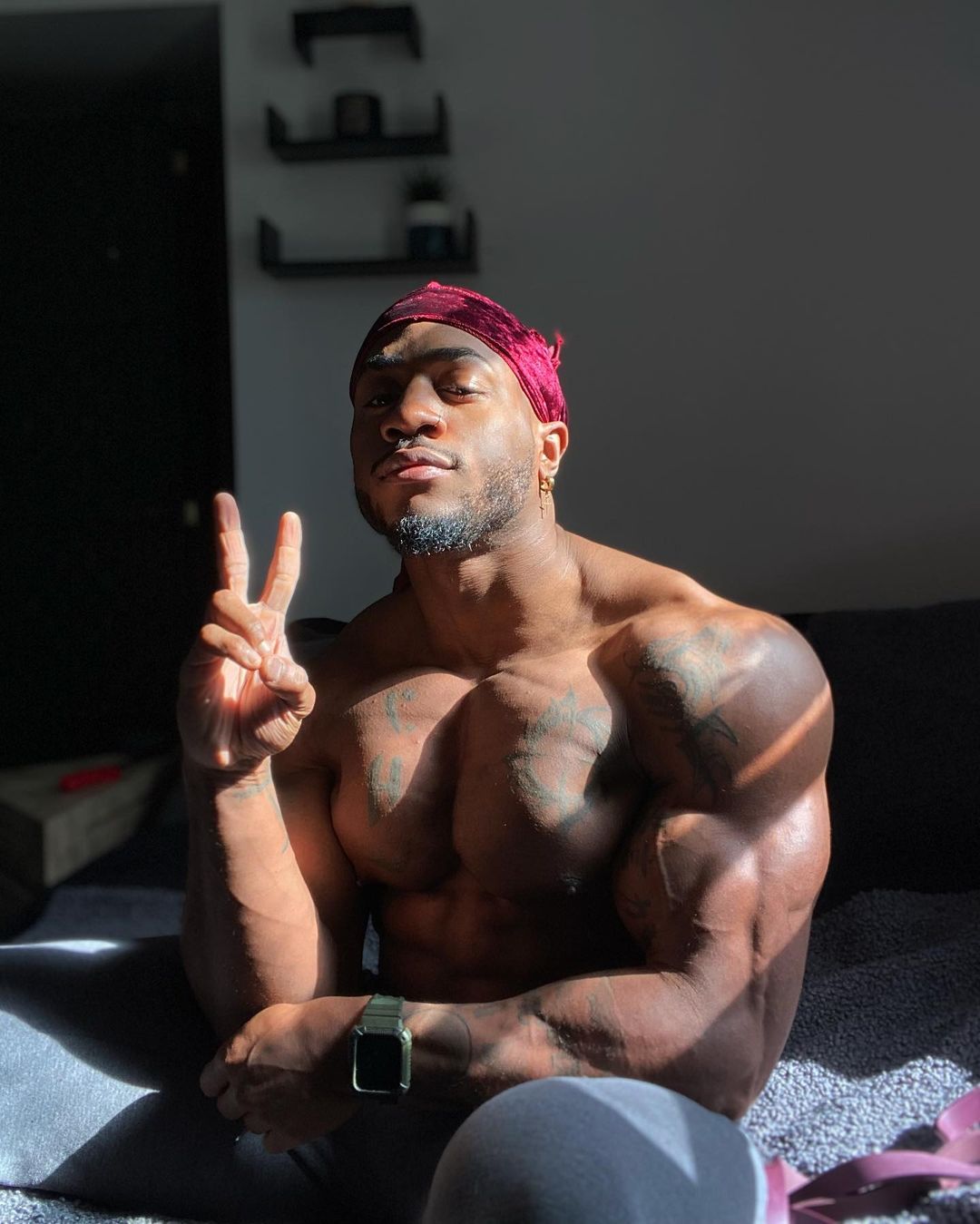
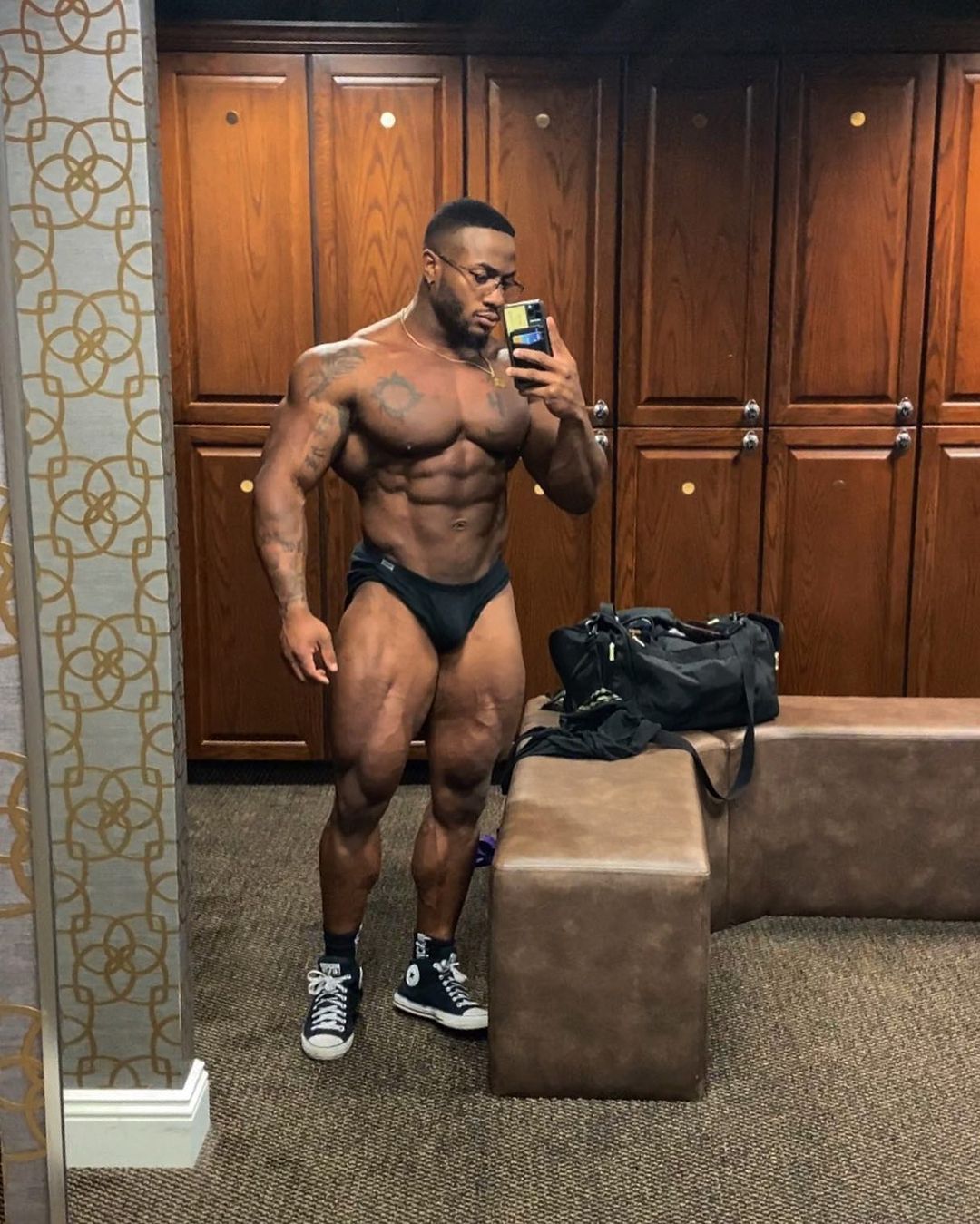
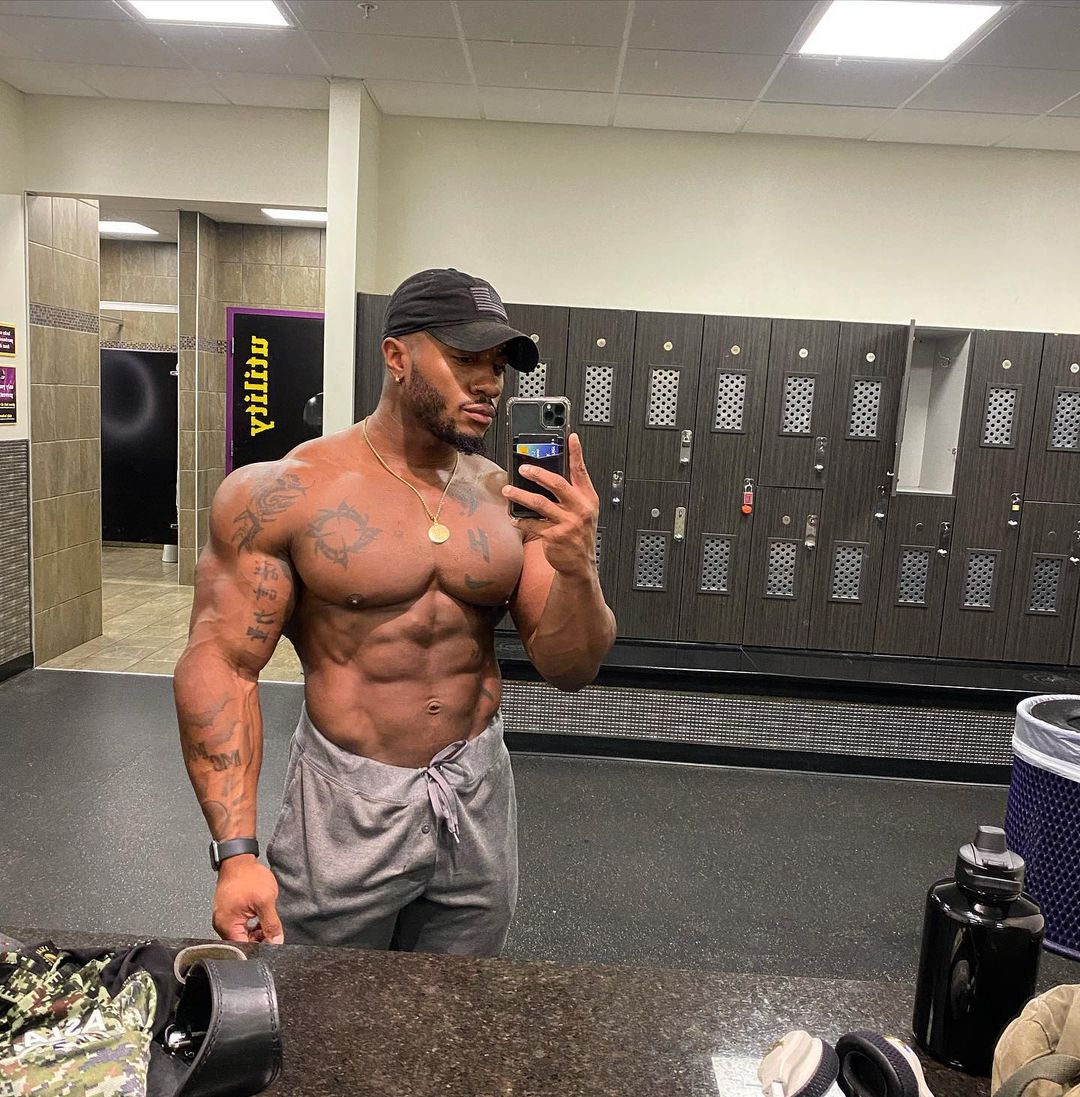
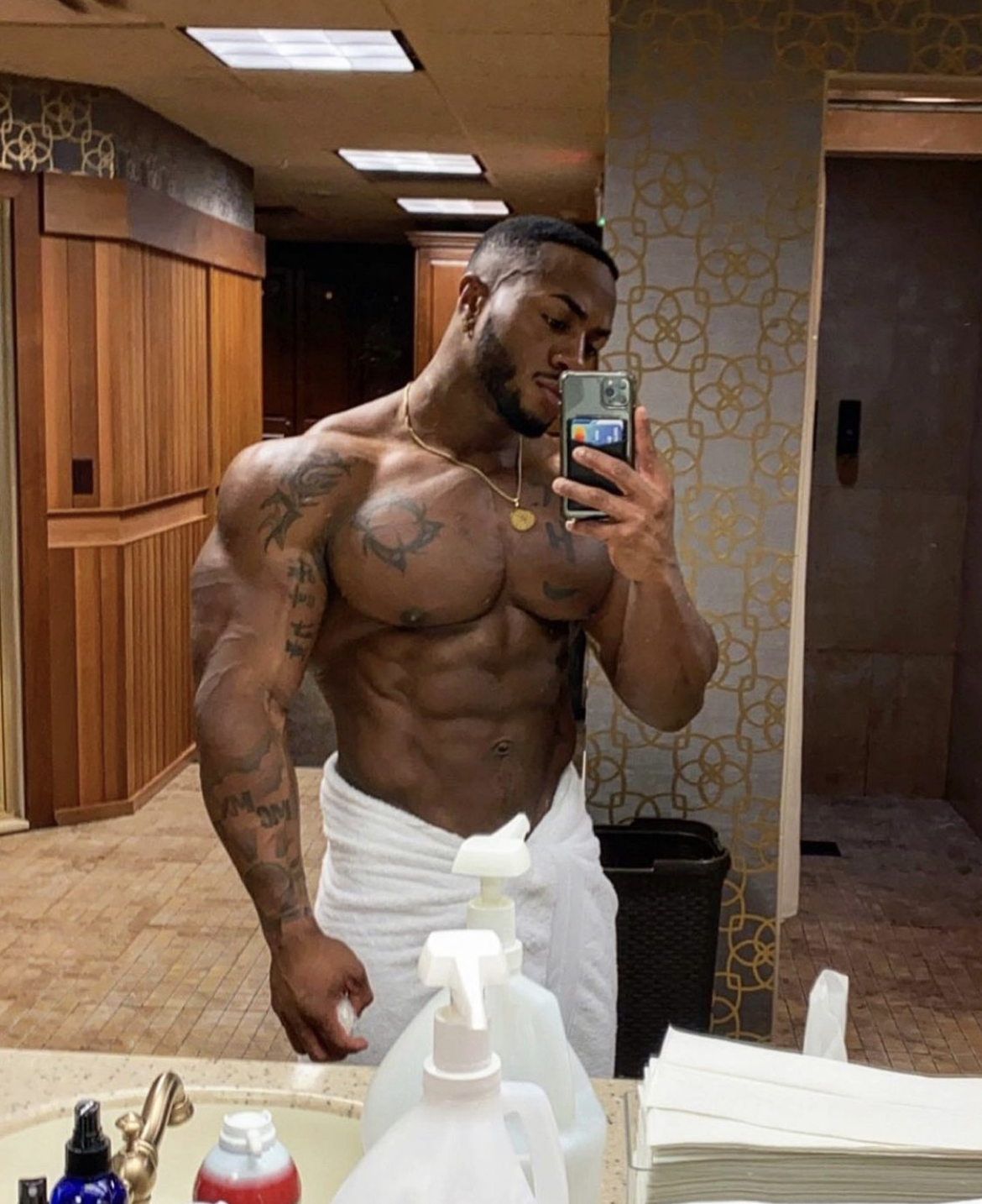
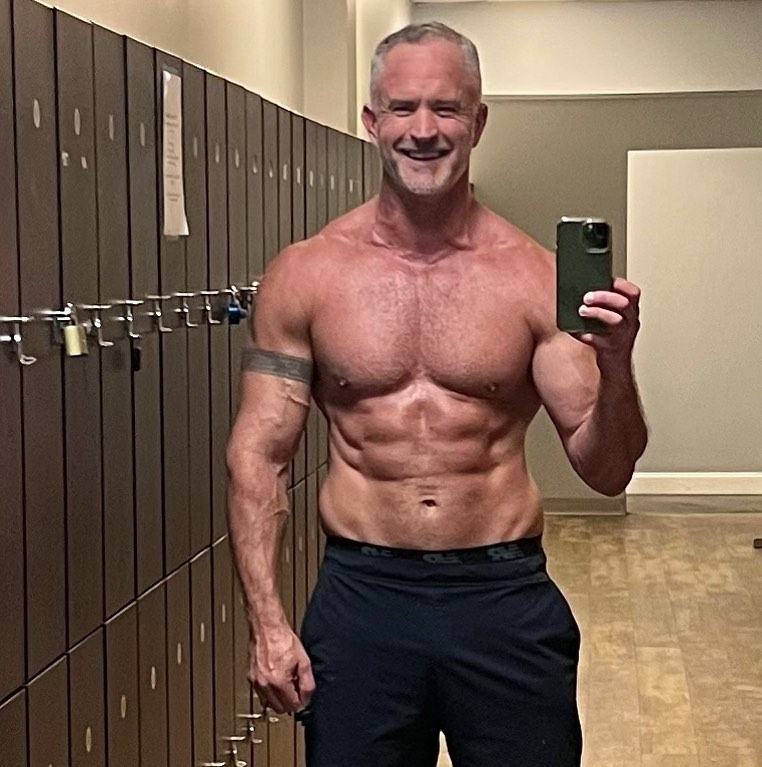
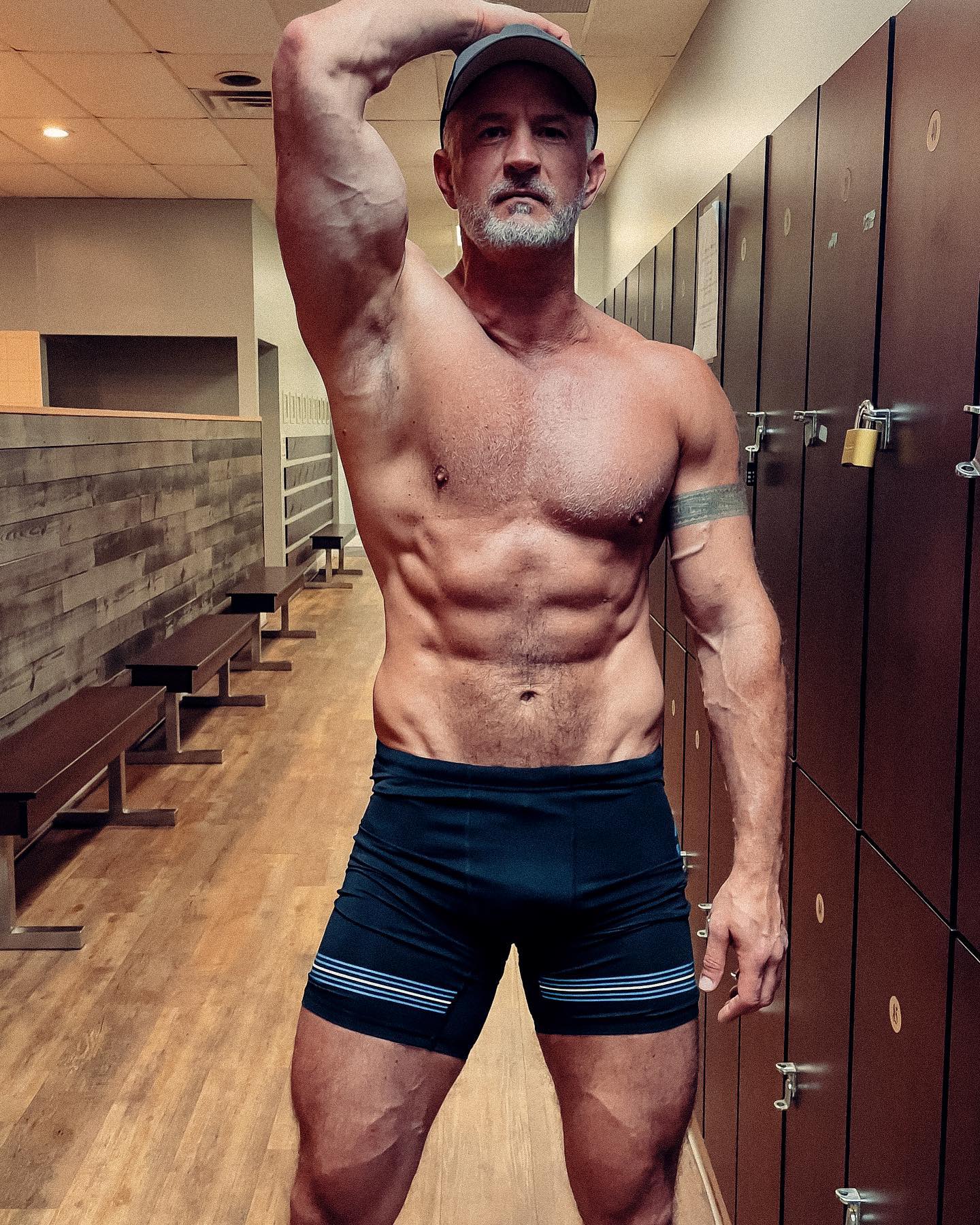
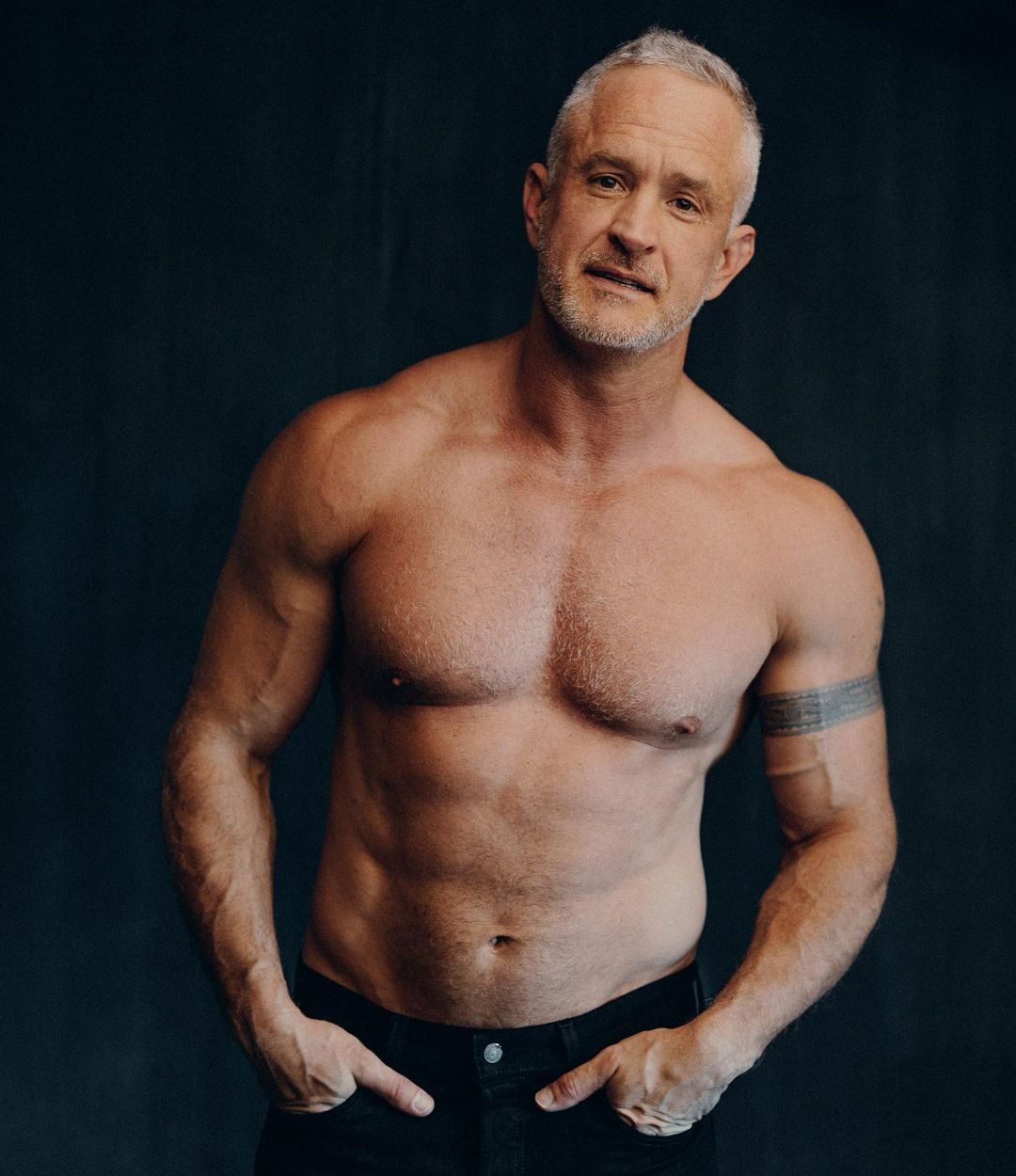
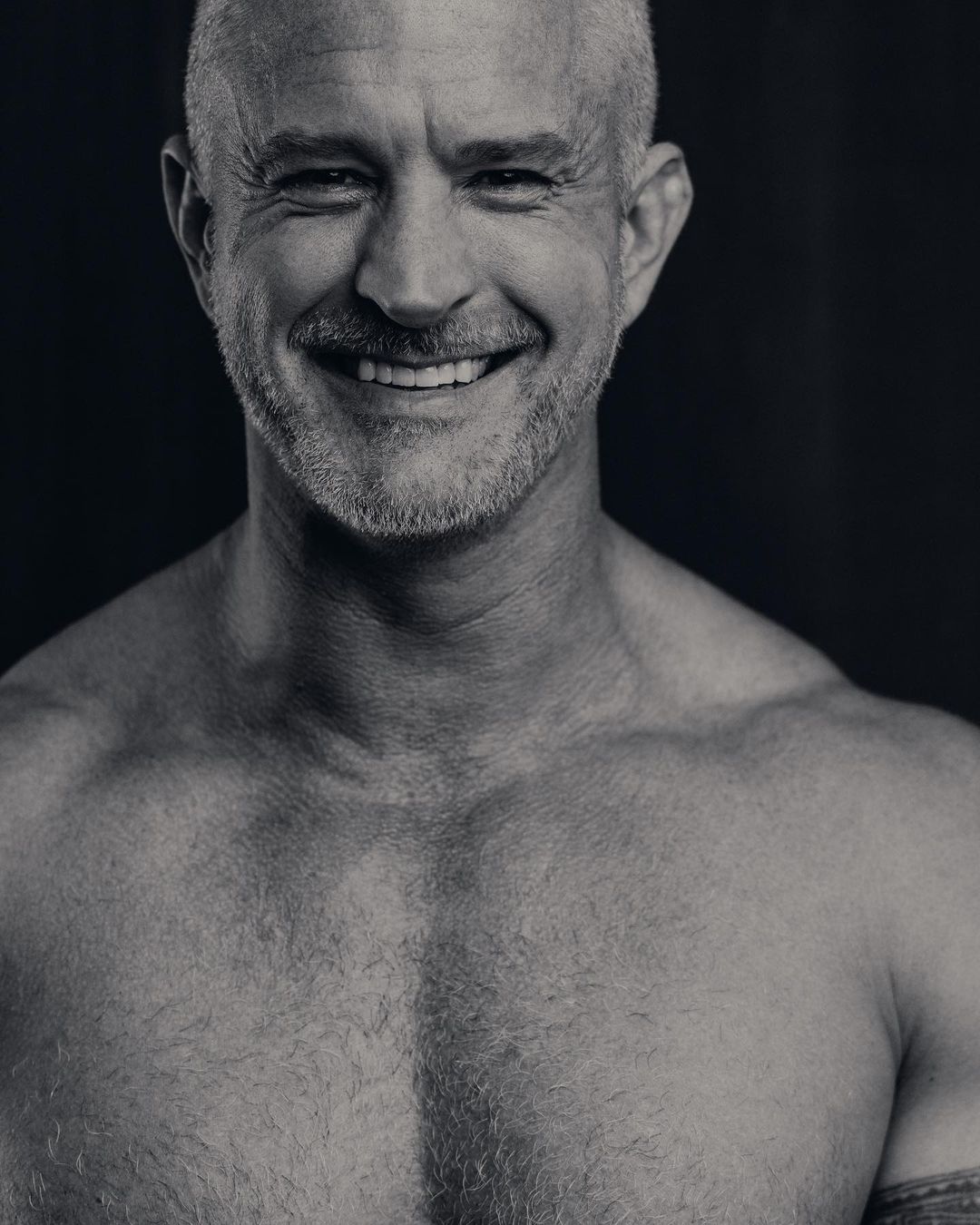
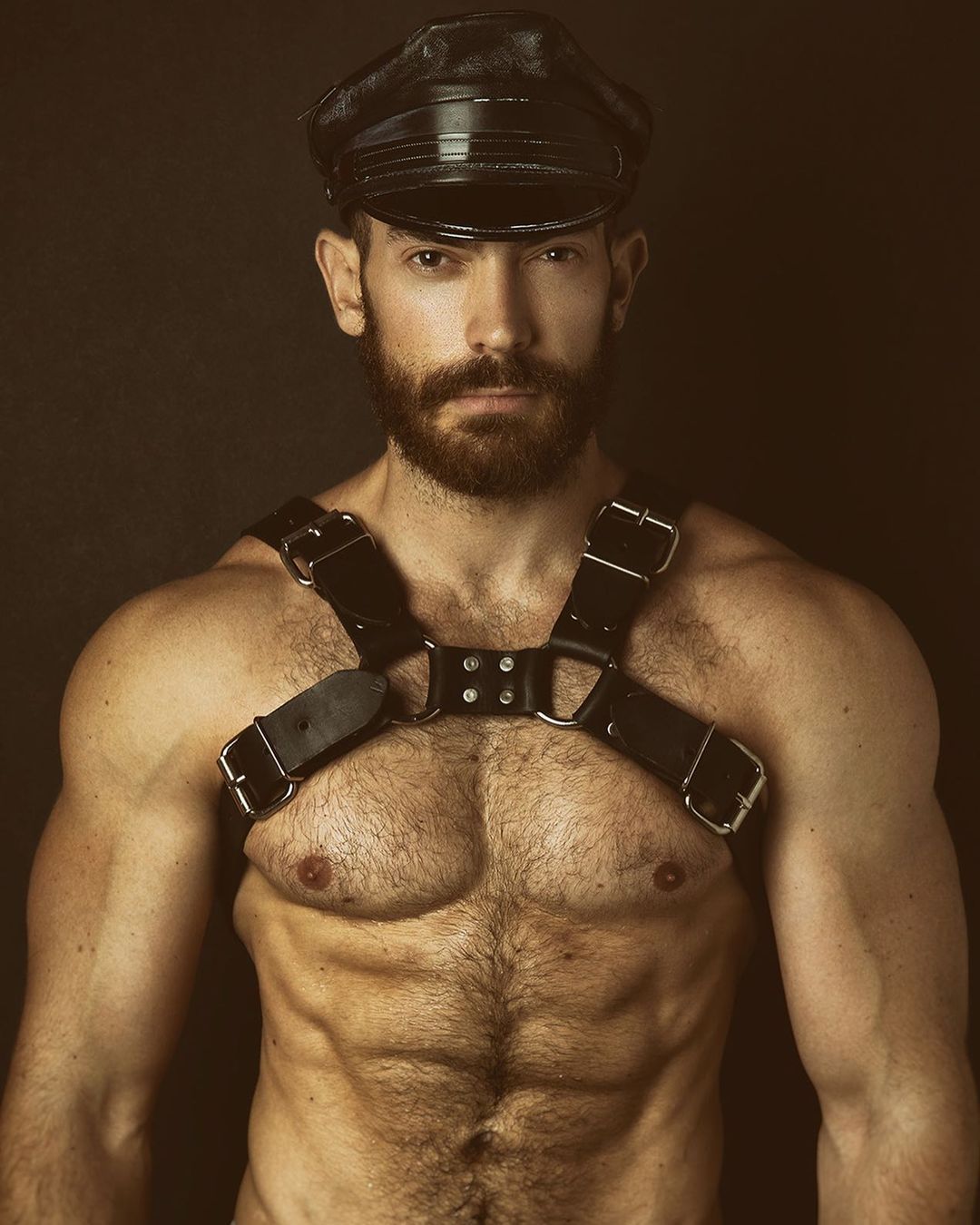
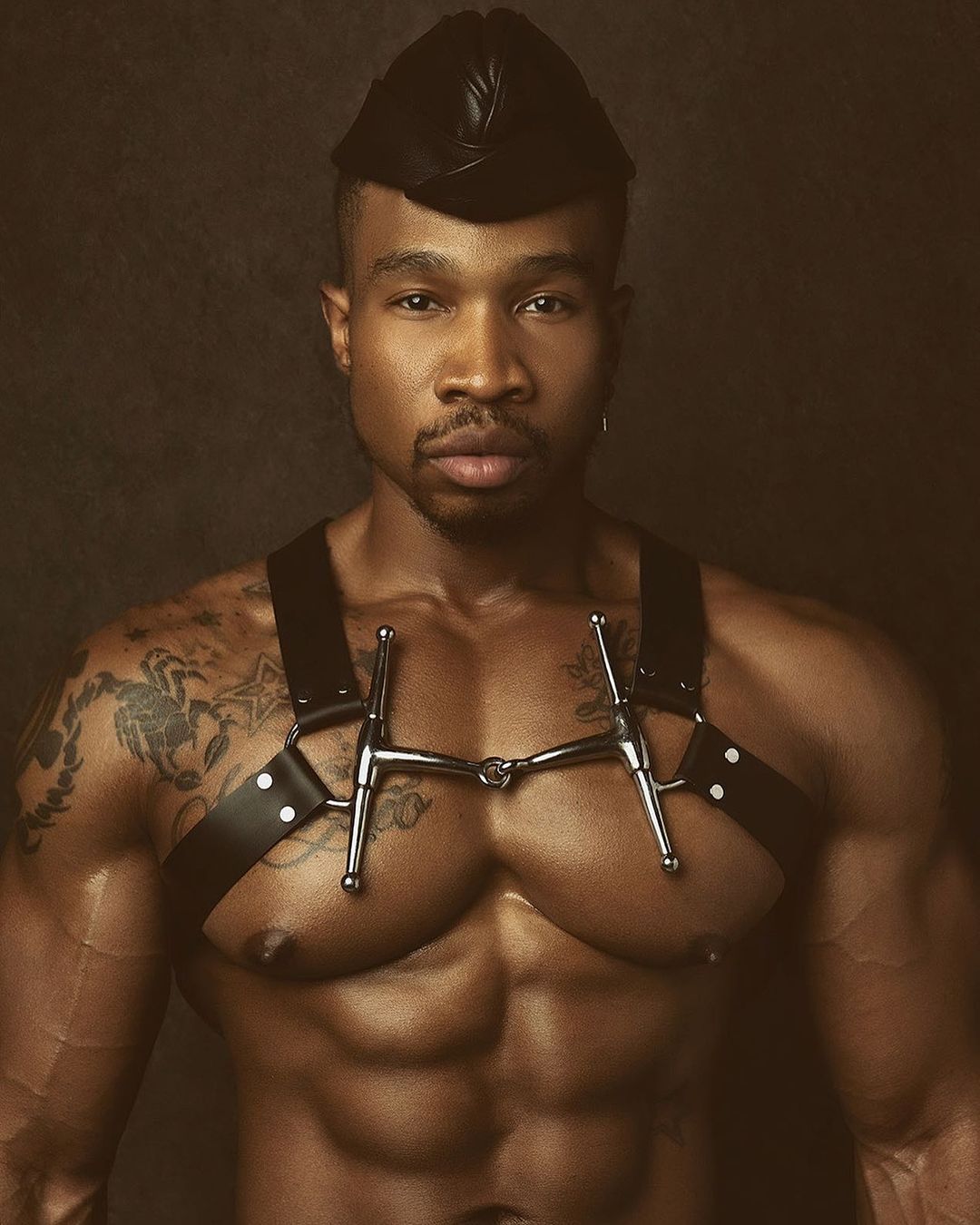
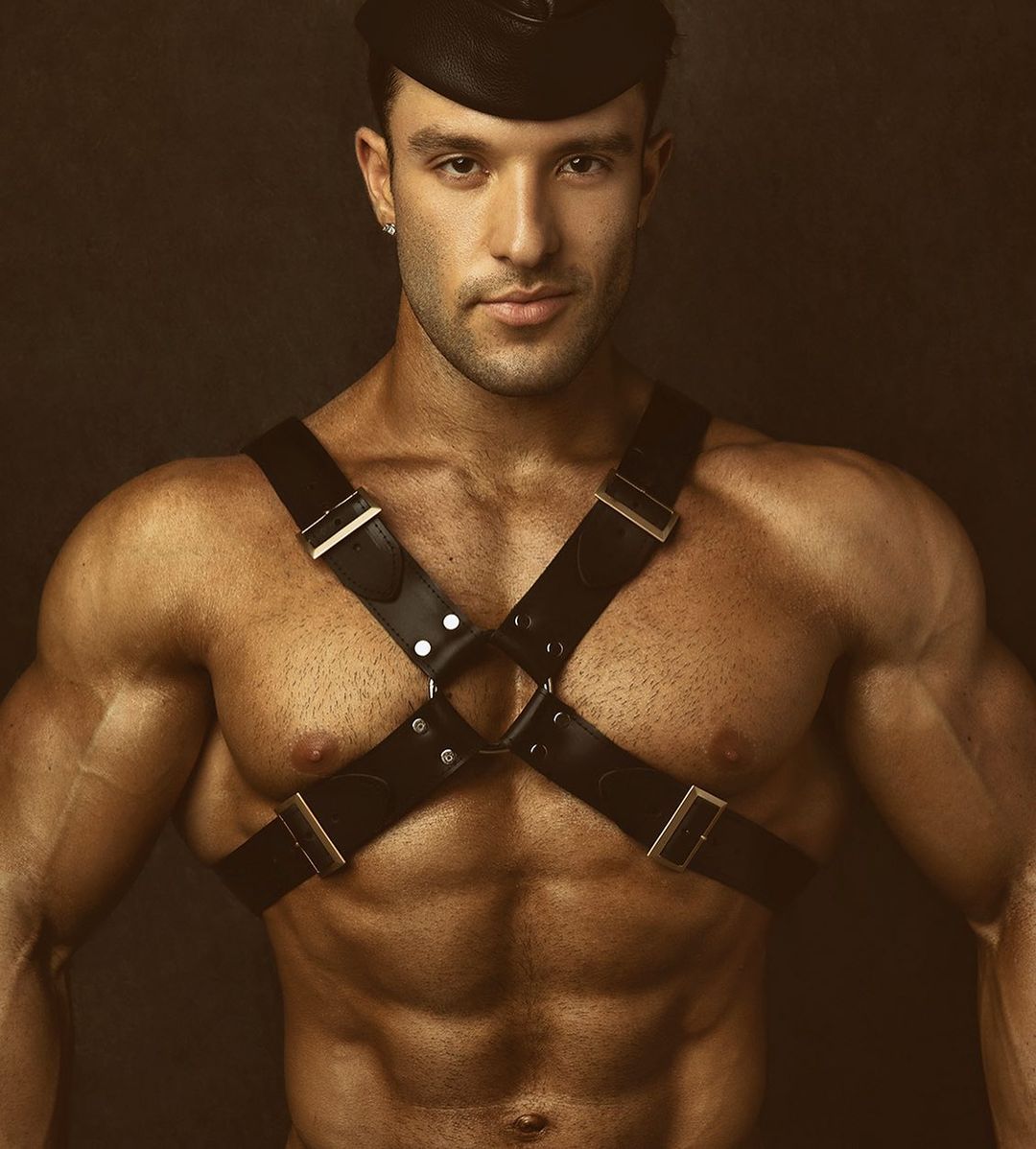
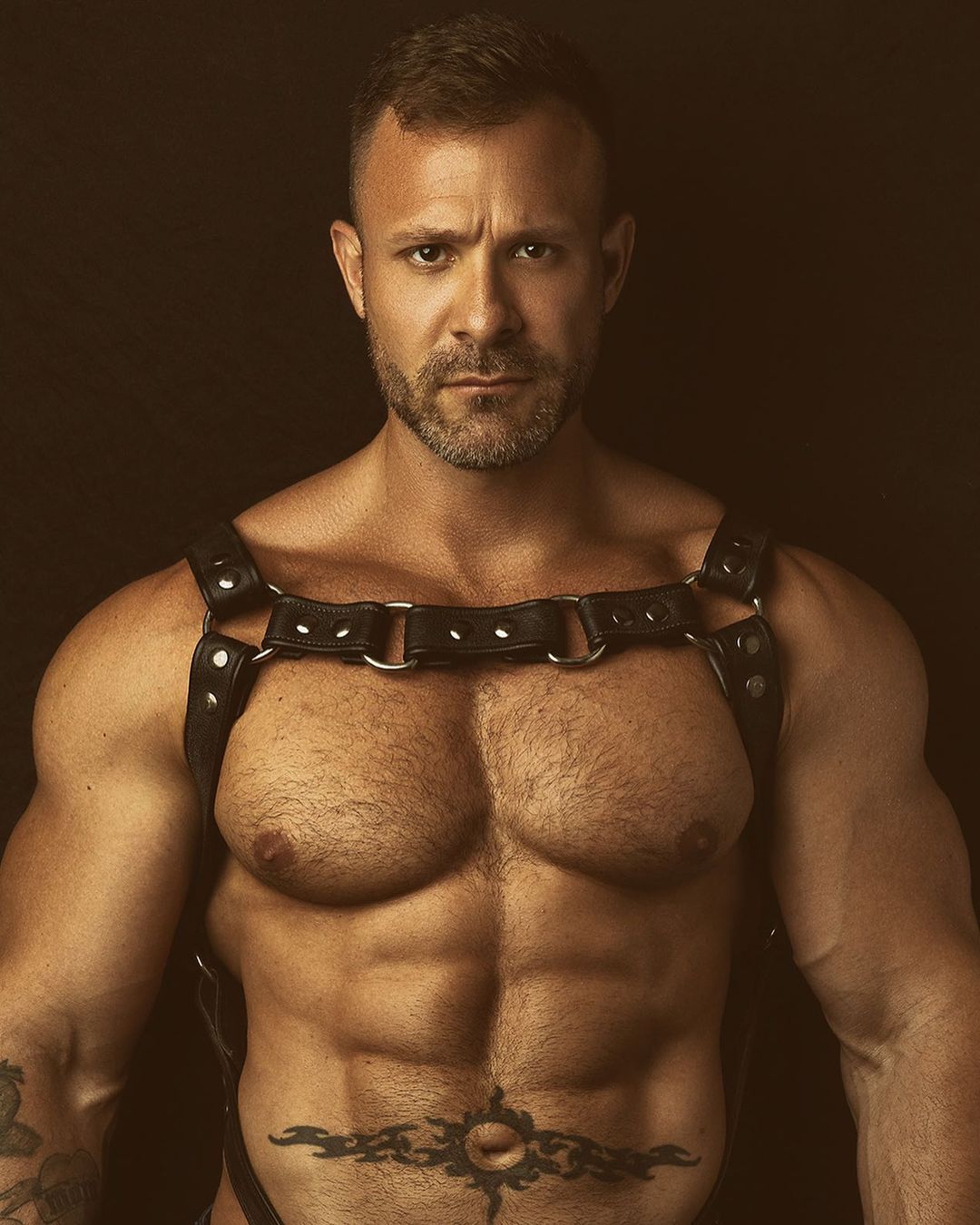
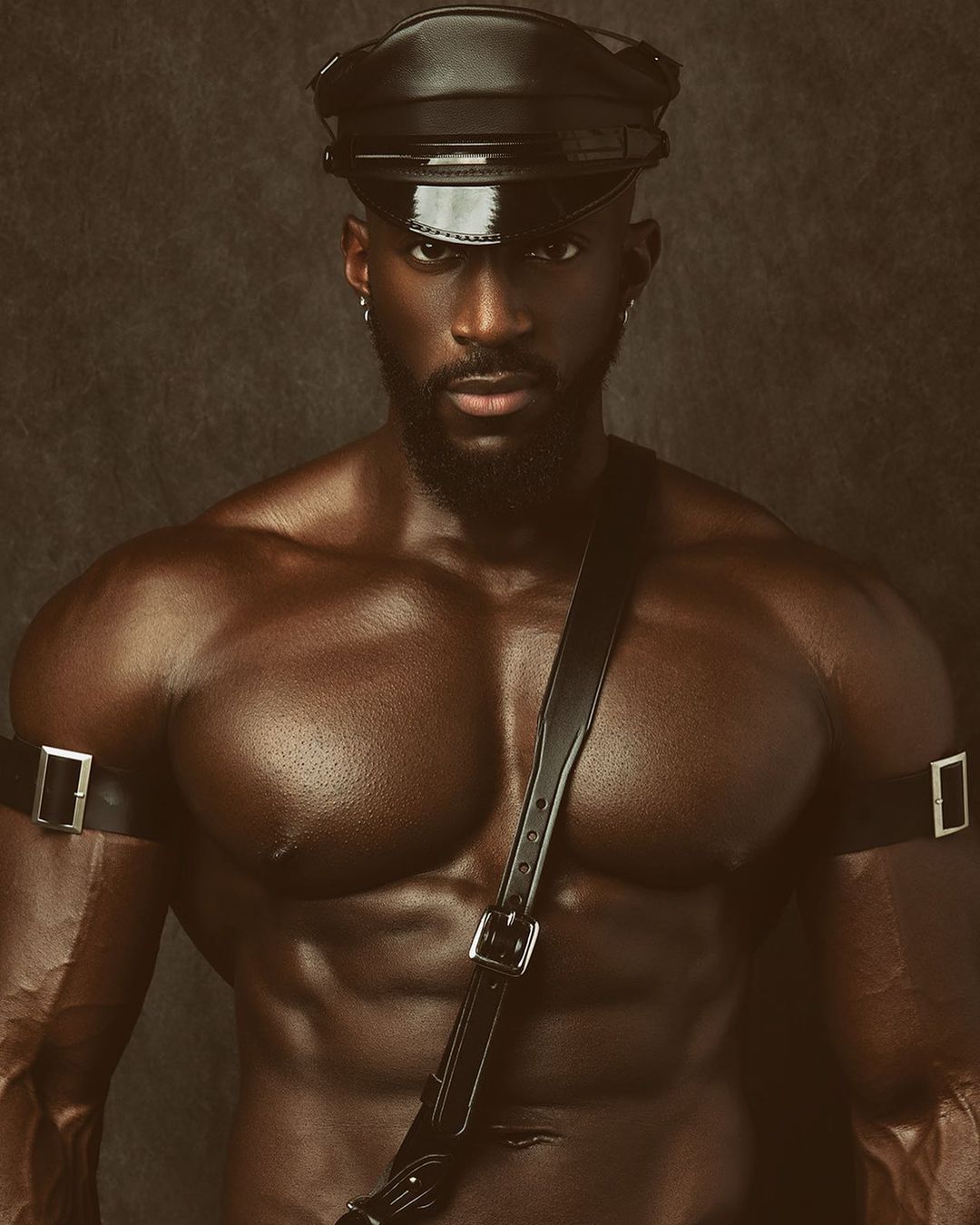
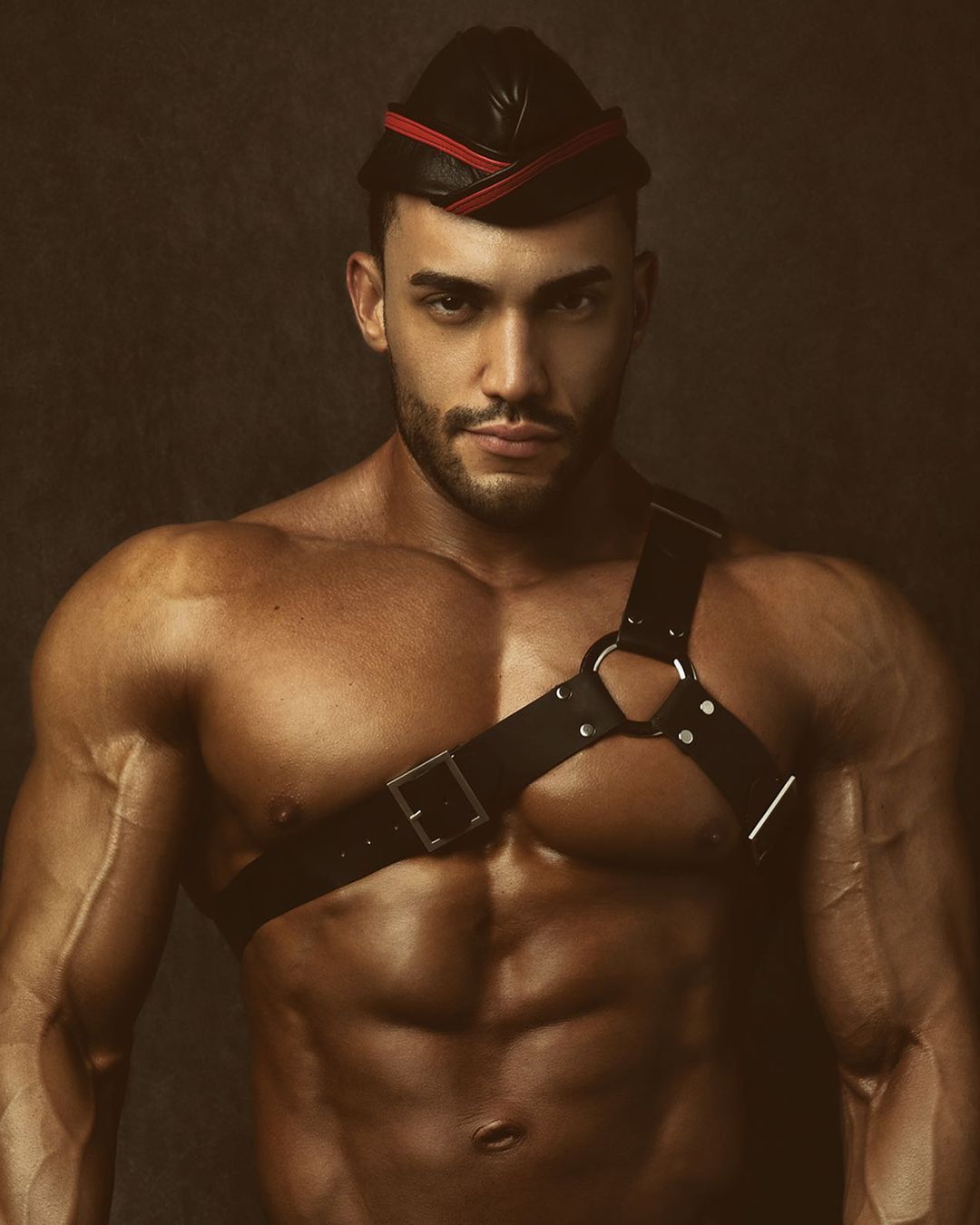
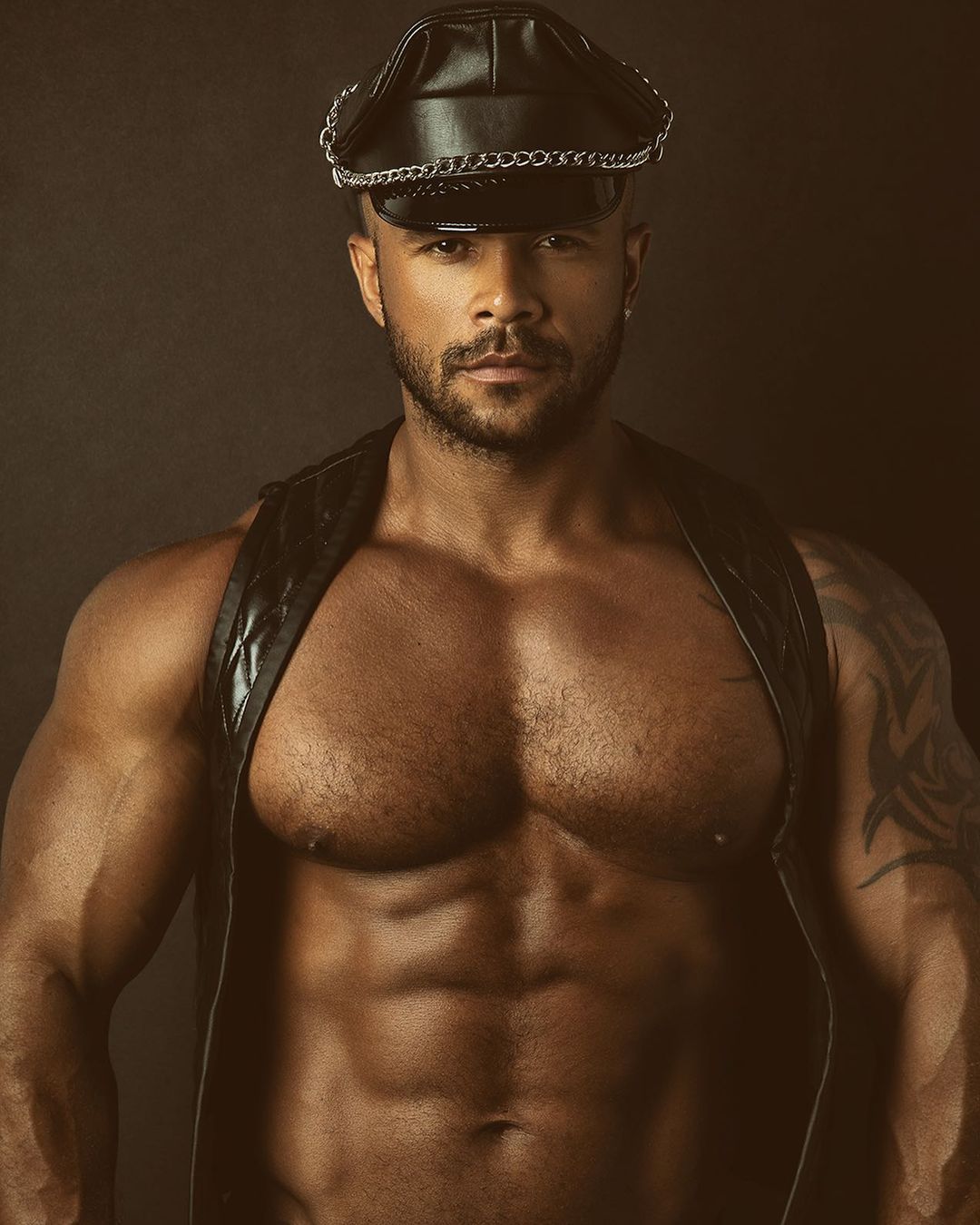
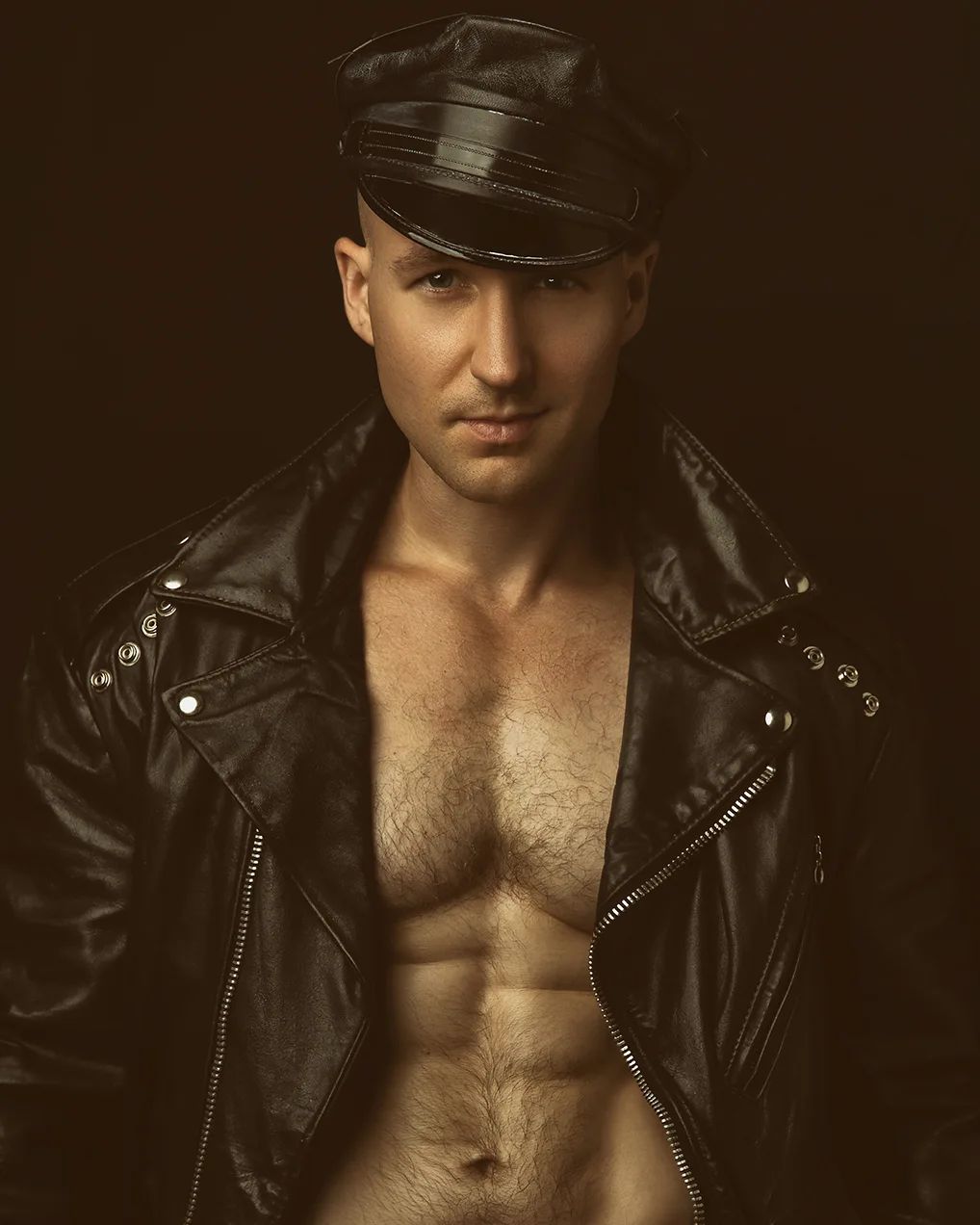
For fans of more mature gentlemen, Jay from Atlanta 🇺🇸
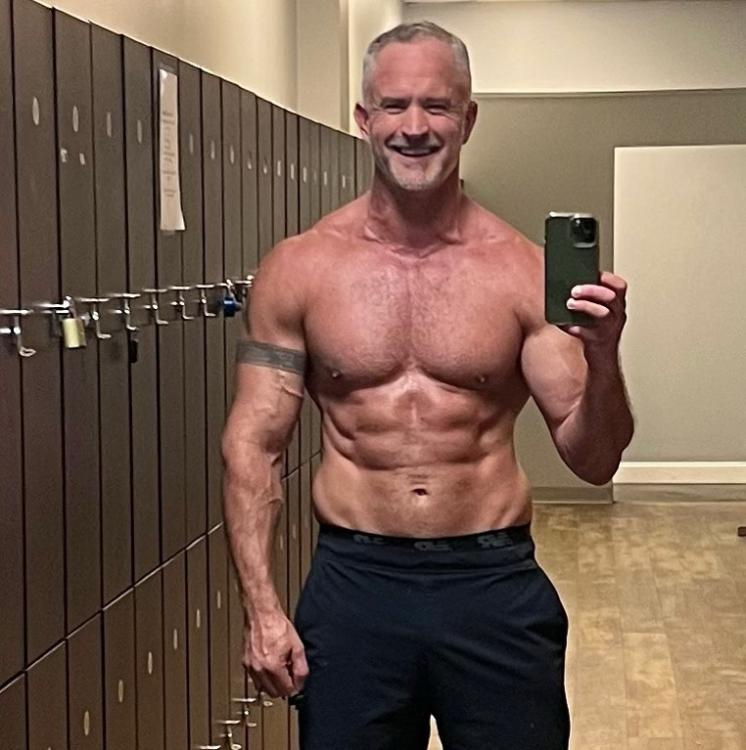
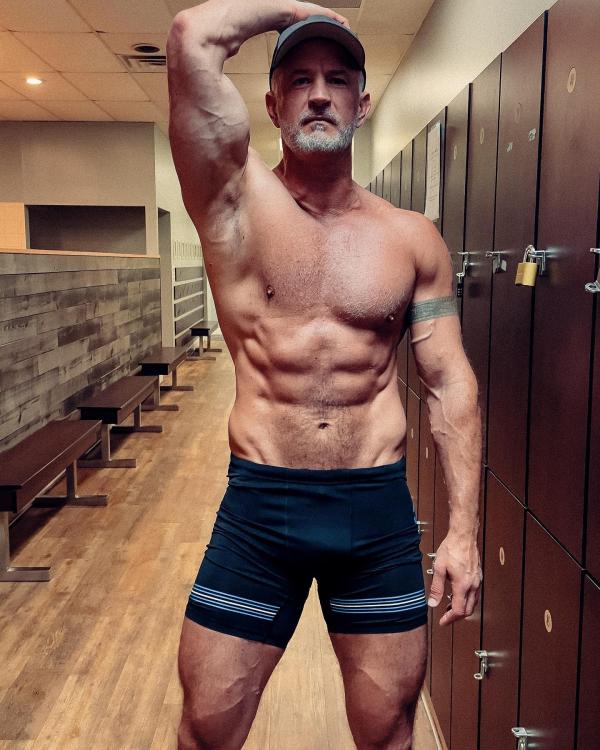
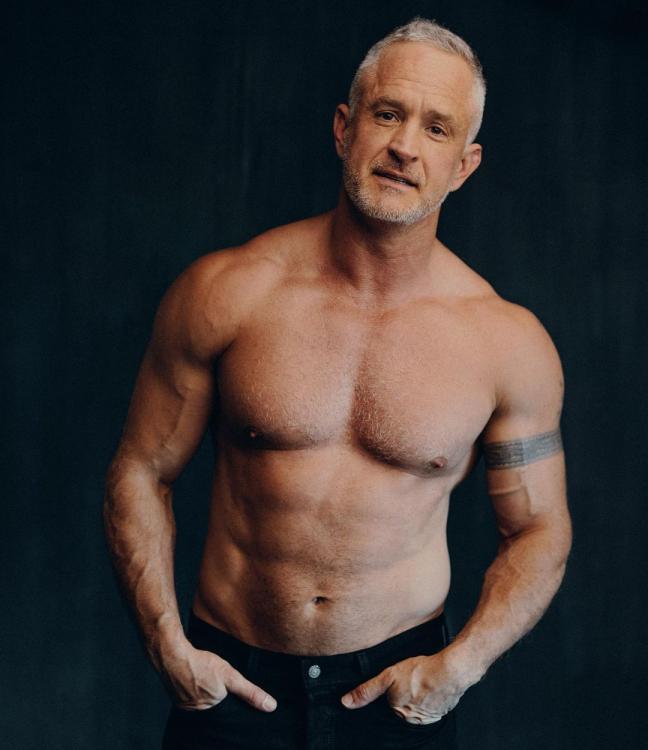
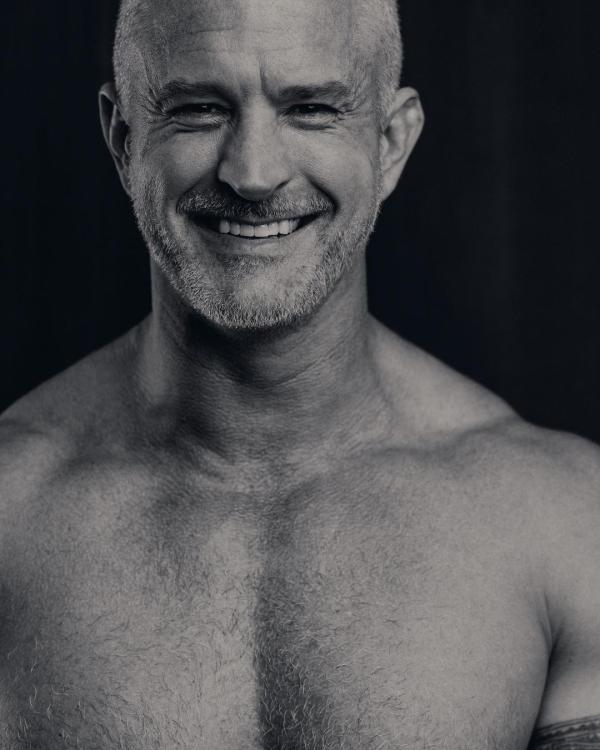 It’s leather for the weather…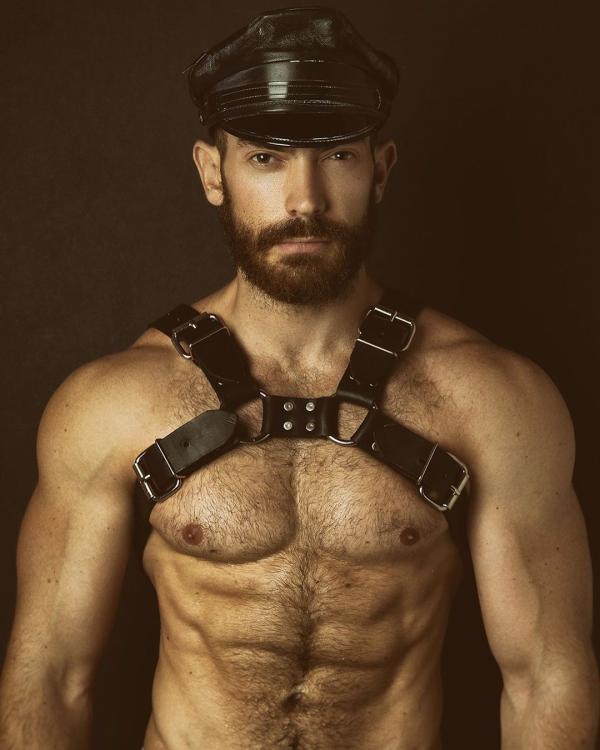
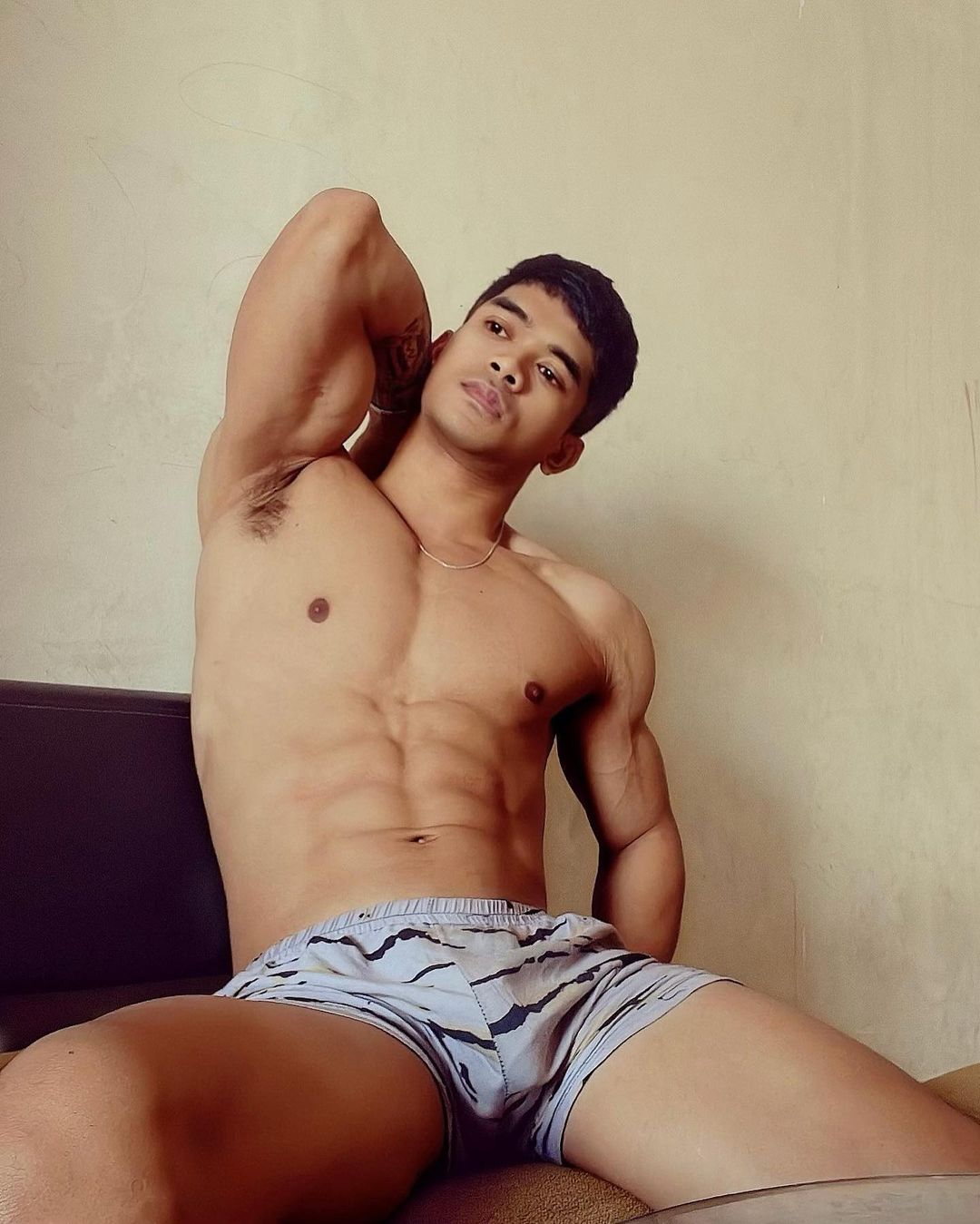
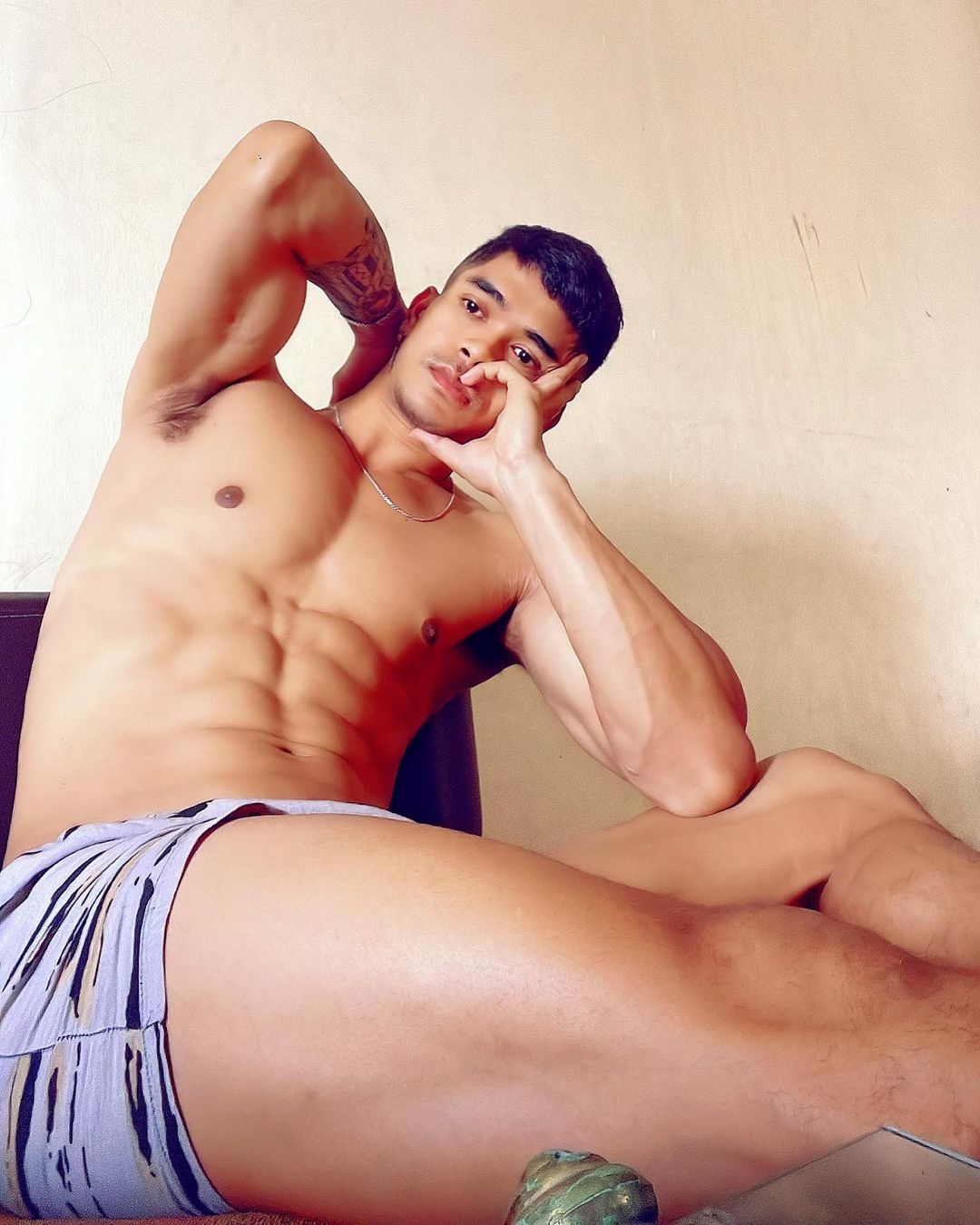
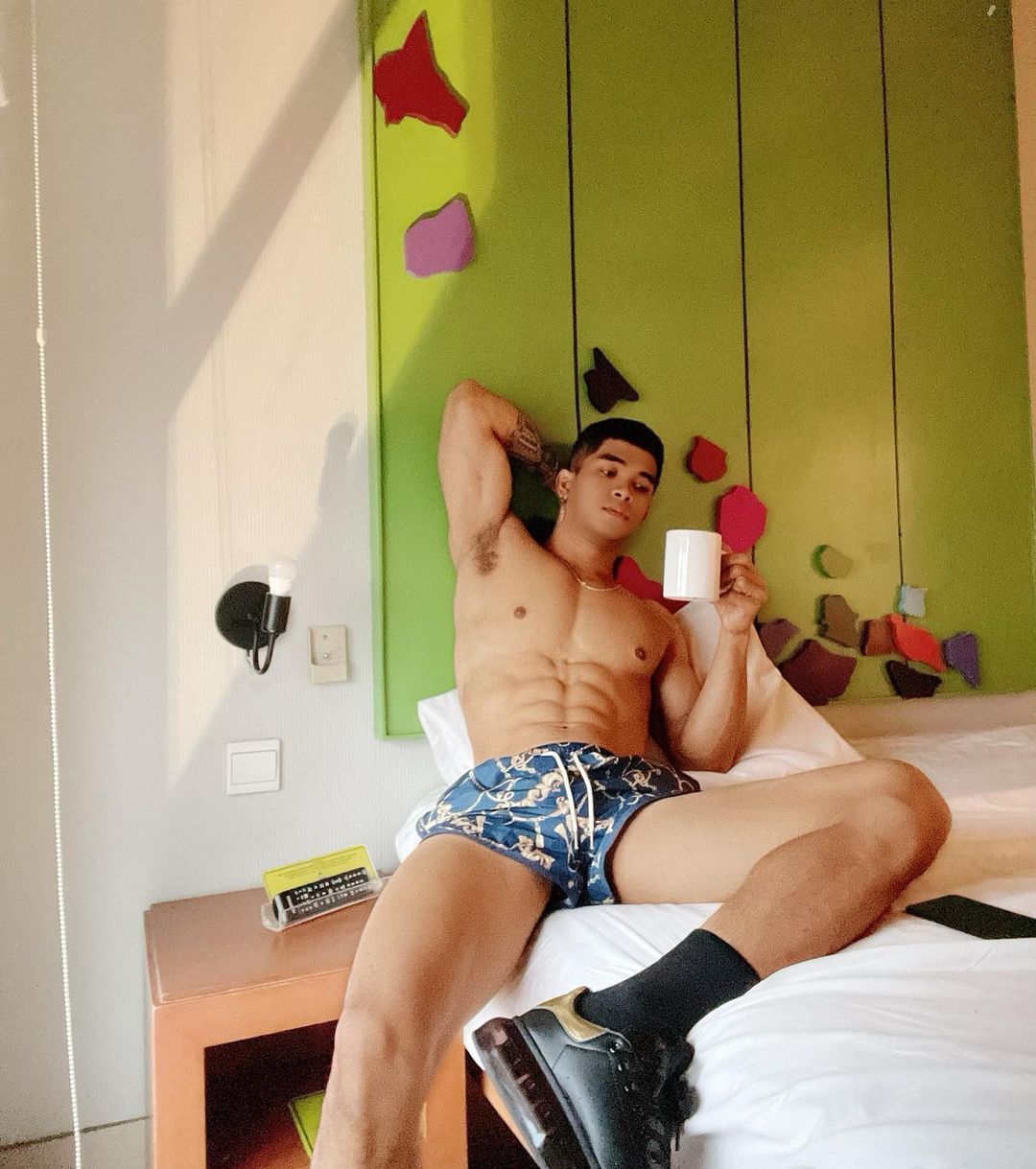
 So have Candiace and Ashley teamed up? That is a MESSY duo…What you will 🔥 NOT 🔥 do… LMAO. Damn, Karen!Britney Spears and Elton John have a top 10 in the year of our Lord 2022. Meanwhile, Kate’s still stable af, Harry’s No. 1 for a 12th week, and Steve Lacy is inching closer to the top:Bima from Indonesia 🇮🇩
 Same. I’ve come to appreciate Candiace. Plus when Nicki Minaj tried to come for her music career during that last reunion, she triumphed with that a capella version of “Drive Back.” I think that really helped her.



Important Information
By using this site, you agree to our Terms of Use and Privacy Policy

Account
Navigation
Search
Configure browser push notifications
Chrome (Android)
- Tap the lock icon next to the address bar.
- Tap Permissions → Notifications.
- Adjust your preference.
Chrome (Desktop)
- Click the padlock icon in the address bar.
- Select Site settings.
- Find Notifications and adjust your preference.
Safari (iOS 16.4+)
- Ensure the site is installed via Add to Home Screen.
- Open Settings App → Notifications.
- Find your app name and adjust your preference.
Safari (macOS)
- Go to Safari → Preferences.
- Click the Websites tab.
- Select Notifications in the sidebar.
- Find this website and adjust your preference.
Edge (Android)
- Tap the lock icon next to the address bar.
- Tap Permissions.
- Find Notifications and adjust your preference.
Edge (Desktop)
- Click the padlock icon in the address bar.
- Click Permissions for this site.
- Find Notifications and adjust your preference.
Firefox (Android)
- Go to Settings → Site permissions.
- Tap Notifications.
- Find this site in the list and adjust your preference.
Firefox (Desktop)
- Open Firefox Settings.
- Search for Notifications.
- Find this site in the list and adjust your preference.