






dragonflies
Member
-
Joined
-
Last visited
Everything posted by dragonflies
-
Should have been the other Amell, Robbie
-
Again Bridge and Eric are so damn insufferable, I'm rooting for Batie How does Eric and Bridge not know how a CONTRACT works??People are saying Deanna and Donnell are the Sami and Eric of BTG lol. I can see that. So M-W next week is repeats? @ErrolDylan is from a "simpering idiot" I can think of a few character's who were on today that qualify for that title Speaking of is Brad TRYING to make Brooke and Ridge as completely insufferable and unlikable as possible? cause if so he's succeeding. Like geezusI'm sick of Brooke, Ridge and Eric TBHI agree plus BTG is still doing better than "The Talk" was in it's time slotI remember early promo's for it, but it got changed when RS left the showFunny you say that cause I remember the early promo's for it calling it GH2, glad they changed it. I remember it was supposed to be with Ned and Lois too not Kevin, Scotty and Lucy originallyOh there's definitely review bombing, but the people I know who watched the movie said it was pretty good.LMAO we'd all be wasted in like 5 minutes into the episodeYeah Derek has improved as a character so much! Being away from Ashley and moving him into a different circle of character's has made a huge difference.The Sheila and Deacon stuff is so nasty. Brad needs to cut his losses with Sheila. Did the borrow the pretty woman dress for Daphne?
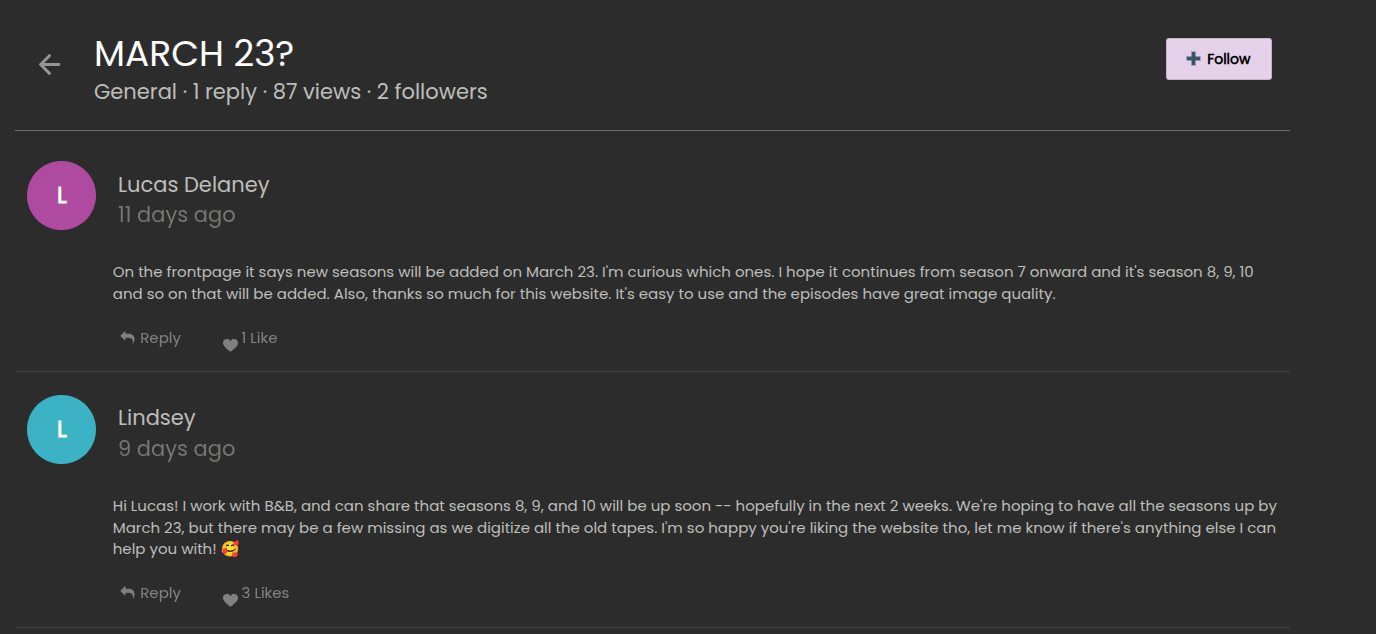
 Derek has Leslie as "Don't answer"in his phoneAnyone see the comment on the board on the website? Says all the seasons should be posted by March 23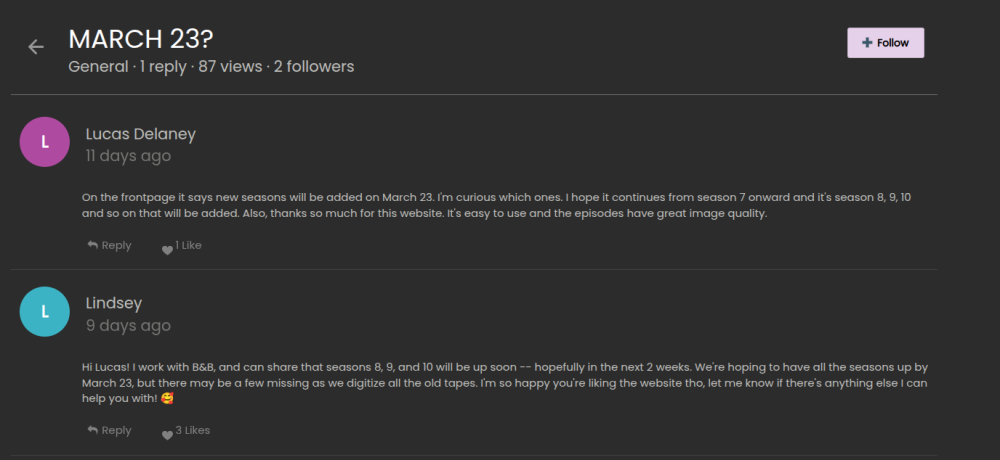


Important Information
By using this site, you agree to our Terms of Use and Privacy Policy

Account
Navigation
Search
Configure browser push notifications
Chrome (Android)
- Tap the lock icon next to the address bar.
- Tap Permissions → Notifications.
- Adjust your preference.
Chrome (Desktop)
- Click the padlock icon in the address bar.
- Select Site settings.
- Find Notifications and adjust your preference.
Safari (iOS 16.4+)
- Ensure the site is installed via Add to Home Screen.
- Open Settings App → Notifications.
- Find your app name and adjust your preference.
Safari (macOS)
- Go to Safari → Preferences.
- Click the Websites tab.
- Select Notifications in the sidebar.
- Find this website and adjust your preference.
Edge (Android)
- Tap the lock icon next to the address bar.
- Tap Permissions.
- Find Notifications and adjust your preference.
Edge (Desktop)
- Click the padlock icon in the address bar.
- Click Permissions for this site.
- Find Notifications and adjust your preference.
Firefox (Android)
- Go to Settings → Site permissions.
- Tap Notifications.
- Find this site in the list and adjust your preference.
Firefox (Desktop)
- Open Firefox Settings.
- Search for Notifications.
- Find this site in the list and adjust your preference.