victoria foxton
Banned - Not Active
-
Joined
-
Last visited
Everything posted by victoria foxton
-
-
-
Reid was an amazing character. A strong unapologetic gay man. Along the lines of Gale Harold's Queer As Folk Brian Kinney. The off the charts chemistry. Shared between Princess Luke and Reid was a sight to behold. Luke grew much more as a person with Reid. Then he ever did with bland Noah. Reid was the best thing to happened to ATWT. In it's last days. He was a fluke. That was foolishly killed off at the end.



-
Did you finish Sabrina? What did you think?
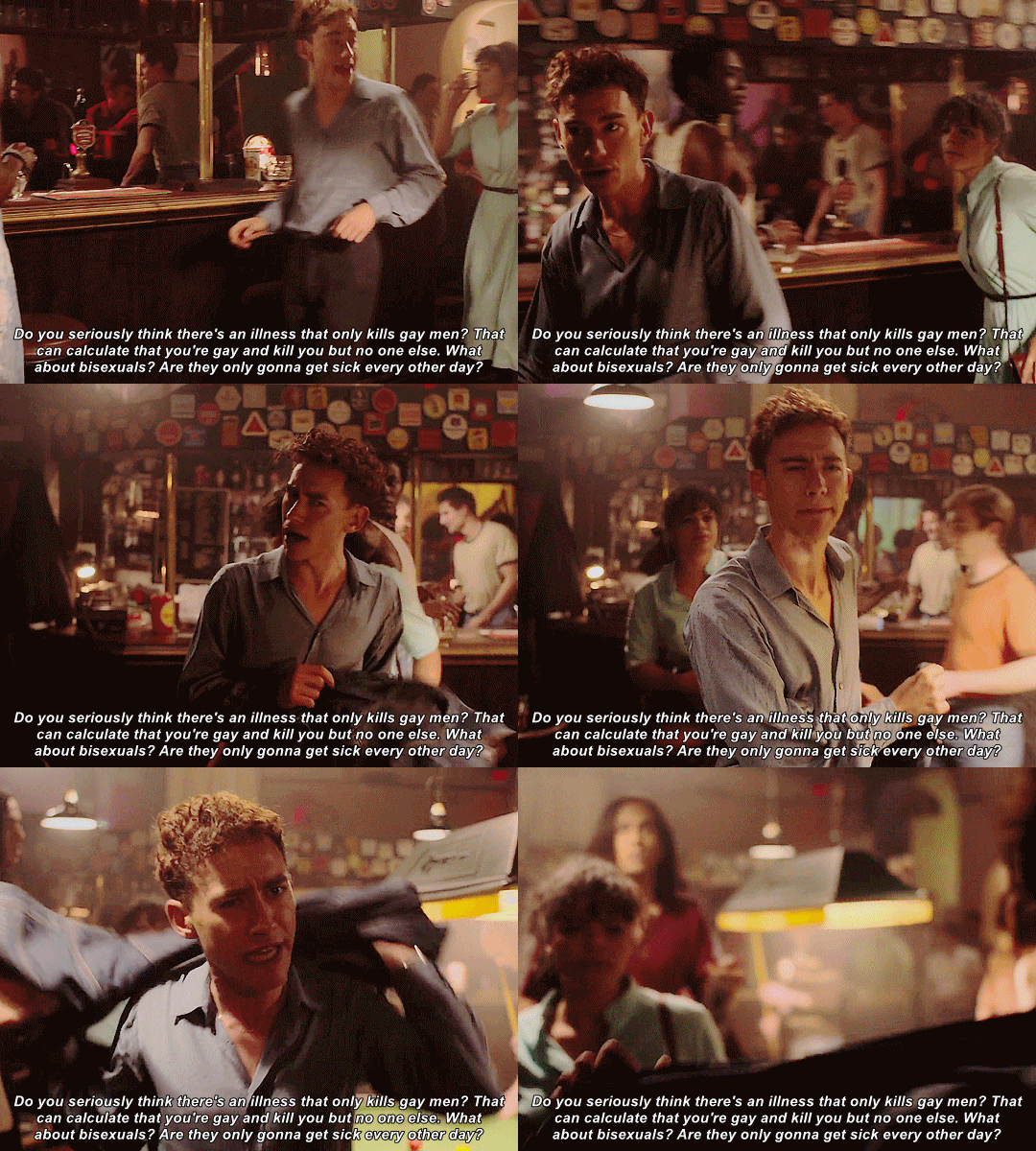
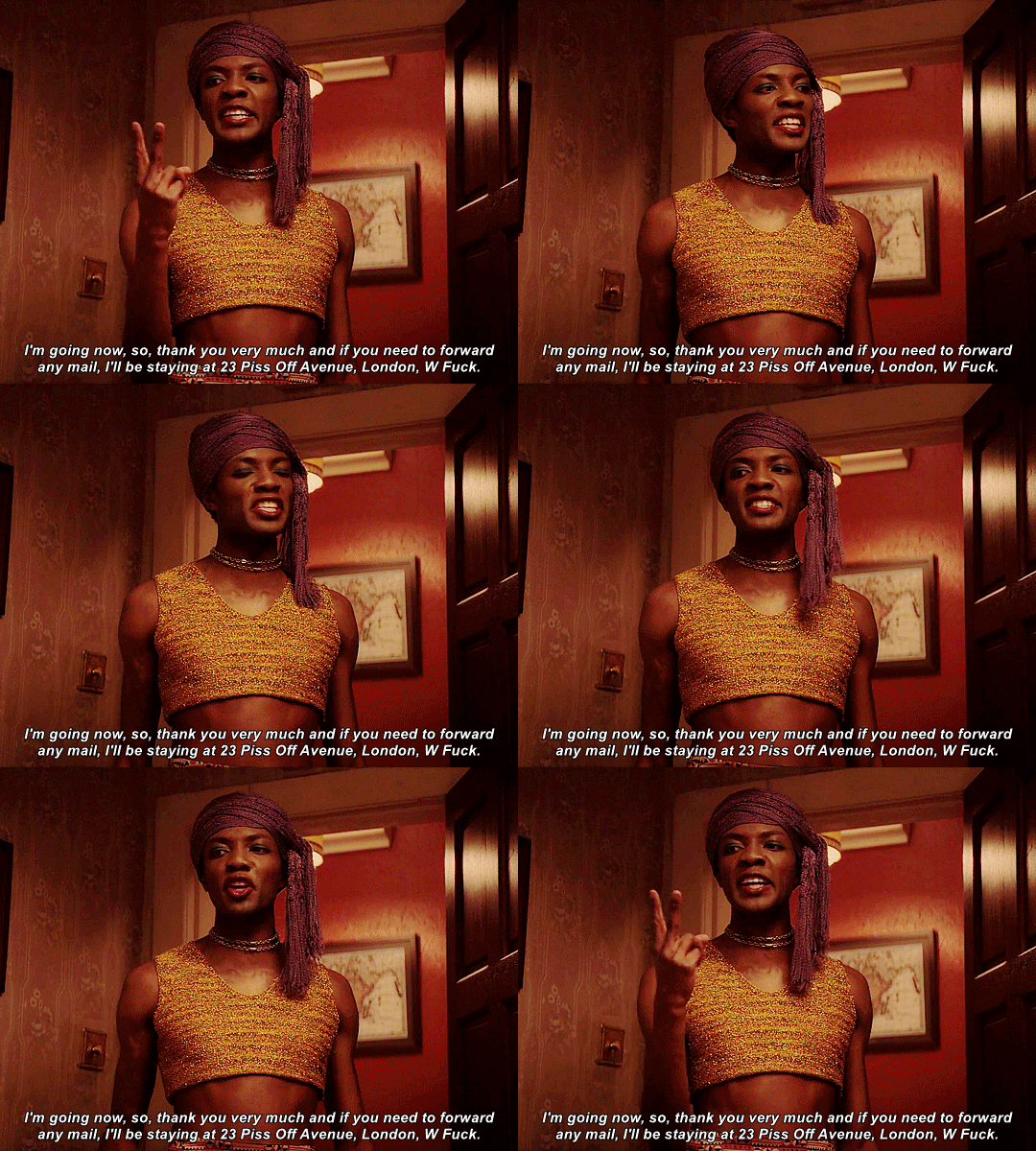
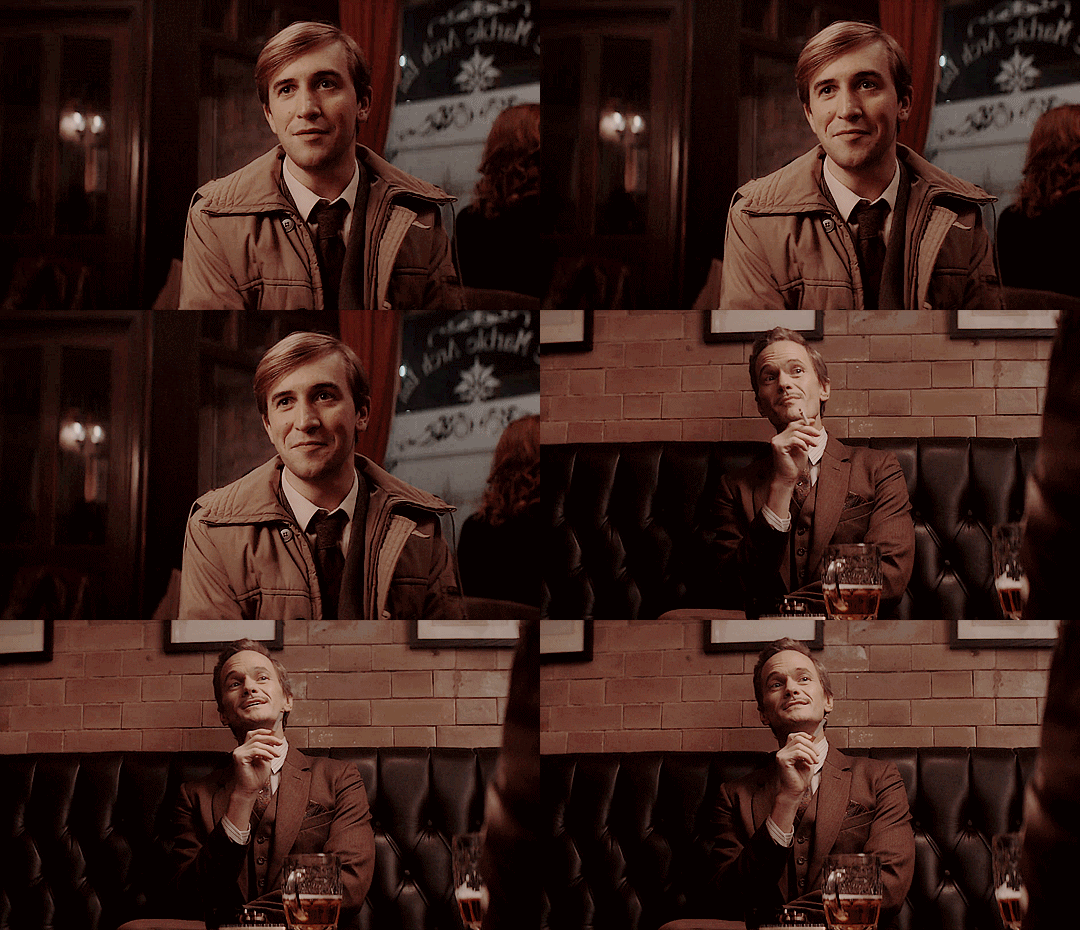
Watched the UK mini series It's a Sin. Last night on some bootleg site. It's depressing and generic. The brief moments of fun, self/sexual discovery and 80's realness. Are few and far between.
 October 12, 1984
October 1982 Tony Randall guest appearance on The Doctors
October 12, 1984
October 1982 Tony Randall guest appearance on The Doctors
Important Information
By using this site, you agree to our Terms of Use and Privacy Policy

Account
Navigation
Search
Configure browser push notifications
Chrome (Android)
- Tap the lock icon next to the address bar.
- Tap Permissions → Notifications.
- Adjust your preference.
Chrome (Desktop)
- Click the padlock icon in the address bar.
- Select Site settings.
- Find Notifications and adjust your preference.
Safari (iOS 16.4+)
- Ensure the site is installed via Add to Home Screen.
- Open Settings App → Notifications.
- Find your app name and adjust your preference.
Safari (macOS)
- Go to Safari → Preferences.
- Click the Websites tab.
- Select Notifications in the sidebar.
- Find this website and adjust your preference.
Edge (Android)
- Tap the lock icon next to the address bar.
- Tap Permissions.
- Find Notifications and adjust your preference.
Edge (Desktop)
- Click the padlock icon in the address bar.
- Click Permissions for this site.
- Find Notifications and adjust your preference.
Firefox (Android)
- Go to Settings → Site permissions.
- Tap Notifications.
- Find this site in the list and adjust your preference.
Firefox (Desktop)
- Open Firefox Settings.
- Search for Notifications.
- Find this site in the list and adjust your preference.