






victoria foxton
Banned - Not Active
-
Joined
-
Last visited
Everything posted by victoria foxton
-
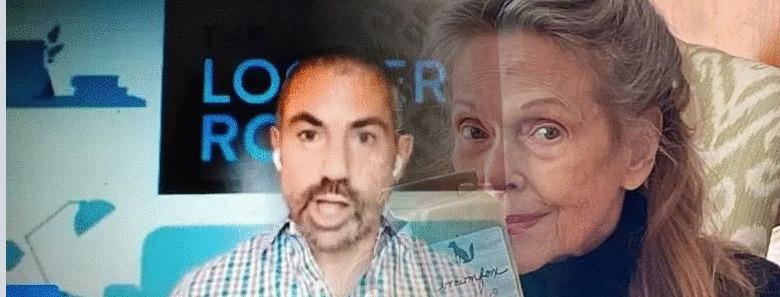
They look nothing alike. There facial features are completely different . So are the shapes of their faces. Linda's crazy. She needs glasses.👓
-
It's pretty good.
-
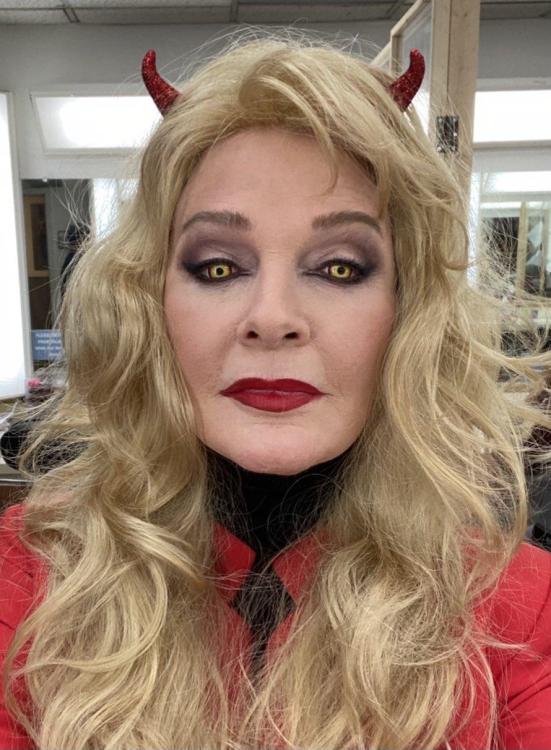
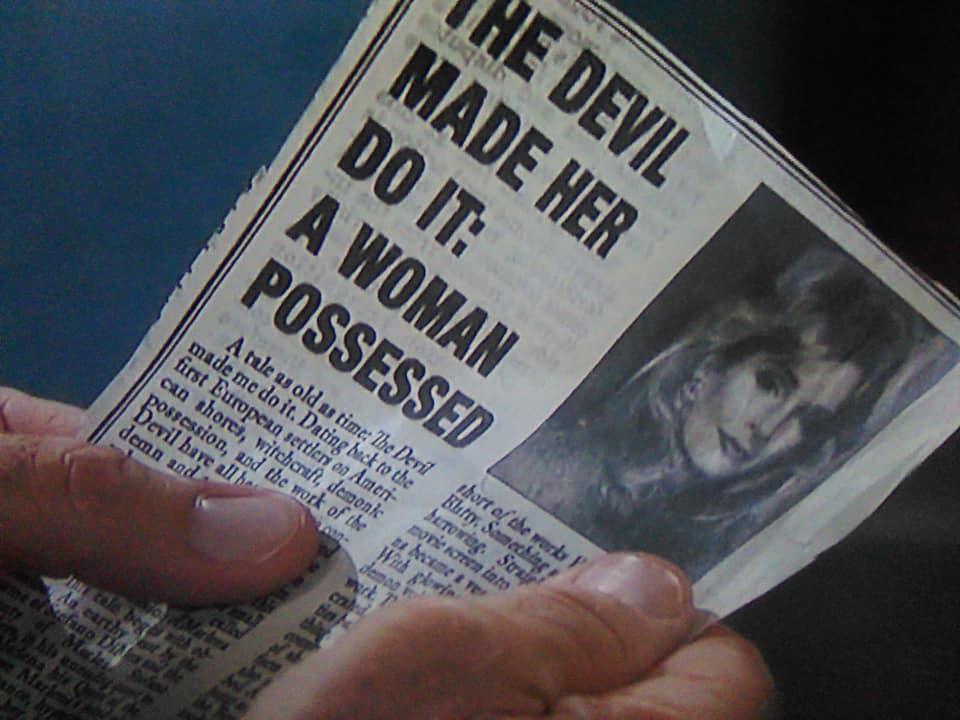
A possessed Marlena raises former residents of Salem from the dead. Tripp learns Allie may be in danger. Tripp and Allie battle a terrifying foe. Steve grows suspicious of John’s absence.
-
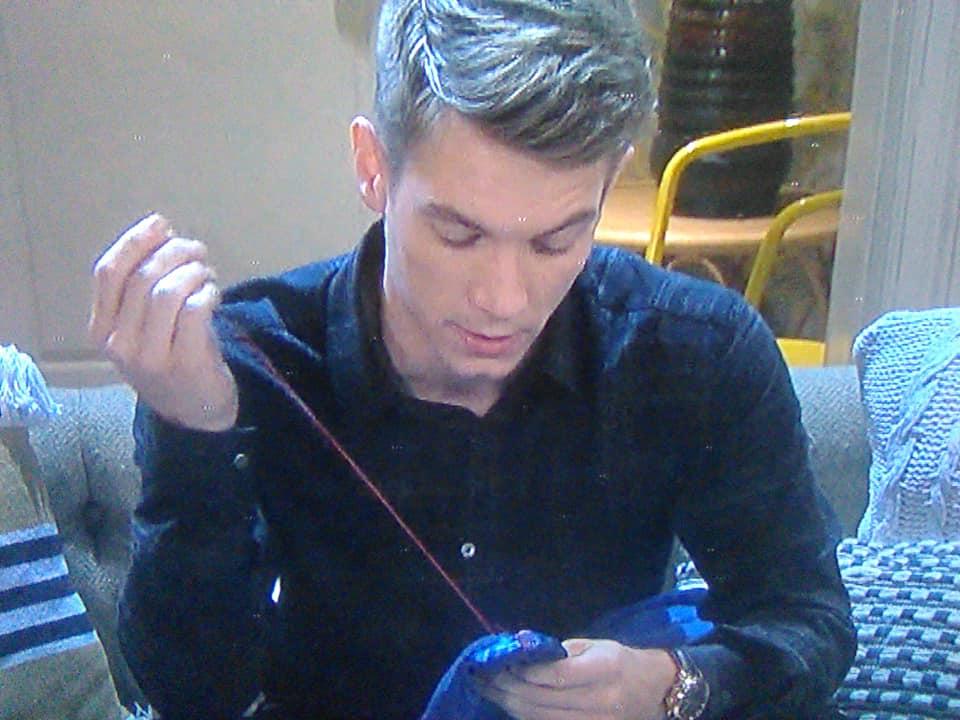
I see him in-between Lani and Gwen.
At least Nick didn't intentionally kill either Willow or Trent. I loved Nick. A sweet nice geeky guy who was hot. I didn't mind a darker edgier Nick. But the writing failed the character. A massive feud between Nick and Will. Which would've divided Hortons. Would've been awesome. Two Horton scions locked in battle.
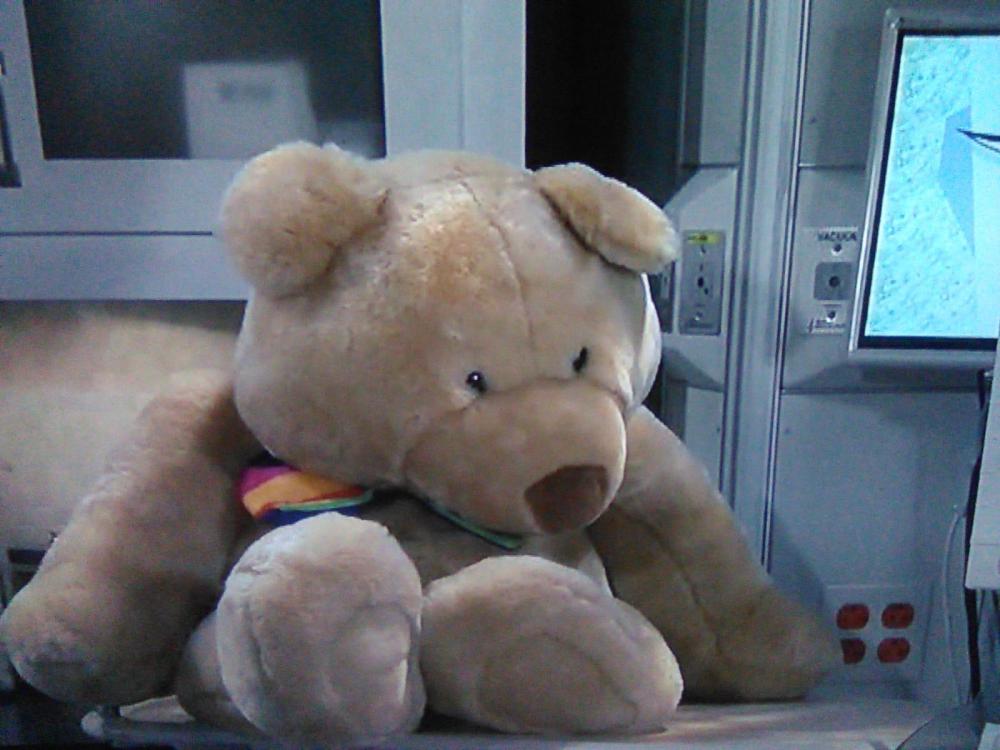
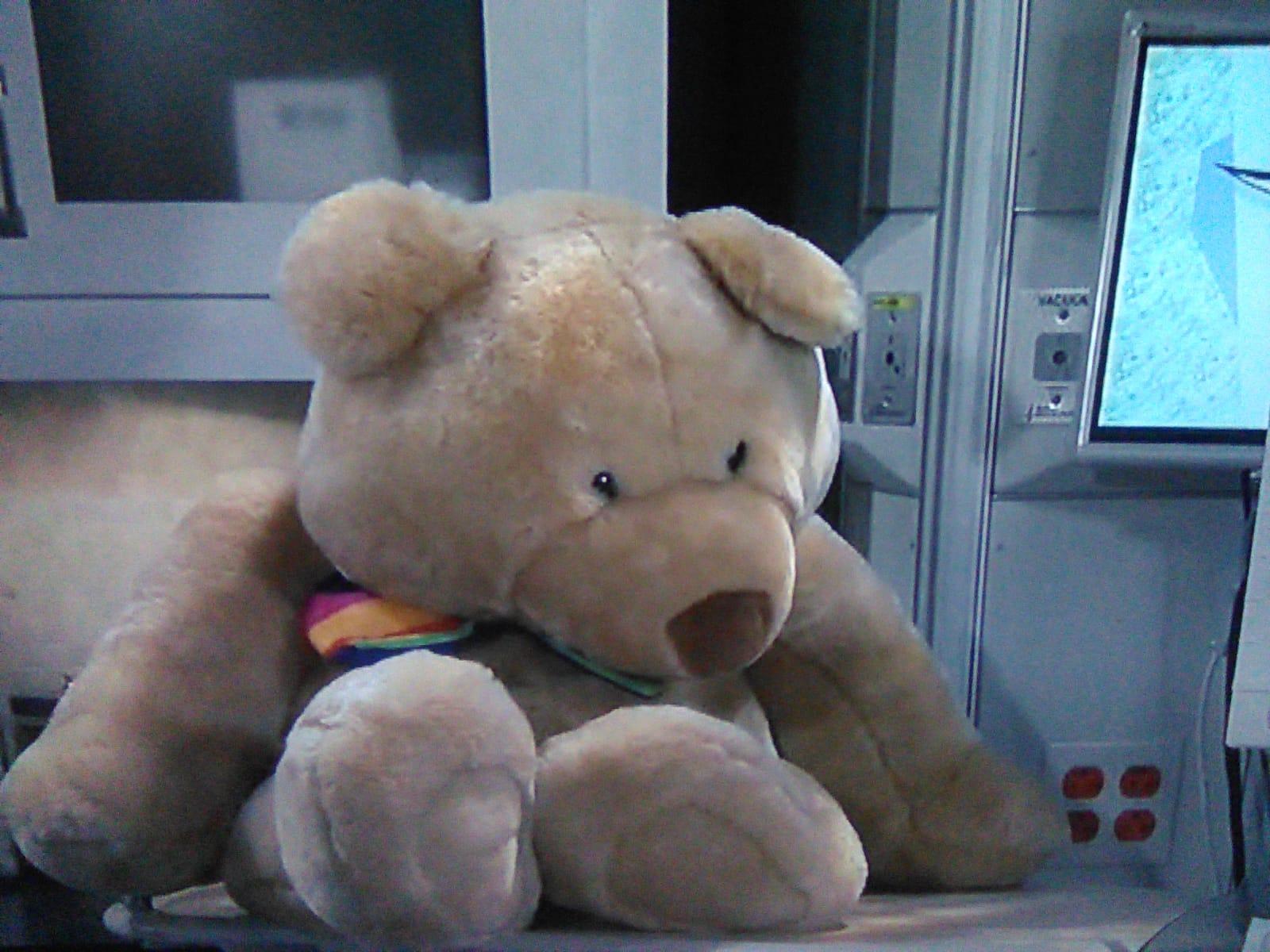
@AlexElizabeth Duke the Bear in Port Charles?
 The account is now on private.
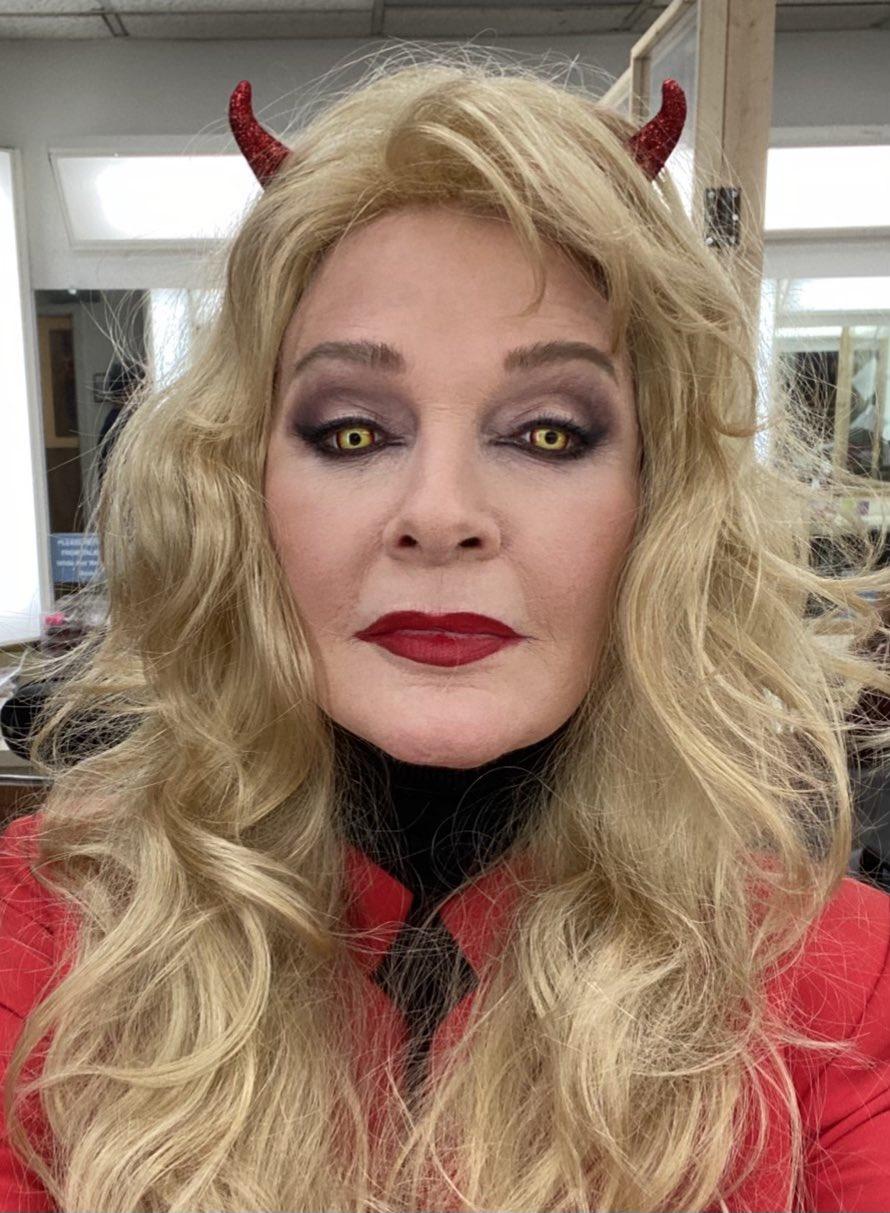
Shawn D's butt crack????? I I haven't seen today's show yet. I know it ends with MarDevil rising Charlie from hell.
The account is now on private.
Shawn D's butt crack????? I I haven't seen today's show yet. I know it ends with MarDevil rising Charlie from hell.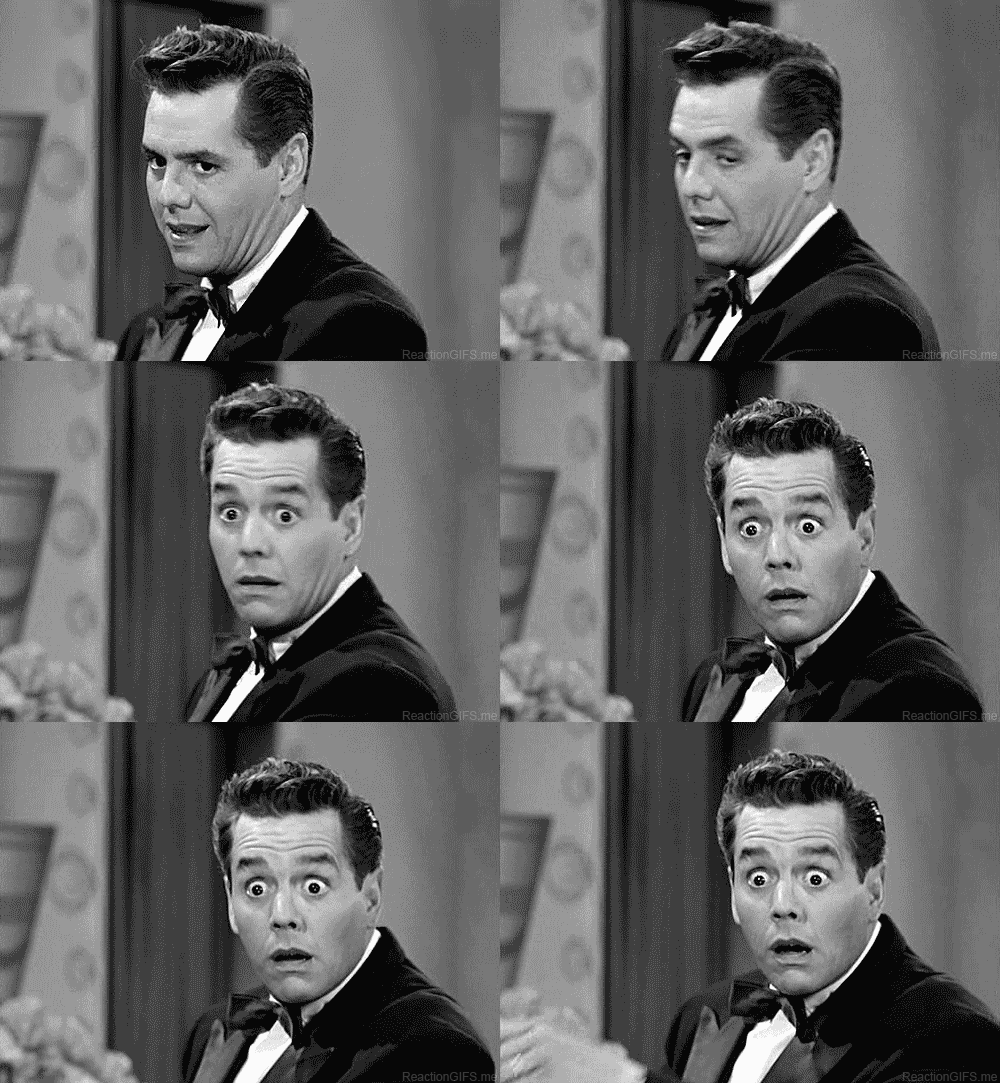 I remember that story. Being really bad and extremely dark.
I think that was retconned out of existence.
Beyond Salem was a fluke. But a welcomed fluke.
I remember that story. Being really bad and extremely dark.
I think that was retconned out of existence.
Beyond Salem was a fluke. But a welcomed fluke. I think it's cute. I wish Days had money for a Halloween party. Some Halloween music. But we can't have nice things. Everything got be on the cheap.
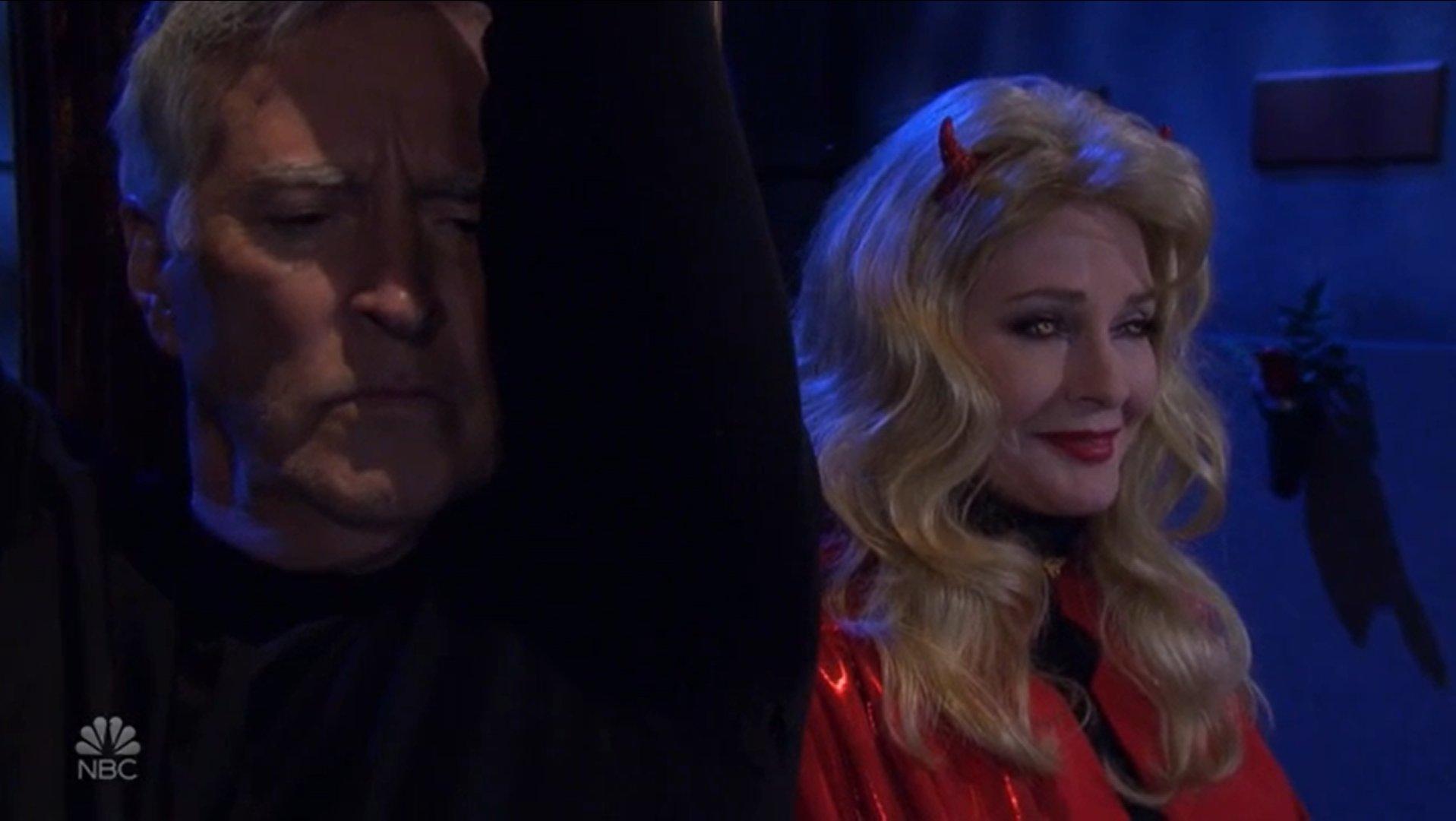
Love MarDevil Halloween costume.
I think it's cute. I wish Days had money for a Halloween party. Some Halloween music. But we can't have nice things. Everything got be on the cheap.
Love MarDevil Halloween costume.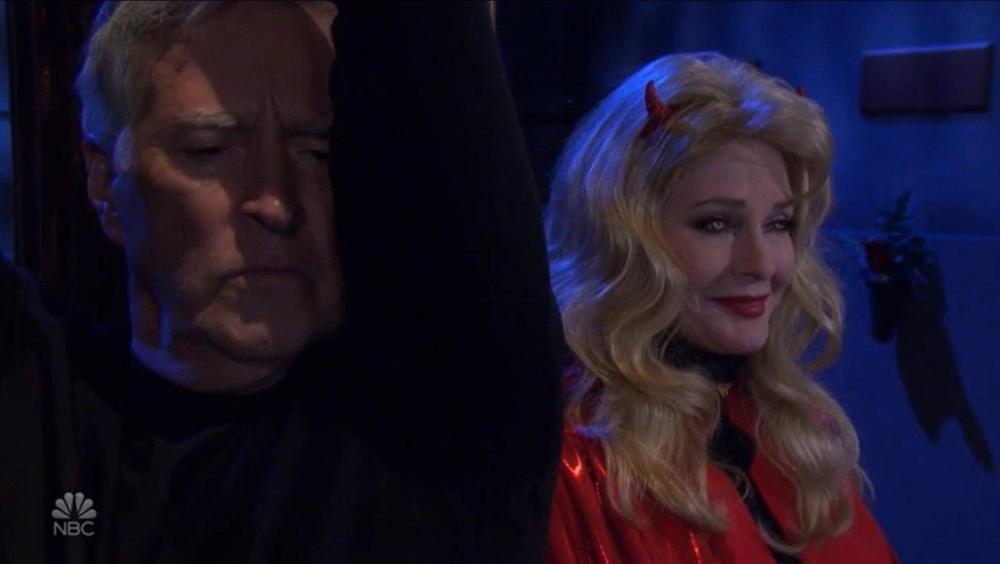 It's from today's episode.
Here you go.
It's from today's episode.
Here you go.


Important Information
By using this site, you agree to our Terms of Use and Privacy Policy

Account
Navigation
Search
Configure browser push notifications
Chrome (Android)
- Tap the lock icon next to the address bar.
- Tap Permissions → Notifications.
- Adjust your preference.
Chrome (Desktop)
- Click the padlock icon in the address bar.
- Select Site settings.
- Find Notifications and adjust your preference.
Safari (iOS 16.4+)
- Ensure the site is installed via Add to Home Screen.
- Open Settings App → Notifications.
- Find your app name and adjust your preference.
Safari (macOS)
- Go to Safari → Preferences.
- Click the Websites tab.
- Select Notifications in the sidebar.
- Find this website and adjust your preference.
Edge (Android)
- Tap the lock icon next to the address bar.
- Tap Permissions.
- Find Notifications and adjust your preference.
Edge (Desktop)
- Click the padlock icon in the address bar.
- Click Permissions for this site.
- Find Notifications and adjust your preference.
Firefox (Android)
- Go to Settings → Site permissions.
- Tap Notifications.
- Find this site in the list and adjust your preference.
Firefox (Desktop)
- Open Firefox Settings.
- Search for Notifications.
- Find this site in the list and adjust your preference.