Faulkner
Member
-
Joined
Everything posted by Faulkner
-
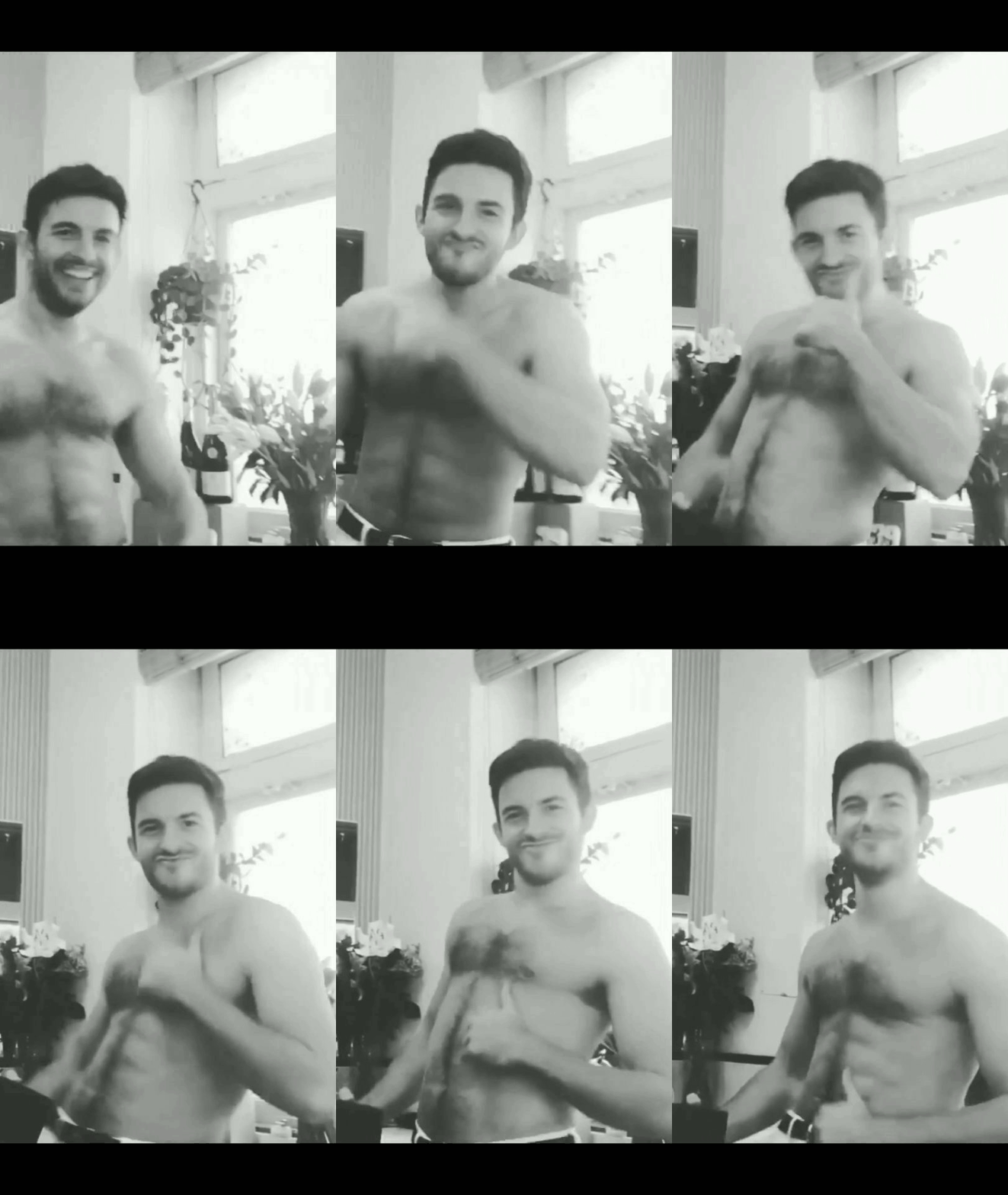
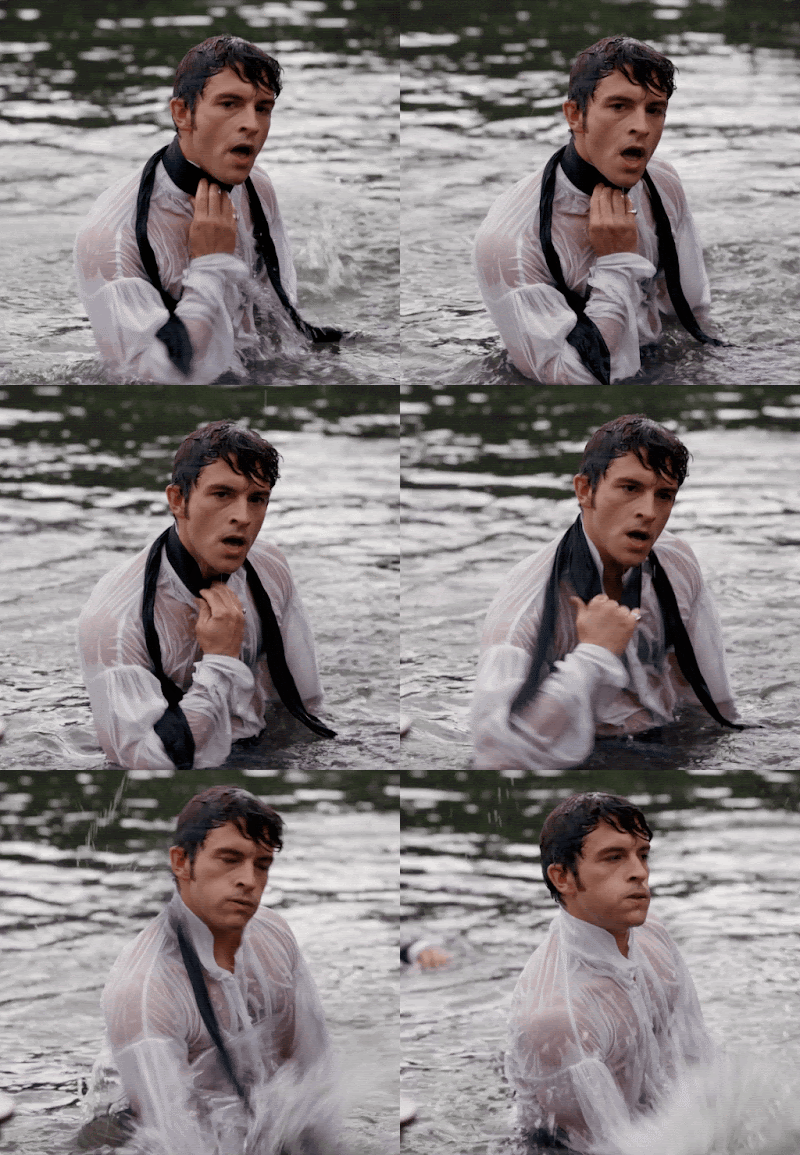
 RJP’s Bridgerton co-star Jonathan Bailey: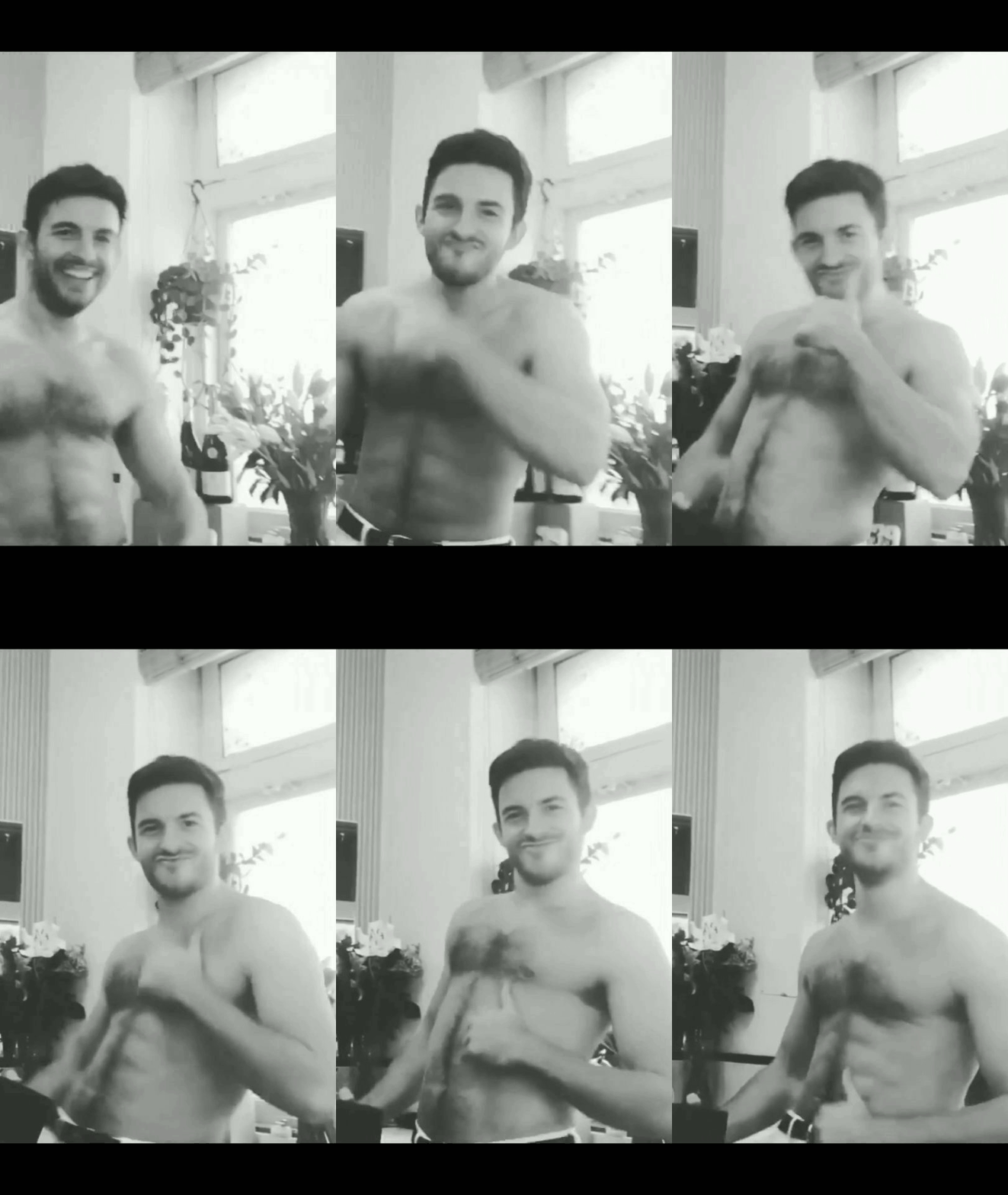
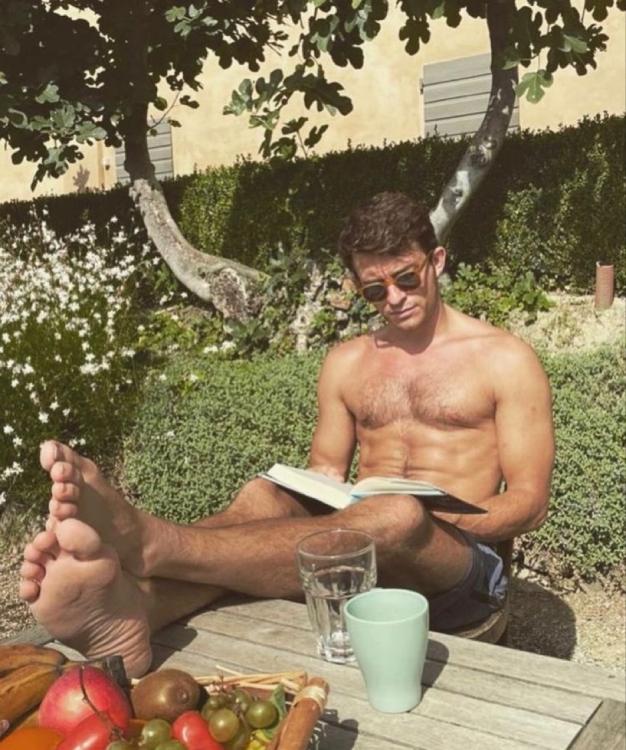
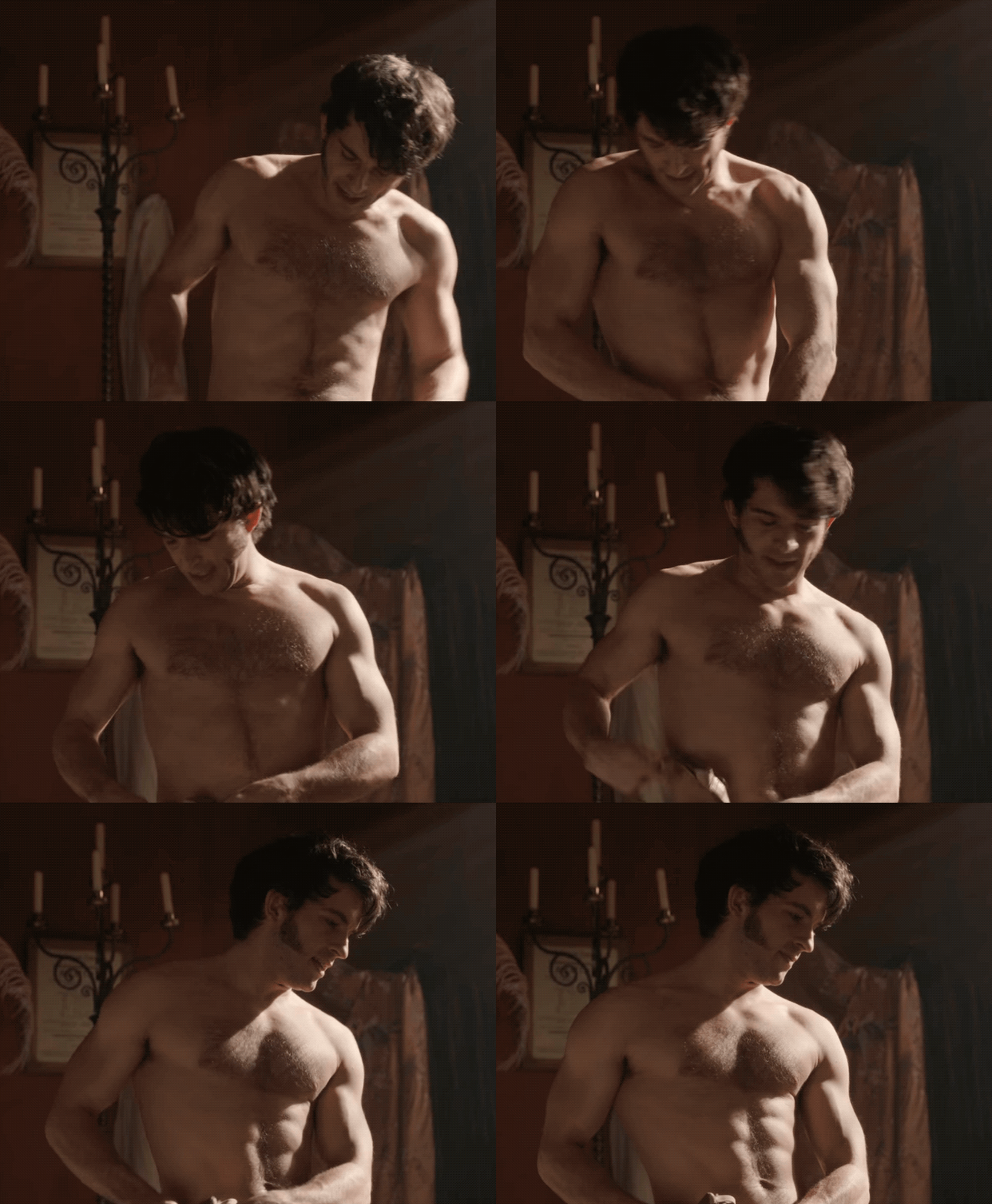
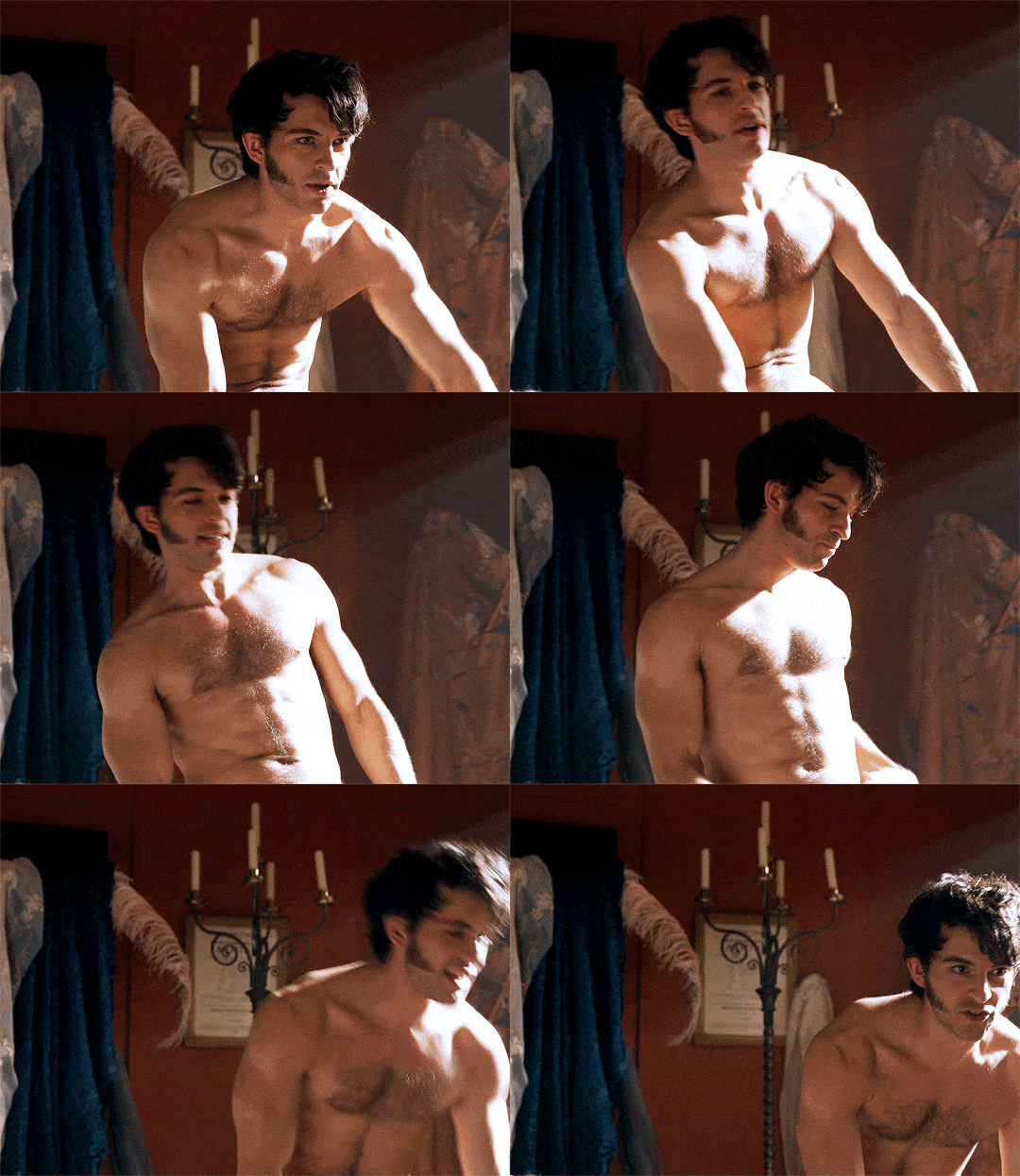
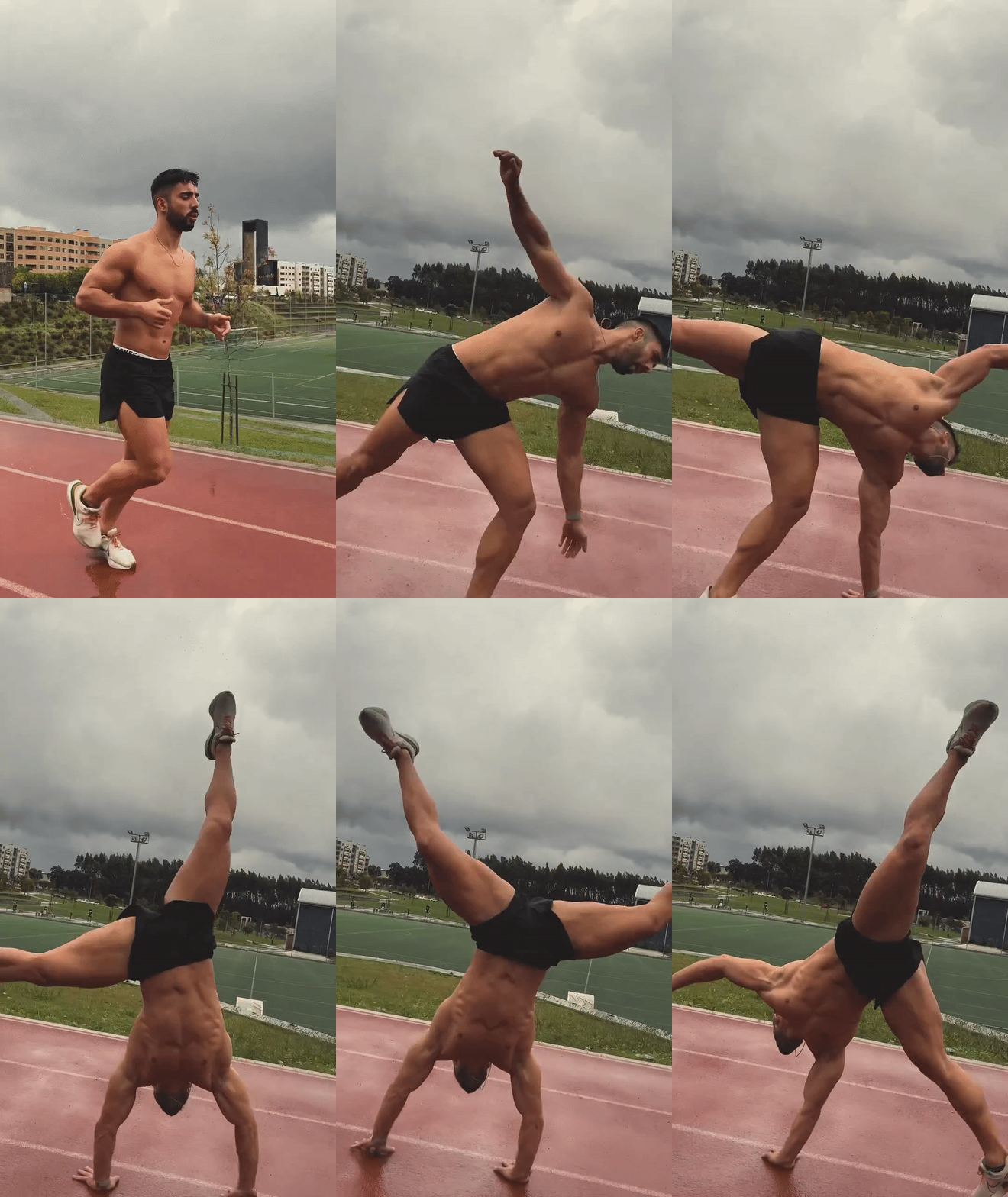
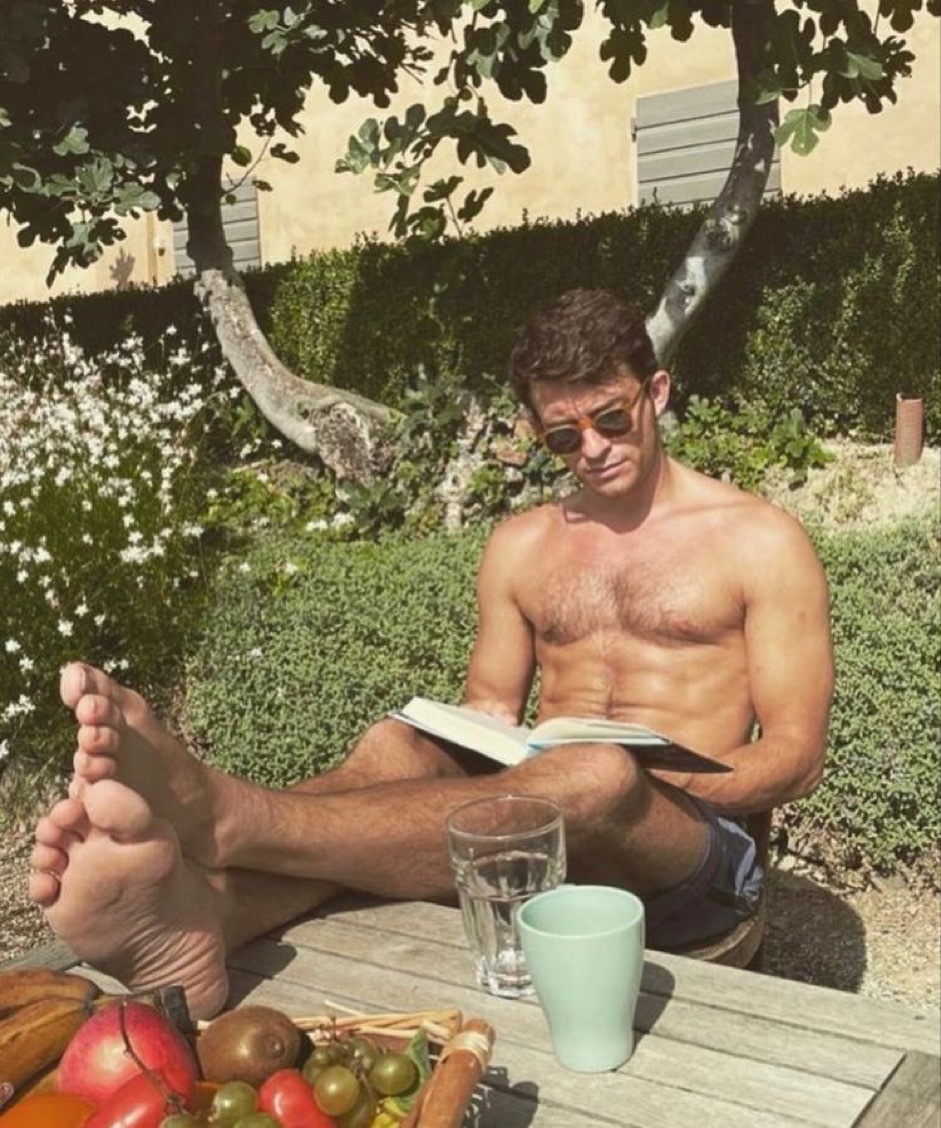
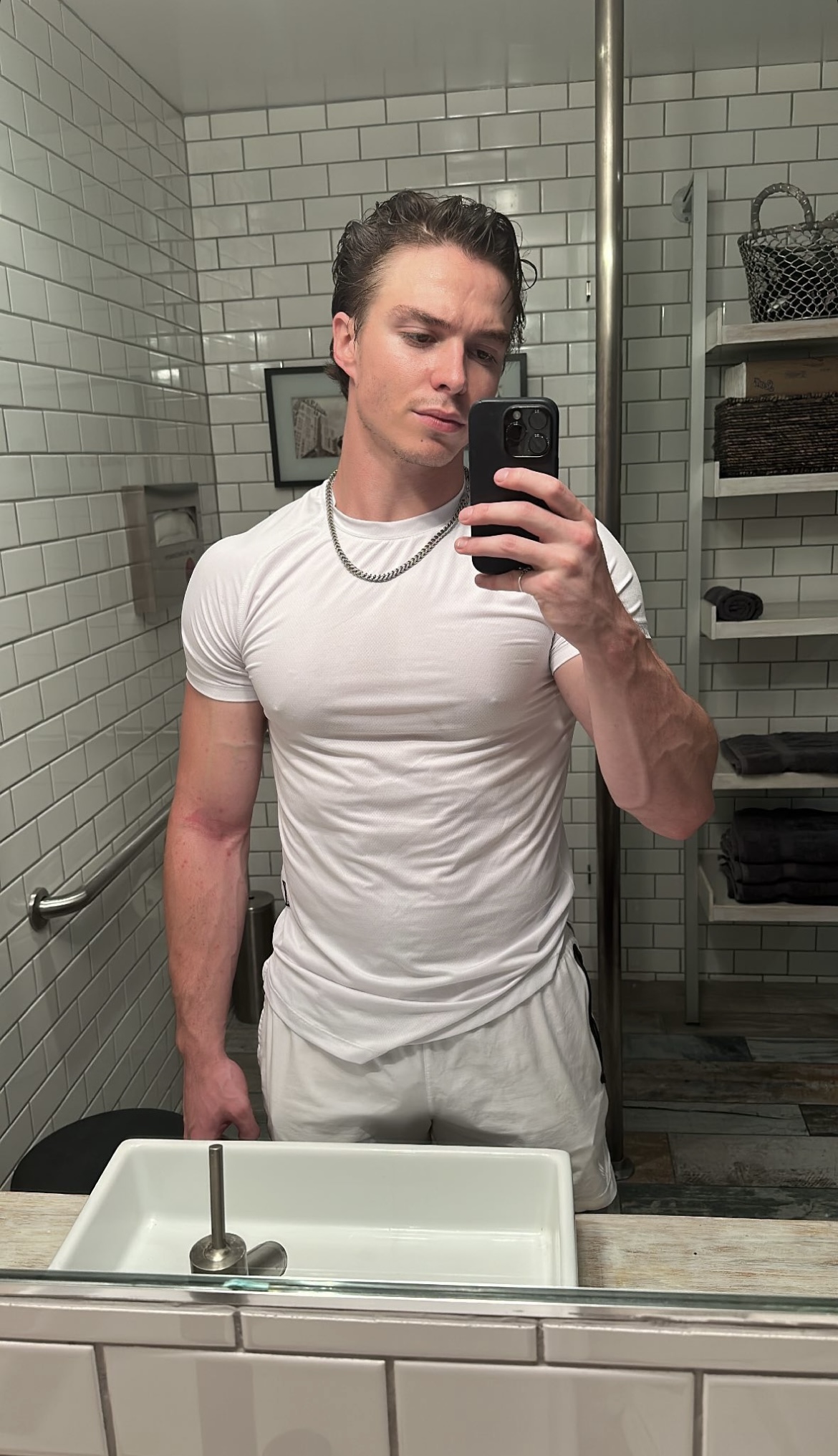
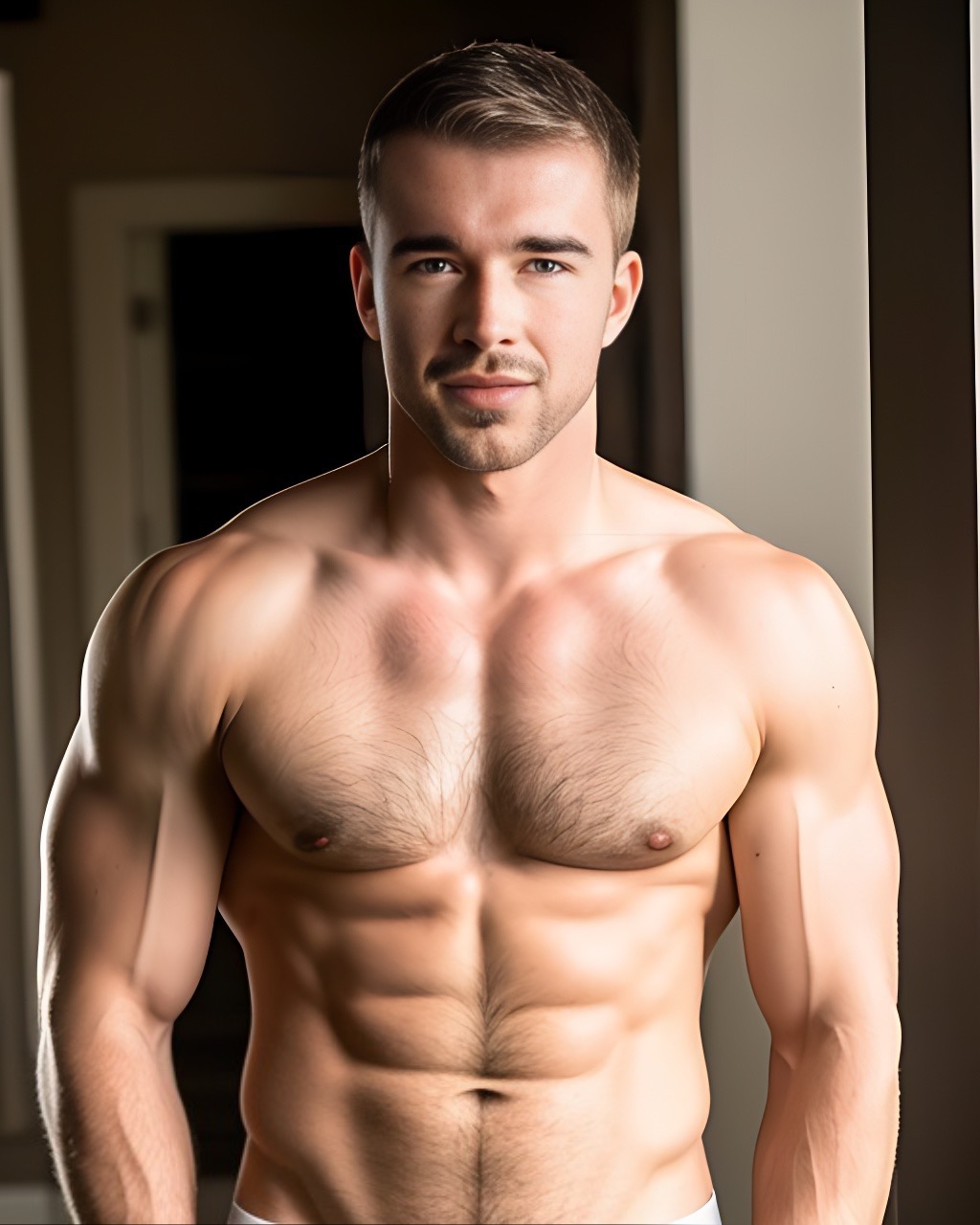
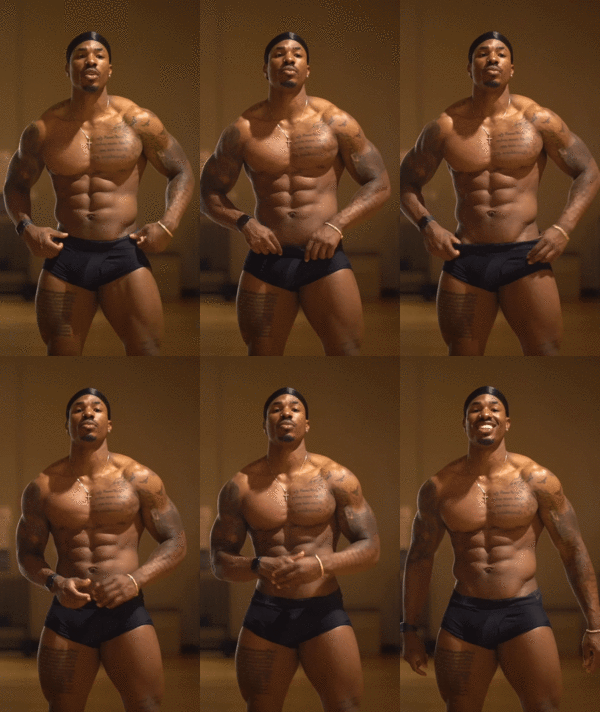
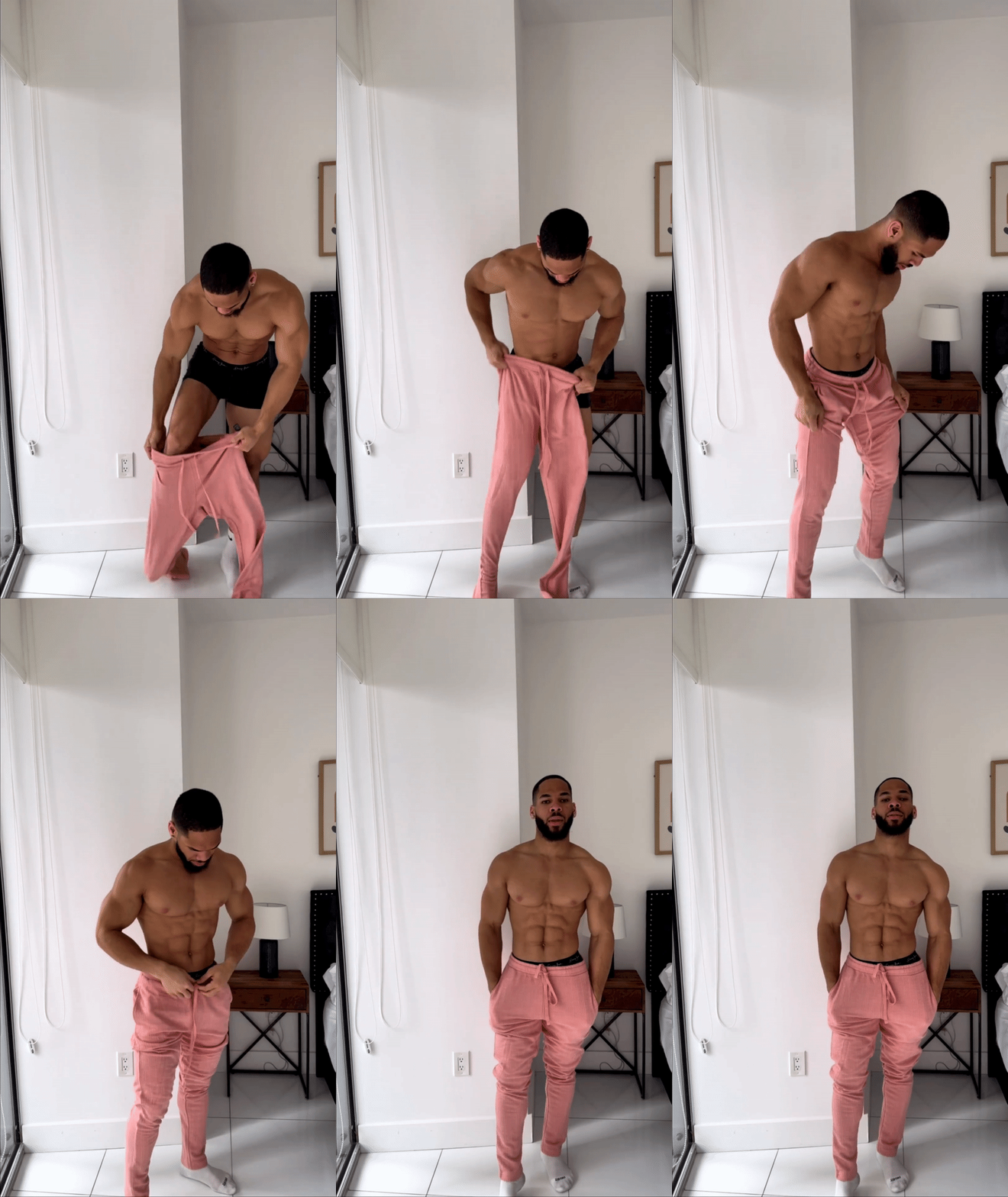
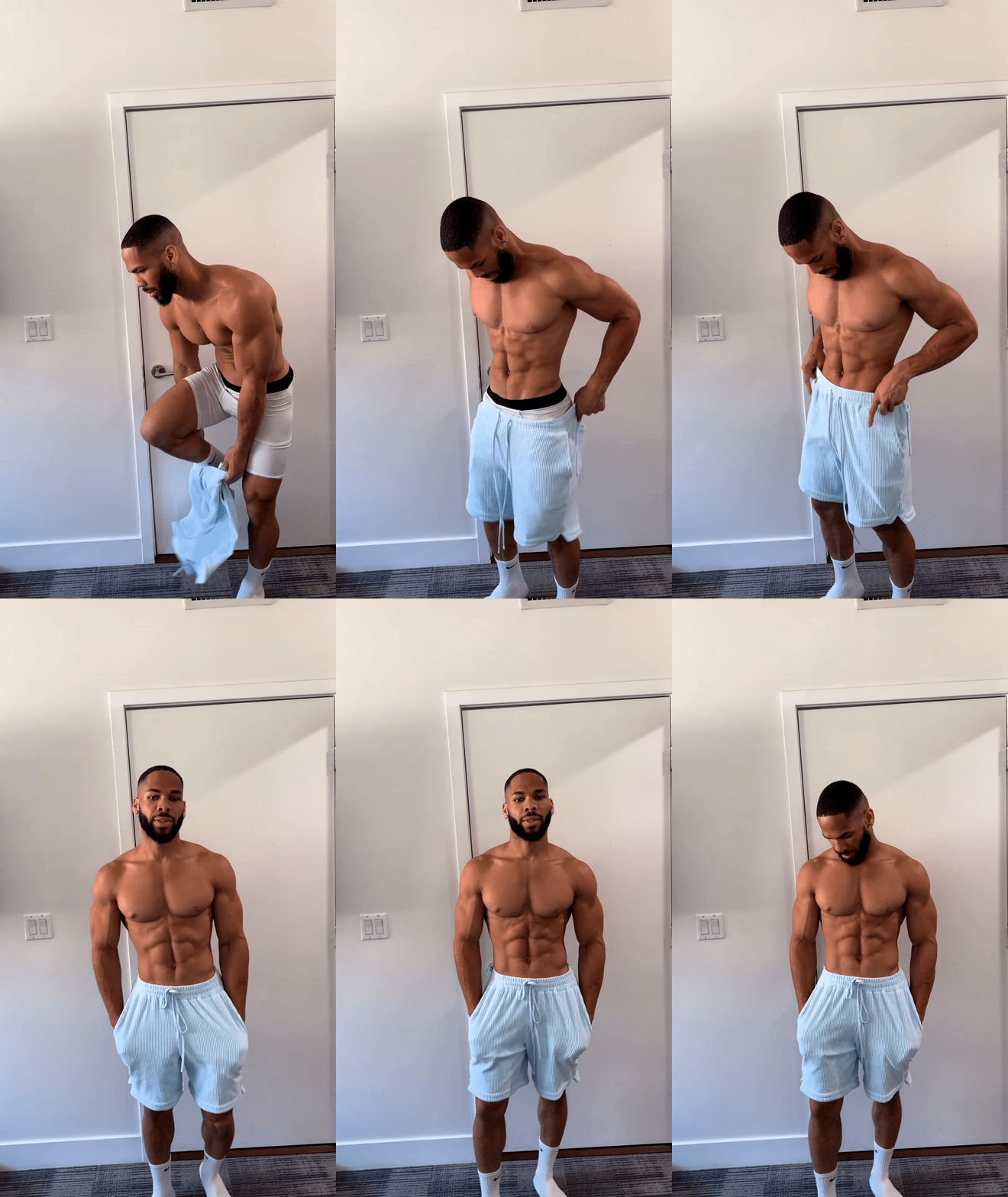
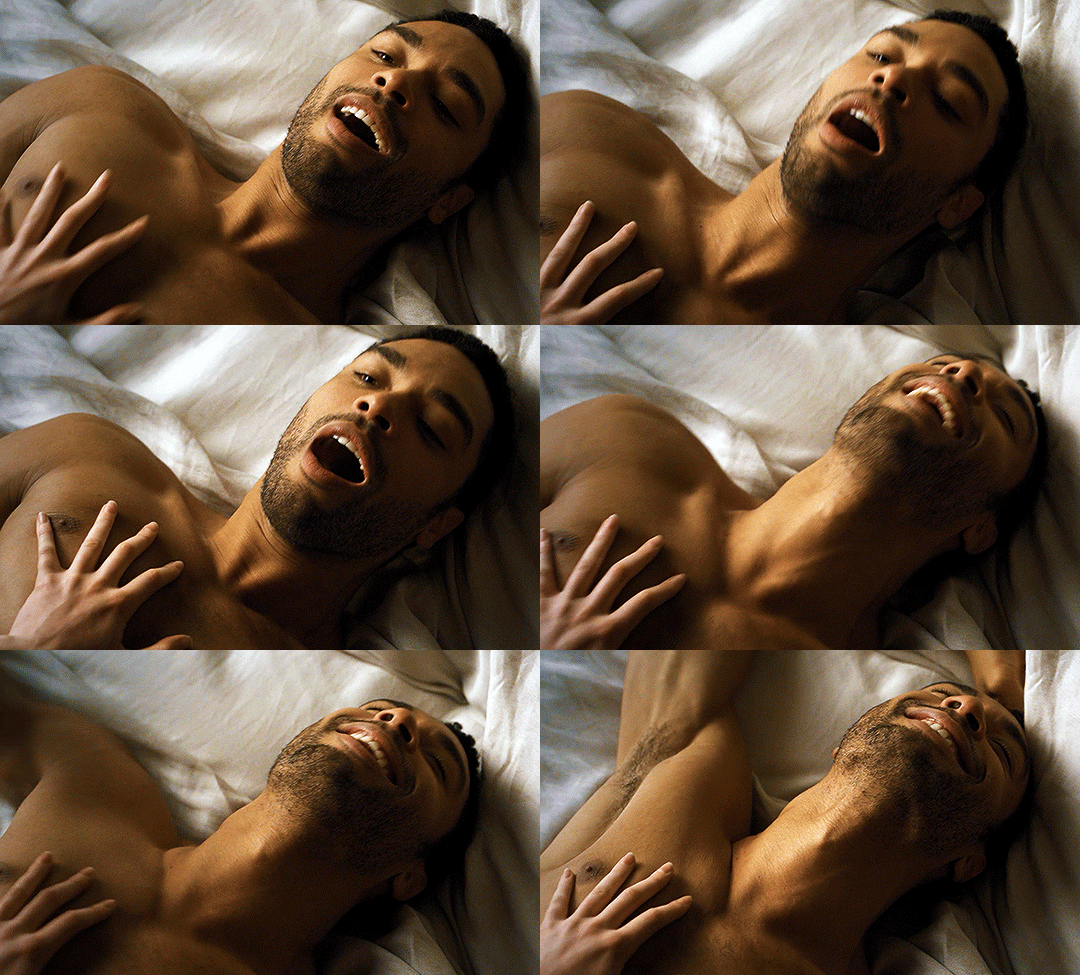
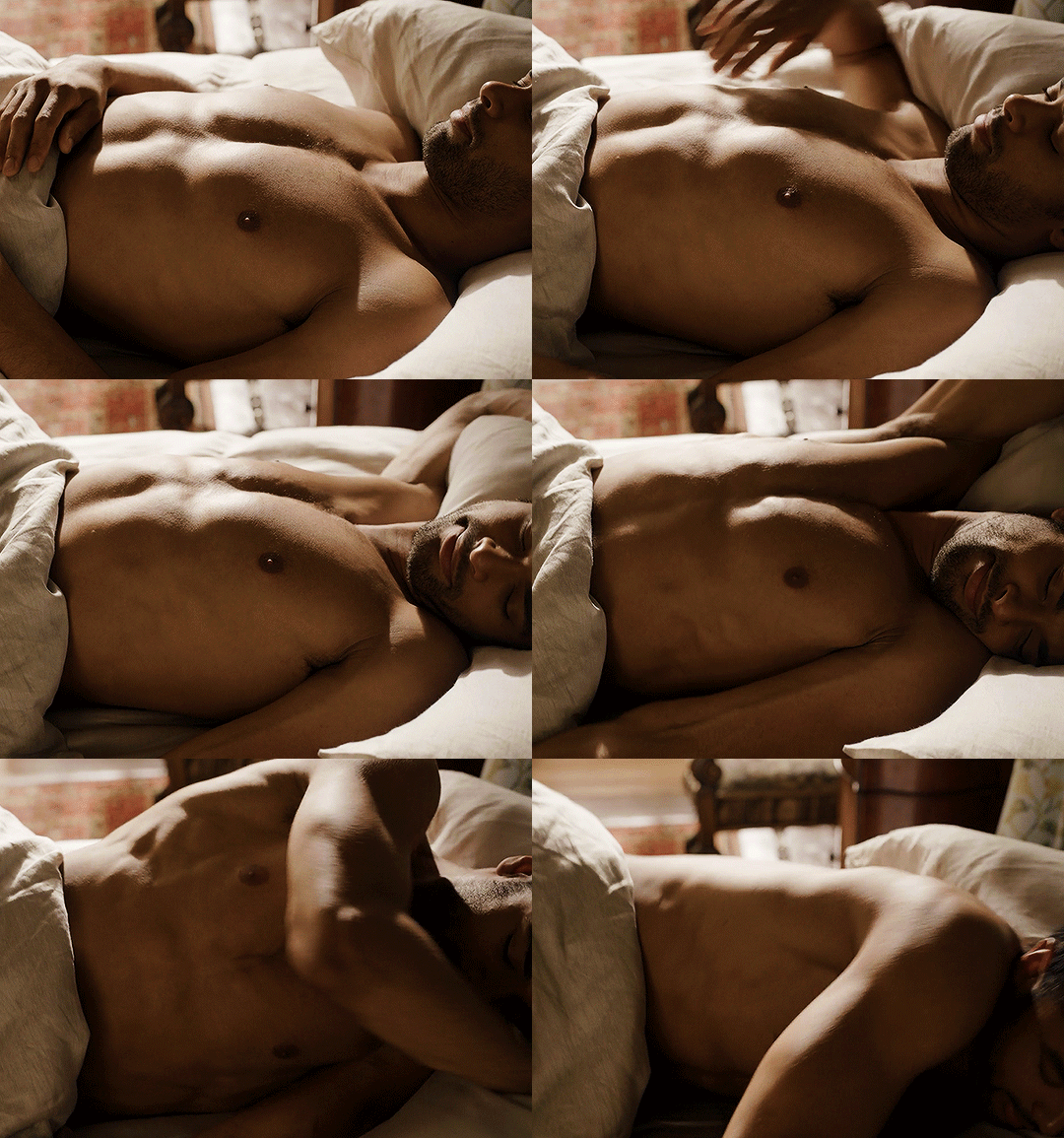
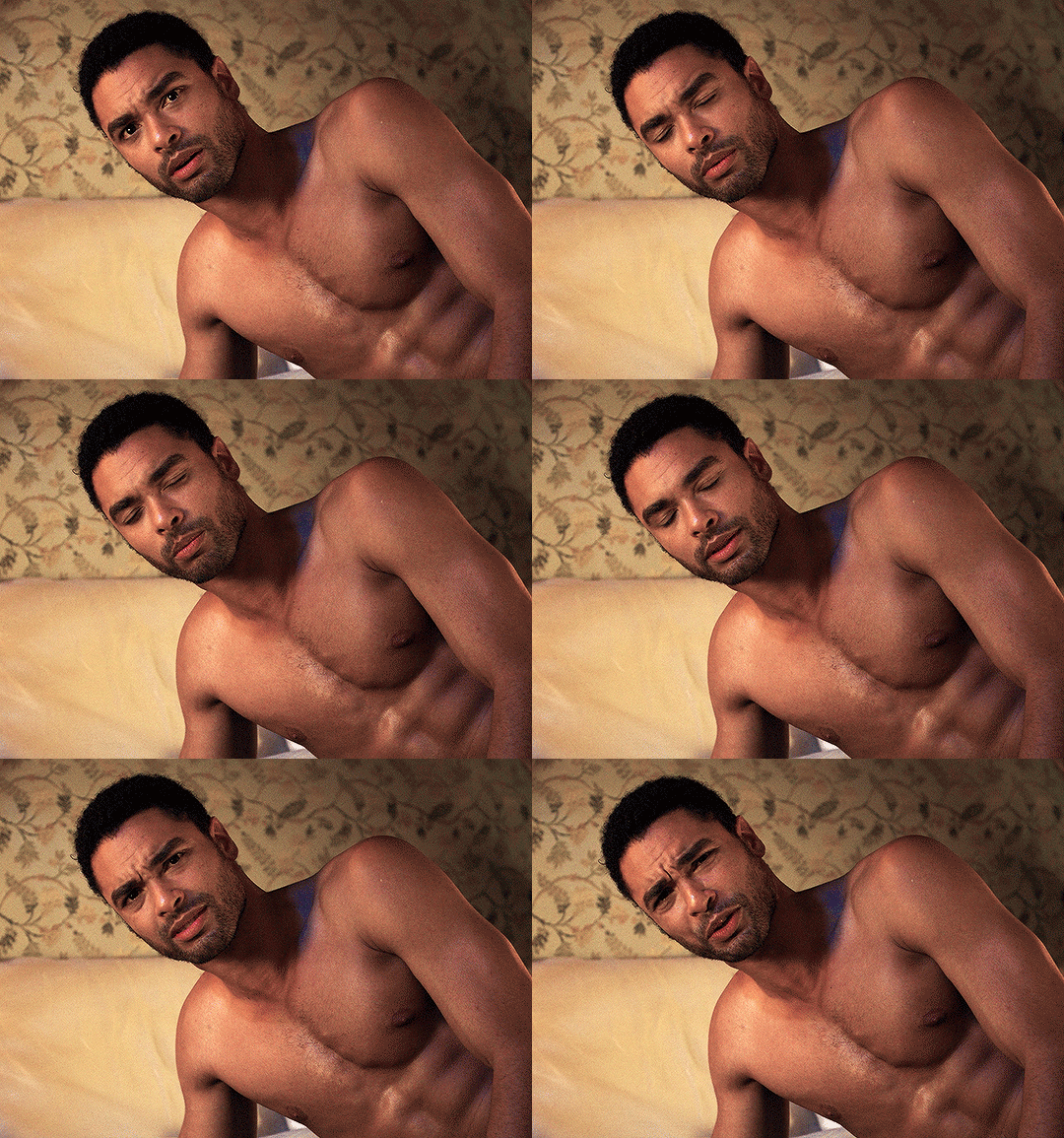
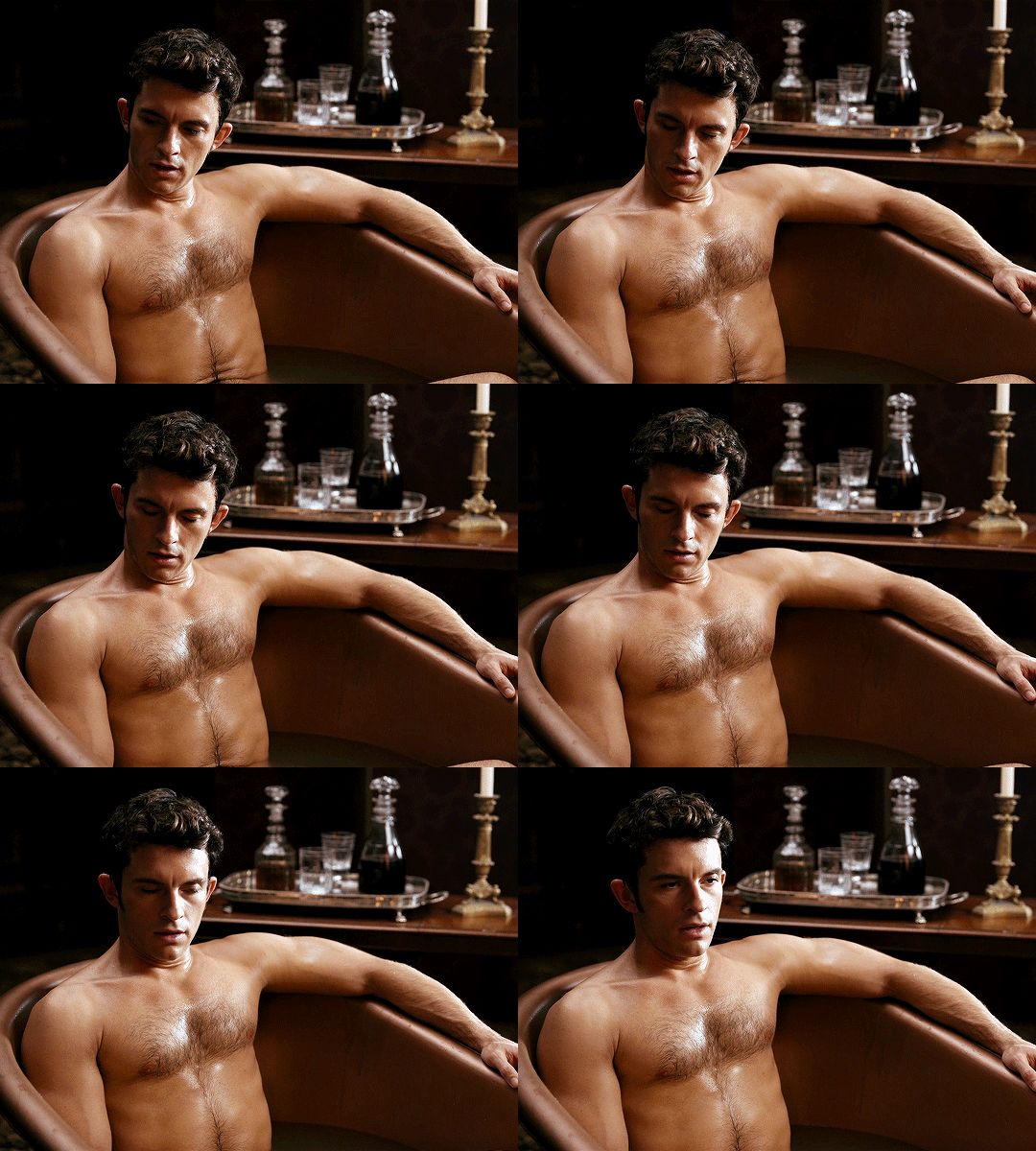 Adam Hagenbuch looking sort of Henry Cavill-ish. Regé-Jean Page enjoying himself: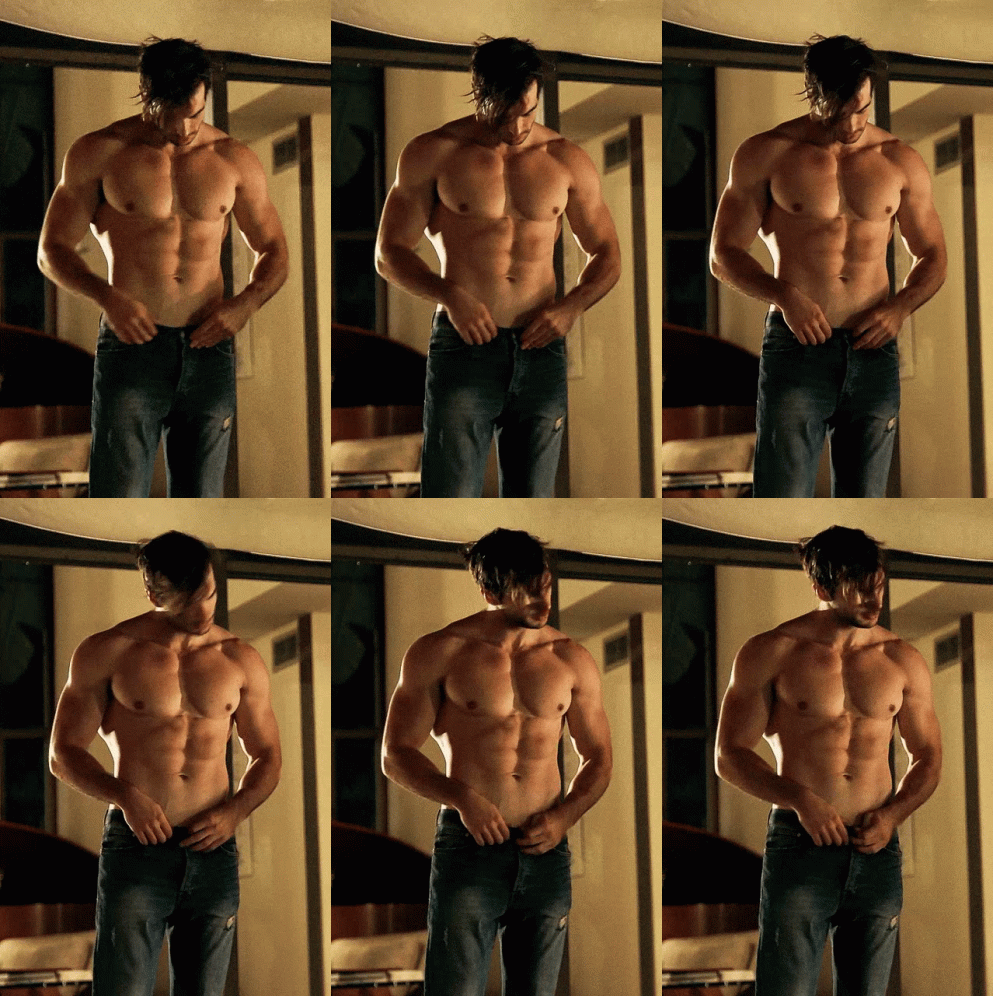

 Fûck. She meant so much to me as a teenager. I know she had such a bitter and tragic life from the jump, yet she made something of her life through her incredible voice and songwriting. I’d always hoped she’d find some peace, if not happiness, which I suppose was asking for too much.
More sNACk:
Fûck. She meant so much to me as a teenager. I know she had such a bitter and tragic life from the jump, yet she made something of her life through her incredible voice and songwriting. I’d always hoped she’d find some peace, if not happiness, which I suppose was asking for too much.
More sNACk: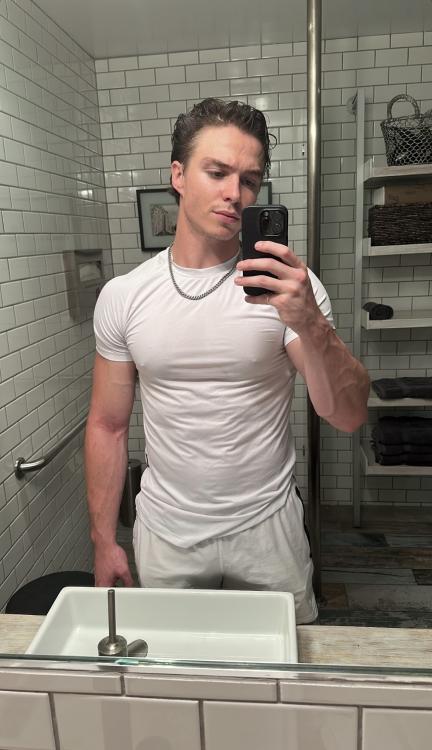 What a mess indeed. This and the Anthony Morina ordeal seems to indicate Sony largely looks away at this stuff. At least Morina got the boot.
Unfortunately I’m unable to watch!
It’s totally fake!
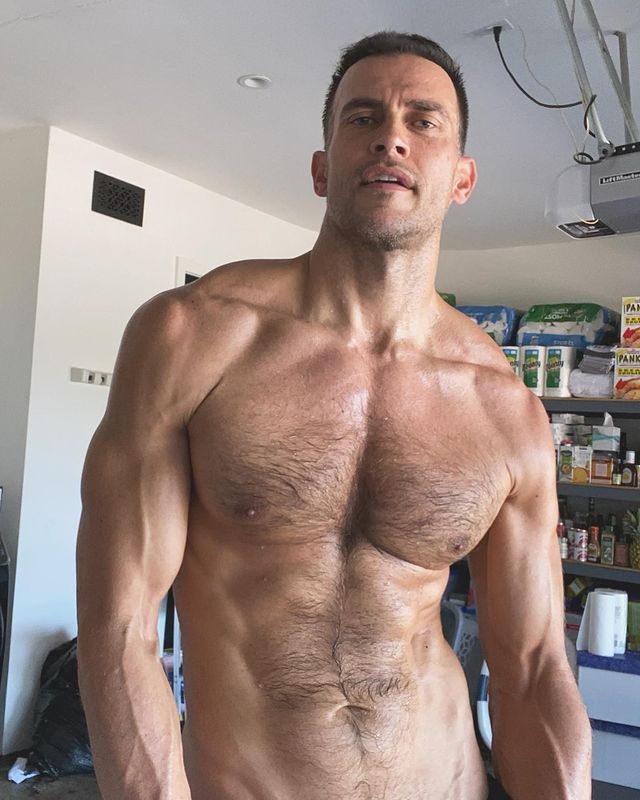
Cheyenne Jackson looking great at 48:
What a mess indeed. This and the Anthony Morina ordeal seems to indicate Sony largely looks away at this stuff. At least Morina got the boot.
Unfortunately I’m unable to watch!
It’s totally fake!
Cheyenne Jackson looking great at 48: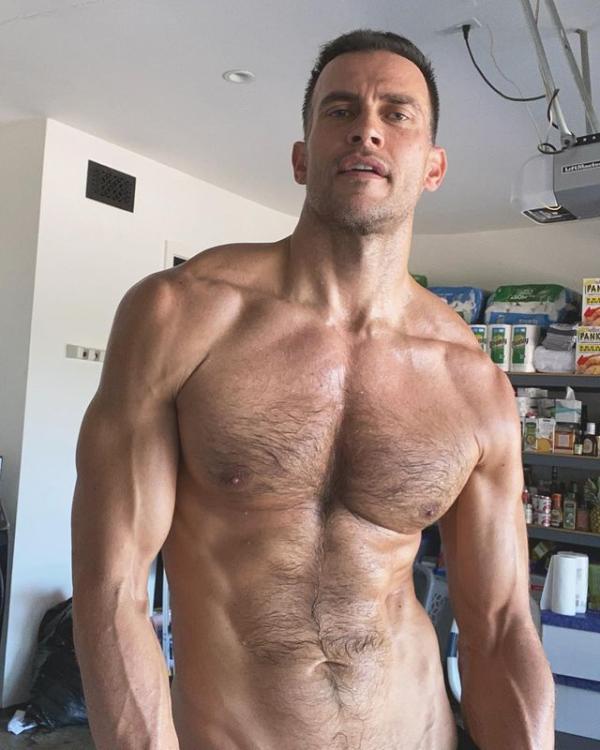 Jung Kook and Latto managed to keep Jason Aldean’s “Try That in a Small Town” out of the top spot. (Country has really taken up residence in the upper reaches of the Hot 100.)
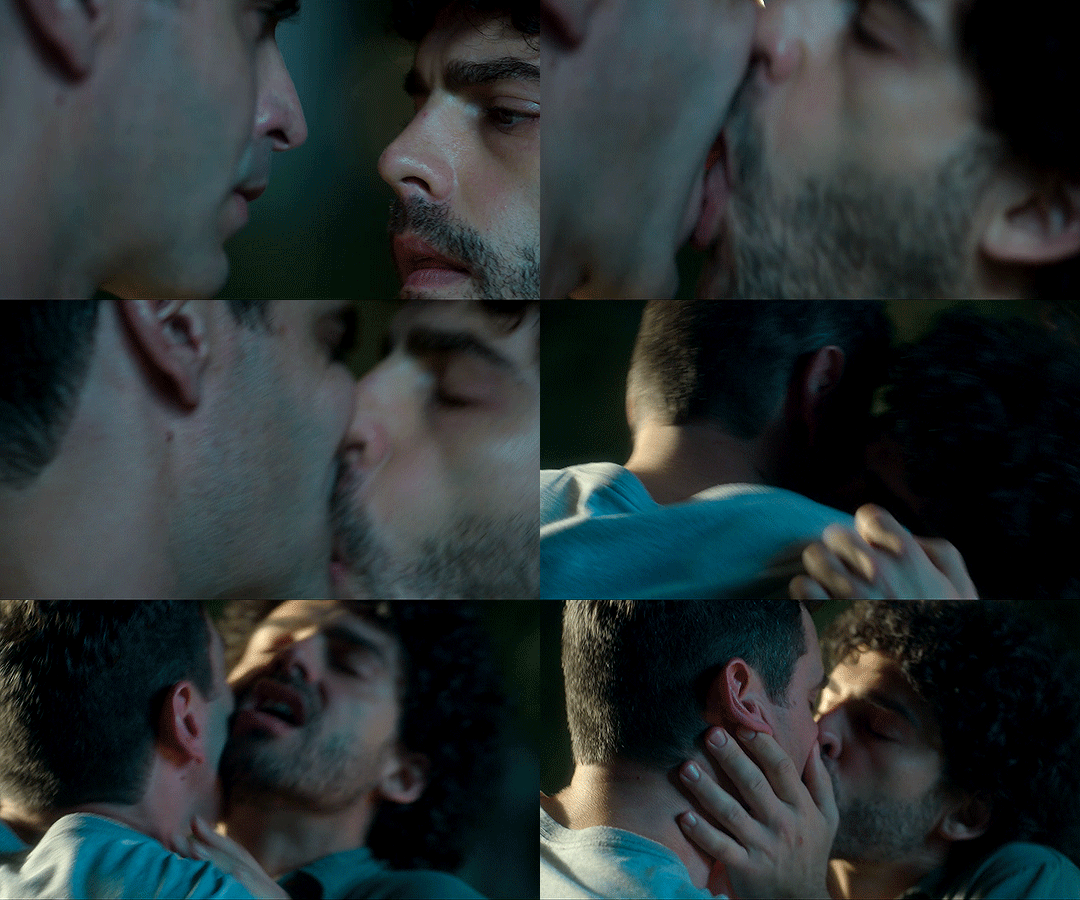
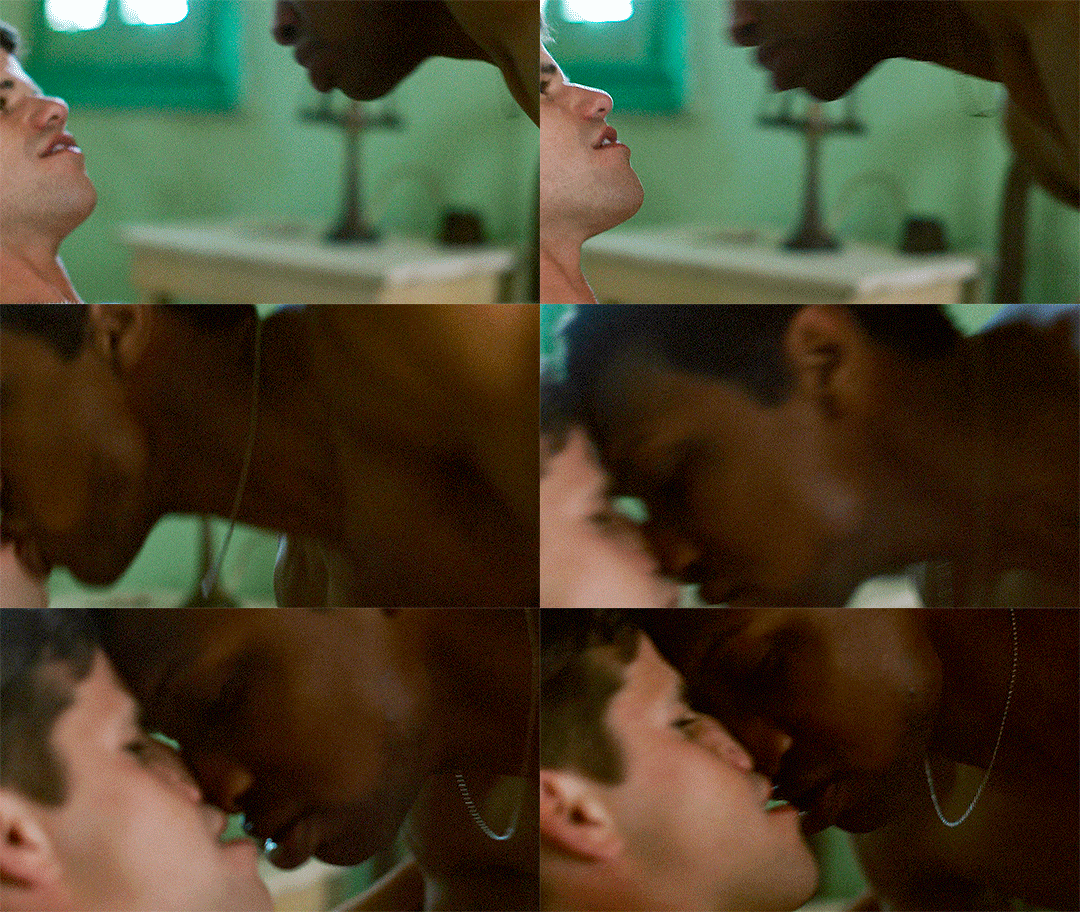
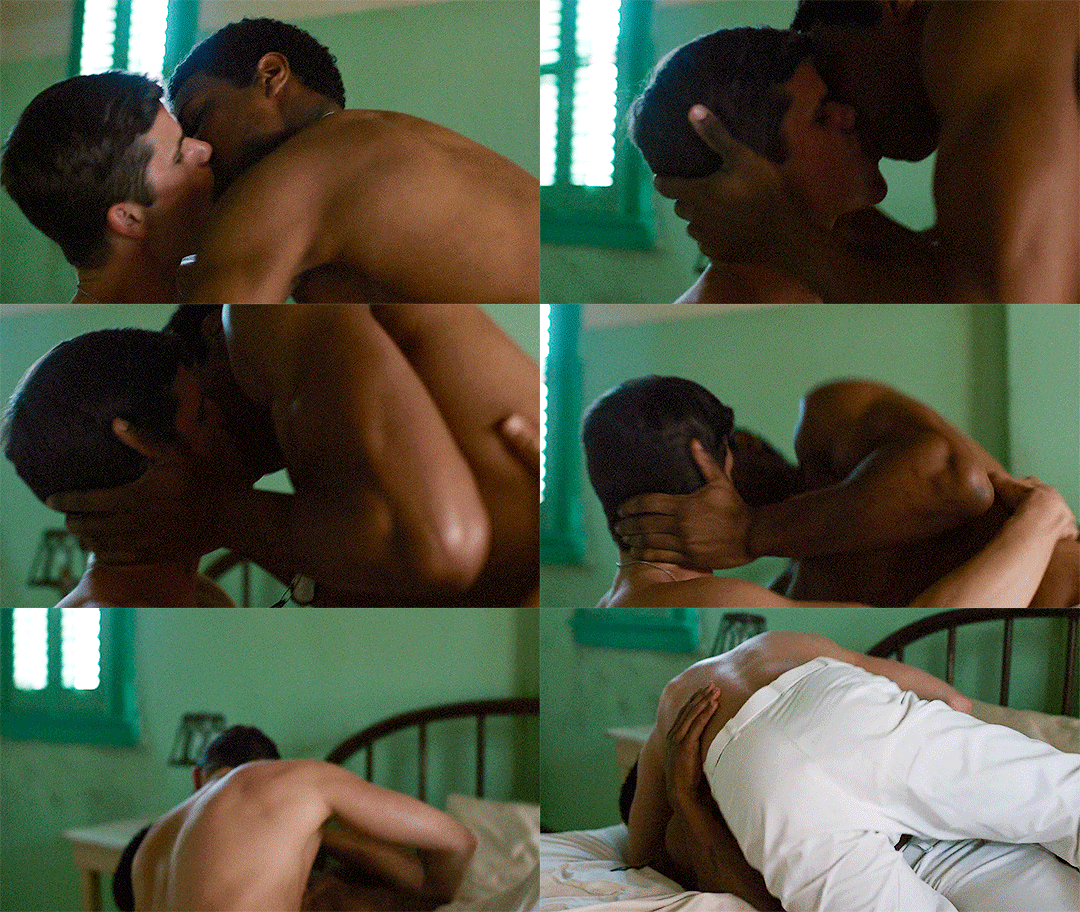
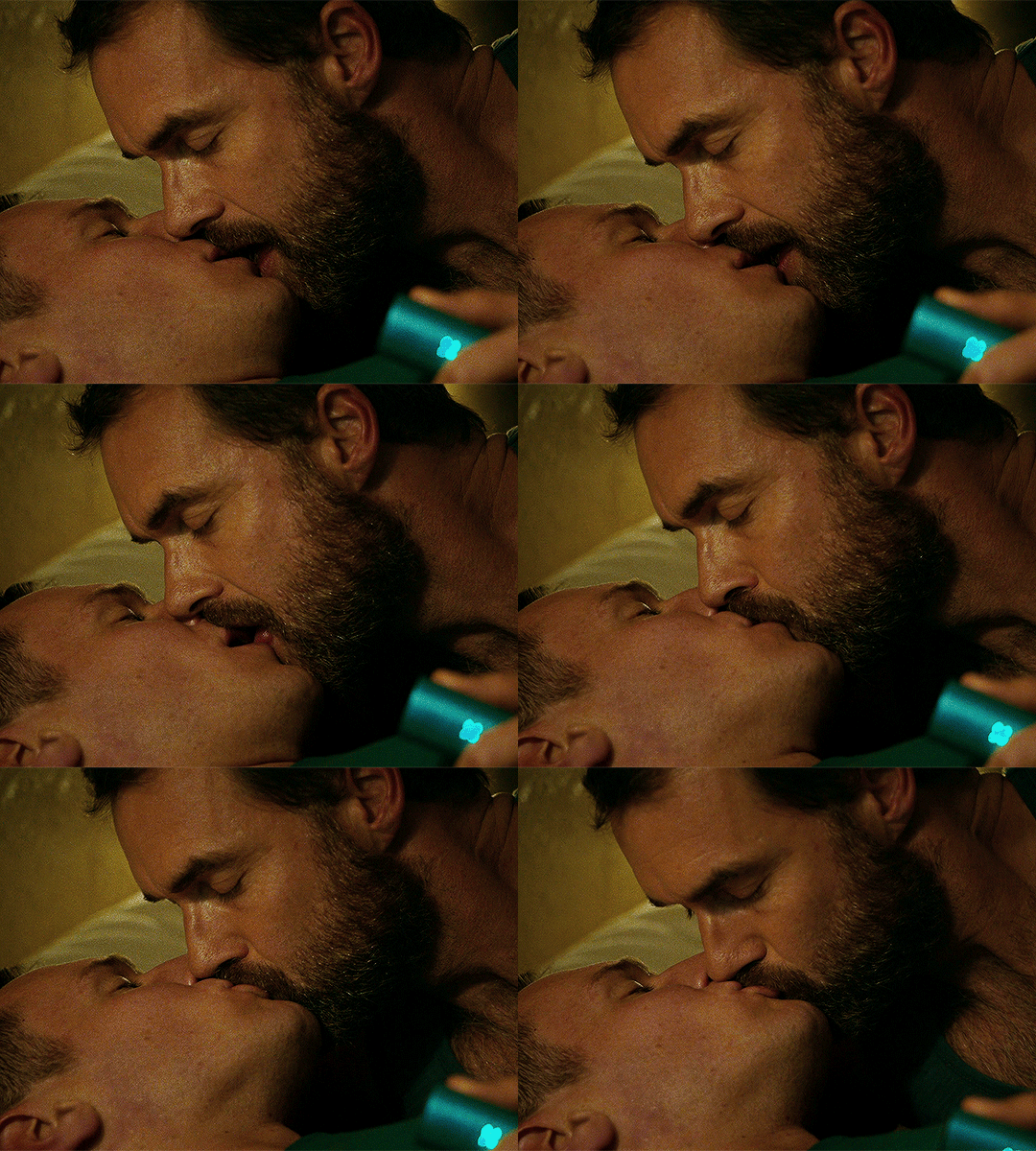
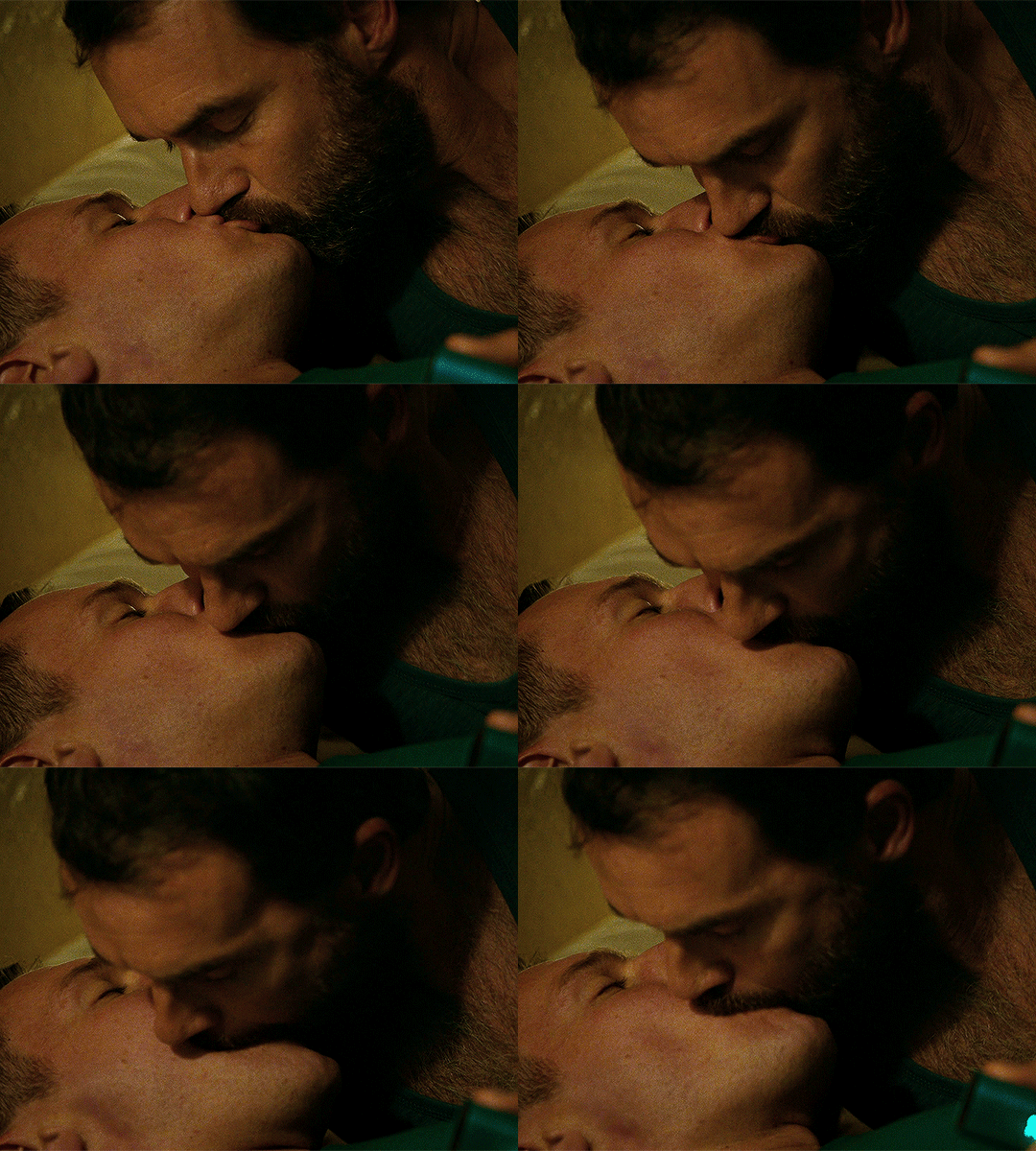
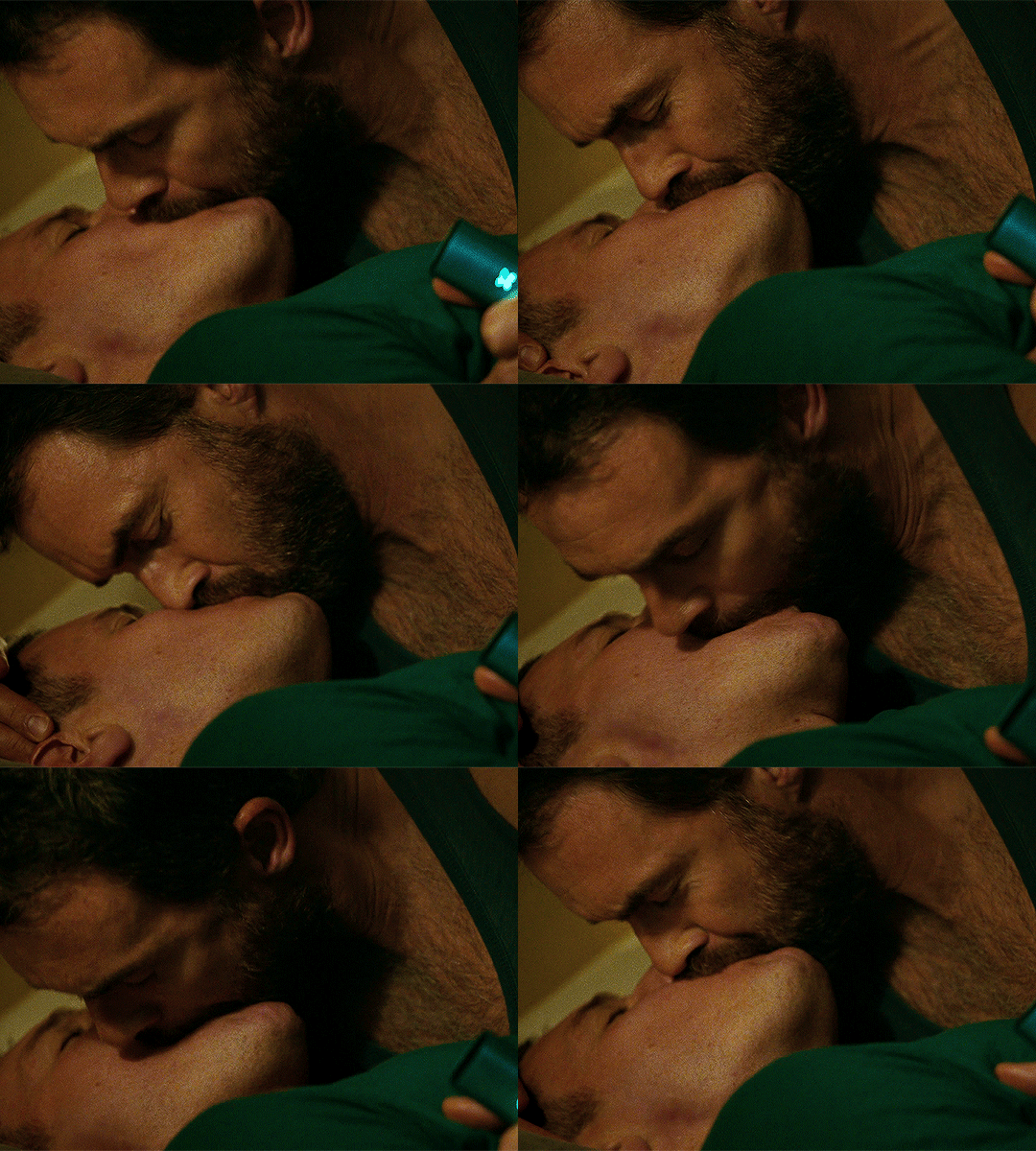
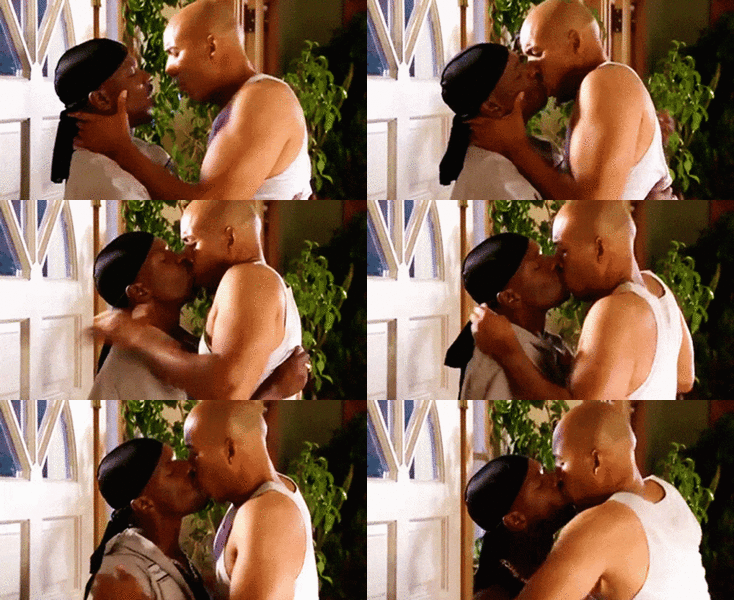
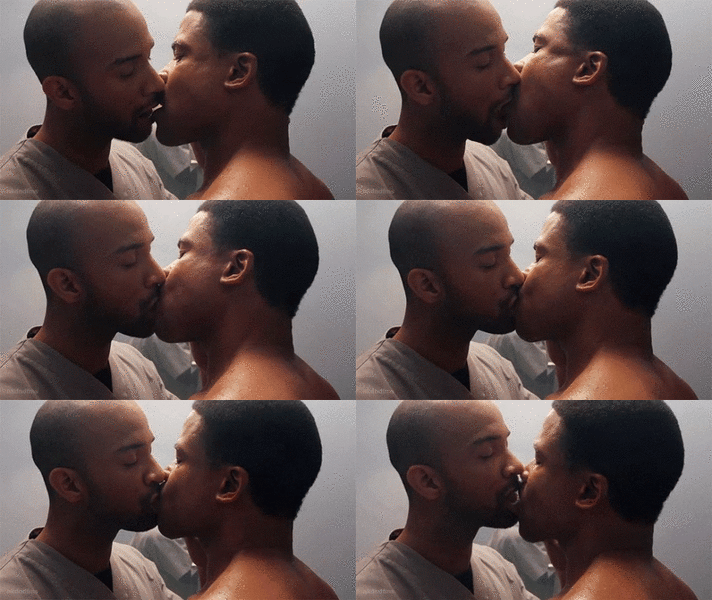
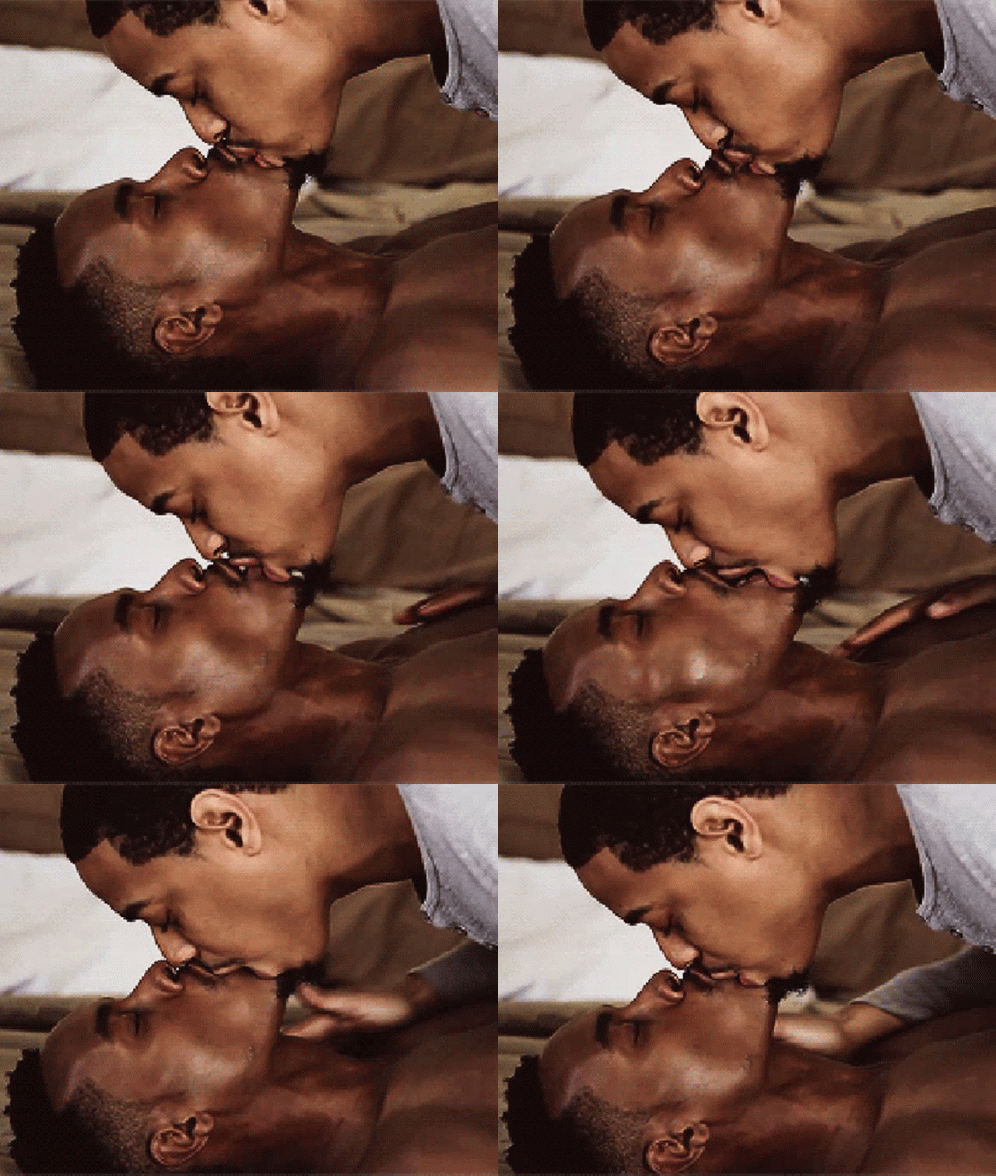
Some kisses for Monday
Jung Kook and Latto managed to keep Jason Aldean’s “Try That in a Small Town” out of the top spot. (Country has really taken up residence in the upper reaches of the Hot 100.)
Some kisses for Monday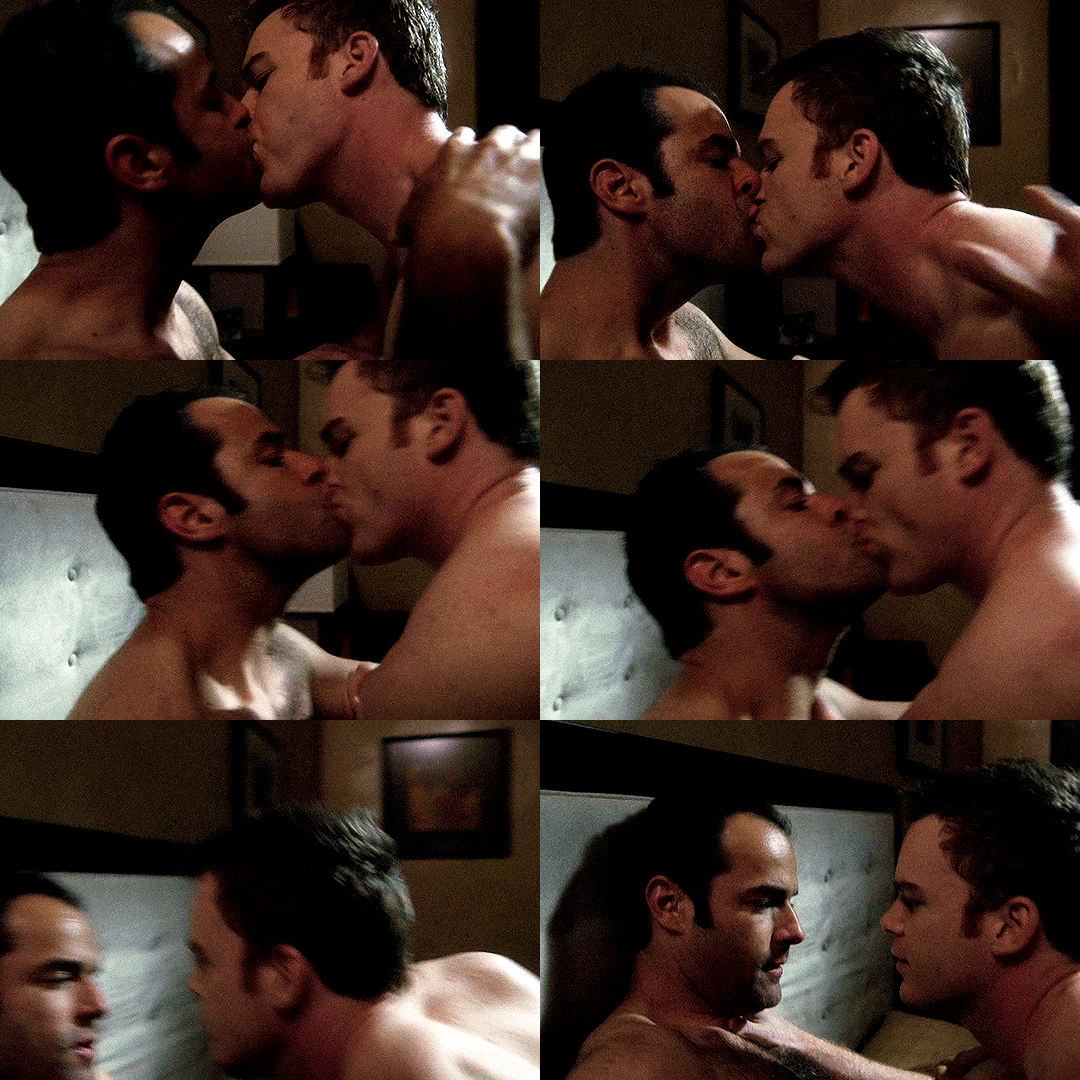


 I think a lot of it is just laziness and hoping audiences suspend their disbelief. The recent example I cite of course is Ryan Chamberlain walking all over Port Charles killing people, including in places of business, and not being picked up on a gazillion security cameras, even just on the street. They’d have to be more creative if they took modern-day advances into account.
Wow, Bill Geddie, former EP at The View, has died:
I think a lot of it is just laziness and hoping audiences suspend their disbelief. The recent example I cite of course is Ryan Chamberlain walking all over Port Charles killing people, including in places of business, and not being picked up on a gazillion security cameras, even just on the street. They’d have to be more creative if they took modern-day advances into account.
Wow, Bill Geddie, former EP at The View, has died:
Important Information
By using this site, you agree to our Terms of Use and Privacy Policy

Account
Navigation
Search
Configure browser push notifications
Chrome (Android)
- Tap the lock icon next to the address bar.
- Tap Permissions → Notifications.
- Adjust your preference.
Chrome (Desktop)
- Click the padlock icon in the address bar.
- Select Site settings.
- Find Notifications and adjust your preference.
Safari (iOS 16.4+)
- Ensure the site is installed via Add to Home Screen.
- Open Settings App → Notifications.
- Find your app name and adjust your preference.
Safari (macOS)
- Go to Safari → Preferences.
- Click the Websites tab.
- Select Notifications in the sidebar.
- Find this website and adjust your preference.
Edge (Android)
- Tap the lock icon next to the address bar.
- Tap Permissions.
- Find Notifications and adjust your preference.
Edge (Desktop)
- Click the padlock icon in the address bar.
- Click Permissions for this site.
- Find Notifications and adjust your preference.
Firefox (Android)
- Go to Settings → Site permissions.
- Tap Notifications.
- Find this site in the list and adjust your preference.
Firefox (Desktop)
- Open Firefox Settings.
- Search for Notifications.
- Find this site in the list and adjust your preference.