






Soapsuds
Member
-
Joined
Everything posted by Soapsuds
-
 I was watching one day and some female who I had no clue who she was blackmailing someone else who I didn't know either...lol
 -
Well that answers my question. You didn't like beyond salem.😂 I agree with you about making the main show better but I enjoyed the spin-off. It brought past characters back and I knew I didn't have to take it seriously like the main show. I'm actually hoping for more spinoffs with Will and Sonny since the main show shows no interest in bringing them back. Also it was Peacock that asked for the spin-off and movie.
-
I did see his first few episodes and enjoyed it. But it's hard getting into the show when I don't know half or more in the cast.
-
So ever Tom, Dick and Harry gets an appreciation thread?😂 That said he has a hot body and pecs. That said I've wonder ever since he first appeared on GH if we are related?😂 We would be second cousins on my father's side of the family.
Here is the link for the interview!
The Ropers on Pluto TV.
David Monahan who played Toby is gay IRL. I didn't know that. I always had a crush on him. He's been with his partner for 20 years. David looks real good for being 50 years old.
 Jan Brady is also out of tennis till March of next year.
If they released Dallas on blu ray I'd buy the series again. I have the entire series on dvd. I'd hope they would be complete episodes. Some of the episodes on the DVD release weren't complete. I'm looking forward to seeing it in HD on HBO Max.
Didn't know he was from Austin. Another Texan on a soap. I caught his return episode but haven't watched since. I see he auditioned for GH. I guess he wasn't hot enough for Frank Valentini. He should've worn a Mikey Jerome mask during his audition.😂
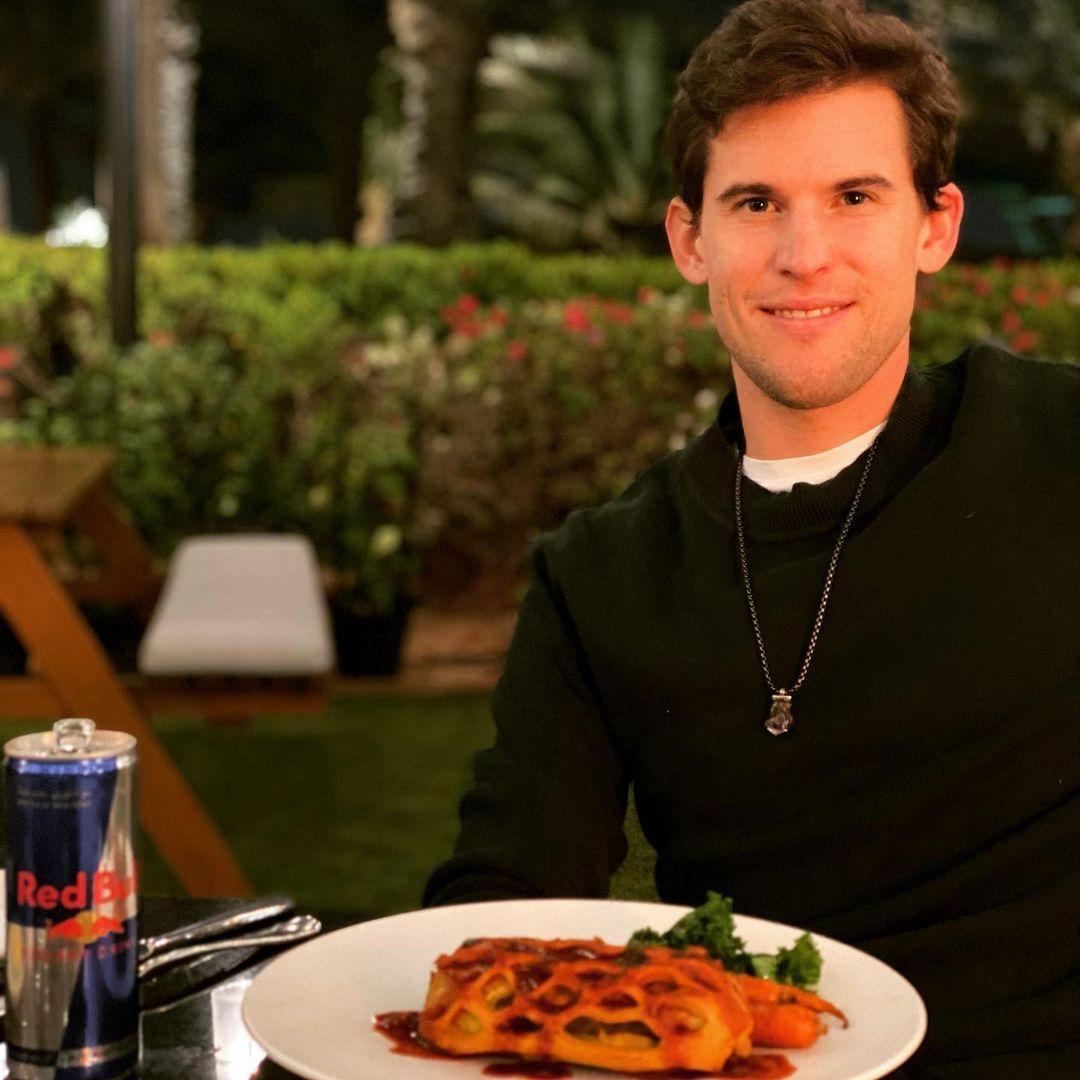
Having a great dinner at Gordon Ramsay‘s Bread Street Kitchen after my first full practice day in Dubai. But where the f*** is @gordongram ? #veggie #wellington
Jan Brady is also out of tennis till March of next year.
If they released Dallas on blu ray I'd buy the series again. I have the entire series on dvd. I'd hope they would be complete episodes. Some of the episodes on the DVD release weren't complete. I'm looking forward to seeing it in HD on HBO Max.
Didn't know he was from Austin. Another Texan on a soap. I caught his return episode but haven't watched since. I see he auditioned for GH. I guess he wasn't hot enough for Frank Valentini. He should've worn a Mikey Jerome mask during his audition.😂
Having a great dinner at Gordon Ramsay‘s Bread Street Kitchen after my first full practice day in Dubai. But where the f*** is @gordongram ? #veggie #wellington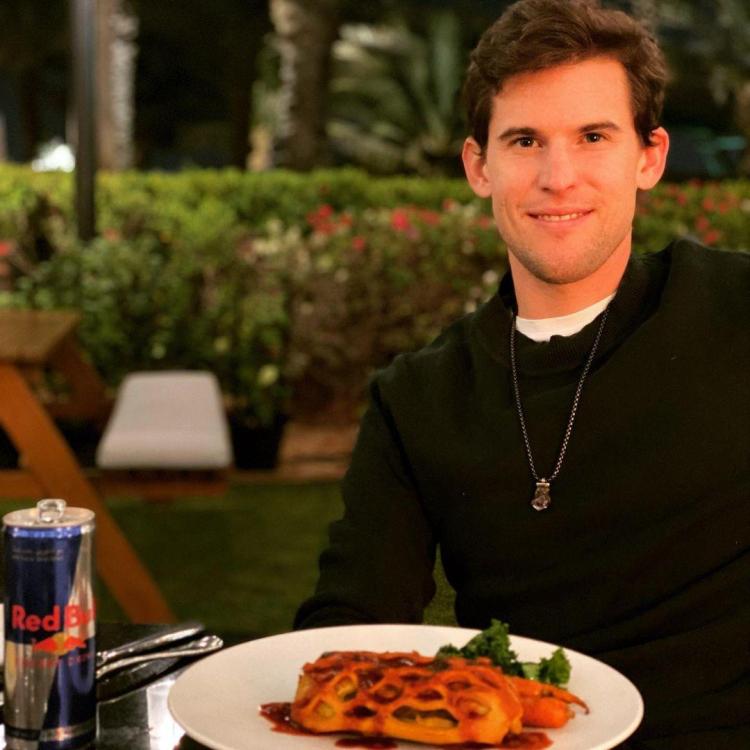 I remember when he left the show and they cast awful Brett Cullen as Dan Fixx.
That was cute! Can't believe it's been 40 years. It's too bad season 4 was never released as promised. And Abby Dalton. God I loved Julia too!! Now that I look back at it I wish I had appreciated William R Moses more being on the show.
I would hope so. The promotion for this Christmas movie has been very weak and disappointing. I was hoping for more info on it.
This life will go by fast. Don’t fight with people, don’t criticize your body so much, don’t complain so much. Don’t lose sleep over your bills. Look for the person that makes you happy. If you make a mistake, let it go and keep seeking your happiness. Never stop being a good parent. Don’t worry so much about buying luxuries and comforts for your home, and don’t kill yourself trying to leave an inheritance for your family. Those benefits should be earned by each person, so don’t dedicate yourself to accumulating money. Enjoy, travel, enjoy your journeys, see new places, give yourself the pleasures you deserve. Allow dogs to get closer. Don’t put away the fine glassware. Utilize the new dinnerware; don’t save your favorite perfume, use it to go out with yourself; wear out your favorite sport shoes; repeat your favorite clothes. So what? That’s not bad. Why not now? Why not pray now instead of waiting until before you sleep? Why not call now? Why not forgive now? We wait so long for Christmas; for Friday; for Reunions; for another year; for when I have money; for love to come; when everything is perfect… look… Everything perfect doesn’t exist. Human beings can’t accomplish this because it simply was not intended to be completed here. Here is an opportunity to learn. So take this challenge that is life and do it now… Love more, forgive more, embrace more, love more intensely and leave the rest in God’s hands. Amen.
Eileen will be on Dishin Days on Wednesday discussing the Christmas movie that will premiere next Thursday on Peacock.
https://thepopbreak.com/2021/11/30/alans-soap-box-the-problems-with-ben-ciara/ 😂
I know a Brandon but no Brando. I've heard of Gladys before but I've never known one. I tried watching GH again but there are so many unfamiliar faces that I didn't even bother.
I remember when he left the show and they cast awful Brett Cullen as Dan Fixx.
That was cute! Can't believe it's been 40 years. It's too bad season 4 was never released as promised. And Abby Dalton. God I loved Julia too!! Now that I look back at it I wish I had appreciated William R Moses more being on the show.
I would hope so. The promotion for this Christmas movie has been very weak and disappointing. I was hoping for more info on it.
This life will go by fast. Don’t fight with people, don’t criticize your body so much, don’t complain so much. Don’t lose sleep over your bills. Look for the person that makes you happy. If you make a mistake, let it go and keep seeking your happiness. Never stop being a good parent. Don’t worry so much about buying luxuries and comforts for your home, and don’t kill yourself trying to leave an inheritance for your family. Those benefits should be earned by each person, so don’t dedicate yourself to accumulating money. Enjoy, travel, enjoy your journeys, see new places, give yourself the pleasures you deserve. Allow dogs to get closer. Don’t put away the fine glassware. Utilize the new dinnerware; don’t save your favorite perfume, use it to go out with yourself; wear out your favorite sport shoes; repeat your favorite clothes. So what? That’s not bad. Why not now? Why not pray now instead of waiting until before you sleep? Why not call now? Why not forgive now? We wait so long for Christmas; for Friday; for Reunions; for another year; for when I have money; for love to come; when everything is perfect… look… Everything perfect doesn’t exist. Human beings can’t accomplish this because it simply was not intended to be completed here. Here is an opportunity to learn. So take this challenge that is life and do it now… Love more, forgive more, embrace more, love more intensely and leave the rest in God’s hands. Amen.
Eileen will be on Dishin Days on Wednesday discussing the Christmas movie that will premiere next Thursday on Peacock.
https://thepopbreak.com/2021/11/30/alans-soap-box-the-problems-with-ben-ciara/ 😂
I know a Brandon but no Brando. I've heard of Gladys before but I've never known one. I tried watching GH again but there are so many unfamiliar faces that I didn't even bother.


Important Information
By using this site, you agree to our Terms of Use and Privacy Policy

Account
Navigation
Search
Configure browser push notifications
Chrome (Android)
- Tap the lock icon next to the address bar.
- Tap Permissions → Notifications.
- Adjust your preference.
Chrome (Desktop)
- Click the padlock icon in the address bar.
- Select Site settings.
- Find Notifications and adjust your preference.
Safari (iOS 16.4+)
- Ensure the site is installed via Add to Home Screen.
- Open Settings App → Notifications.
- Find your app name and adjust your preference.
Safari (macOS)
- Go to Safari → Preferences.
- Click the Websites tab.
- Select Notifications in the sidebar.
- Find this website and adjust your preference.
Edge (Android)
- Tap the lock icon next to the address bar.
- Tap Permissions.
- Find Notifications and adjust your preference.
Edge (Desktop)
- Click the padlock icon in the address bar.
- Click Permissions for this site.
- Find Notifications and adjust your preference.
Firefox (Android)
- Go to Settings → Site permissions.
- Tap Notifications.
- Find this site in the list and adjust your preference.
Firefox (Desktop)
- Open Firefox Settings.
- Search for Notifications.
- Find this site in the list and adjust your preference.