victoria foxton
Banned - Not Active
-
Joined
-
Last visited
Everything posted by victoria foxton
-
@Titus Andronicus Here's an Aussie telecast of Days from Nine Network. Steve Rutherford's channel also had some clips featuring Jessica and Alex. Which he took down ages ago. 1844093503_10000000_520341993272579_3265626971905204678_n(1).mp4
@janea4oldThanks 😊
https://soaps.sheknows.com/soaps/news/610899/why-was-soap-cancelled-search-for-tomorrow-anniversary-brian-frons/?fbclid=IwAR3S1PZ732ubgrcBakNNCU9pi6tNzkwWc_y-3A7nBfXarCBTSVACHaitZMg
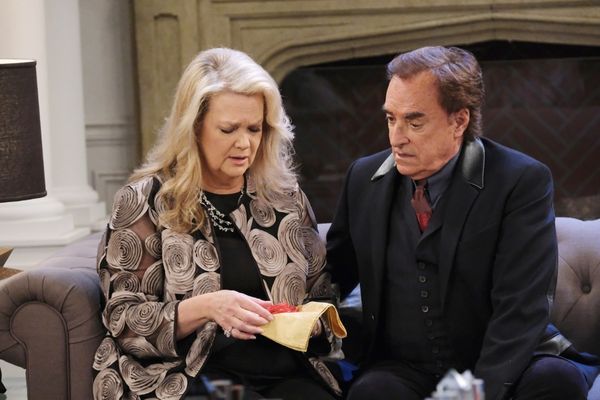
Bonnie's celebration for Maggie and Victor leads to a shocking discovery.
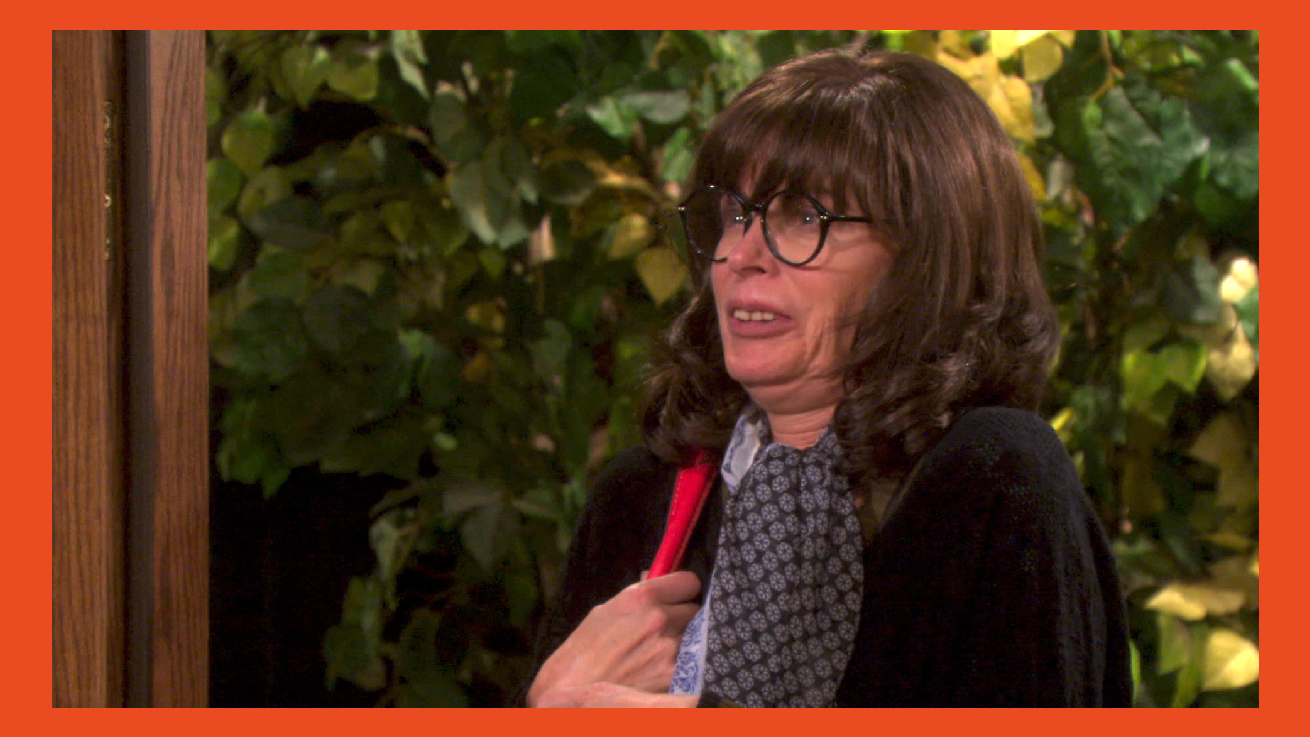
.jpg.d5955c486ccd6dab959779cc56bafe69.jpg) Chanel is arrest. Susan is in a terrifying situation
Chanel is arrest. Susan is in a terrifying situation
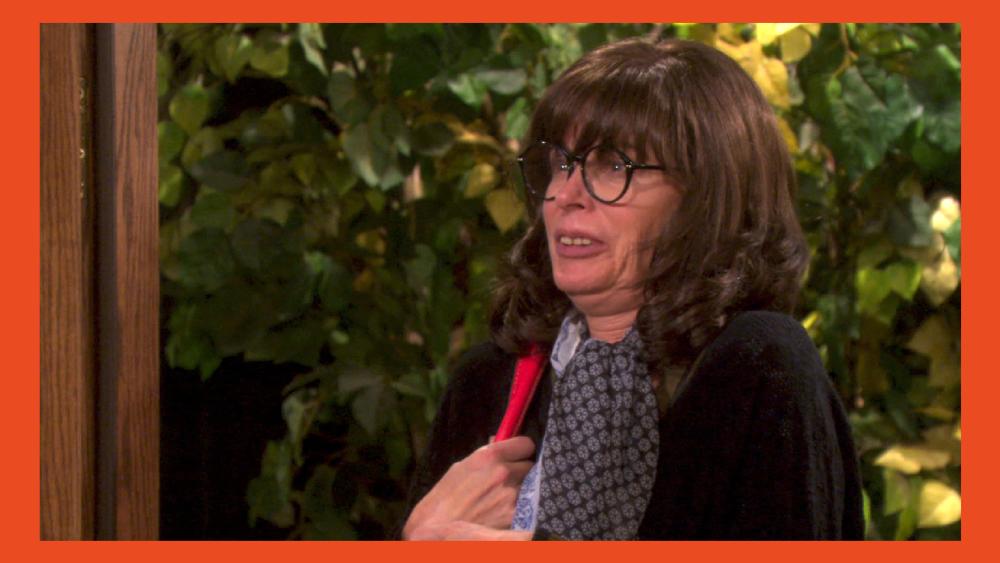 All i ever saw were blurry pics. I could never discern any features. As hard as i squinted.
.
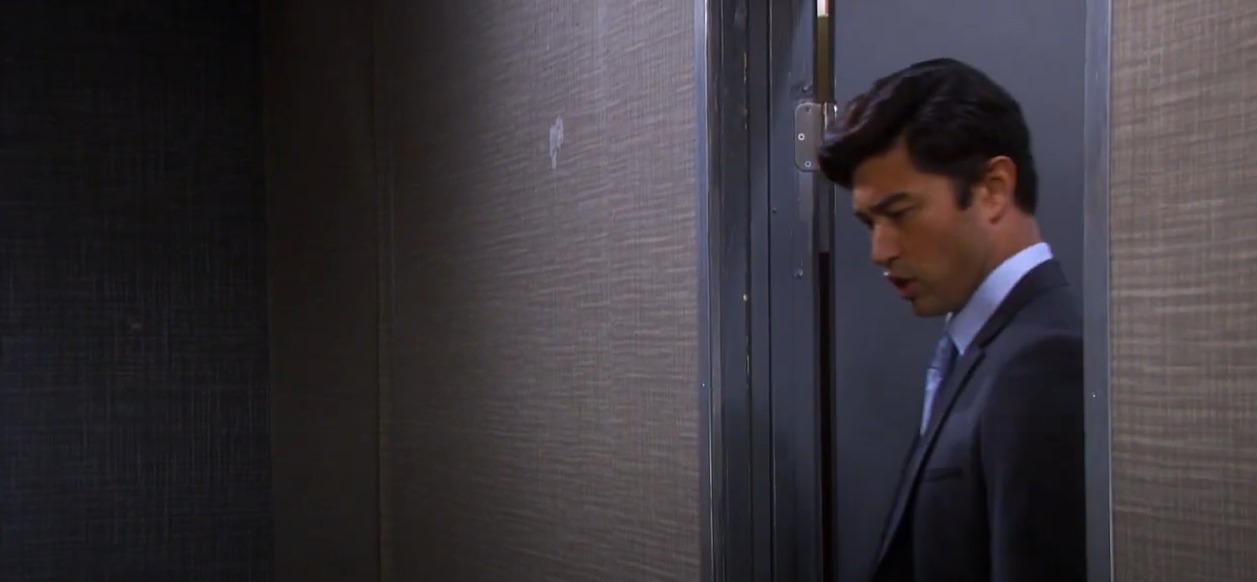
The walls of DiMera Enterprises are busted the house. The business stuff is so forced and cringey. Then the photo shoot has to be in that funky looking office. Because they have no money for anything better.
All i ever saw were blurry pics. I could never discern any features. As hard as i squinted.
.
The walls of DiMera Enterprises are busted the house. The business stuff is so forced and cringey. Then the photo shoot has to be in that funky looking office. Because they have no money for anything better.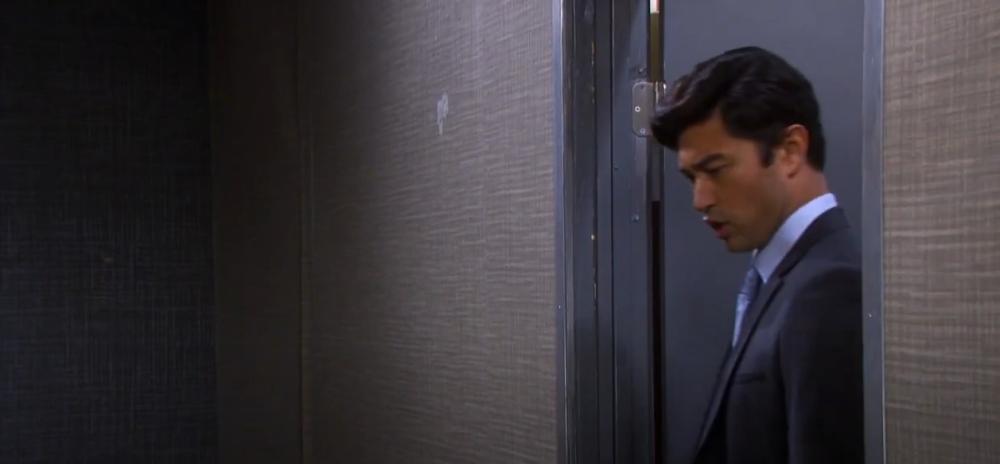

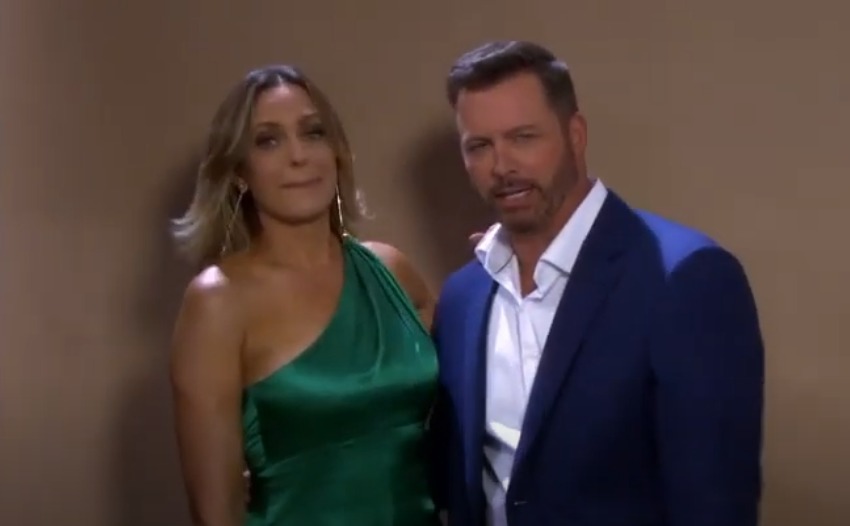 So, Sarah can only afford a roach infested cheap motel room. And Paulina's campaign headquarters is always empty. I find myself missing an episode and then can't be bothered to catch up! Sometimes I just come on here and read the comments to get the gist of what had happened. It's beyond repair at the moment!
Important Information
By using this site, you agree to our Terms of Use and Privacy Policy

Account
Navigation
Search
Configure browser push notifications
Chrome (Android)
- Tap the lock icon next to the address bar.
- Tap Permissions → Notifications.
- Adjust your preference.
Chrome (Desktop)
- Click the padlock icon in the address bar.
- Select Site settings.
- Find Notifications and adjust your preference.
Safari (iOS 16.4+)
- Ensure the site is installed via Add to Home Screen.
- Open Settings App → Notifications.
- Find your app name and adjust your preference.
Safari (macOS)
- Go to Safari → Preferences.
- Click the Websites tab.
- Select Notifications in the sidebar.
- Find this website and adjust your preference.
Edge (Android)
- Tap the lock icon next to the address bar.
- Tap Permissions.
- Find Notifications and adjust your preference.
Edge (Desktop)
- Click the padlock icon in the address bar.
- Click Permissions for this site.
- Find Notifications and adjust your preference.
Firefox (Android)
- Go to Settings → Site permissions.
- Tap Notifications.
- Find this site in the list and adjust your preference.
Firefox (Desktop)
- Open Firefox Settings.
- Search for Notifications.
- Find this site in the list and adjust your preference.

.jpg.941304216c0956a075816ff8aef96c44.jpg)

.jpg.76e26f81dec24c10cd8f32785395c9a4.jpg)

.jpg.7bfac23bfe9133485e404ff788c71e84.jpg)

.jpg.8ac9ffafb0d4db35aa15a142e780bc73.jpg)