






Soapsuds
Member
-
Joined
Everything posted by Soapsuds
-

-
Lisa Rinna appears in tomorrow's episode of Lopez vs Lopez.
-
-
This is great news!😊
-
-
-
What a great actress and writer. I loved her as Julia on Y&R. I was hoping to see her once again on Y&R. May she RIP.
😇😇😇😇
90210 reunion
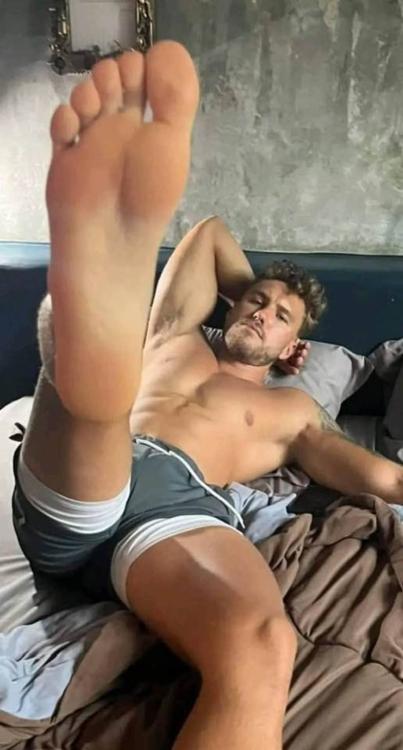
5 toes again
 It's too expensive! Only tshirt I'm paying $35 for is....
 😂😂😂😂😂😂😂😂😂😂😂😂😂😂 @Althea Davis
😂😂😂
You're not bing watching him?😥
😂😂😂😂😂😂😂😂😂😂😂😂😂😂 @Althea Davis
😂😂😂
You're not bing watching him?😥 You make me feel dirty. Now I need a steamy shower....
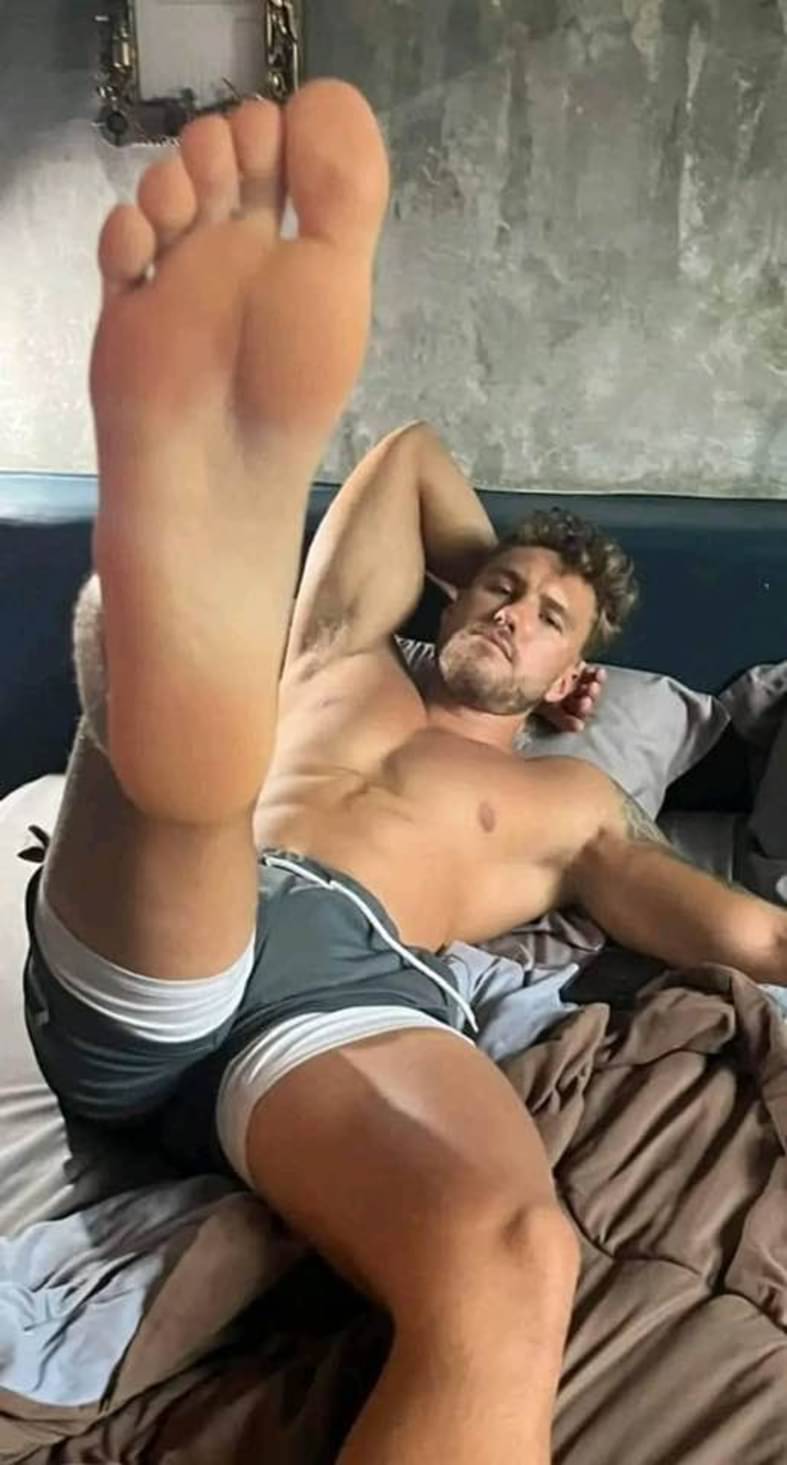
 All these ten toes nonsense... But I prefer these five toes
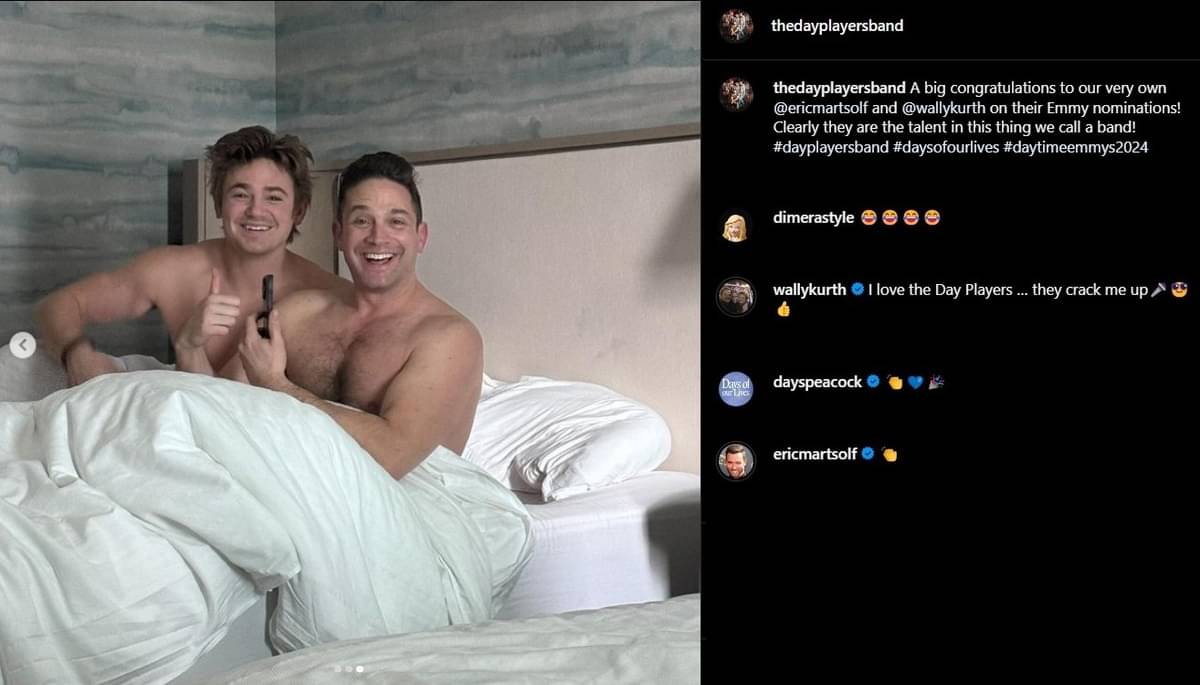
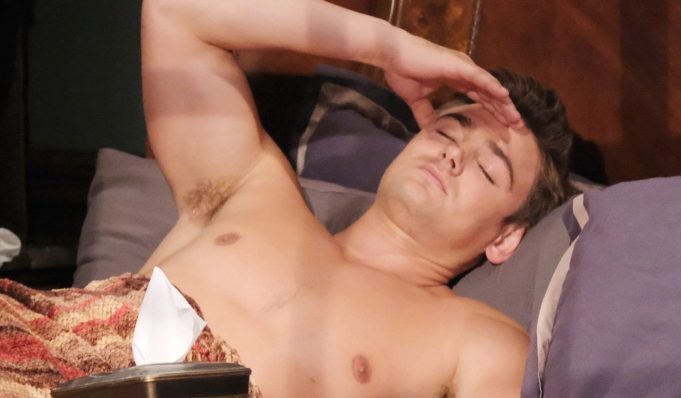
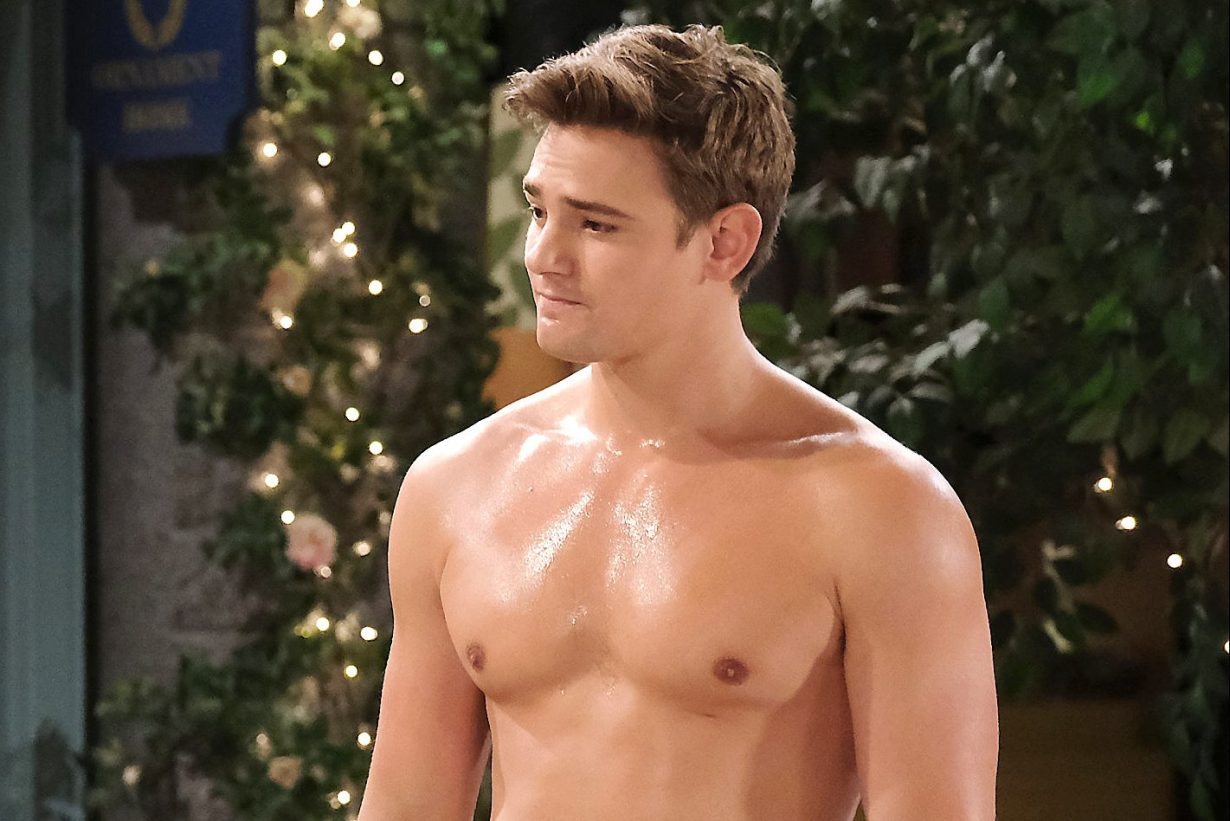
 I rolled my eyes at all the praise he was giving JG for her nomination and scenes.😂 Bryton sucks! He shouldn't have been nominated.






Important Information
By using this site, you agree to our Terms of Use and Privacy Policy

Account
Navigation
Search
Configure browser push notifications
Chrome (Android)
- Tap the lock icon next to the address bar.
- Tap Permissions → Notifications.
- Adjust your preference.
Chrome (Desktop)
- Click the padlock icon in the address bar.
- Select Site settings.
- Find Notifications and adjust your preference.
Safari (iOS 16.4+)
- Ensure the site is installed via Add to Home Screen.
- Open Settings App → Notifications.
- Find your app name and adjust your preference.
Safari (macOS)
- Go to Safari → Preferences.
- Click the Websites tab.
- Select Notifications in the sidebar.
- Find this website and adjust your preference.
Edge (Android)
- Tap the lock icon next to the address bar.
- Tap Permissions.
- Find Notifications and adjust your preference.
Edge (Desktop)
- Click the padlock icon in the address bar.
- Click Permissions for this site.
- Find Notifications and adjust your preference.
Firefox (Android)
- Go to Settings → Site permissions.
- Tap Notifications.
- Find this site in the list and adjust your preference.
Firefox (Desktop)
- Open Firefox Settings.
- Search for Notifications.
- Find this site in the list and adjust your preference.