






Soapsuds
Member
-
Joined
Everything posted by Soapsuds
-

-
Haha😂 Marci is dull as dirt. A big no to her as Lulu.
-
I'd love to see VM back. She never bored me on GH no matter how bad the show got.
-
3 kids and wife. I'd say its a six months maybe longer return.
-
Apparently writing books and living in Ireland.
-
-
-
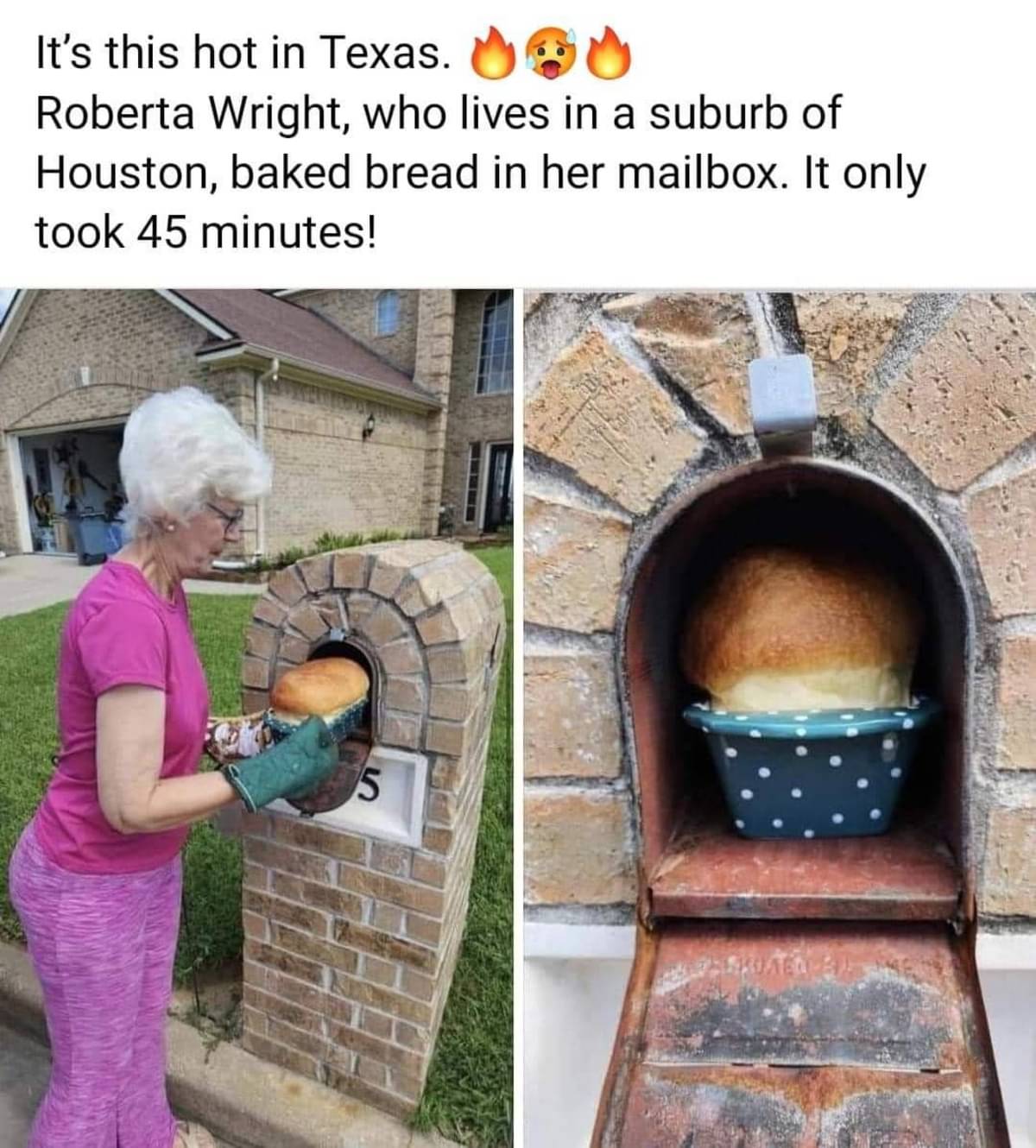
I need my car washed!😂
-
Could VM be returning as Brenda? @carolineg
-
They are desperate/panic mode.
-
-
They are in desperation mode! I wonder who else is returning.
-
Love Cher!!❤
-
Genie Francis after hearing the news of JJ return.
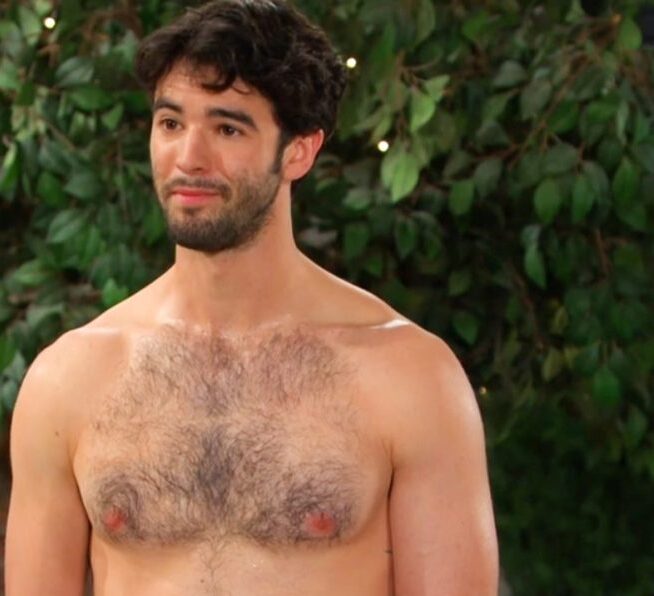
Jonathan Jackson? Well apparently he writes books now. His last visit was a flop for me. I'd rather see Frisco back.
Was that not a known fact?😂
Isn't that the point?🤔😁😊
????😂😂😂😂😂

Important Information
By using this site, you agree to our Terms of Use and Privacy Policy

Account
Navigation
Search
Configure browser push notifications
Chrome (Android)
- Tap the lock icon next to the address bar.
- Tap Permissions → Notifications.
- Adjust your preference.
Chrome (Desktop)
- Click the padlock icon in the address bar.
- Select Site settings.
- Find Notifications and adjust your preference.
Safari (iOS 16.4+)
- Ensure the site is installed via Add to Home Screen.
- Open Settings App → Notifications.
- Find your app name and adjust your preference.
Safari (macOS)
- Go to Safari → Preferences.
- Click the Websites tab.
- Select Notifications in the sidebar.
- Find this website and adjust your preference.
Edge (Android)
- Tap the lock icon next to the address bar.
- Tap Permissions.
- Find Notifications and adjust your preference.
Edge (Desktop)
- Click the padlock icon in the address bar.
- Click Permissions for this site.
- Find Notifications and adjust your preference.
Firefox (Android)
- Go to Settings → Site permissions.
- Tap Notifications.
- Find this site in the list and adjust your preference.
Firefox (Desktop)
- Open Firefox Settings.
- Search for Notifications.
- Find this site in the list and adjust your preference.