victoria foxton
Banned - Not Active
-
Joined
-
Last visited
Everything posted by victoria foxton
-
@Soapsuds

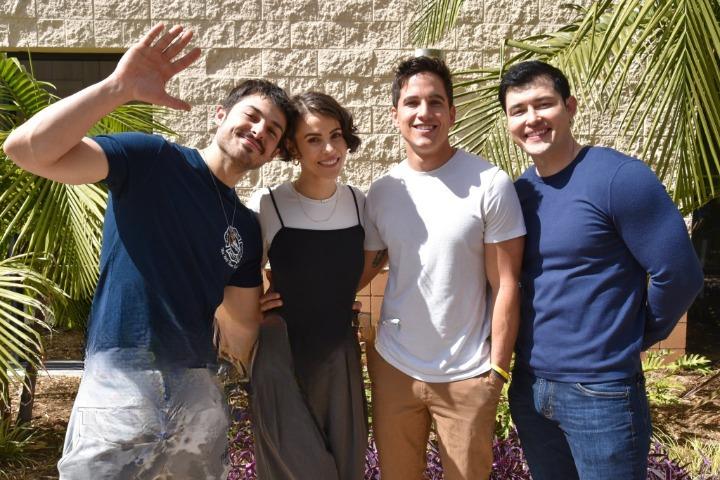 He has to say it's awesome sauce. Or else RC will fire him. I only seen clips of Renee. But the characterization is off. Renee was an interesting character. That deserved better. With a better writer that did a deep dive into the character and her history. It might have worked.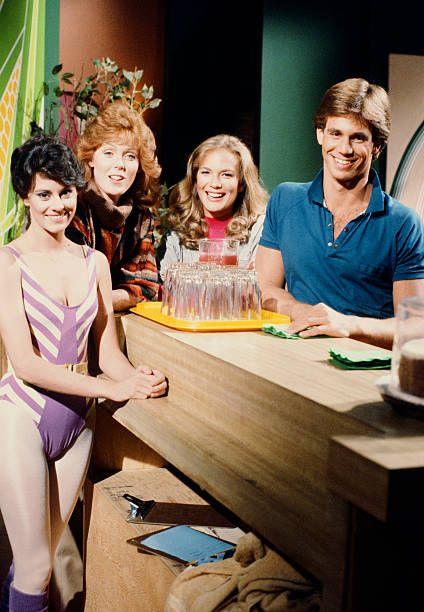
.jpg.250eecad9707a1ab35a956412b02c458.jpg)
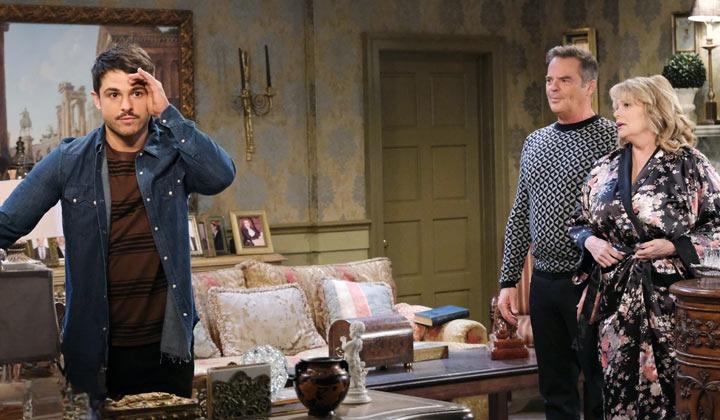
 Monday's spoiler pics.

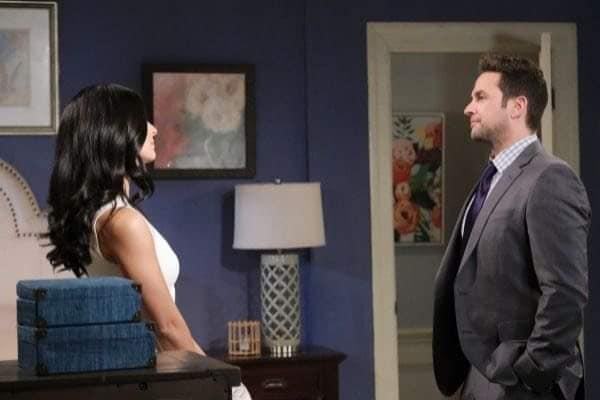

 That's a good point. I do think white hispanics can play white. But not the other way around.
@Soapsuds
That's a good point. I do think white hispanics can play white. But not the other way around.
@Soapsuds
Important Information
By using this site, you agree to our Terms of Use and Privacy Policy

Account
Navigation
Search
Configure browser push notifications
Chrome (Android)
- Tap the lock icon next to the address bar.
- Tap Permissions → Notifications.
- Adjust your preference.
Chrome (Desktop)
- Click the padlock icon in the address bar.
- Select Site settings.
- Find Notifications and adjust your preference.
Safari (iOS 16.4+)
- Ensure the site is installed via Add to Home Screen.
- Open Settings App → Notifications.
- Find your app name and adjust your preference.
Safari (macOS)
- Go to Safari → Preferences.
- Click the Websites tab.
- Select Notifications in the sidebar.
- Find this website and adjust your preference.
Edge (Android)
- Tap the lock icon next to the address bar.
- Tap Permissions.
- Find Notifications and adjust your preference.
Edge (Desktop)
- Click the padlock icon in the address bar.
- Click Permissions for this site.
- Find Notifications and adjust your preference.
Firefox (Android)
- Go to Settings → Site permissions.
- Tap Notifications.
- Find this site in the list and adjust your preference.
Firefox (Desktop)
- Open Firefox Settings.
- Search for Notifications.
- Find this site in the list and adjust your preference.





.jpg.1cf5824727c69d4ecd32ecc320832882.jpg)

.gif.5c24ac8e0261292e90b64c75b5cba0c7.gif)
.gif.d16dadc6fdfc996ab1c9f4da81fc2814.gif)
.gif.623c0d2e2c0bacdfba08d69bc018f3a7.gif)