





Faulkner
Member
-
Joined
Everything posted by Faulkner
-

-
All of this. And Gilly could have had a really interesting story with A-M and perhaps even tangling with Alexandra, but nope. They led her down a sordid path instead. Lucy represented everything cheap and desperate about that era of GL to me.
-
They might have an arrangement. I know someone in a similar situation.
-
I especially hated how SS always sounded like she needed a decongestant with that squeaky little voice of hers. And Ben/Sam/Lindsay/Will/Jenn broke the spell for me with OLTL. Just was never the same after that.
-
I thought he married a man lol.
-
I didn’t see a May one, but just had to say how gross it is for Eric to be schtupping Donna while his granddaughter is recovering a near-death experience and grieving the violent death of her husband.
-
It looks fun, but doesn’t quite seem like the vicious mess that the initial press conveyed. But I’m all in on anything Dorinda and Blue Stone Manor.
-
Lucy Cooper on Guiding Light - one of the reasons I dropped the show in the mid ‘90s. The RappaDavidsons on OLTL - such a bland and annoying family. Yet inescapable. I couldn’t even enjoy Catherine Hickland (the only worthwhile performance of that bunch) because I so resented their immediate ubiquity.
-
Oh no. I had no idea. I was watching some of his stuff last night. He did beautiful work.
-
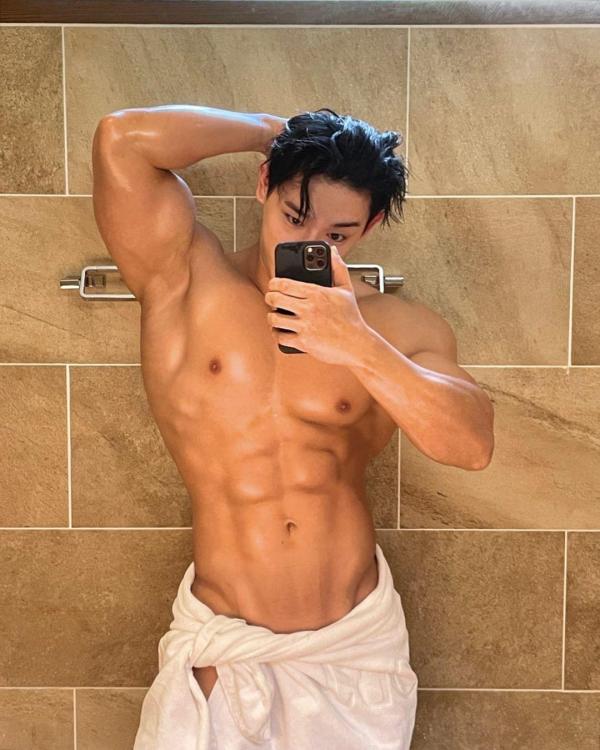
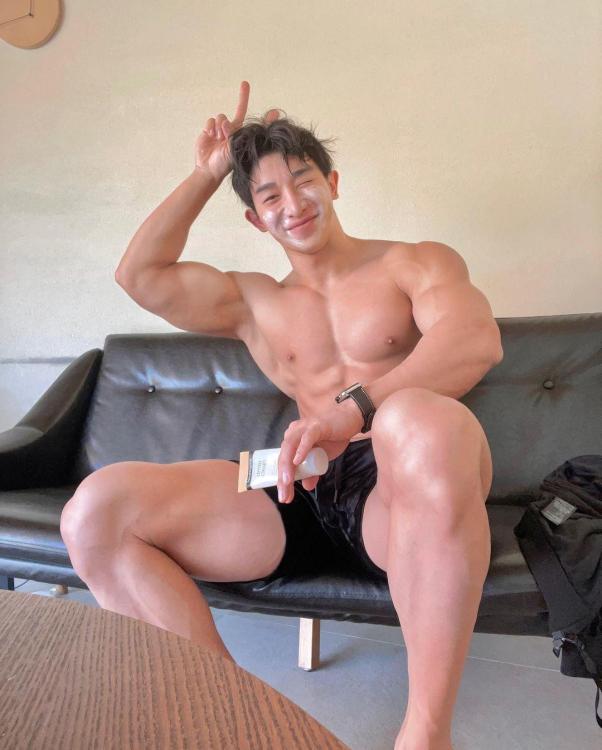
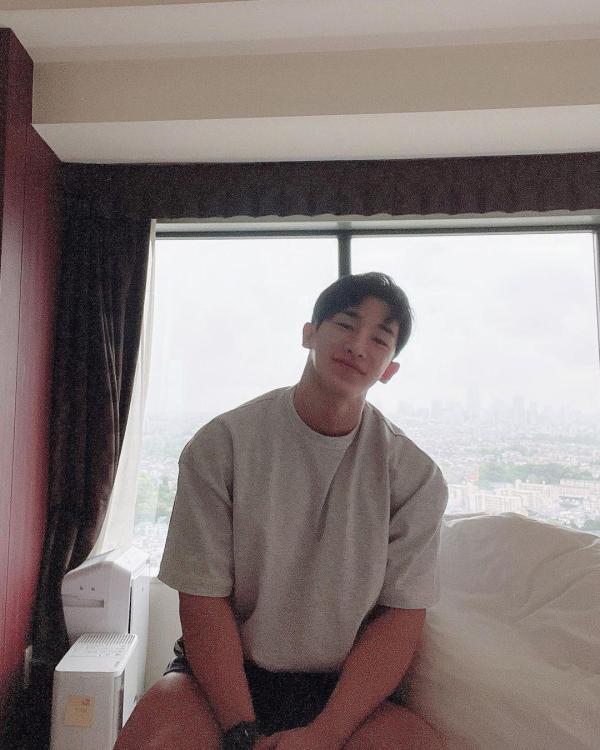
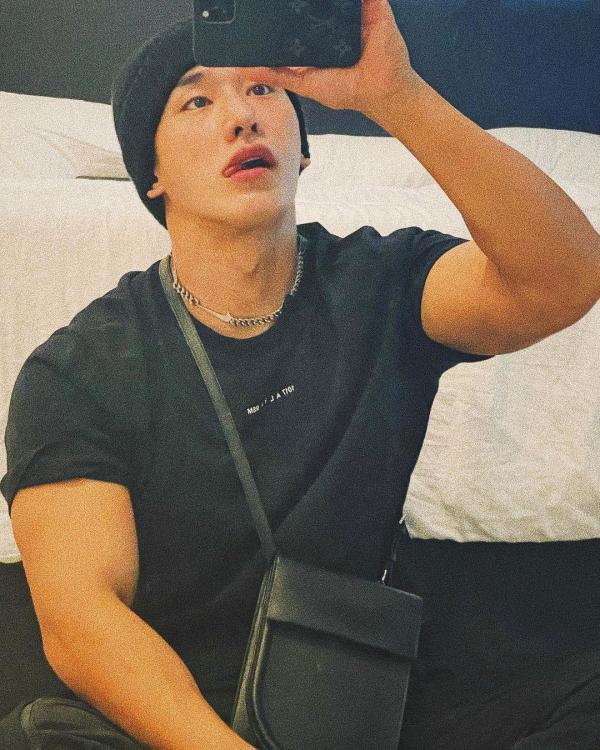
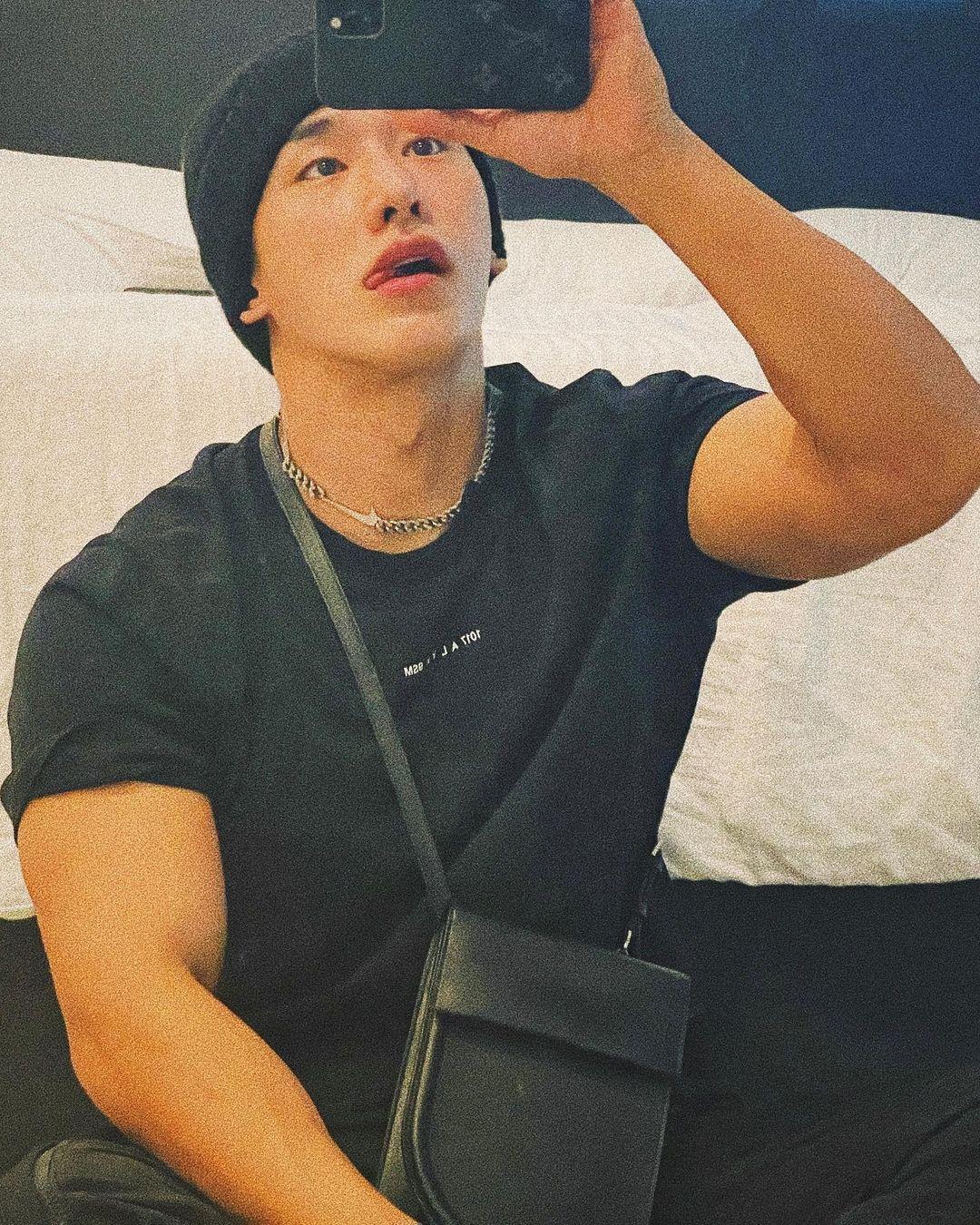
Wonho from South Korea 🇰🇷
-
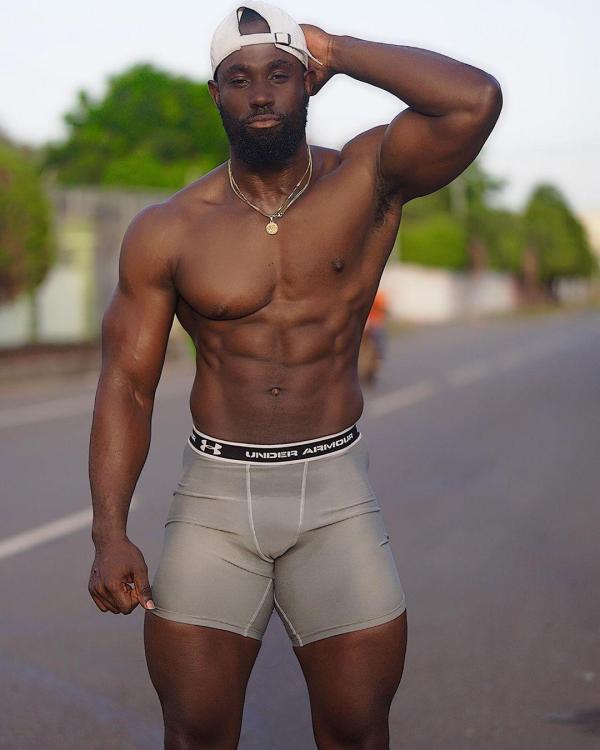
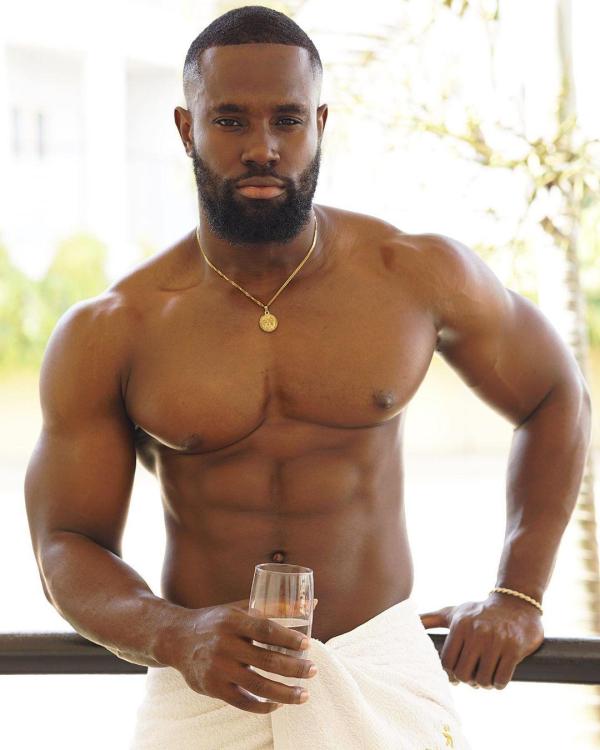
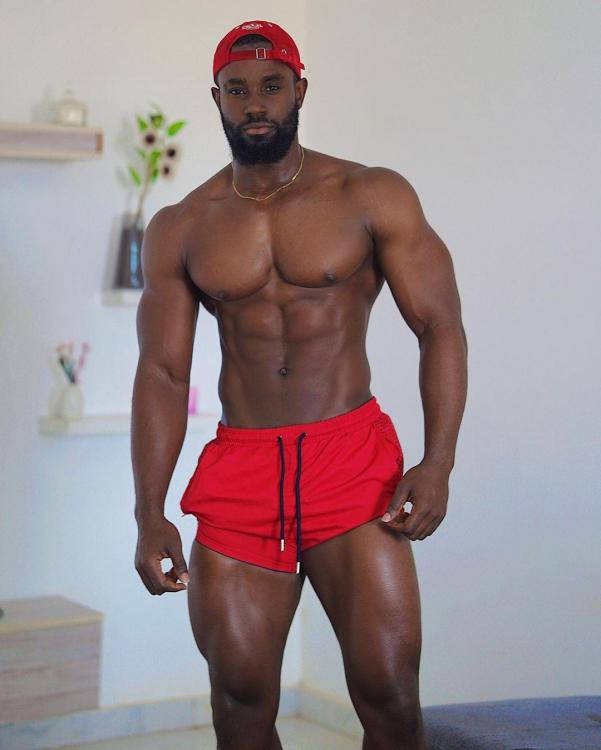
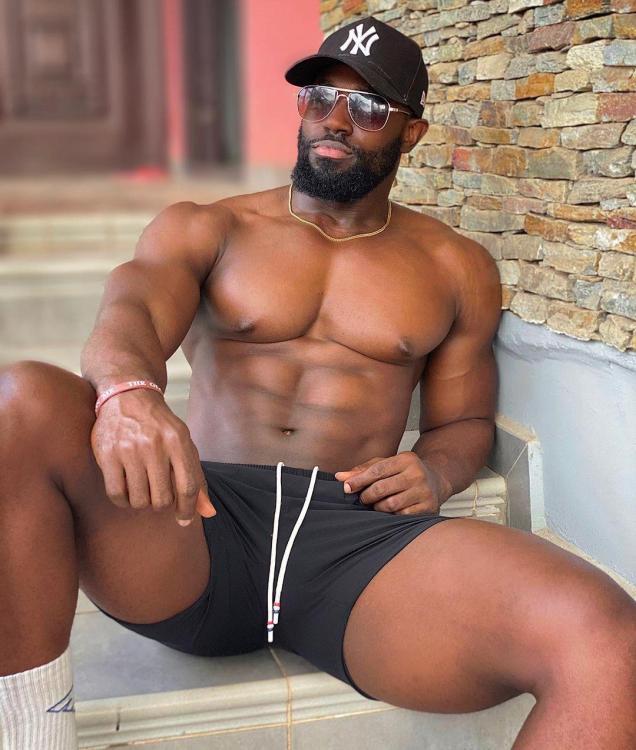
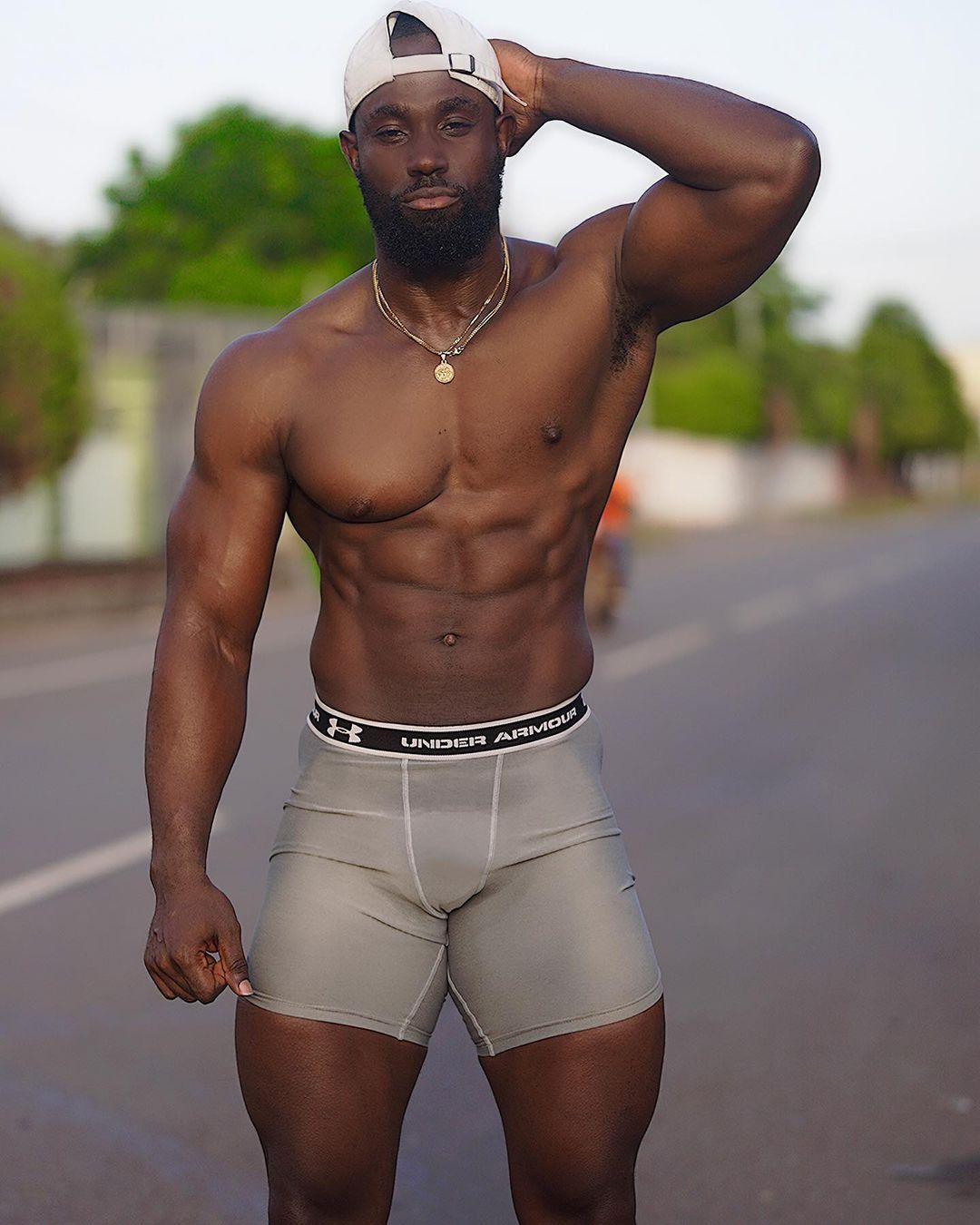
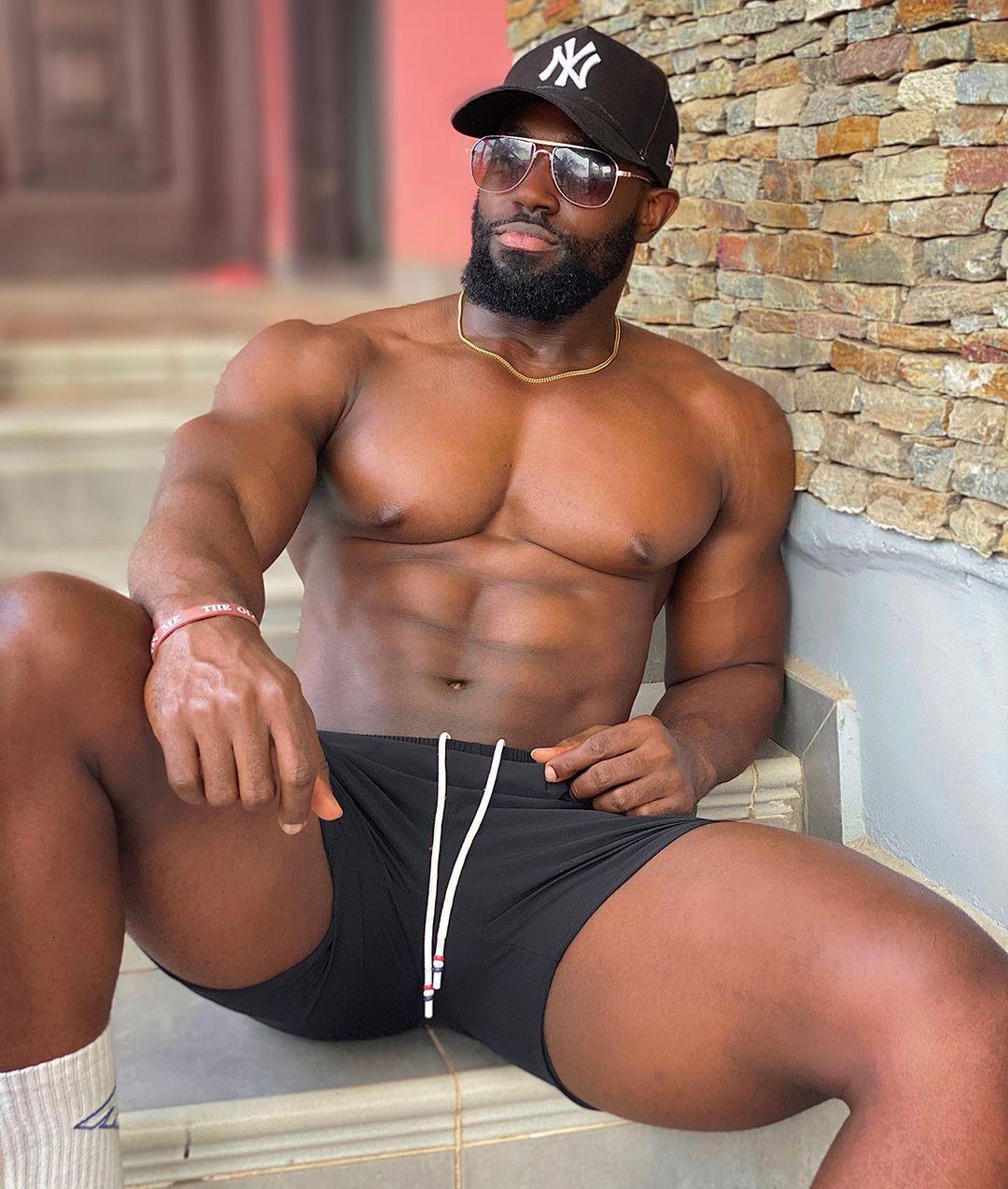
Sammy from Ghana 🇬🇭
-
Kevin Anderson is retiring from tennis.
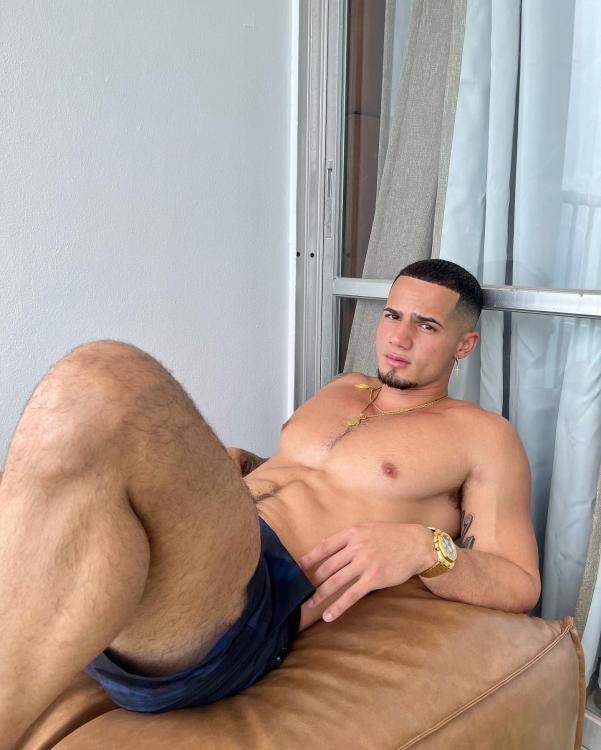
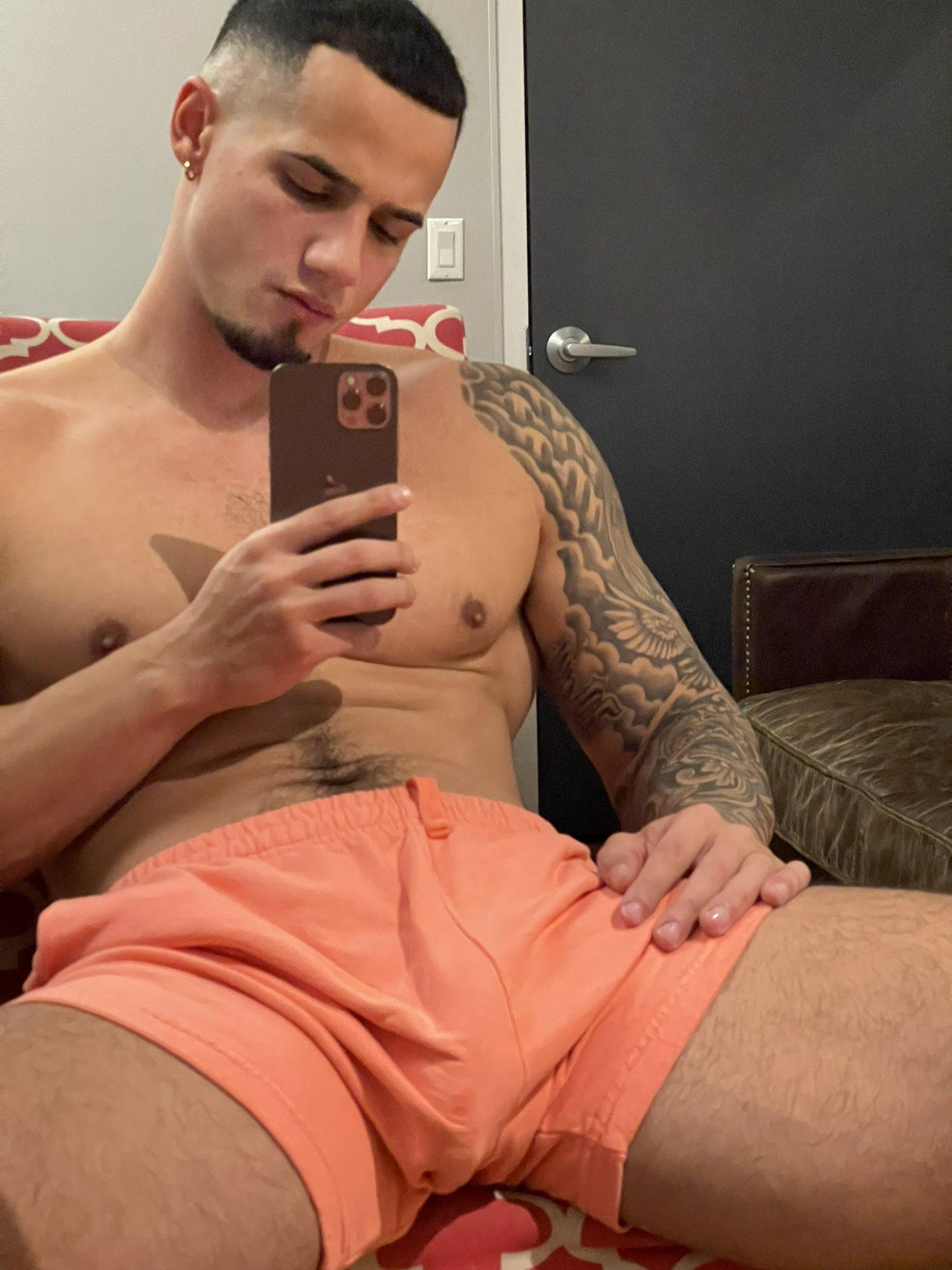
JT from Puerto Rico 🇵🇷
 GT posts a bit on IG. But like you say, everyone grieves differently. I don’t like when people hound celebs to make statements. But when they choose to share, it’s nice.
Gina Tognoni and Wendy Moniz were two I was looking out for. He had such wonderful scenes with both, especially WM.
Shonda’s shows are universally terrible, but man, she gets good actors. Sandra Oh really elevated Grey’s for years.
The greats keep leaving us. What a gorgeous man and a commanding presence as an actor.
GT posts a bit on IG. But like you say, everyone grieves differently. I don’t like when people hound celebs to make statements. But when they choose to share, it’s nice.
Gina Tognoni and Wendy Moniz were two I was looking out for. He had such wonderful scenes with both, especially WM.
Shonda’s shows are universally terrible, but man, she gets good actors. Sandra Oh really elevated Grey’s for years.
The greats keep leaving us. What a gorgeous man and a commanding presence as an actor.
Important Information
By using this site, you agree to our Terms of Use and Privacy Policy

Account
Navigation
Search
Configure browser push notifications
Chrome (Android)
- Tap the lock icon next to the address bar.
- Tap Permissions → Notifications.
- Adjust your preference.
Chrome (Desktop)
- Click the padlock icon in the address bar.
- Select Site settings.
- Find Notifications and adjust your preference.
Safari (iOS 16.4+)
- Ensure the site is installed via Add to Home Screen.
- Open Settings App → Notifications.
- Find your app name and adjust your preference.
Safari (macOS)
- Go to Safari → Preferences.
- Click the Websites tab.
- Select Notifications in the sidebar.
- Find this website and adjust your preference.
Edge (Android)
- Tap the lock icon next to the address bar.
- Tap Permissions.
- Find Notifications and adjust your preference.
Edge (Desktop)
- Click the padlock icon in the address bar.
- Click Permissions for this site.
- Find Notifications and adjust your preference.
Firefox (Android)
- Go to Settings → Site permissions.
- Tap Notifications.
- Find this site in the list and adjust your preference.
Firefox (Desktop)
- Open Firefox Settings.
- Search for Notifications.
- Find this site in the list and adjust your preference.