Soapsuds
Member
-
Joined
Everything posted by Soapsuds
-
 I was hoping for Andrew. Colton Little would've signed a contract. I don't think Christopher Sean would've.
 -
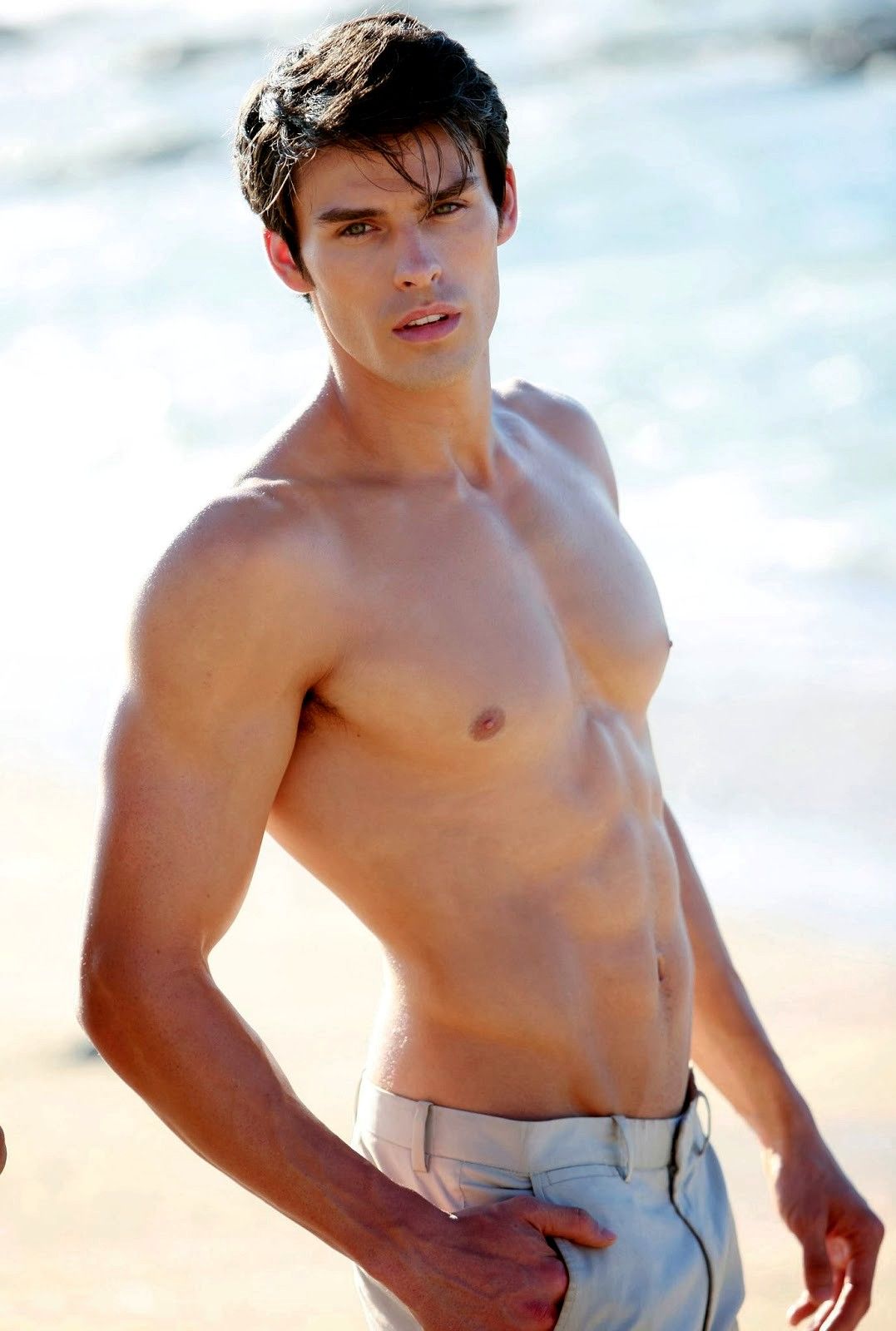
The Dr has the better body. Matteo has a flat chest.
The guy looks like Matteo Berrentini.
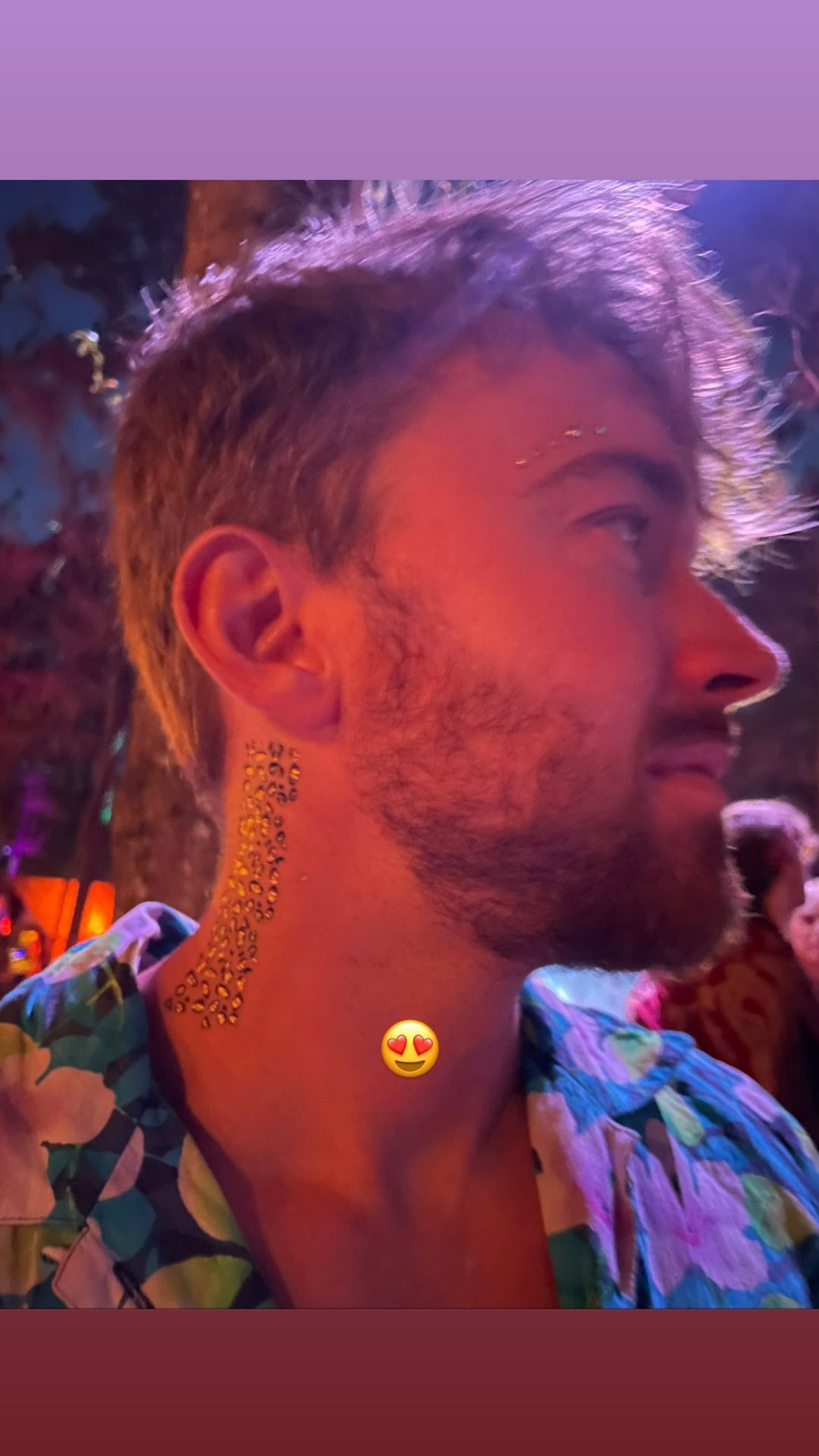
So I'm watching Amor Dividido and one of the actors peaked my interest. I didn't realize he was Polo Morin ex boyfriend @Errol who peaked his interest. His name is Lambda Garcia. He looks so good on the soap. He looks hotter IMO shaved without the facial hair. This picture doesn't do him justice.
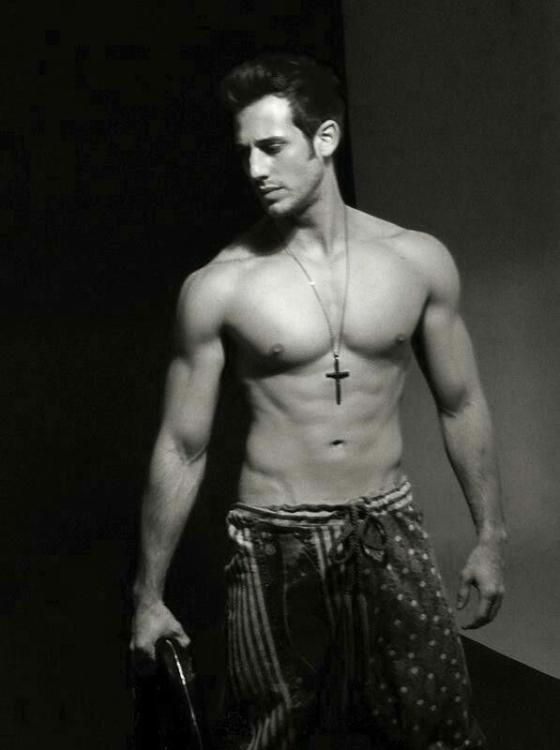 The White Lotus season 2
William R Moses interview about joining GH https://www.soapoperadigest.com/content/william-moses-on-joining-gh/?fbclid=IwAR2lbTkNoZSo4W1HF16aigEAPZwJZFzStiOxuLff_7cTdEQ25E8fGMdBxss
So I am assuming Jamey wrote yesterday's script with the doggy style position joke from Leo to Sonny.
Actually MBE said they're about four months ahead since the move to Peacock. So many current characters that deserve stories yet a relative newbie gets one. That's probably why they didn't sign Zack Tinker to a contract. The money went to Steve Burton.
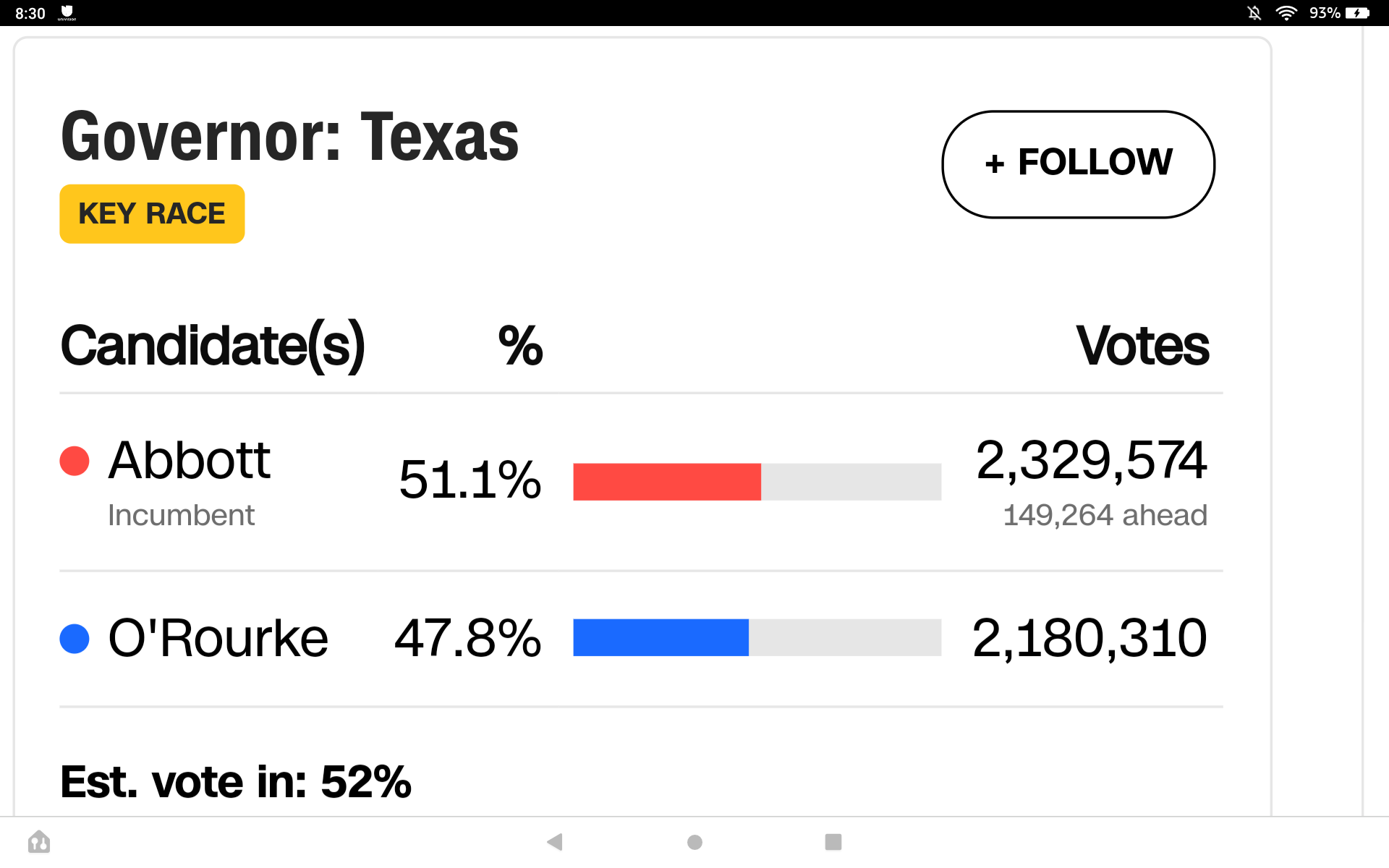
CNBC is calling Fetterman the winner of PA. CNN crickets on that result.
It had to be one of the sh!test celebration. Using Julie stealing 57 years ago as reason to celebrate with a cake.😂 Where was the current cast to celebrate? The election story was just awful. Any wonder this soap is off the air? Ron Carlivati is one horrible writer.
Watching..... Gawd I hate Allie! The actress playing Sloane can't act worth sh!t! Stephanie looks hot in that dress. Why is Sonny acting like a prude when sex is bein talked about?😂
All the Thomas's have been hot even Adam Gregory.
The White Lotus season 2
William R Moses interview about joining GH https://www.soapoperadigest.com/content/william-moses-on-joining-gh/?fbclid=IwAR2lbTkNoZSo4W1HF16aigEAPZwJZFzStiOxuLff_7cTdEQ25E8fGMdBxss
So I am assuming Jamey wrote yesterday's script with the doggy style position joke from Leo to Sonny.
Actually MBE said they're about four months ahead since the move to Peacock. So many current characters that deserve stories yet a relative newbie gets one. That's probably why they didn't sign Zack Tinker to a contract. The money went to Steve Burton.
CNBC is calling Fetterman the winner of PA. CNN crickets on that result.
It had to be one of the sh!test celebration. Using Julie stealing 57 years ago as reason to celebrate with a cake.😂 Where was the current cast to celebrate? The election story was just awful. Any wonder this soap is off the air? Ron Carlivati is one horrible writer.
Watching..... Gawd I hate Allie! The actress playing Sloane can't act worth sh!t! Stephanie looks hot in that dress. Why is Sonny acting like a prude when sex is bein talked about?😂
All the Thomas's have been hot even Adam Gregory.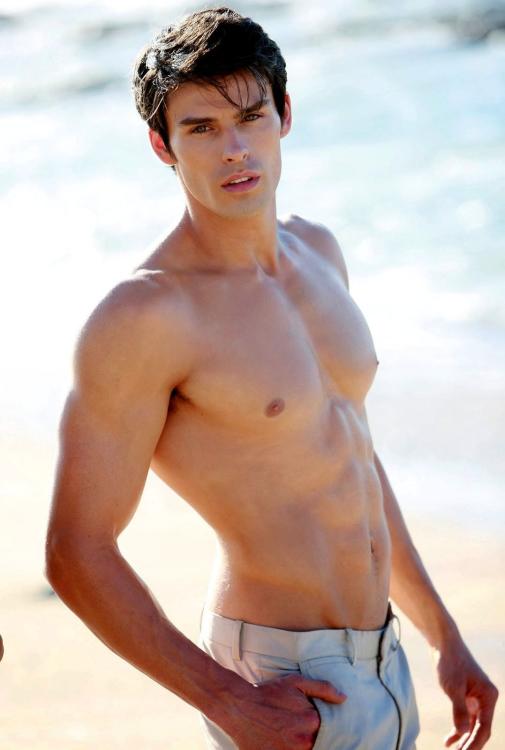
Important Information
By using this site, you agree to our Terms of Use and Privacy Policy

Account
Navigation
Search
Configure browser push notifications
Chrome (Android)
- Tap the lock icon next to the address bar.
- Tap Permissions → Notifications.
- Adjust your preference.
Chrome (Desktop)
- Click the padlock icon in the address bar.
- Select Site settings.
- Find Notifications and adjust your preference.
Safari (iOS 16.4+)
- Ensure the site is installed via Add to Home Screen.
- Open Settings App → Notifications.
- Find your app name and adjust your preference.
Safari (macOS)
- Go to Safari → Preferences.
- Click the Websites tab.
- Select Notifications in the sidebar.
- Find this website and adjust your preference.
Edge (Android)
- Tap the lock icon next to the address bar.
- Tap Permissions.
- Find Notifications and adjust your preference.
Edge (Desktop)
- Click the padlock icon in the address bar.
- Click Permissions for this site.
- Find Notifications and adjust your preference.
Firefox (Android)
- Go to Settings → Site permissions.
- Tap Notifications.
- Find this site in the list and adjust your preference.
Firefox (Desktop)
- Open Firefox Settings.
- Search for Notifications.
- Find this site in the list and adjust your preference.