






Soapsuds
Member
-
Joined
Everything posted by Soapsuds
-

-
😂 Check out his Twitter page.😇
-
Bradley Bell doesn't care about the fans of the show. It's his way! Bradley Bell is so horny for Liam that he wants a Liam and Steffy redux.
😂😂😂😂😂 Don't tell me there's a trial and Steffy goes to jail? Yet Zende hasn't been charged with rape.
I know all this babbling by her is BS but I think she would make a great Kristen recast. I've never cared for what's her name in the role.
Finn showed more emotion over Sheila death than anything else. Brooke already saying Steffy had no business going to antagonize Sheila and Hope saying how Finn needed support. Gag me! Everything is so forced. Bradley will do anything he has to so that Steffy and Liam become a couple again Of course Thomas will hit the roof if he catches Hope with Finn.
Yes it is! I found the pic very sexy. I did edit the pic. It showed more. Hush!😂
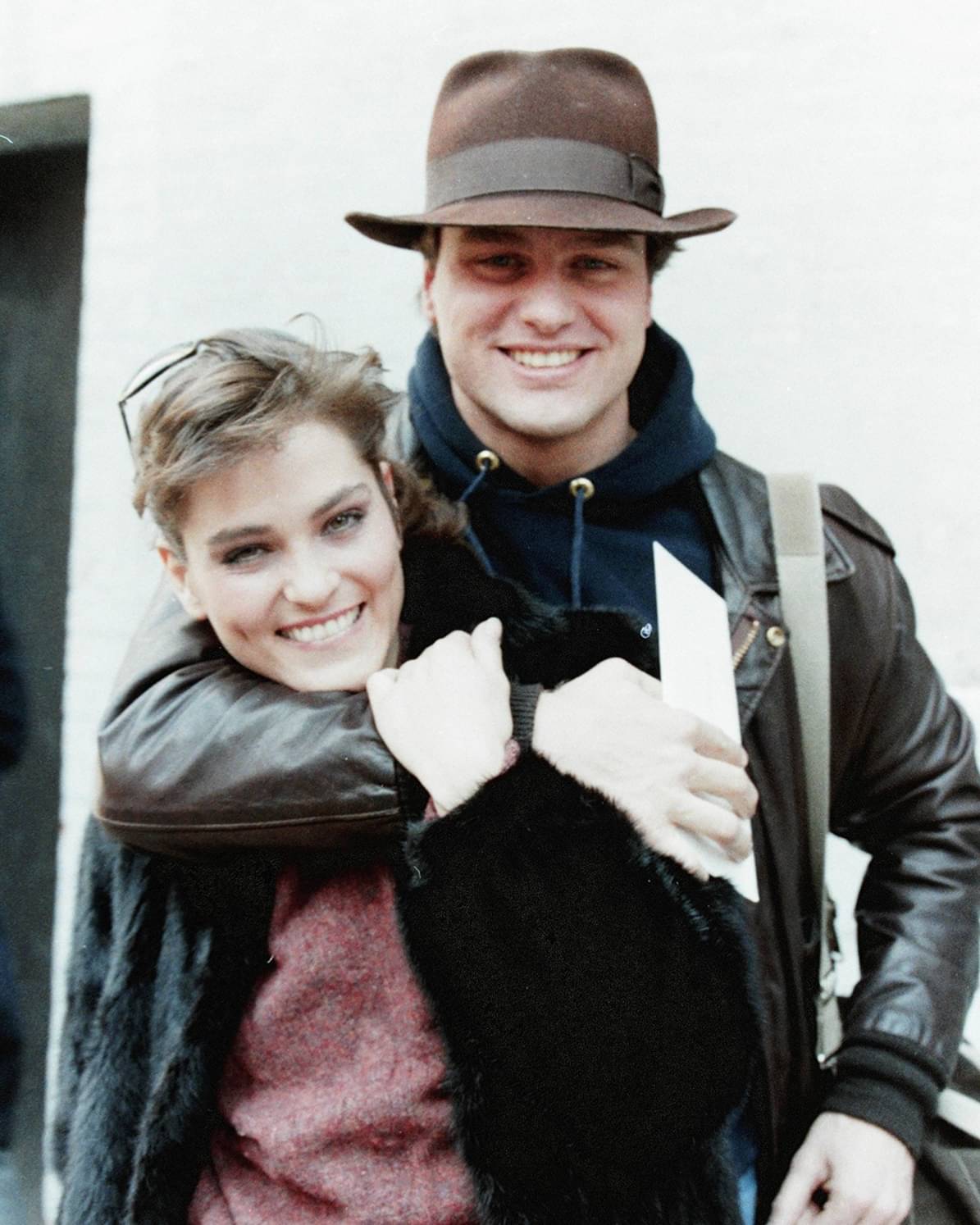
Older pics of Chandler I had never seen before.

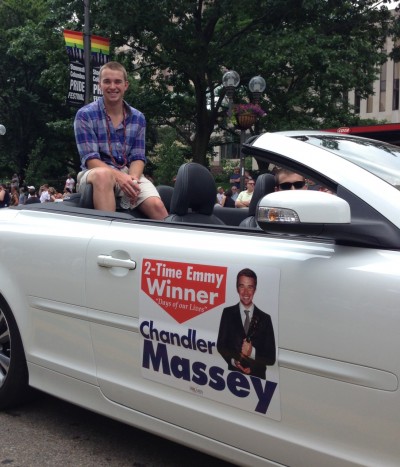 Anyone notice that after the opening the stars of the show no longer are shown greeting the audience? Sheryl was the only one that didn't greet the fans. Could she have complained about looking bad and they edited it out?
Happy for the show. Now if they could actually writes meaningful stories and not just patches of scenes with no real story.
I'm surprised they didn't get a longer renewal. I do wonder if Bradley is sweating it a bit.
Watched just to see Eva Larue first couple of days. Off the bat she finds a girl in her daughter's bed and finds out she's a lesbian. Way too fast.....the actress playing Blaze sucks! Why is a grown Latino woman calling her mother...Mommie? As a Latino I've never called my mother... Mommie.😂 Eva calling Blaze's girlfriend a friend was spot on. My aunt could never call her son's boyfriend a boyfriend or by his first name. She would always refer to him as his friend even though everyone in the family knew it was his lover/boyfriend. The rest of the show sucked.
We know she's not dead. Kimberlin is probably already back on contract as I post this. The picture is very telling. IMO also gives a clue. The two policemen and the two paramedics had to be the worst actors on tv I've seen. It was obvious they weren't actual police officers or paramedics.
@AbcNbc247 You forgot to mention the most important development. Holly woke up from her coma. I started watching the beginning but haven't gotten to it again. Yesterday's show was a decent episode. I have no complaints. Carson continues to be a bobble head when acting and now apparently does knee bends while acting. He seemed shorter yesterday and his hair was a mess.
😂😂😂. More to have fun with!😂 His name is Jan Kosto(Evgen Kostogryz). He is a massage therapist!😍😂
Anyone notice that after the opening the stars of the show no longer are shown greeting the audience? Sheryl was the only one that didn't greet the fans. Could she have complained about looking bad and they edited it out?
Happy for the show. Now if they could actually writes meaningful stories and not just patches of scenes with no real story.
I'm surprised they didn't get a longer renewal. I do wonder if Bradley is sweating it a bit.
Watched just to see Eva Larue first couple of days. Off the bat she finds a girl in her daughter's bed and finds out she's a lesbian. Way too fast.....the actress playing Blaze sucks! Why is a grown Latino woman calling her mother...Mommie? As a Latino I've never called my mother... Mommie.😂 Eva calling Blaze's girlfriend a friend was spot on. My aunt could never call her son's boyfriend a boyfriend or by his first name. She would always refer to him as his friend even though everyone in the family knew it was his lover/boyfriend. The rest of the show sucked.
We know she's not dead. Kimberlin is probably already back on contract as I post this. The picture is very telling. IMO also gives a clue. The two policemen and the two paramedics had to be the worst actors on tv I've seen. It was obvious they weren't actual police officers or paramedics.
@AbcNbc247 You forgot to mention the most important development. Holly woke up from her coma. I started watching the beginning but haven't gotten to it again. Yesterday's show was a decent episode. I have no complaints. Carson continues to be a bobble head when acting and now apparently does knee bends while acting. He seemed shorter yesterday and his hair was a mess.
😂😂😂. More to have fun with!😂 His name is Jan Kosto(Evgen Kostogryz). He is a massage therapist!😍😂


Important Information
By using this site, you agree to our Terms of Use and Privacy Policy

Account
Navigation
Search
Configure browser push notifications
Chrome (Android)
- Tap the lock icon next to the address bar.
- Tap Permissions → Notifications.
- Adjust your preference.
Chrome (Desktop)
- Click the padlock icon in the address bar.
- Select Site settings.
- Find Notifications and adjust your preference.
Safari (iOS 16.4+)
- Ensure the site is installed via Add to Home Screen.
- Open Settings App → Notifications.
- Find your app name and adjust your preference.
Safari (macOS)
- Go to Safari → Preferences.
- Click the Websites tab.
- Select Notifications in the sidebar.
- Find this website and adjust your preference.
Edge (Android)
- Tap the lock icon next to the address bar.
- Tap Permissions.
- Find Notifications and adjust your preference.
Edge (Desktop)
- Click the padlock icon in the address bar.
- Click Permissions for this site.
- Find Notifications and adjust your preference.
Firefox (Android)
- Go to Settings → Site permissions.
- Tap Notifications.
- Find this site in the list and adjust your preference.
Firefox (Desktop)
- Open Firefox Settings.
- Search for Notifications.
- Find this site in the list and adjust your preference.