





Faulkner
Member
-
Joined
Everything posted by Faulkner
-
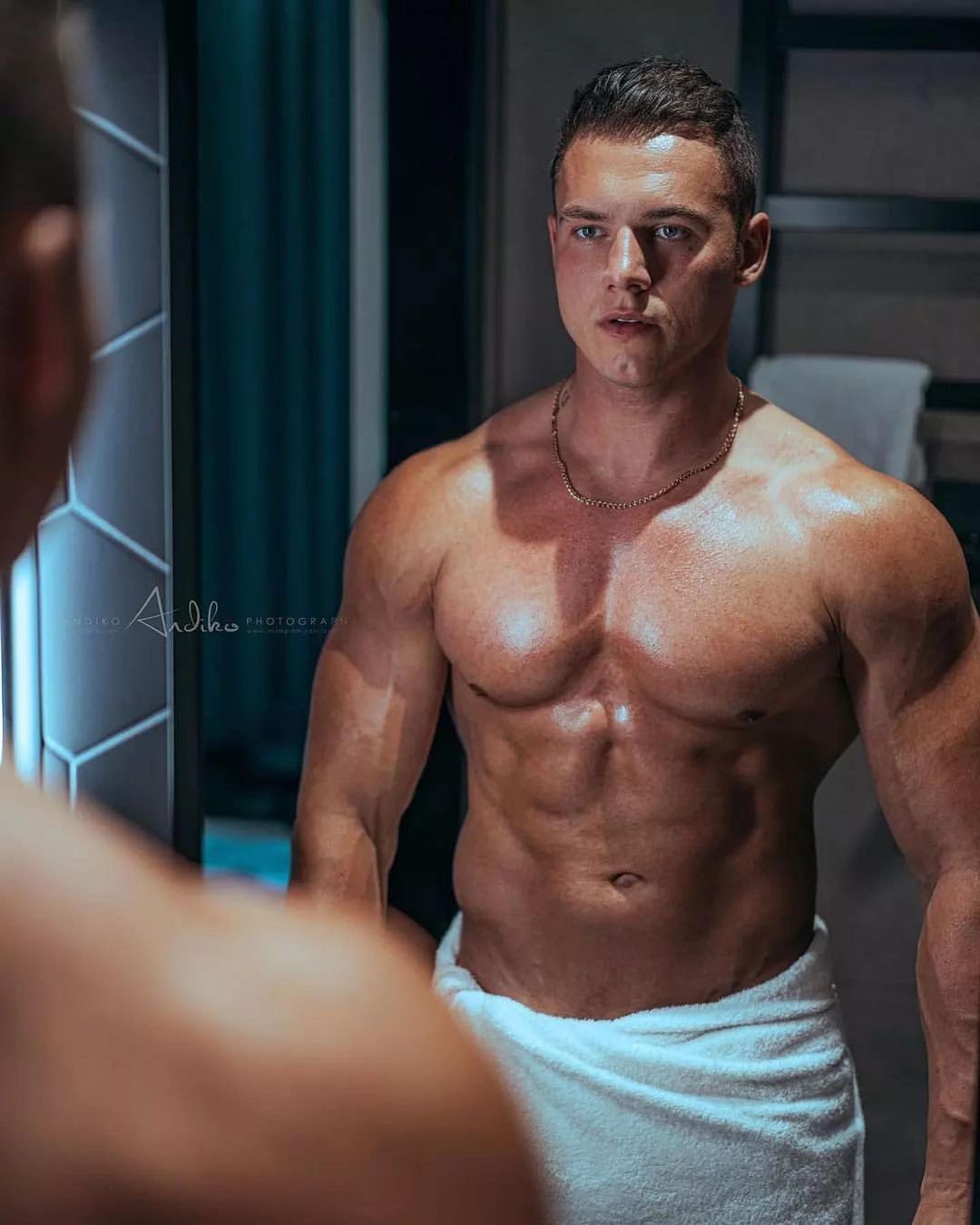
 Jerome from France 🇫🇷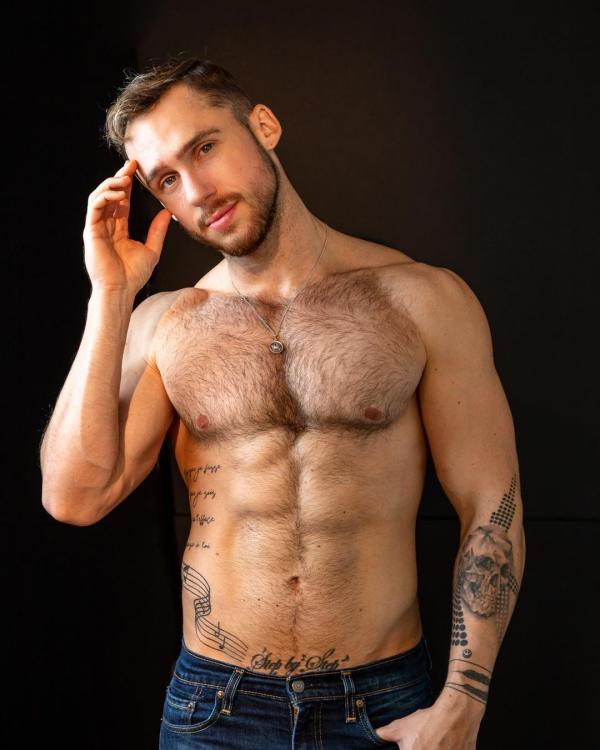
-
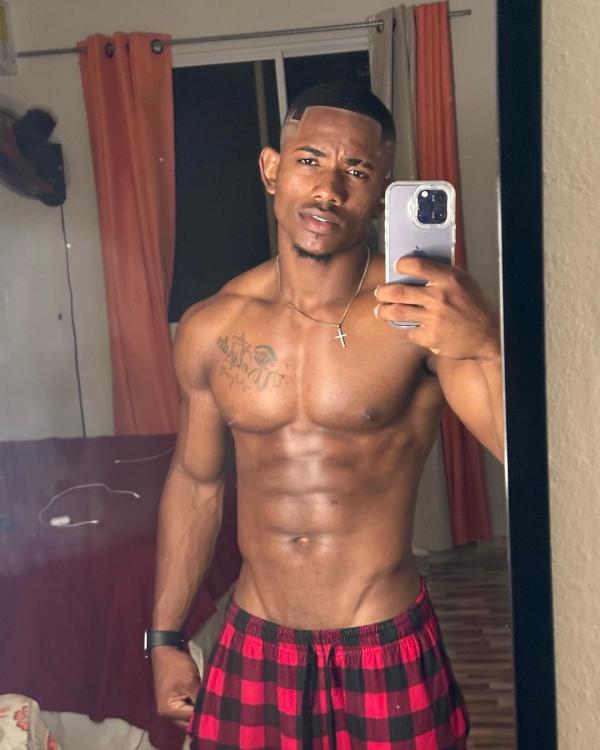
Marcos from the Dominican Republic 🇩🇴
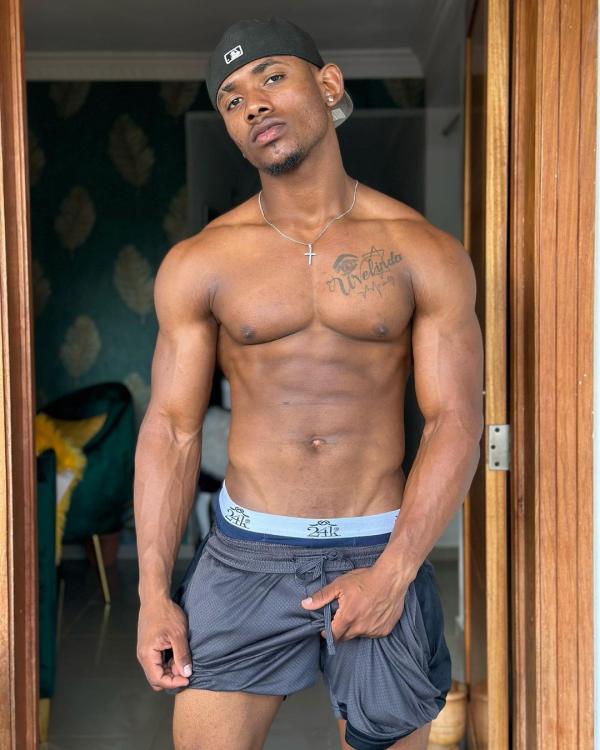
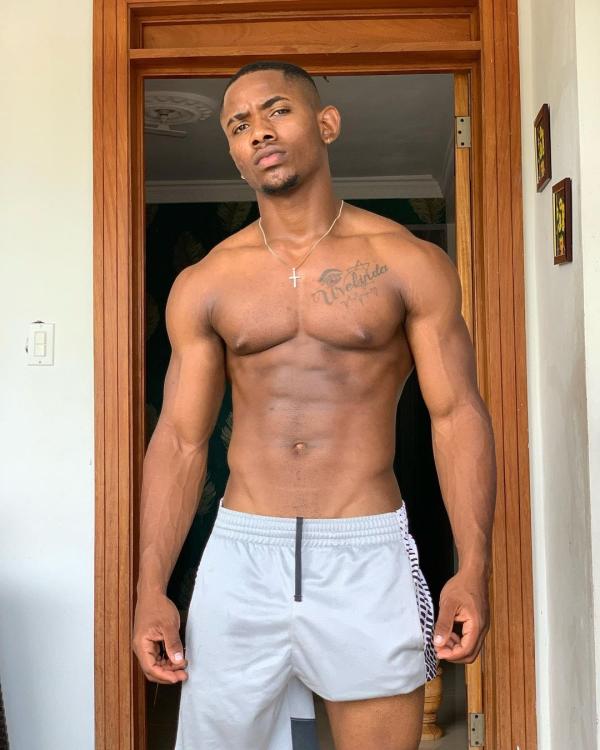
-
Gizelle…
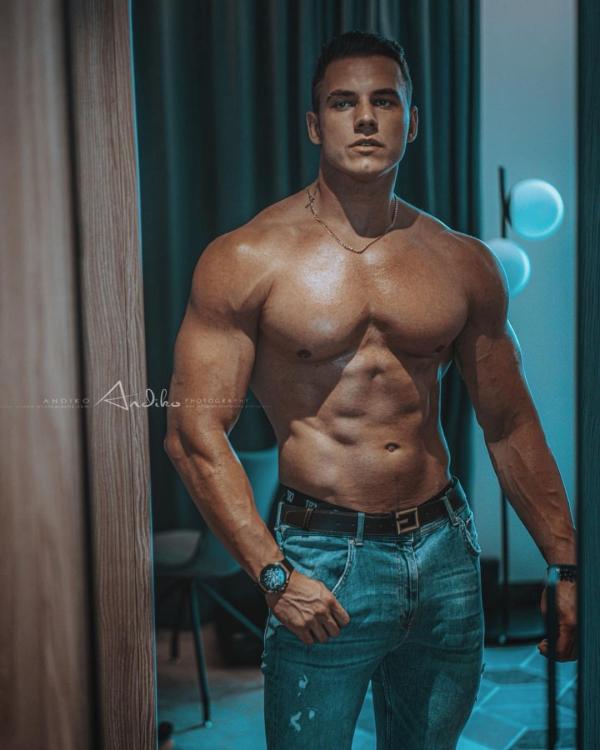
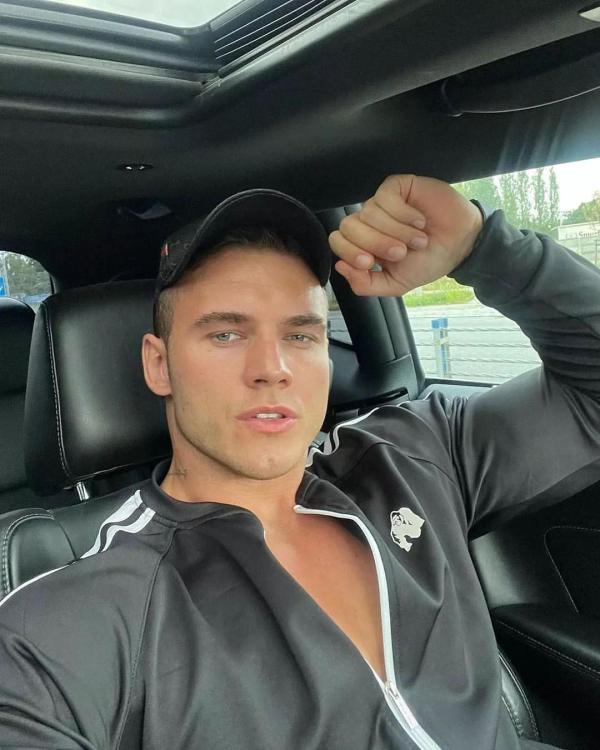
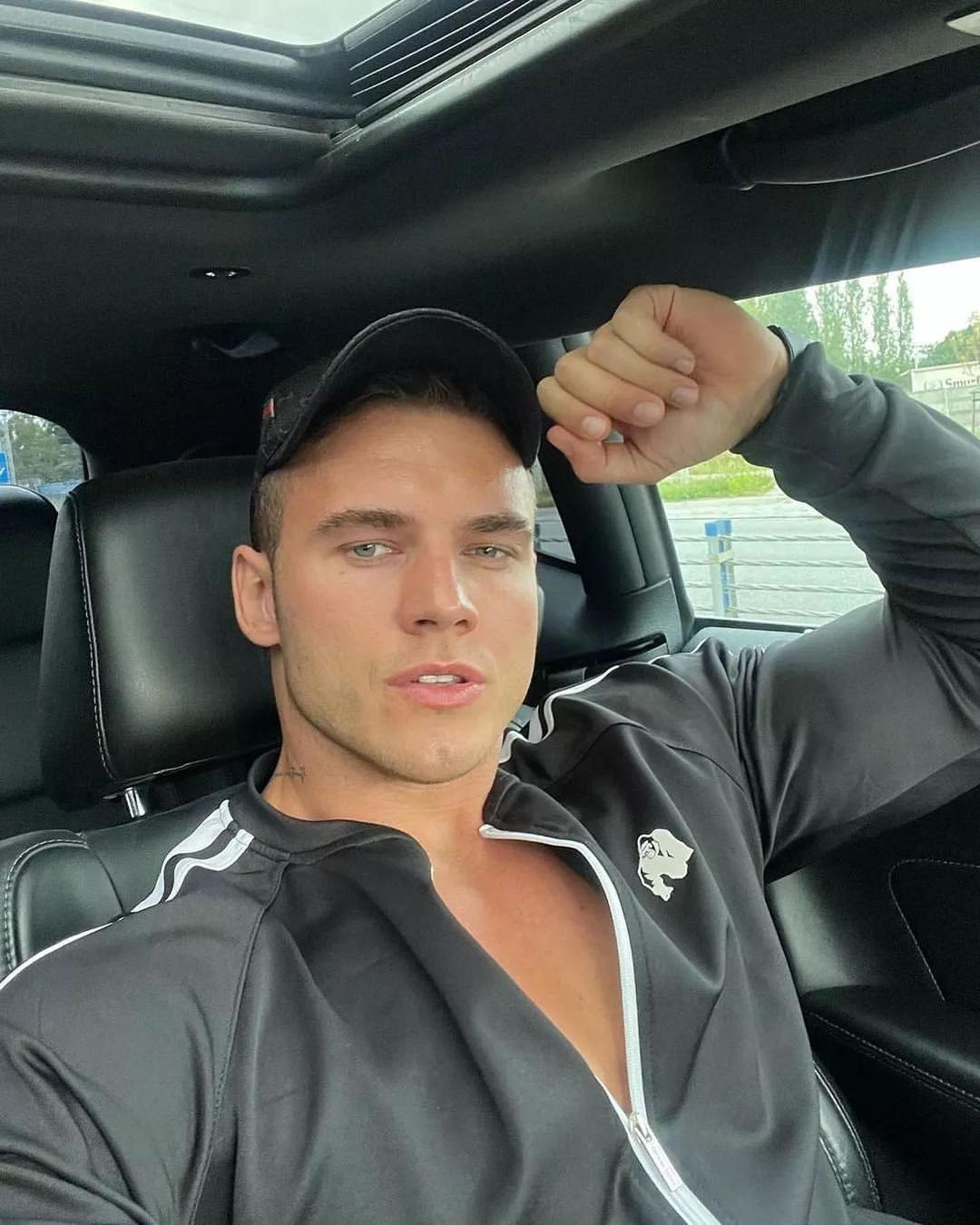
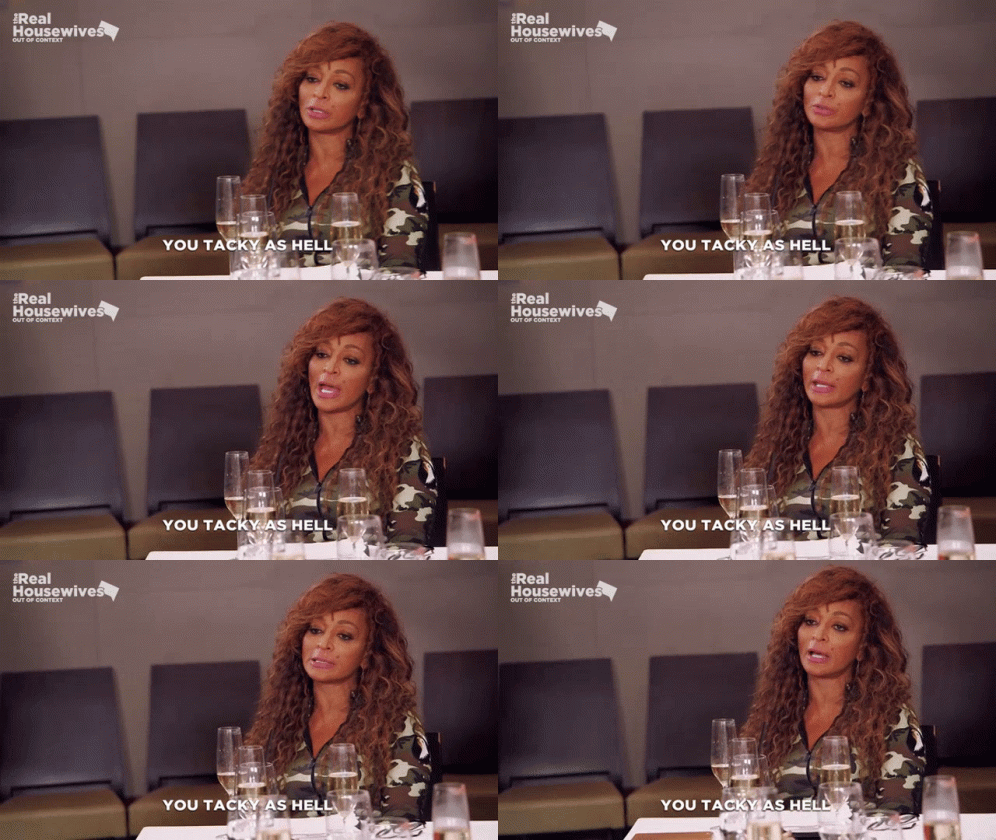 Adrian from Poland 🇵🇱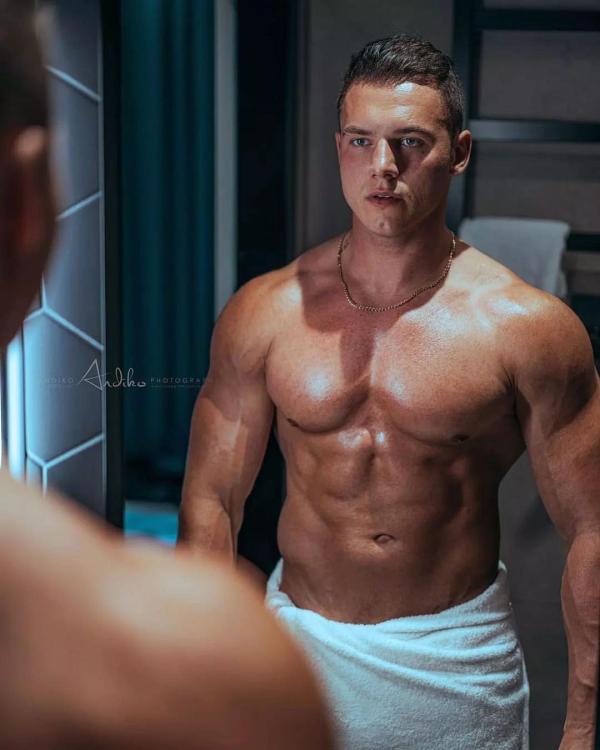
 OLTL: 90s: Blair (both Mia Korf’s and KDP’s versions, the latter through the end of the show), Marty, Nora 2000s: Jessica (and her alters under Bree Williamson), Natalie, Gigi, Evangeline, Téa, Starr
Matteo from Brazil 🇧🇷
OLTL: 90s: Blair (both Mia Korf’s and KDP’s versions, the latter through the end of the show), Marty, Nora 2000s: Jessica (and her alters under Bree Williamson), Natalie, Gigi, Evangeline, Téa, Starr
Matteo from Brazil 🇧🇷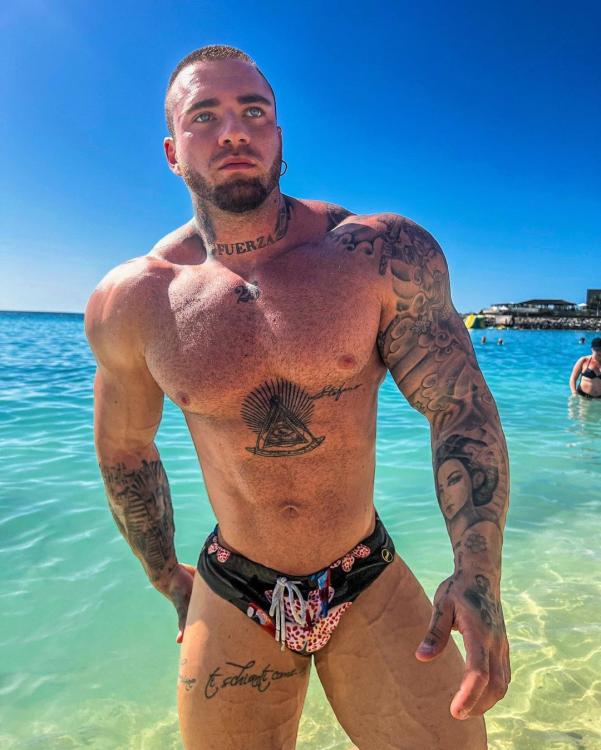
 Can’t forget Buzz Cooper in the mid ‘90s.
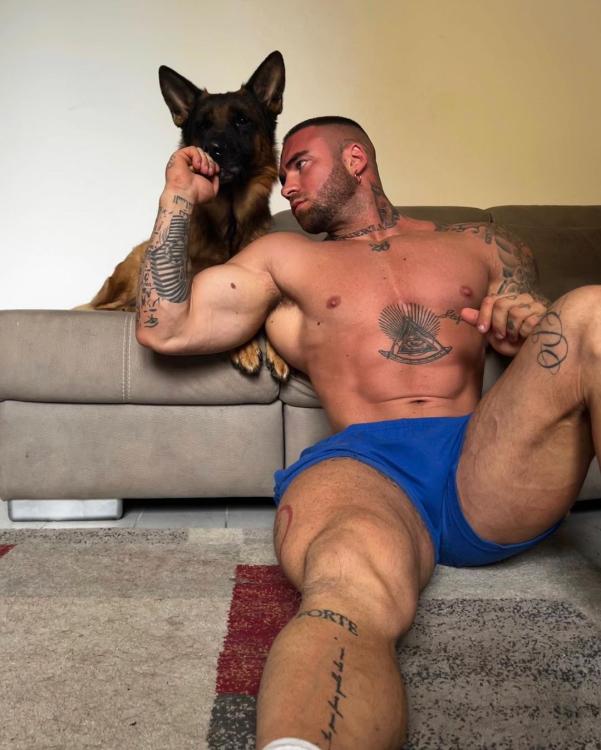
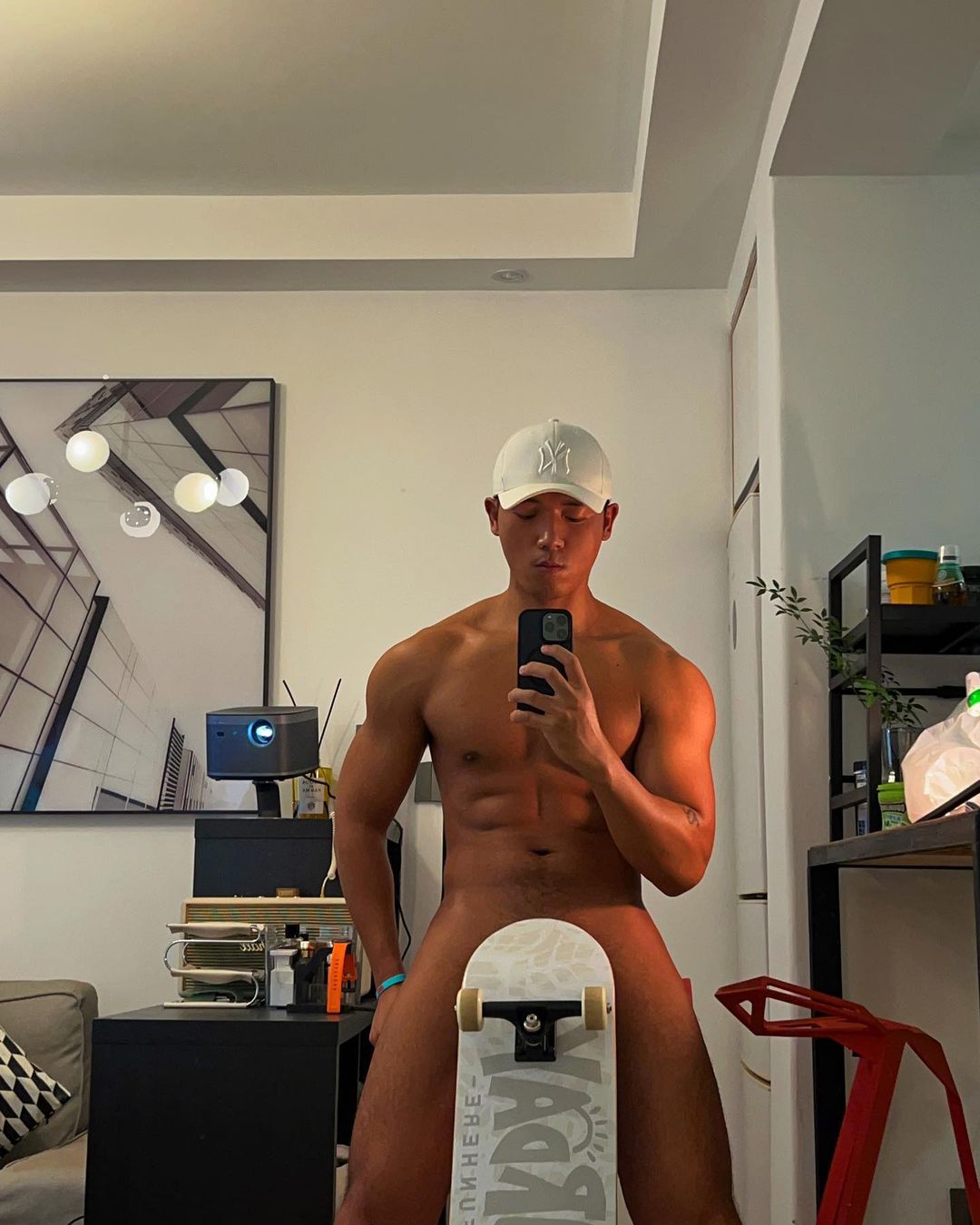
This guy from China 🇨🇳
Can’t forget Buzz Cooper in the mid ‘90s.
This guy from China 🇨🇳
 AMC Tad Martin Noah Keefer (circa 1994-95) Leo du Pres Ryan Lavery Y&R Ryan McNeil Nick Newman Billy Abbott (Billy Miller’s version, David Tom’s first run, and JT’s version, even though the latter is miscast: he’s been a show pet for years) Kevin Fisher Adam Newman B&B Liam Spencer (!!!!!)
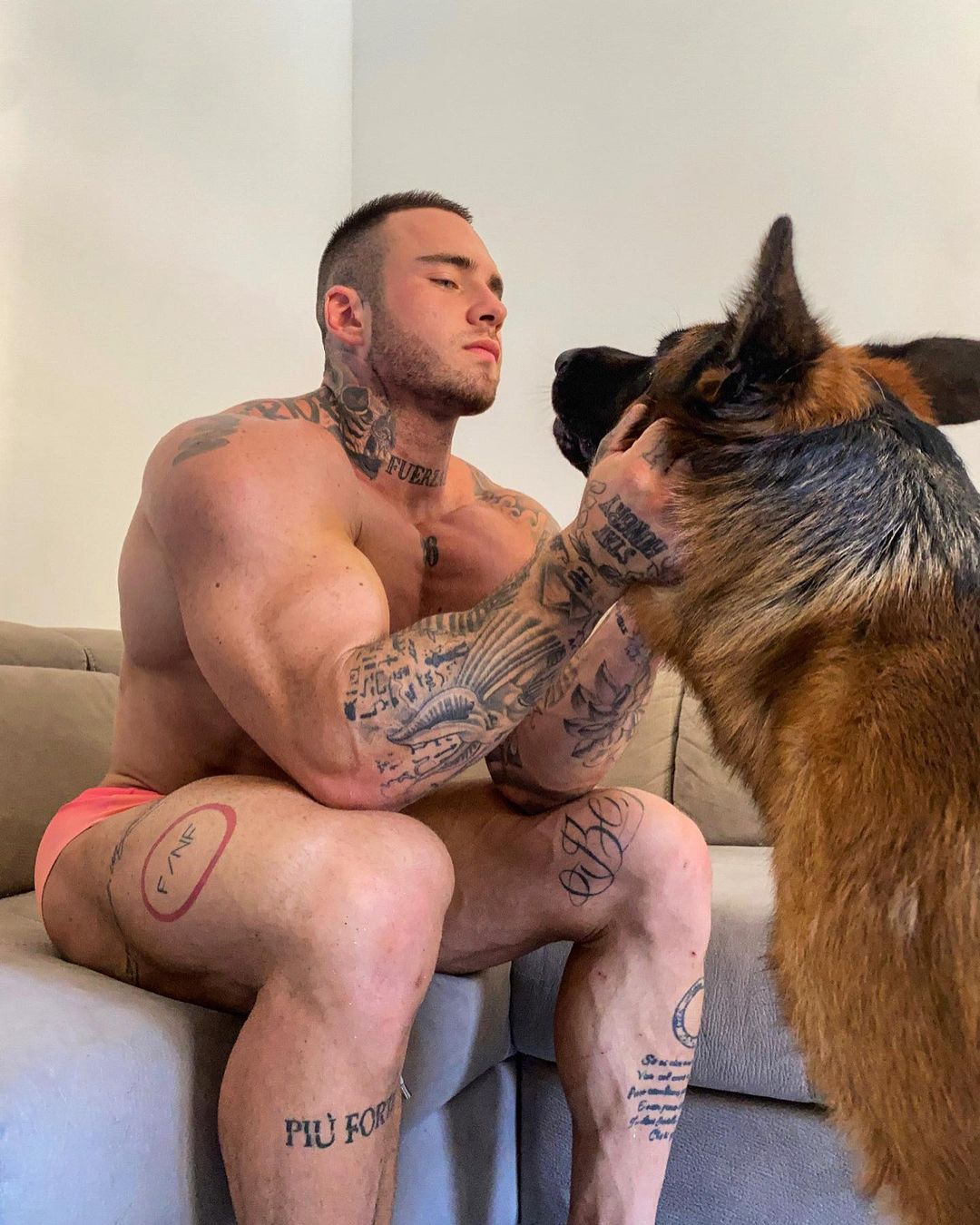
Habibi in Germany 🇩🇪
AMC Tad Martin Noah Keefer (circa 1994-95) Leo du Pres Ryan Lavery Y&R Ryan McNeil Nick Newman Billy Abbott (Billy Miller’s version, David Tom’s first run, and JT’s version, even though the latter is miscast: he’s been a show pet for years) Kevin Fisher Adam Newman B&B Liam Spencer (!!!!!)
Habibi in Germany 🇩🇪


 I defer to the hardcore ATWT fans, but I think there’s a good argument for Craig Montgomery, both the Scott Bryce and the Hunt Block versions, for different reasons. When I watched 86-87 ATWT, Craig was treated with the same sensitivity and offered the same subjectivity and spotlight as the heroines, much more so than his male peers.
Y&R has a way of discarding characters who were initially ill-conceived only after they’ve finally found a purpose. Especially potential villains. Such a waste.
Paulo from Chicago 🇺🇸
I defer to the hardcore ATWT fans, but I think there’s a good argument for Craig Montgomery, both the Scott Bryce and the Hunt Block versions, for different reasons. When I watched 86-87 ATWT, Craig was treated with the same sensitivity and offered the same subjectivity and spotlight as the heroines, much more so than his male peers.
Y&R has a way of discarding characters who were initially ill-conceived only after they’ve finally found a purpose. Especially potential villains. Such a waste.
Paulo from Chicago 🇺🇸
 Always been a Graz fan, even when the show did his character dirty over the years. And yes, he’s by far CK’s best pairing. Maybe her only good pairing.
Important Information
By using this site, you agree to our Terms of Use and Privacy Policy

















Account
Navigation
Search
Configure browser push notifications
Chrome (Android)
- Tap the lock icon next to the address bar.
- Tap Permissions → Notifications.
- Adjust your preference.
Chrome (Desktop)
- Click the padlock icon in the address bar.
- Select Site settings.
- Find Notifications and adjust your preference.
Safari (iOS 16.4+)
- Ensure the site is installed via Add to Home Screen.
- Open Settings App → Notifications.
- Find your app name and adjust your preference.
Safari (macOS)
- Go to Safari → Preferences.
- Click the Websites tab.
- Select Notifications in the sidebar.
- Find this website and adjust your preference.
Edge (Android)
- Tap the lock icon next to the address bar.
- Tap Permissions.
- Find Notifications and adjust your preference.
Edge (Desktop)
- Click the padlock icon in the address bar.
- Click Permissions for this site.
- Find Notifications and adjust your preference.
Firefox (Android)
- Go to Settings → Site permissions.
- Tap Notifications.
- Find this site in the list and adjust your preference.
Firefox (Desktop)
- Open Firefox Settings.
- Search for Notifications.
- Find this site in the list and adjust your preference.