






Soapsuds
Member
-
Joined
Everything posted by Soapsuds
-
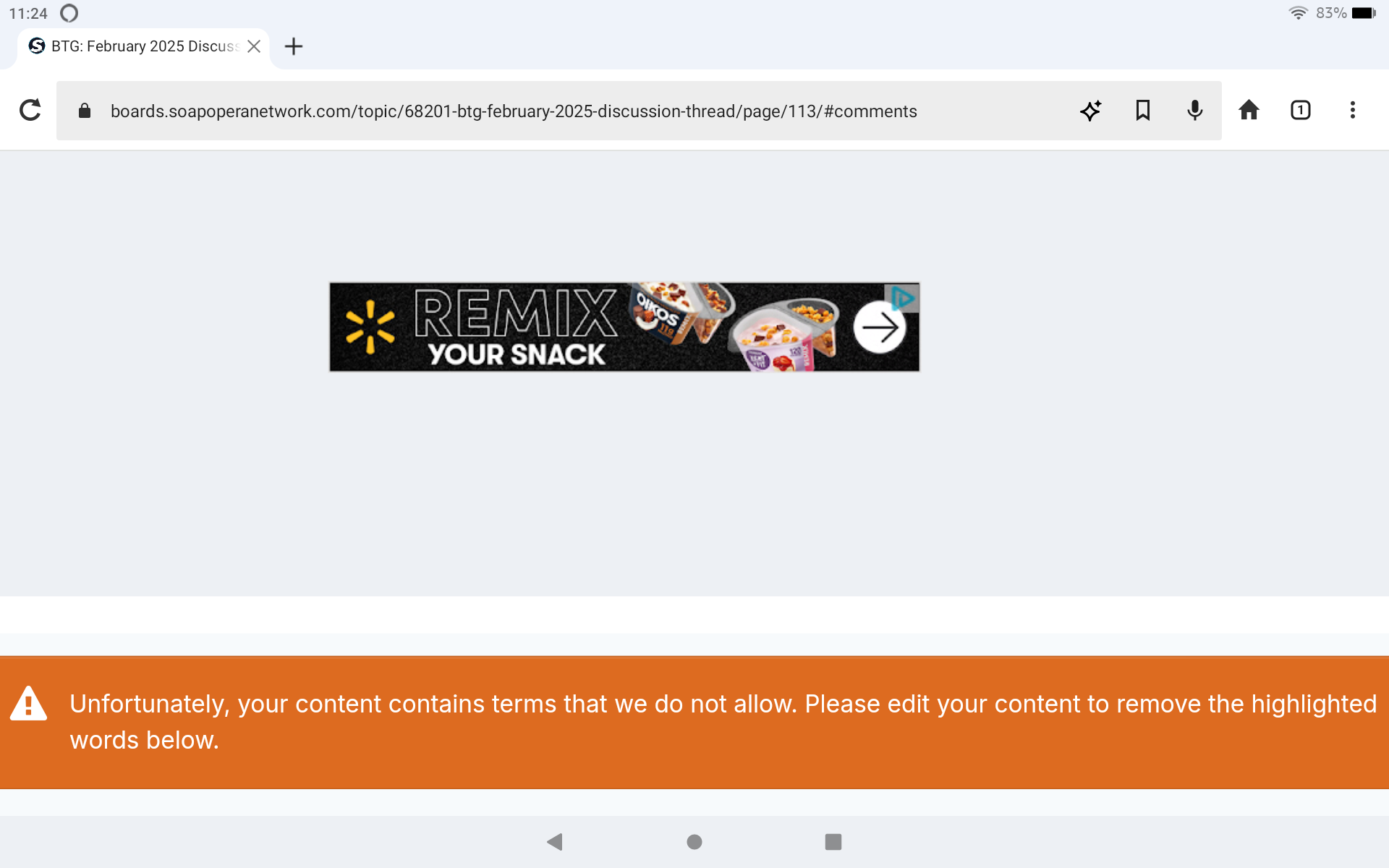
 Why am I getting this message when posting?
-
I love the longer credits, but I think I prefer the flashing credits over the rolling credits for their background graphics.
-
February 24, 2025 was the last day Dunn was listed.
-
Evan Hoffer as a recast Joey on Days.
-
-
-
Haha It's worth giving it more than one view.😁
-
Yup! I'm sure his wood is just as cute.😂😂😂😂😂😂
-
Just looking.😂😂😂 I love me a dork/nerd.
Mmmmmmm Love his body! Love the hard wood too!😂😍
R.I.P. to actor James Houghton, who has passed away aged 75. James played record producer Kenny Ward on the Dallas spin-off Knots Landing for four seasons from 1979-83. He later starred in the Dynasty spin-off The Colbys and later went on to write and star in The Young And The Restless. James passed away in August, 2024 from peritoneal mesothelioma but his death has only become public knowledge. Thoughts and prayers to his family. #Dallas #KnotsLanding https://www.forbes.com/sites/marcberman1/2025/02/28/james-houghton-dies-the-knots-landing-actor-and-soap-writer-was-75/

Important Information
By using this site, you agree to our Terms of Use and Privacy Policy

Account
Navigation
Search
Configure browser push notifications
Chrome (Android)
- Tap the lock icon next to the address bar.
- Tap Permissions → Notifications.
- Adjust your preference.
Chrome (Desktop)
- Click the padlock icon in the address bar.
- Select Site settings.
- Find Notifications and adjust your preference.
Safari (iOS 16.4+)
- Ensure the site is installed via Add to Home Screen.
- Open Settings App → Notifications.
- Find your app name and adjust your preference.
Safari (macOS)
- Go to Safari → Preferences.
- Click the Websites tab.
- Select Notifications in the sidebar.
- Find this website and adjust your preference.
Edge (Android)
- Tap the lock icon next to the address bar.
- Tap Permissions.
- Find Notifications and adjust your preference.
Edge (Desktop)
- Click the padlock icon in the address bar.
- Click Permissions for this site.
- Find Notifications and adjust your preference.
Firefox (Android)
- Go to Settings → Site permissions.
- Tap Notifications.
- Find this site in the list and adjust your preference.
Firefox (Desktop)
- Open Firefox Settings.
- Search for Notifications.
- Find this site in the list and adjust your preference.