






victoria foxton
Banned - Not Active
-
Joined
-
Last visited
Everything posted by victoria foxton
-
Memory erasing laced chicken.

-
Tomorrow's spoiler pics.

.jpg.ba356c44e4e1069f07a2a479e00d0f3b.jpg)


 Wednesday's spoiler pics.





 JoDevil look like he was having gas pains.
All RC has given us. Is bad pacing. Bad stereotypes and cringy shock value.
Pretty sure Craig would forget all about Leo. After laying eyes on Paul. All kidding aside. If only we had a writer. Who could do this story justice.
Leo met Craig while selling nuts. Is so RC.
@Errol @Toups Guys can you please delete or merge the thread.
I thought it was decent. Craig comes across as fool being with Leo. That ugly badly lit restaurant set was distracting. Poor Tripp he needs some comfort.
JoDevil look like he was having gas pains.
All RC has given us. Is bad pacing. Bad stereotypes and cringy shock value.
Pretty sure Craig would forget all about Leo. After laying eyes on Paul. All kidding aside. If only we had a writer. Who could do this story justice.
Leo met Craig while selling nuts. Is so RC.
@Errol @Toups Guys can you please delete or merge the thread.
I thought it was decent. Craig comes across as fool being with Leo. That ugly badly lit restaurant set was distracting. Poor Tripp he needs some comfort.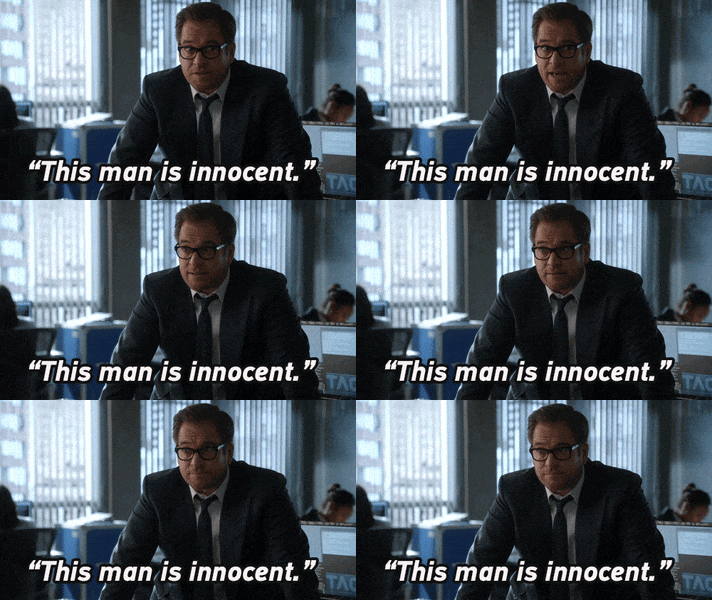 I wish.😂
I meant to post t in the Falcon Crest thread.
Tuesday's spoiler pics.
I wish.😂
I meant to post t in the Falcon Crest thread.
Tuesday's spoiler pics.




Important Information
By using this site, you agree to our Terms of Use and Privacy Policy

Account
Navigation
Search
Configure browser push notifications
Chrome (Android)
- Tap the lock icon next to the address bar.
- Tap Permissions → Notifications.
- Adjust your preference.
Chrome (Desktop)
- Click the padlock icon in the address bar.
- Select Site settings.
- Find Notifications and adjust your preference.
Safari (iOS 16.4+)
- Ensure the site is installed via Add to Home Screen.
- Open Settings App → Notifications.
- Find your app name and adjust your preference.
Safari (macOS)
- Go to Safari → Preferences.
- Click the Websites tab.
- Select Notifications in the sidebar.
- Find this website and adjust your preference.
Edge (Android)
- Tap the lock icon next to the address bar.
- Tap Permissions.
- Find Notifications and adjust your preference.
Edge (Desktop)
- Click the padlock icon in the address bar.
- Click Permissions for this site.
- Find Notifications and adjust your preference.
Firefox (Android)
- Go to Settings → Site permissions.
- Tap Notifications.
- Find this site in the list and adjust your preference.
Firefox (Desktop)
- Open Firefox Settings.
- Search for Notifications.
- Find this site in the list and adjust your preference.


.jpg.3e66a06765725bee2964525ff042c65b.jpg)
.jpg.d1436c43c81dfcb858ad1f7efa0d73a0.jpg)
