






Soapsuds
Member
-
Joined
Everything posted by Soapsuds
-
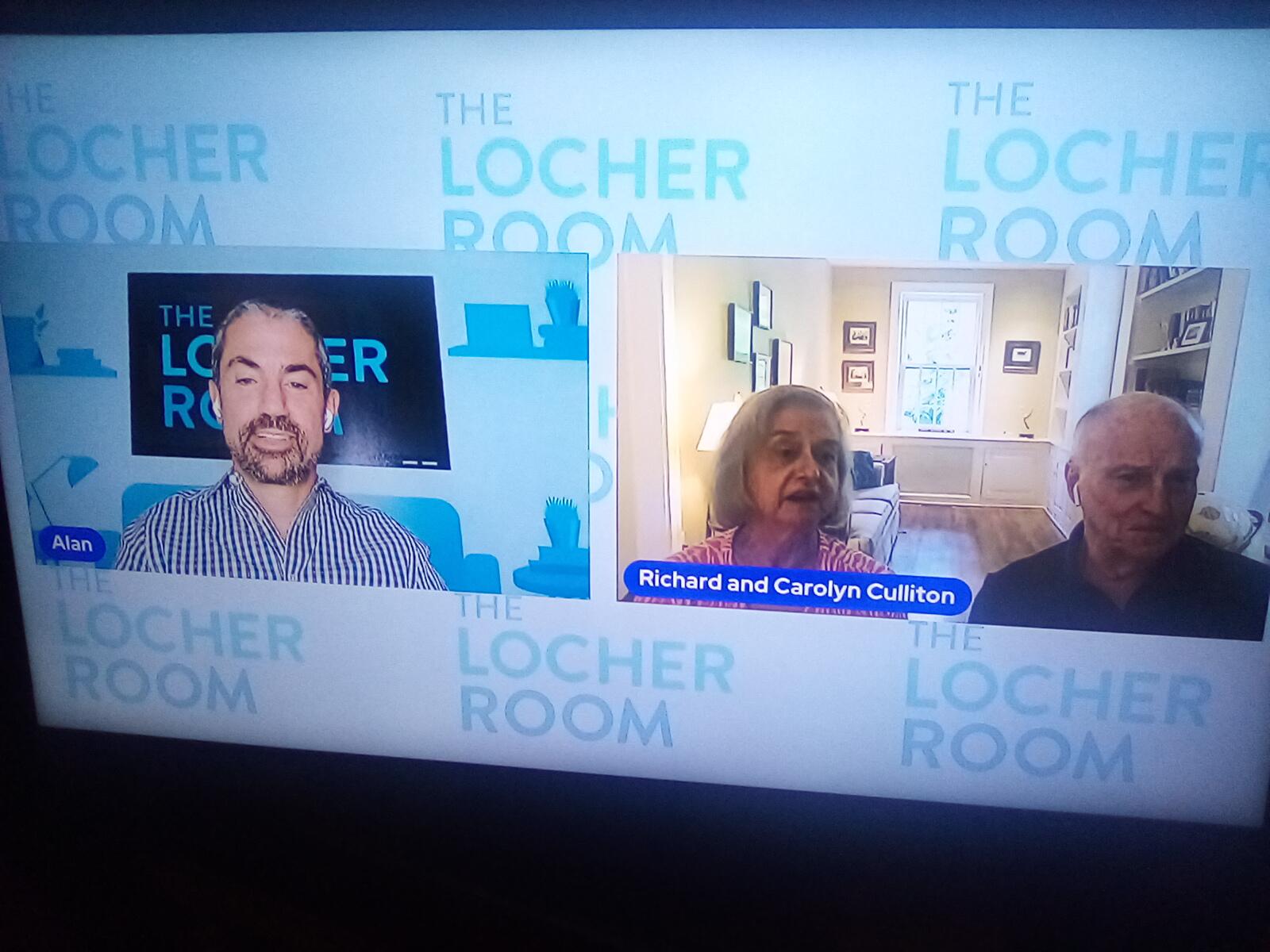
 Richard Culliton said he created Carly Tenney. I thought Marland had her in his bible? I wish ATWT would've kept him as HW after 1995.
 -
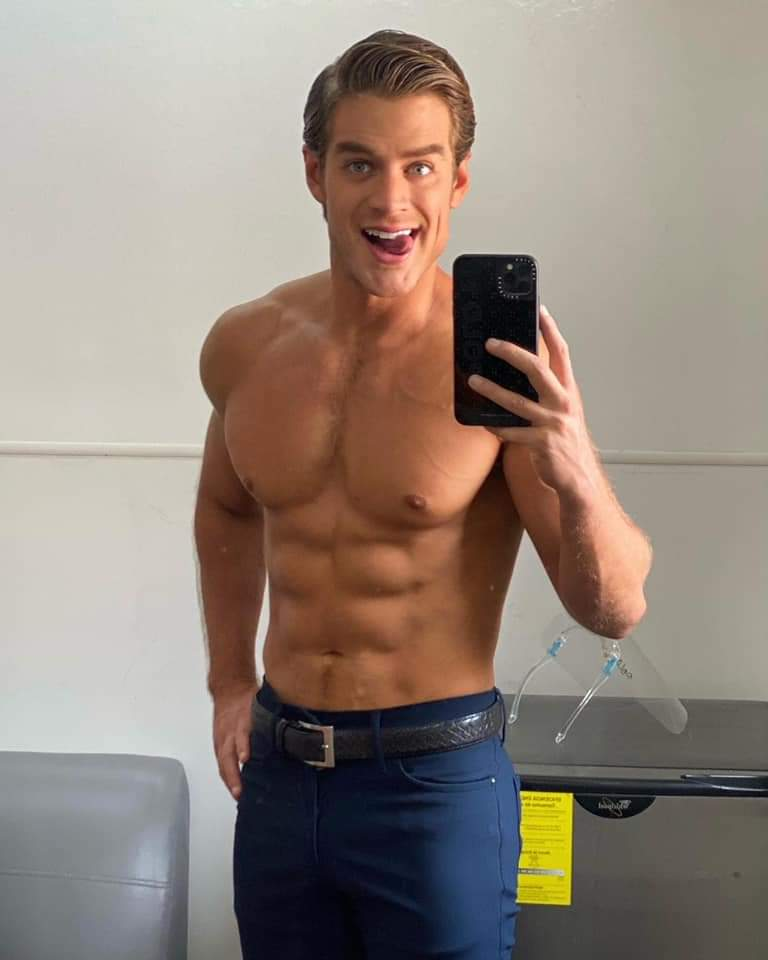
Tripp shirtless Johnny shirtless Serial killer shirtless
I've always found him beautiful.
 I was going to say I'm surprised he didn't appear shirtless on his first episode.😂 Did Tripp take a peek?😂
Ugh Claire.. I hate her...glad she's gone.
Theo looked like a complete idiot during this whole Insta story. I felt bad for the actor. Ron used a legacy character to prop a serial killer.
Of course! Have Chanel see them. It won't happen though.
I use to be a fan but his arrogance and cockiness is off the charts. Was disappointed Korda didn't take him out last night. Of course dad refused to sit where he suppose to. I wonder why? Duh....
Its today!
I like my men either shirtless or in a tux. They look hot both ways.
Carson yummmmm... already like Johnny after one airing😂 Pair him with Tripp already!😁
Bad acting and now bad hair. Pure garbage. Paging @BetterForgotten!!
@Faulkner He was grouchy last night. I'm tired of that sh!t! The media made a big deal about him beating Gasquet.... like it was some big win.
Ciara is in love with serial killer. Its ridiculous! @AlexElizabeth I love the Guy Wilson quote. It's the dumbest thing I've ever heard.😂
Theo: How can you love a guy who killed three people? Ciara: he was insane when he did those things...I love the man that he was before he got sick and the man he became after he got better.🙄😂 She didn't know him right before the crimes. Oh Carolyn Culliton.... I know this is Ron hack job..but pleassseeeee And all the 227 jabs during the Jackee and Marla scenes...I was waiting for them to say they had relatives named Rose and Pearl.😂
Here's a refresher course Errol😊
I was going to say I'm surprised he didn't appear shirtless on his first episode.😂 Did Tripp take a peek?😂
Ugh Claire.. I hate her...glad she's gone.
Theo looked like a complete idiot during this whole Insta story. I felt bad for the actor. Ron used a legacy character to prop a serial killer.
Of course! Have Chanel see them. It won't happen though.
I use to be a fan but his arrogance and cockiness is off the charts. Was disappointed Korda didn't take him out last night. Of course dad refused to sit where he suppose to. I wonder why? Duh....
Its today!
I like my men either shirtless or in a tux. They look hot both ways.
Carson yummmmm... already like Johnny after one airing😂 Pair him with Tripp already!😁
Bad acting and now bad hair. Pure garbage. Paging @BetterForgotten!!
@Faulkner He was grouchy last night. I'm tired of that sh!t! The media made a big deal about him beating Gasquet.... like it was some big win.
Ciara is in love with serial killer. Its ridiculous! @AlexElizabeth I love the Guy Wilson quote. It's the dumbest thing I've ever heard.😂
Theo: How can you love a guy who killed three people? Ciara: he was insane when he did those things...I love the man that he was before he got sick and the man he became after he got better.🙄😂 She didn't know him right before the crimes. Oh Carolyn Culliton.... I know this is Ron hack job..but pleassseeeee And all the 227 jabs during the Jackee and Marla scenes...I was waiting for them to say they had relatives named Rose and Pearl.😂
Here's a refresher course Errol😊


Important Information
By using this site, you agree to our Terms of Use and Privacy Policy

Account
Navigation
Search
Configure browser push notifications
Chrome (Android)
- Tap the lock icon next to the address bar.
- Tap Permissions → Notifications.
- Adjust your preference.
Chrome (Desktop)
- Click the padlock icon in the address bar.
- Select Site settings.
- Find Notifications and adjust your preference.
Safari (iOS 16.4+)
- Ensure the site is installed via Add to Home Screen.
- Open Settings App → Notifications.
- Find your app name and adjust your preference.
Safari (macOS)
- Go to Safari → Preferences.
- Click the Websites tab.
- Select Notifications in the sidebar.
- Find this website and adjust your preference.
Edge (Android)
- Tap the lock icon next to the address bar.
- Tap Permissions.
- Find Notifications and adjust your preference.
Edge (Desktop)
- Click the padlock icon in the address bar.
- Click Permissions for this site.
- Find Notifications and adjust your preference.
Firefox (Android)
- Go to Settings → Site permissions.
- Tap Notifications.
- Find this site in the list and adjust your preference.
Firefox (Desktop)
- Open Firefox Settings.
- Search for Notifications.
- Find this site in the list and adjust your preference.