






Soapsuds
Member
-
Joined
Everything posted by Soapsuds
-
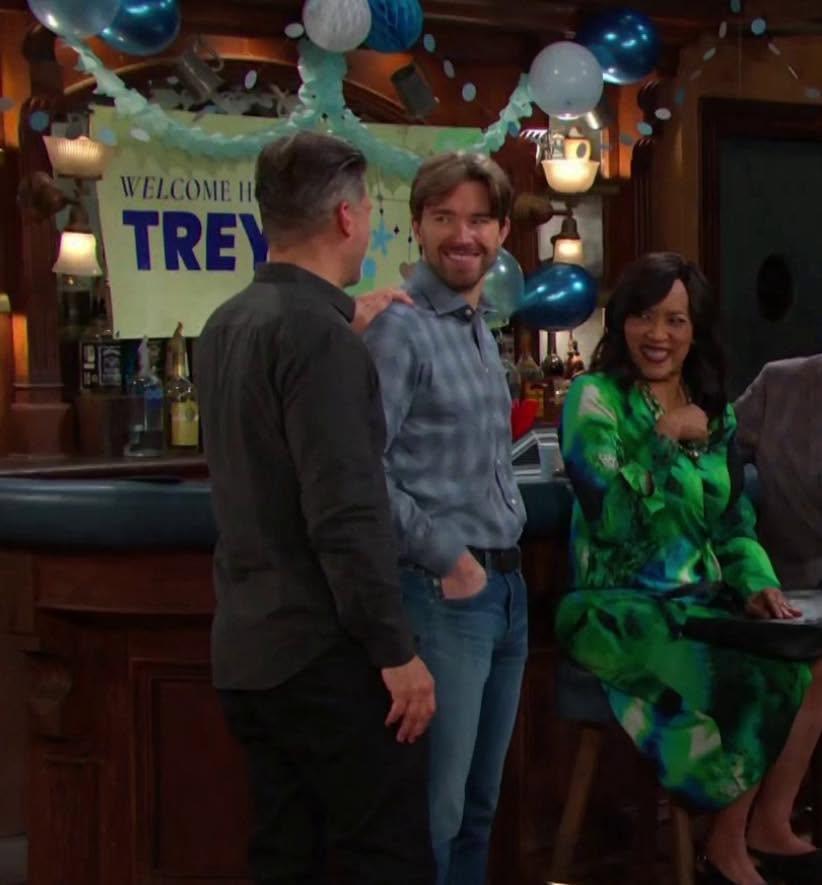
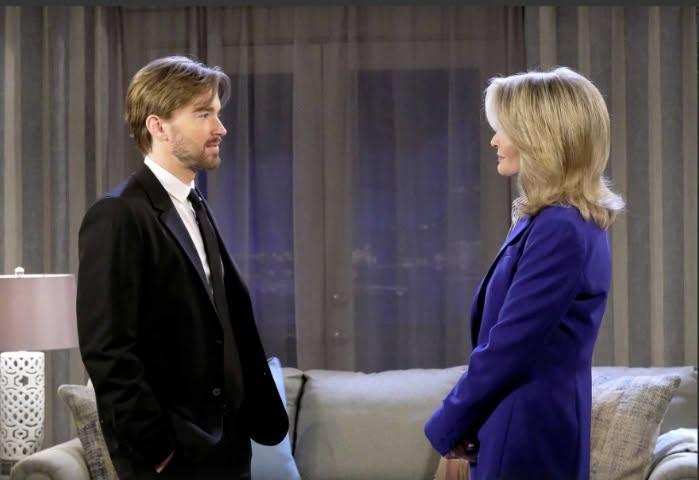
Josh was looking really good in yesterday's episode. The Dante and Nathan scenes were coma-inducing. Talk about two dull characters chat putting you to sleep.Not too long ago, characters were smelling her, and she barely spoke, just gliding around.😂 She was someone big and famous. People were lucky to be in her presence and to receive her attention.😂@Errol A Chandler Massey interview.😂😍I enjoyed it!I agree! Leo's appearance today almost ruined the episode. I couldn't care less about him or Javi. I'm glad Will didn't acknowledge him at the baby shower. Why haven't the writers written out Leo or at least recast the role? I can't stand the character or actor.😂 How hot did Chandler Massey look? Damn! He looked good in those jeans. I really enjoyed Will, Eric, Eli, and Lani's return. I've always loved Lani and the actress in the role. I enjoyed Will and Eric's catching up scenes. Will's scenes with Sami and Marlena were also nice to see, especially Will's look of worry for Marlena.OMG!!!😍Anybody watch the special last night?I wonder why.😂😂😂 😍😍😍Zende is still alive and working at Forrester? Shocked to see him.I enjoyed Sami's return, and the episode actually kept my interest. I enjoyed the flashbacks during Julie and Maggie's chat.Happy Veterans Day!
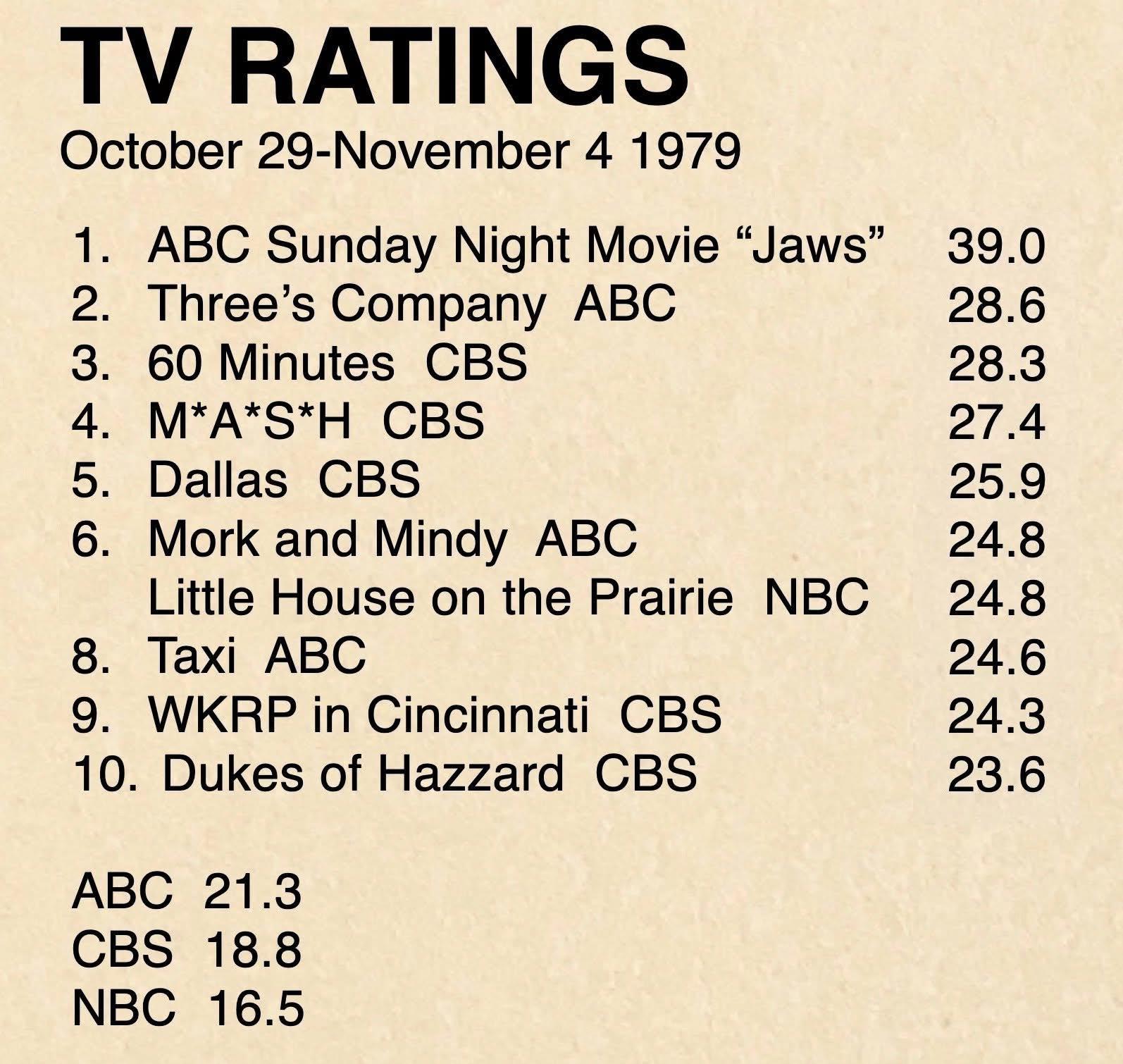
 I had never seen her version of Laura on Days only Jaime Lyn Bauer's version.Ouch at the poor numbers for The Ropers. They were beaten by both NBC and CBS.I didn't know they were returning. They're not featured in the promo.fixed!😂😁















Important Information
By using this site, you agree to our Terms of Use and Privacy Policy

Account
Navigation
Search
Configure browser push notifications
Chrome (Android)
- Tap the lock icon next to the address bar.
- Tap Permissions → Notifications.
- Adjust your preference.
Chrome (Desktop)
- Click the padlock icon in the address bar.
- Select Site settings.
- Find Notifications and adjust your preference.
Safari (iOS 16.4+)
- Ensure the site is installed via Add to Home Screen.
- Open Settings App → Notifications.
- Find your app name and adjust your preference.
Safari (macOS)
- Go to Safari → Preferences.
- Click the Websites tab.
- Select Notifications in the sidebar.
- Find this website and adjust your preference.
Edge (Android)
- Tap the lock icon next to the address bar.
- Tap Permissions.
- Find Notifications and adjust your preference.
Edge (Desktop)
- Click the padlock icon in the address bar.
- Click Permissions for this site.
- Find Notifications and adjust your preference.
Firefox (Android)
- Go to Settings → Site permissions.
- Tap Notifications.
- Find this site in the list and adjust your preference.
Firefox (Desktop)
- Open Firefox Settings.
- Search for Notifications.
- Find this site in the list and adjust your preference.