






Soapsuds
Member
-
Joined
Everything posted by Soapsuds
-
 Can you imagine the showers? To be a fly in that locker room.😂😍
 -
Haha I don't have my own click. Far from it.
-
-
It's all about being in a click group. More are trying to be in it and it's causing more trouble on the board.
-
-
This hurts but.😂

-
So disrespectful
 Love me some Christina.
That was the second time I was shocked, sad and heartbroken by a Knots episode. The first was seeing Sid car crash.
Oh he's ready. One of my crushes F U CK him.....I've chatted with him online as well...very nice
Love me some Christina.
That was the second time I was shocked, sad and heartbroken by a Knots episode. The first was seeing Sid car crash.
Oh he's ready. One of my crushes F U CK him.....I've chatted with him online as well...very nice I was hoping she'd be delayed and miss it.😂
Oh no! She made it!😂 426227152_1106162973913644_6046581702498640423_n.mp4
[!@#$%^&*] em
I was hoping she'd be delayed and miss it.😂
Oh no! She made it!😂 426227152_1106162973913644_6046581702498640423_n.mp4
[!@#$%^&*] em Pass
Pass Pass
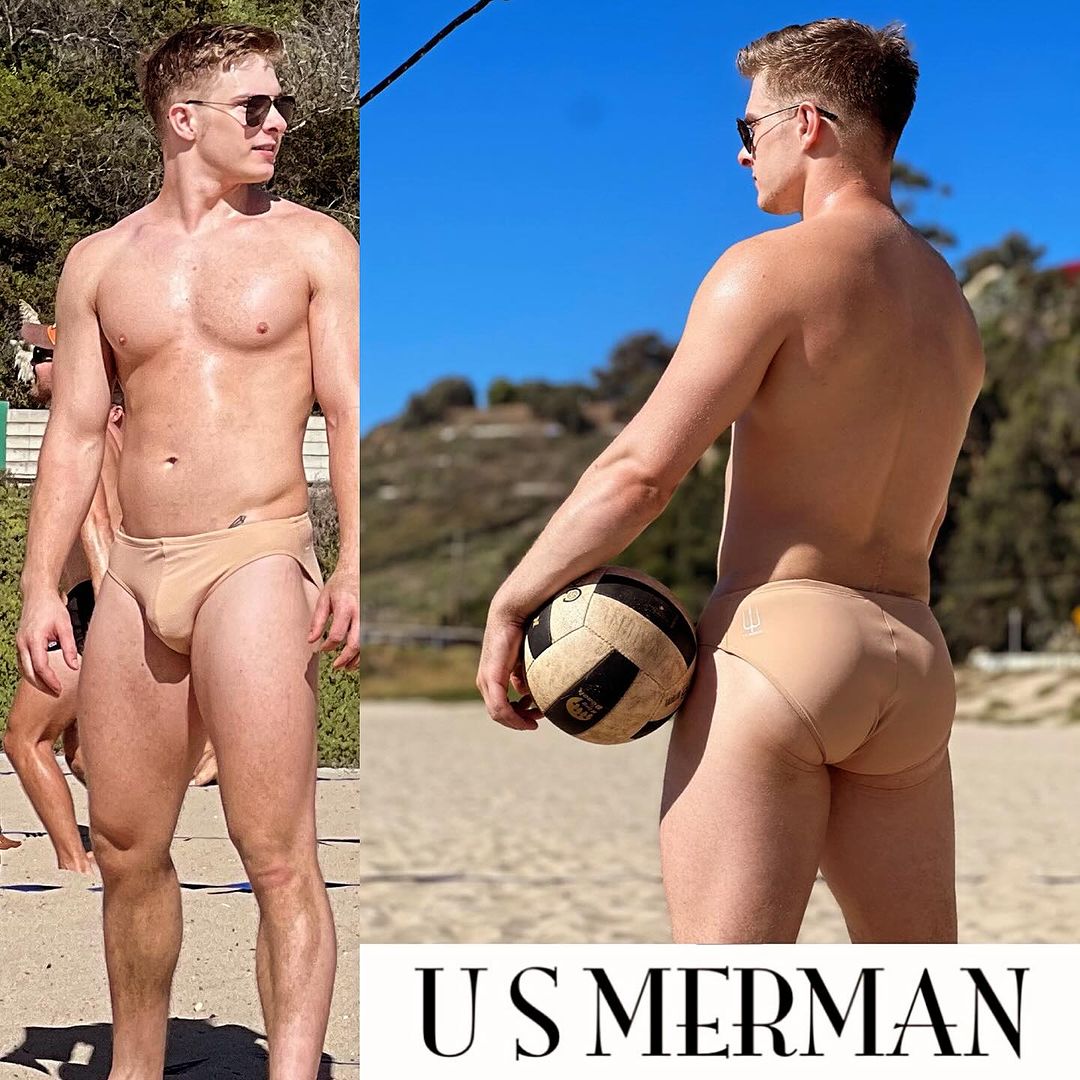
Pass He looks just like a high school friend of mine that I had a huge crush on. So [!@#$%^&*] em
 You should see him in his birthday suit😍 F#$&% em
 Pass Trey from Young and the Restless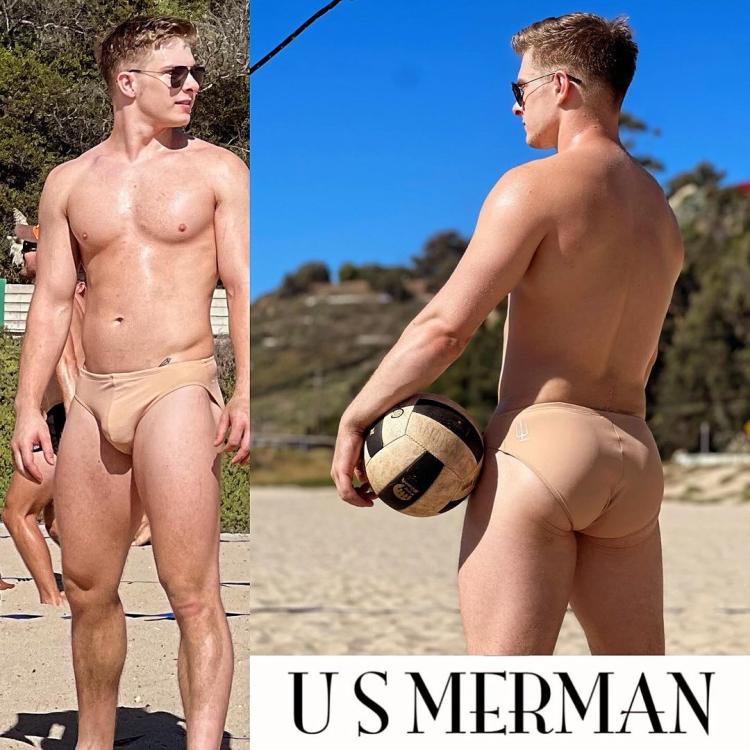














Important Information
By using this site, you agree to our Terms of Use and Privacy Policy

Account
Navigation
Search
Configure browser push notifications
Chrome (Android)
- Tap the lock icon next to the address bar.
- Tap Permissions → Notifications.
- Adjust your preference.
Chrome (Desktop)
- Click the padlock icon in the address bar.
- Select Site settings.
- Find Notifications and adjust your preference.
Safari (iOS 16.4+)
- Ensure the site is installed via Add to Home Screen.
- Open Settings App → Notifications.
- Find your app name and adjust your preference.
Safari (macOS)
- Go to Safari → Preferences.
- Click the Websites tab.
- Select Notifications in the sidebar.
- Find this website and adjust your preference.
Edge (Android)
- Tap the lock icon next to the address bar.
- Tap Permissions.
- Find Notifications and adjust your preference.
Edge (Desktop)
- Click the padlock icon in the address bar.
- Click Permissions for this site.
- Find Notifications and adjust your preference.
Firefox (Android)
- Go to Settings → Site permissions.
- Tap Notifications.
- Find this site in the list and adjust your preference.
Firefox (Desktop)
- Open Firefox Settings.
- Search for Notifications.
- Find this site in the list and adjust your preference.