






Soapsuds
Member
-
Joined
Everything posted by Soapsuds
-
 Greg Rikkart RSW
 -
-
Hmmmm..I guess I'll have to watch.😂 Btw
-
Isn't he a recast of a character that wasn't popular?
-
https://www.digitaljournal.com/entertainment/catching-up-with-zach-tinker-sonny-kiriakis-on-days-of-our-lives/article
-
So I watched to see TSJ. He was on like for 30 seconds towards the end. I like chemistry between him and Susan. It's too bad his character is worthless.
https://www.soapoperadigest.com/content/trevor-st-john-on-joining-yr/?fbclid=IwAR1gwXXRlq7I6qNxNN03HFuAe9vqCz6qF99GXCP2T6h1ivTBS1UYWwmHnJQ
Streaming should be coming very soon. That's what I have heard.
HD opening still frames
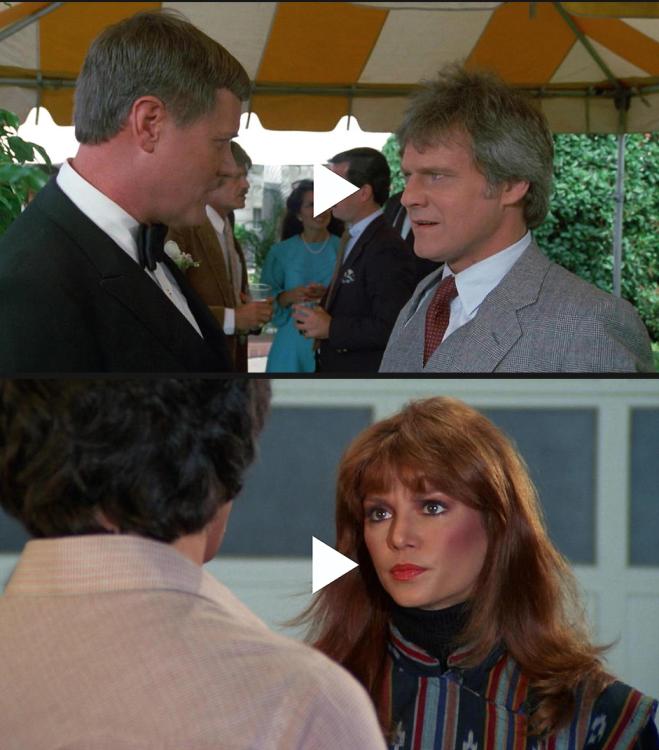
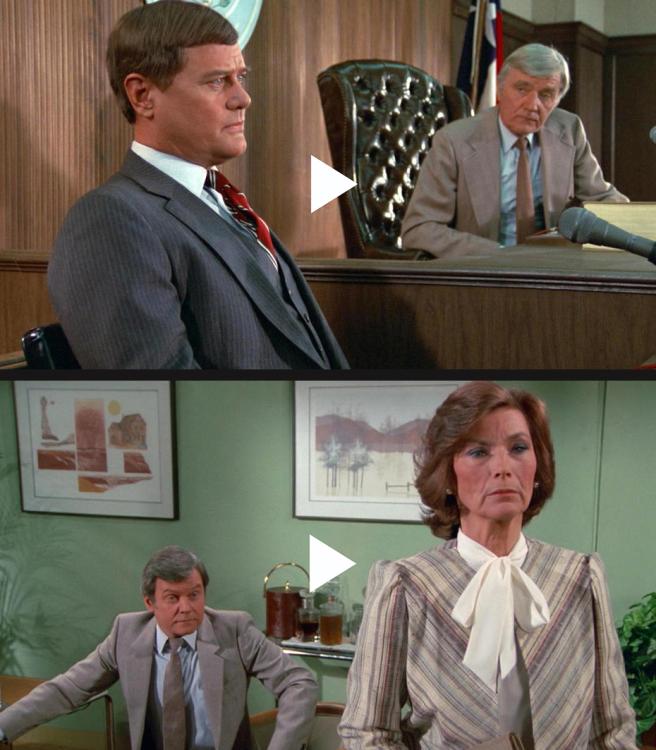
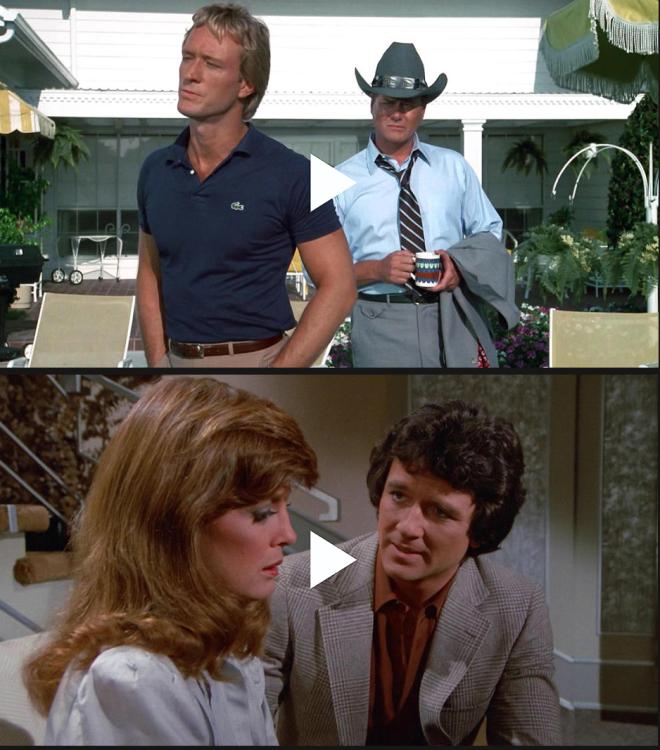
.thumb.jpeg.7bf51547b92c0e4bfff15daa026a5b78.jpeg) There's two A stories being told at the same time instead of an A B and C stories at the same time.
Clyde murder mystery would be great. I agree. Xander and Sarah are so useless on the show. They should've been written off the show. I think Cady is doing a good job minus her fake no tears acting.😂 The show seemed boring because there's no community involvement. All the stories are so isolated from each other. The show is so disjointed.
On paper someone murdering Clyde and turning it into a murder mystery is great but Ron Carlivati doesn't know how to write murder mysteries.
Abigail death shouldn't have been made a murder mystery. It was poorly done. Abby tells Chad it was Clyde. Clyde goes on the run as the inept PD tries to track him down. End of story.😂
How nice of her.😂
Go get a paper towel or tissue.😂
Maybe they have no clue who Andy Richards is or who Steven Ford is.....well....
There's two A stories being told at the same time instead of an A B and C stories at the same time.
Clyde murder mystery would be great. I agree. Xander and Sarah are so useless on the show. They should've been written off the show. I think Cady is doing a good job minus her fake no tears acting.😂 The show seemed boring because there's no community involvement. All the stories are so isolated from each other. The show is so disjointed.
On paper someone murdering Clyde and turning it into a murder mystery is great but Ron Carlivati doesn't know how to write murder mysteries.
Abigail death shouldn't have been made a murder mystery. It was poorly done. Abby tells Chad it was Clyde. Clyde goes on the run as the inept PD tries to track him down. End of story.😂
How nice of her.😂
Go get a paper towel or tissue.😂
Maybe they have no clue who Andy Richards is or who Steven Ford is.....well....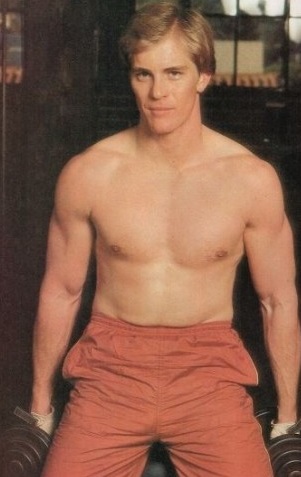 How about Abby saying it was Clyde?😂 Three words to say to Chad. Instead she says they had a knife.😂 The episode today was ok but expected more with Jennifer story. I guess that happens later this week.
If they made a meaningless character 20 years younger then they might as well had TSJ play Andy Richards portrayed by Steven Ford.
Today's episode ...eh! Clyde who was shot was like a brand new person. It didn't even look like he'd been shot. After worrying for months about going away again Cycle didn't seem to care and was gloating which makes him killing Abigail even more ridiculously. Gwen gets run down and has a big bump scar on her forehead yet when she's in the hospital Gwen,s face has more cuts and bruises.
Week ending March 23, 1980 The Dallas cliffhanger... A House Divided
How about Abby saying it was Clyde?😂 Three words to say to Chad. Instead she says they had a knife.😂 The episode today was ok but expected more with Jennifer story. I guess that happens later this week.
If they made a meaningless character 20 years younger then they might as well had TSJ play Andy Richards portrayed by Steven Ford.
Today's episode ...eh! Clyde who was shot was like a brand new person. It didn't even look like he'd been shot. After worrying for months about going away again Cycle didn't seem to care and was gloating which makes him killing Abigail even more ridiculously. Gwen gets run down and has a big bump scar on her forehead yet when she's in the hospital Gwen,s face has more cuts and bruises.
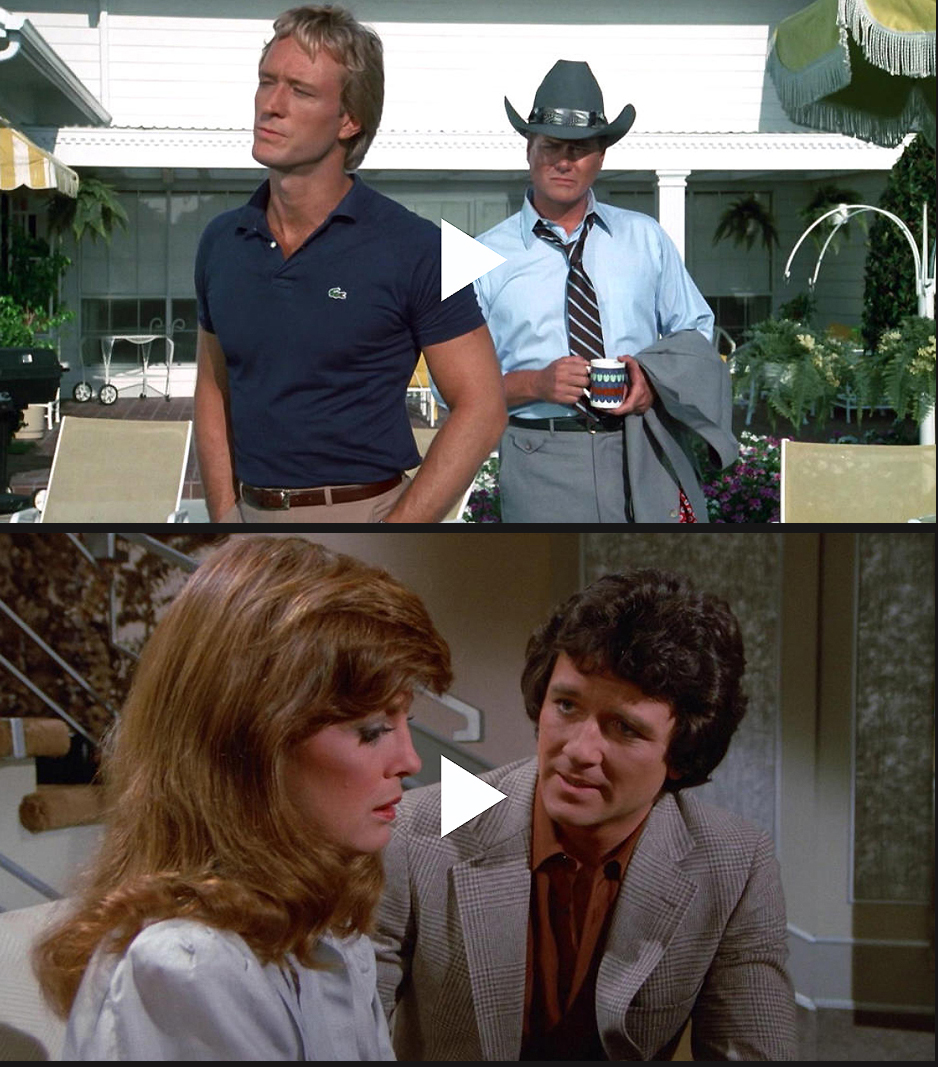
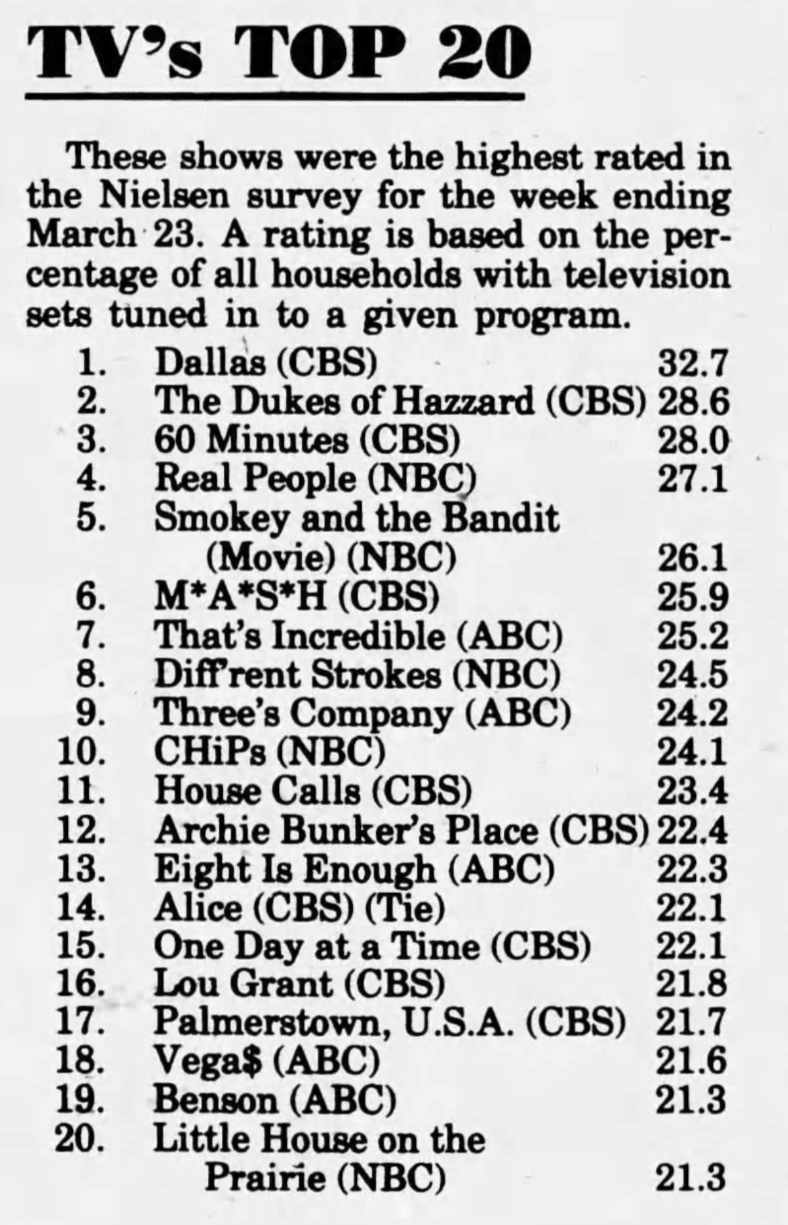
Week ending March 23, 1980 The Dallas cliffhanger... A House Divided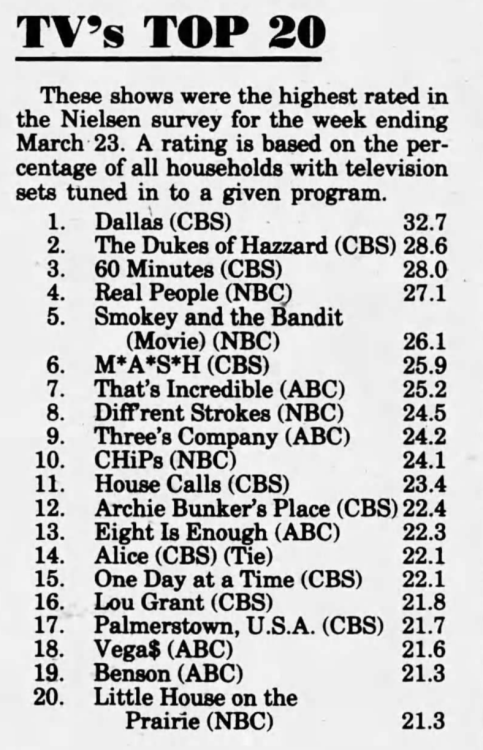


.jpeg.fae578534ee4ff4743c63bd29162f290.jpeg)
Important Information
By using this site, you agree to our Terms of Use and Privacy Policy

Account
Navigation
Search
Configure browser push notifications
Chrome (Android)
- Tap the lock icon next to the address bar.
- Tap Permissions → Notifications.
- Adjust your preference.
Chrome (Desktop)
- Click the padlock icon in the address bar.
- Select Site settings.
- Find Notifications and adjust your preference.
Safari (iOS 16.4+)
- Ensure the site is installed via Add to Home Screen.
- Open Settings App → Notifications.
- Find your app name and adjust your preference.
Safari (macOS)
- Go to Safari → Preferences.
- Click the Websites tab.
- Select Notifications in the sidebar.
- Find this website and adjust your preference.
Edge (Android)
- Tap the lock icon next to the address bar.
- Tap Permissions.
- Find Notifications and adjust your preference.
Edge (Desktop)
- Click the padlock icon in the address bar.
- Click Permissions for this site.
- Find Notifications and adjust your preference.
Firefox (Android)
- Go to Settings → Site permissions.
- Tap Notifications.
- Find this site in the list and adjust your preference.
Firefox (Desktop)
- Open Firefox Settings.
- Search for Notifications.
- Find this site in the list and adjust your preference.