Everything posted by Soapsuds
-
Daily Hotness
- The Tennis Thread
Getting the book! Wish I could get an autographed one. I'm sure the first 100 will be gone by the morning.- DAYS: October 2024 Spoilers
Al Calderon First airdate revealed- B&B: October 2024 Discussion Thread
- BTG: History, Behind the Scenes Articles & Photos
- Show how are you feeling right now as a GIF or YT clip
- Your daily (or nightly) thought
- What Are You Listening To?
- B&B: October 2024 Discussion Thread
- Dallas Discussion Thread
Morgan will be at the Dallas reunion.- Your daily (or nightly) thought
- Nicholas Alexander Chavez Appreciation Thread
- GH: October 2024 Discussion Thread
- Nicholas Alexander Chavez Appreciation Thread
- As The World Turns Discussion Thread
You're welcome! I didn't tag anyone because I'm always afraid I'll miss someone. I thought it had been up on YouTube before. I love the episode. I remember seeing it when it originally aired. It did very well ratings wise too.- GH: October 2024 Discussion Thread
- GH: October 2024 Discussion Thread
- The Zach Tinker Appreciation Thread
Mr DJ😊 😂- B&B: October 2024 Discussion Thread
- The Tennis Thread
- 2024: The Directors and Writers Thread
Yes- The View
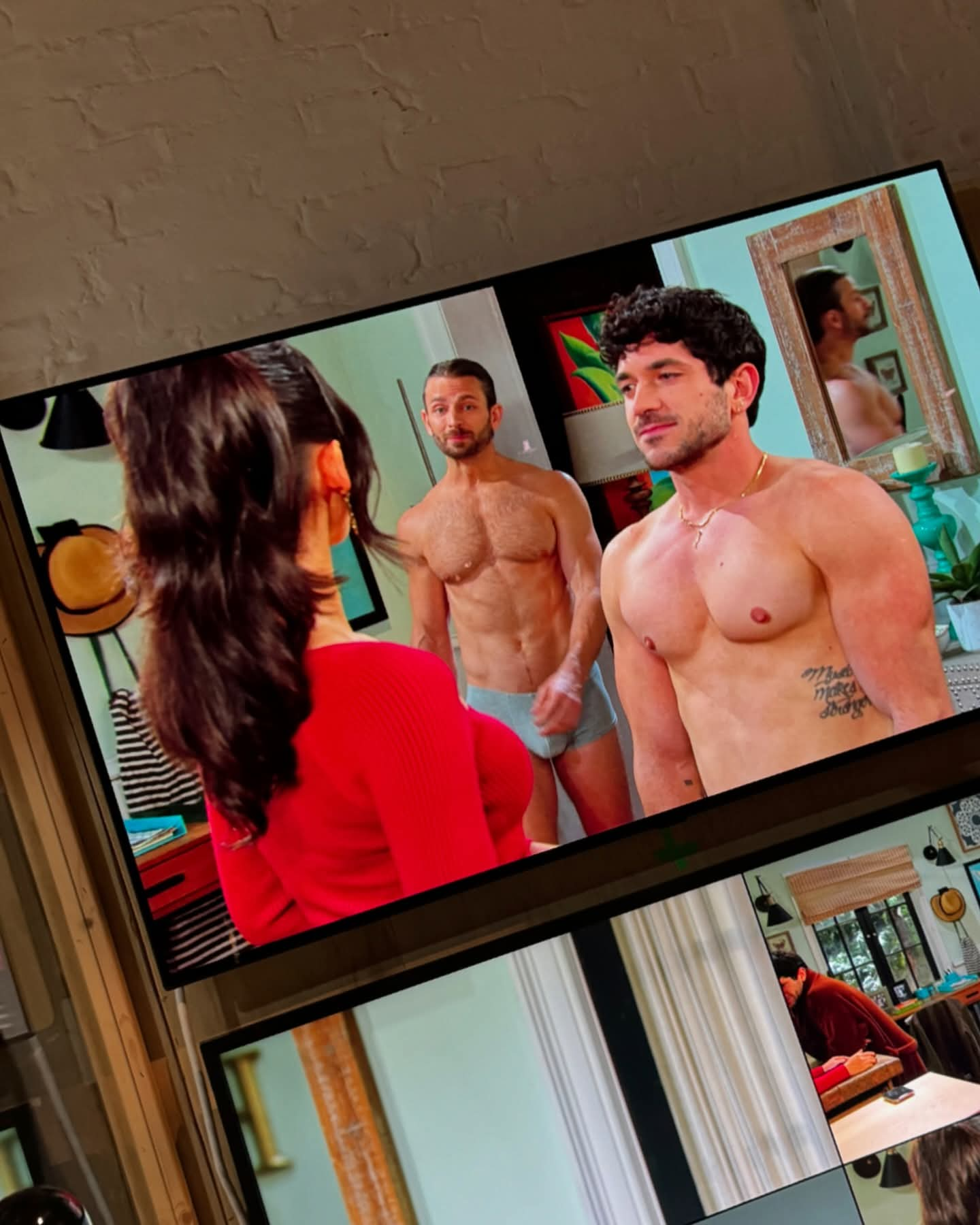
Well damn! Nathan Lane gives Joy a pizza boy stripper for her birthday!😍😂 Nathan was there to talk about his movie Monsters. He said how great episode 5 is.Important Information
By using this site, you agree to our Terms of Use and Privacy Policy
Account
Navigation
Search
Configure browser push notifications
Chrome (Android)
- Tap the lock icon next to the address bar.
- Tap Permissions → Notifications.
- Adjust your preference.
Chrome (Desktop)
- Click the padlock icon in the address bar.
- Select Site settings.
- Find Notifications and adjust your preference.
Safari (iOS 16.4+)
- Ensure the site is installed via Add to Home Screen.
- Open Settings App → Notifications.
- Find your app name and adjust your preference.
Safari (macOS)
- Go to Safari → Preferences.
- Click the Websites tab.
- Select Notifications in the sidebar.
- Find this website and adjust your preference.
Edge (Android)
- Tap the lock icon next to the address bar.
- Tap Permissions.
- Find Notifications and adjust your preference.
Edge (Desktop)
- Click the padlock icon in the address bar.
- Click Permissions for this site.
- Find Notifications and adjust your preference.
Firefox (Android)
- Go to Settings → Site permissions.
- Tap Notifications.
- Find this site in the list and adjust your preference.
Firefox (Desktop)
- Open Firefox Settings.
- Search for Notifications.
- Find this site in the list and adjust your preference.
- The Tennis Thread