





Everything posted by victoria foxton
-
Coronavirus/Covid-19 Discussion Thread
- Guiding Light Discussion Thread
I'm currently watching 1994. Which is a real struggle. It's the Buzzard show. With way too much Lucy, Mindy, Nick and Tangie. The best is Vanessa & Bridget's custody battle. And Bridget & Dylan. I also like Ed & Eve. With a teen aged Michelle causing problems. Wanting Ed with Holly. Who she had become close too after Mo's death.- The Chandler Massey Lovefest
- The Chandler Massey Lovefest
- "Secret Storm" memories.
The Secret Storm (1968) - Unknown Episode (Incomplete)- Coronavirus/Covid-19 Discussion Thread
- The Doctors Discussion Thread
- Coronavirus/Covid-19 Discussion Thread
- The Chandler Massey Lovefest
- All My Children Tribute Thread
- Coronavirus/Covid-19 Discussion Thread
- The Doctors Discussion Thread
- Coronation Street: Discussion Thread
I didn't know that. I do find their post to be funny.- Coronation Street: Discussion Thread
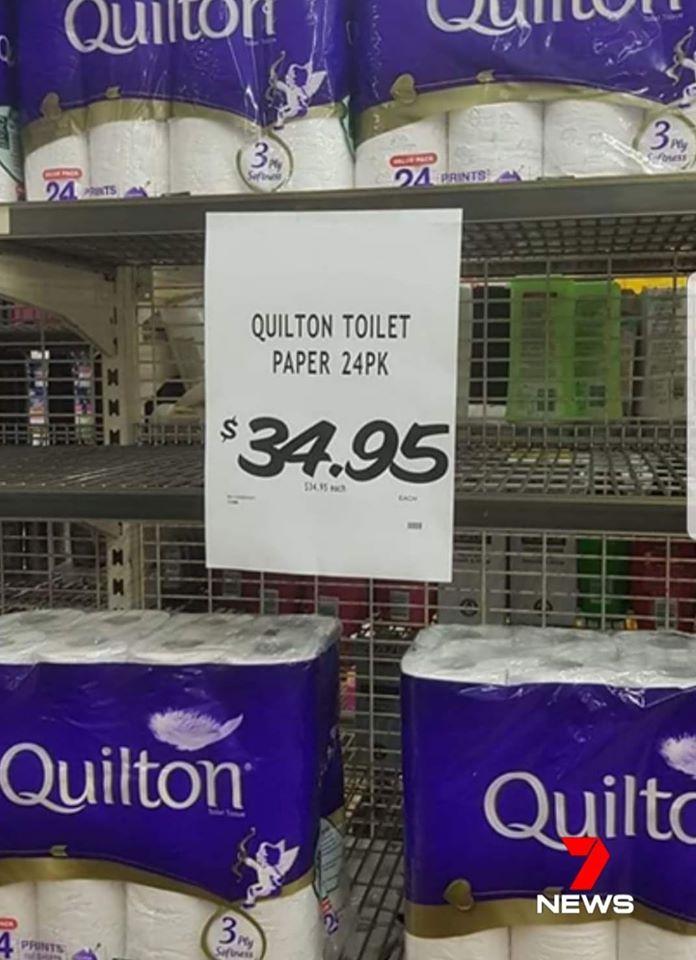
I think it is. They watch religiously. Nobody on here does.- The Hits Keep Coming for the Retail Sector
- Coronavirus/Covid-19 Discussion Thread
- All My Children Tribute Thread
- Coronavirus/Covid-19 Discussion Thread
- As The World Turns Discussion Thread
- Loving/The City Discussion Thread
Another awesome find Carl. BB,Loving and AW all aired in the same Italian channel. Reminds me of foreign comic book editions. Where sometimes both DC & Marvel stories are reprint in the same book.- The Hits Keep Coming for the Retail Sector
Important Information
By using this site, you agree to our Terms of Use and Privacy Policy
Account
Navigation
Search
Configure browser push notifications
Chrome (Android)
- Tap the lock icon next to the address bar.
- Tap Permissions → Notifications.
- Adjust your preference.
Chrome (Desktop)
- Click the padlock icon in the address bar.
- Select Site settings.
- Find Notifications and adjust your preference.
Safari (iOS 16.4+)
- Ensure the site is installed via Add to Home Screen.
- Open Settings App → Notifications.
- Find your app name and adjust your preference.
Safari (macOS)
- Go to Safari → Preferences.
- Click the Websites tab.
- Select Notifications in the sidebar.
- Find this website and adjust your preference.
Edge (Android)
- Tap the lock icon next to the address bar.
- Tap Permissions.
- Find Notifications and adjust your preference.
Edge (Desktop)
- Click the padlock icon in the address bar.
- Click Permissions for this site.
- Find Notifications and adjust your preference.
Firefox (Android)
- Go to Settings → Site permissions.
- Tap Notifications.
- Find this site in the list and adjust your preference.
Firefox (Desktop)
- Open Firefox Settings.
- Search for Notifications.
- Find this site in the list and adjust your preference.
- Guiding Light Discussion Thread