





Faulkner
Member
-
Joined
Everything posted by Faulkner
-
 I can see that, certainly, but I feel like PM strikes me as savvy enough to know he was walking into a lion’s den. Even knowing who FV is. Maybe he underestimated FV or felt that he’d have more backing from the network than he ultimately received. Or the deal was sweet enough that he felt he could give it a shot. I worry about The Gates.
I’m curious. PM isn’t naive to the current realities of soap. What made him come out of retirement for this? Could have been money but soap HW gigs are tough.
Or how Mal Young sabotaged Sally Sussman for a power grab at Y&R. (Granted, SS is nowhere near the talent that PM or Labine is.)
A nice experiment that was probably doomed from the get-go. You really can’t go home again. This is why we need a Michael Logan. A soap journalist attached to a powerful brand who isn’t scared of pissing off TPTB. We need a Patrick Mulcahey exit interview, STAT.
LOL she does.
I can see that, certainly, but I feel like PM strikes me as savvy enough to know he was walking into a lion’s den. Even knowing who FV is. Maybe he underestimated FV or felt that he’d have more backing from the network than he ultimately received. Or the deal was sweet enough that he felt he could give it a shot. I worry about The Gates.
I’m curious. PM isn’t naive to the current realities of soap. What made him come out of retirement for this? Could have been money but soap HW gigs are tough.
Or how Mal Young sabotaged Sally Sussman for a power grab at Y&R. (Granted, SS is nowhere near the talent that PM or Labine is.)
A nice experiment that was probably doomed from the get-go. You really can’t go home again. This is why we need a Michael Logan. A soap journalist attached to a powerful brand who isn’t scared of pissing off TPTB. We need a Patrick Mulcahey exit interview, STAT.
LOL she does.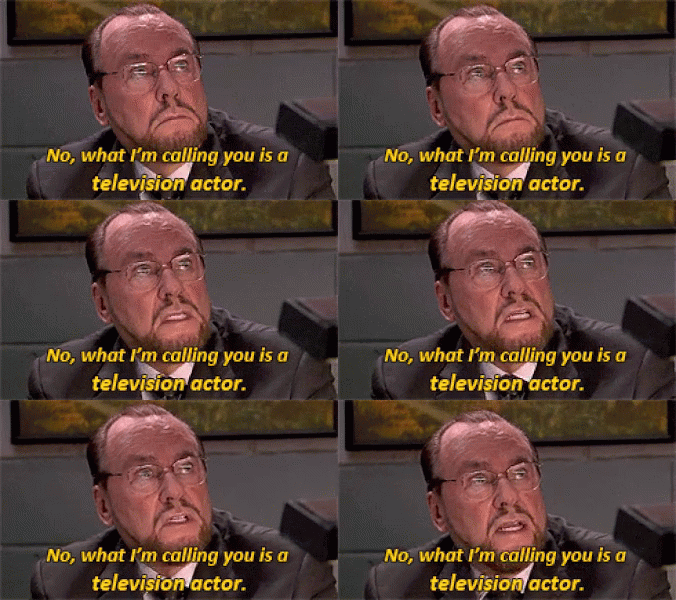 Oh man. That’s a name I haven’t heard in years. He’s from St. Louis, my hometown. R.I.P. He played on so many hits, like this one:
Important Information
By using this site, you agree to our Terms of Use and Privacy Policy

Account
Navigation
Search
Configure browser push notifications
Chrome (Android)
- Tap the lock icon next to the address bar.
- Tap Permissions → Notifications.
- Adjust your preference.
Chrome (Desktop)
- Click the padlock icon in the address bar.
- Select Site settings.
- Find Notifications and adjust your preference.
Safari (iOS 16.4+)
- Ensure the site is installed via Add to Home Screen.
- Open Settings App → Notifications.
- Find your app name and adjust your preference.
Safari (macOS)
- Go to Safari → Preferences.
- Click the Websites tab.
- Select Notifications in the sidebar.
- Find this website and adjust your preference.
Edge (Android)
- Tap the lock icon next to the address bar.
- Tap Permissions.
- Find Notifications and adjust your preference.
Edge (Desktop)
- Click the padlock icon in the address bar.
- Click Permissions for this site.
- Find Notifications and adjust your preference.
Firefox (Android)
- Go to Settings → Site permissions.
- Tap Notifications.
- Find this site in the list and adjust your preference.
Firefox (Desktop)
- Open Firefox Settings.
- Search for Notifications.
- Find this site in the list and adjust your preference.
