Jump to content
View in the app

A better way to browse. Learn more.

Soap Opera Network Community

A full-screen app on your home screen with push notifications, badges and more.

To install this app on iOS and iPadOS
  1. Tap the Share icon in Safari
  2. Scroll the menu and tap Add to Home Screen.
  3. Tap Add in the top-right corner.
To install this app on Android
  1. Tap the 3-dot menu (⋮) in the top-right corner of the browser.
  2. Tap Add to Home screen or Install app.
  3. Confirm by tapping Install.

Soapsuds

Member
  • Joined

Everything posted by Soapsuds

  1. Yeah one is doing hallmark movies and the other is doing Primetime shows.😊
  2. 😂😂😂😂
  3. YR: Write actually stories and not scenes. Slow down possibly good stories. Enough of business stories Bring in more ATWT alumni like HBS, Scott Bryce and Melanie Smith. B&B Kill off Liam Return Brooke to her origins of poverty due to a major event that happens in her life. Stop hyping stories that are never turn out that great. Quit firing popular actors to please your own wants Bradley Bell.
  4. visiting male strip clubs and bath houses?😂😁😊😇
  5. He looks so dirty.😂
  6. Holiday in the vineyards on Netflix Dallas the dream season Golden Girls Christmas episodes Mama's Family Christmas episodes
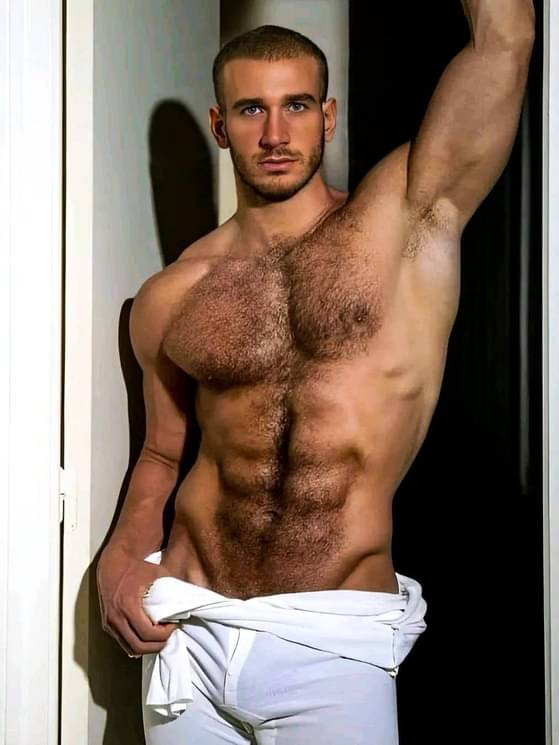
  7. Damn! Who is he?
  8. Yes, Alexander Walters was hot! Here's a podcast about a year ago with Alexander. Alexander in the Stetson commercial
  9. 10000000_317572794488523_4248160481567395603_n.mp4
  10. I forgot their was a new episode today.
  11. Happy Holidays @soapfan770!!
  12. caLtc3rq-knVa_it.mp4
  13. Brooke reading the Bible Viewers reaction to Brooke with a Bible.
  14. video.twimg.com_tweet_video_GB1TggaXoAA7uVA.mp4
  15. Another overhyped story by B&B done with. I was 😂 when Eric responded and the reactions from the rest.😂 What a mess!😂

Important Information

By using this site, you agree to our Terms of Use and Privacy Policy

Account

Navigation

Search

Configure browser push notifications

Chrome (Android)
  1. Tap the lock icon next to the address bar.
  2. Tap Permissions → Notifications.
  3. Adjust your preference.
Chrome (Desktop)
  1. Click the padlock icon in the address bar.
  2. Select Site settings.
  3. Find Notifications and adjust your preference.