BellaCuore
Member
-
Joined
Everything posted by BellaCuore
-
-
Thank you for posting... She is truly sweet.
^^^ That is VERY beautiful. I completely agree.
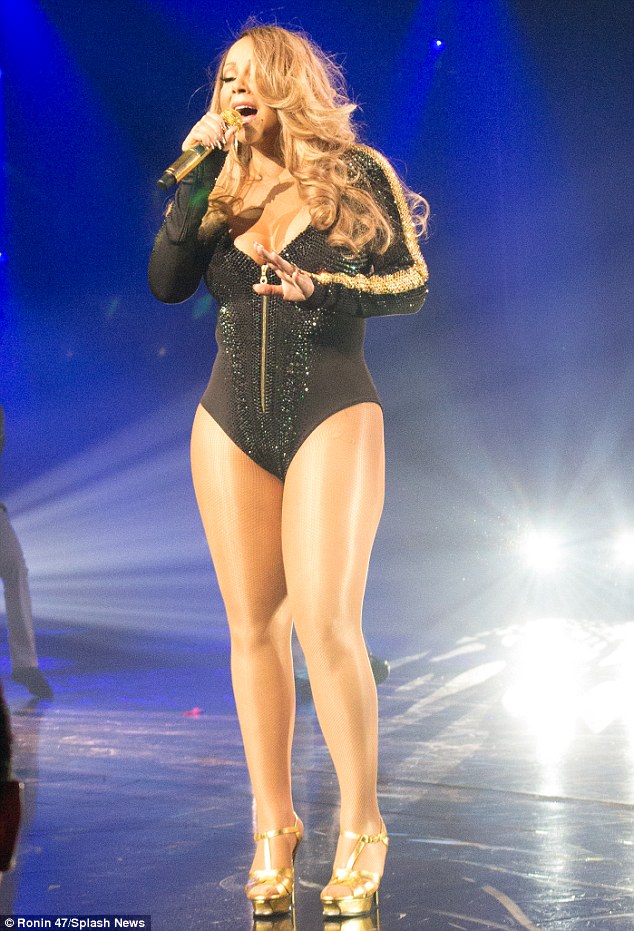
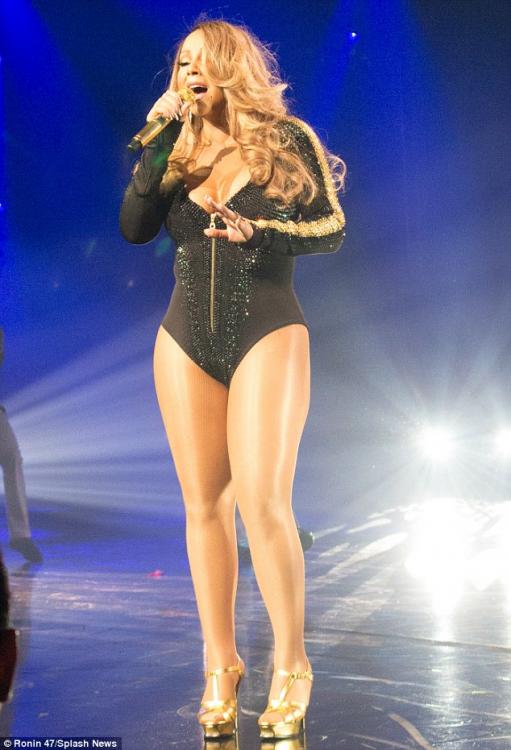
I know she was heavy and still inappropriate but that pic is photoshopped? I just looked it up. I knew she had gotten heavy but I knew she did not look like that pic that is posted. I saw several and they are the same as this pic I am posting. Obviously somebody wanted her to look more heavy than the actual photo.
 I would. That song was and still is amazing and played still all the time with a lot of her music on the radio everyday.... I don't find her irrelevant. She can still sing. I also do not compare her to JLo. To be honest JLo may have fans but I don't care for her music and never did, sure she is pretty but I don't care for her music at all.... I loved her so much around this time in this video when she 1st became popular... I used to have my hair exactly like her and my hair is naturally curly (not that it matters no I am not AA but European w/with olive skin complexion)….Don't ask why I blow it out str8...Now looking here again, makes me want to stop blowing it str8...Anywhoo. She looks fabulous here and her voice outstanding. This song also shows me how she can still sing and perform, she did a remake-- This remake is also so beautiful-
They are fabulous. Love them...Good to hear they did something new.
I would. That song was and still is amazing and played still all the time with a lot of her music on the radio everyday.... I don't find her irrelevant. She can still sing. I also do not compare her to JLo. To be honest JLo may have fans but I don't care for her music and never did, sure she is pretty but I don't care for her music at all.... I loved her so much around this time in this video when she 1st became popular... I used to have my hair exactly like her and my hair is naturally curly (not that it matters no I am not AA but European w/with olive skin complexion)….Don't ask why I blow it out str8...Now looking here again, makes me want to stop blowing it str8...Anywhoo. She looks fabulous here and her voice outstanding. This song also shows me how she can still sing and perform, she did a remake-- This remake is also so beautiful-
They are fabulous. Love them...Good to hear they did something new.
Important Information
By using this site, you agree to our Terms of Use and Privacy Policy

Account
Navigation
Search
Configure browser push notifications
Chrome (Android)
- Tap the lock icon next to the address bar.
- Tap Permissions → Notifications.
- Adjust your preference.
Chrome (Desktop)
- Click the padlock icon in the address bar.
- Select Site settings.
- Find Notifications and adjust your preference.
Safari (iOS 16.4+)
- Ensure the site is installed via Add to Home Screen.
- Open Settings App → Notifications.
- Find your app name and adjust your preference.
Safari (macOS)
- Go to Safari → Preferences.
- Click the Websites tab.
- Select Notifications in the sidebar.
- Find this website and adjust your preference.
Edge (Android)
- Tap the lock icon next to the address bar.
- Tap Permissions.
- Find Notifications and adjust your preference.
Edge (Desktop)
- Click the padlock icon in the address bar.
- Click Permissions for this site.
- Find Notifications and adjust your preference.
Firefox (Android)
- Go to Settings → Site permissions.
- Tap Notifications.
- Find this site in the list and adjust your preference.
Firefox (Desktop)
- Open Firefox Settings.
- Search for Notifications.
- Find this site in the list and adjust your preference.