




Johnson Returns!

By daysfan
· 1,489 views
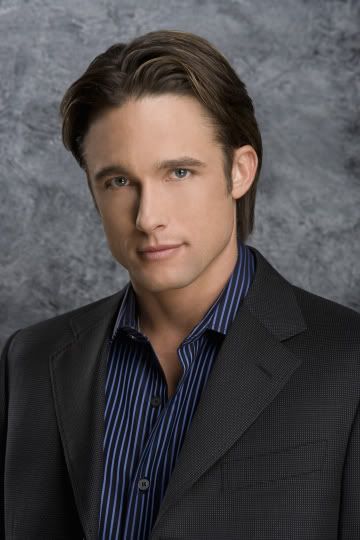
AFTER A SEVEN YEAR ABSENCE FROM SALEM, JAY KENNETH JOHNSON RETURNS AS PHILIP KIRIAKIS!
Philip Kiriakis is heading back to LIS...but this time, played by his most known and most loved portrayer, Jay Kenneth Johnson! Philip has been on LIS before, played by Kyle Brandt(2006-2007, 2008), but he was sent off after kidnapping and stalking Belle in 2007, going into a rage after the revelation that Claire was not his daughter, and only returning for one guest episode in 2008, when his father Victor visited him in prison. However, now, under the pen of new HW ML Cooks, Philip is heading back to Salem in the wake of his father's death! Johnson will reprise his role in the next several episodes, and he is here to stay!
"One thing ML wants to do is re-establish family on LIS," Tara Smith explains "With all these cuts, and some more coming, the family aspect has really diminished, but he's going to change that. One important family in his vision is the Kiriakis's, and while we already have Justin and Bo on the cast, one very important element of the family is Philip. He will help lead the family now that Victor is gone. We're happy to have Jay back, and Philip will definitely be a central player on the show."
Now, with Philip back, will he still have feelings for Belle? "Philip and Belle have alot of loose ends still left...and Belle's relationship with Nicholas will soon be on the ice, and Philip is alot more emotionally stable than the last time he was in Salem...you'll just have to stay tuned to see where it goes."
Also, expect a few more announcements over the next few days and weeks!

Recommended Comments