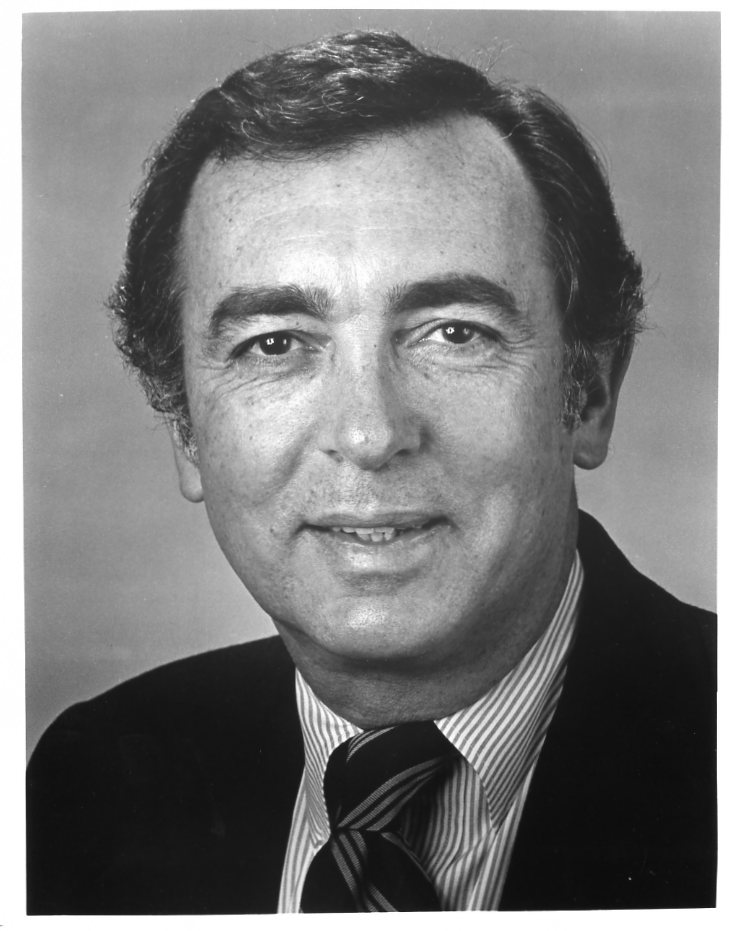
Matt Ottinger
Member
-
Joined
-
Last visited
-
Whoops, hang on, I'll get that document for you. OK, this should work. Thanks again for letting me talk about my uncle. I hope this helps you in your research! ATWTAddresses.pdf
-
Matt Ottinger here. Maurice Ottinger was my beloved uncle, and it delights and amuses me to find people talking about him (however briefly) in 2024. He definitely played Ken Bryant in late 1964, and into 1965. I don't have exact dates. During that time, he was also a standby for the Broadway show Any Wednesday. Later in 1965, he took over that Broadway role, and his Playbill biography included the ATWT credit in the past tense. I have no idea whether the ATWT role was recast, or if they just stopped using the character. I have no photos from his appearances, unfortunately. The only piece of memorabilia I have is a four-page document dated November 1964 that has the home addresses of everybody associated with the show, from actors to the CBS guard. I'm thinking it was something everybody received so they could send out Christmas cards. So if anybody wants to know where Eileen Fulton or Henderson Forsythe lived in 1964, I have that information! Finally, he never went by "Morris." That was probably the mistake of a too-busy copy editor taking information over the phone. Always Maurice professionally. He was known as "Nanew" (a corruption of his middle name Andrew) to the family, but that's more information than you really needed. Thanks for making my day!