Jump to content
View in the app

A better way to browse. Learn more.

Soap Opera Network Community

A full-screen app on your home screen with push notifications, badges and more.

To install this app on iOS and iPadOS
  1. Tap the Share icon in Safari
  2. Scroll the menu and tap Add to Home Screen.
  3. Tap Add in the top-right corner.
To install this app on Android
  1. Tap the 3-dot menu (⋮) in the top-right corner of the browser.
  2. Tap Add to Home screen or Install app.
  3. Confirm by tapping Install.

ON THE NEXT

Image result for days of our lives logo

__________________________________________________________

Image result for Hope days of our lives

HOPE: (to Doug, Eli, and Lani) I made all the necessary calls. I called Jennifer, Maggie, JJ…, even our brother. Everyone really. They’re all keeping Julie in their thoughts and prayers right now.

__________________________________________________________

Image result for John days of our lives


JOHN: (to Paul) After all the pain and heartache you’ve been through, why are you back in town? What brought you to Salem again? And, how long are you staying?

__________________________________________________________

Related image


VICTOR: (to Maggie) I’ve made a big decision. One that will impact our relationship like never before. For the better, that is.

__________________________________________________________

Related image


JENNIFER: (to Jack) Let’s say that the hospital is able to replicate Rolf’s serum. And, let’s say it works and you get your memories back. I just want to know if you’ll try and make sense of your memories. Or, will you give up and stay as this unrecognizable shell of your former self?

__________________________________________________________
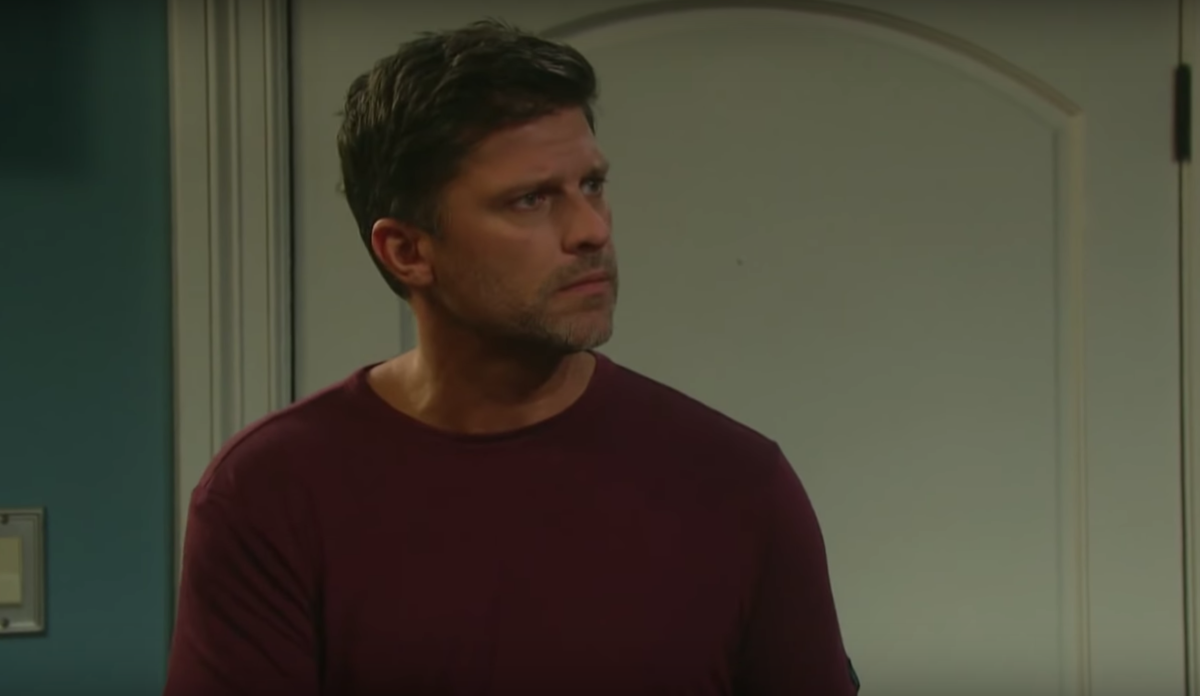
Image result for Eric days of our lives

ERIC: (calling out) Nicole? Is that you?
WOMAN: (to Eric) Guess again.


Image result for days of our lives logo

0 Comments

Recommended Comments

There are no comments to display.

Guest
Unfortunately, your content contains terms that we do not allow. Please edit your content to remove the highlighted words below.
Add a comment...

Important Information

By using this site, you agree to our Terms of Use and Privacy Policy

Configure browser push notifications

Chrome (Android)
  1. Tap the lock icon next to the address bar.
  2. Tap Permissions → Notifications.
  3. Adjust your preference.
Chrome (Desktop)
  1. Click the padlock icon in the address bar.
  2. Select Site settings.
  3. Find Notifications and adjust your preference.